Free Mind Map Diagram Template for PowerPoint & Google Slides
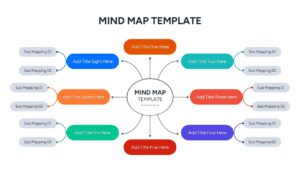
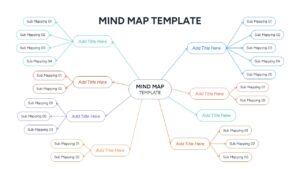
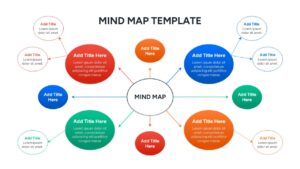
Professional Brainstorming Mind Map Presentation Template
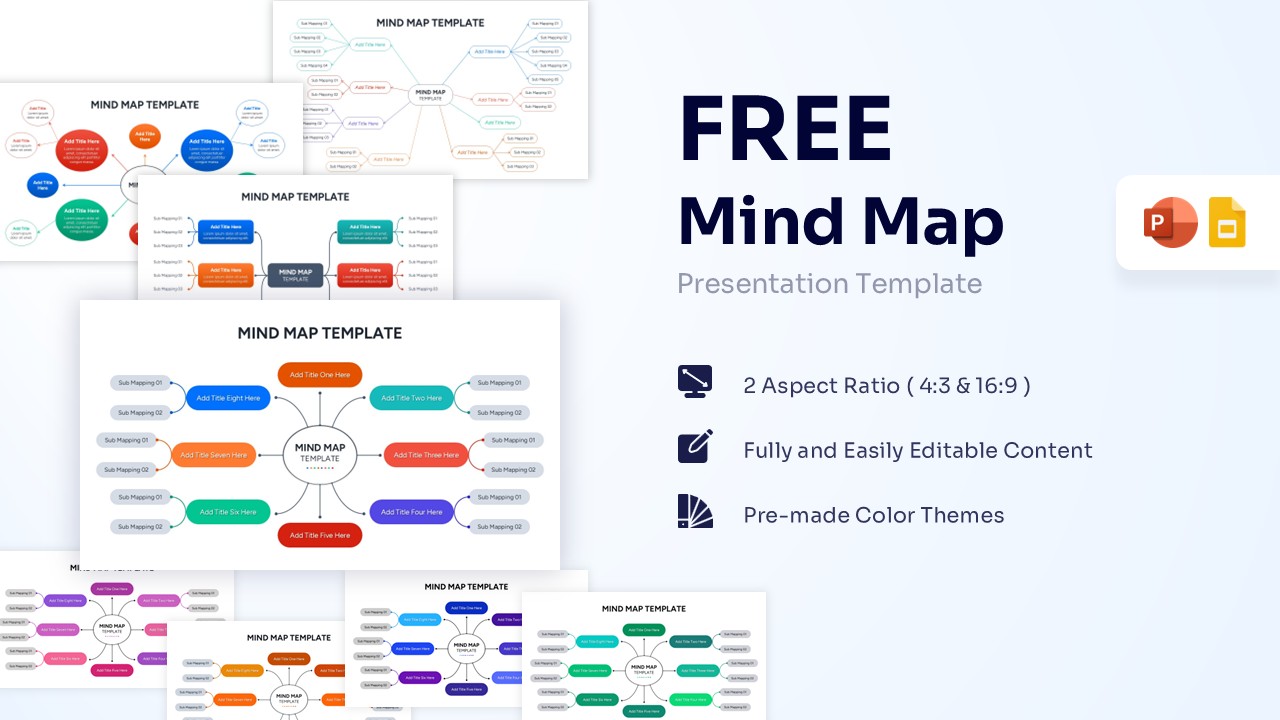
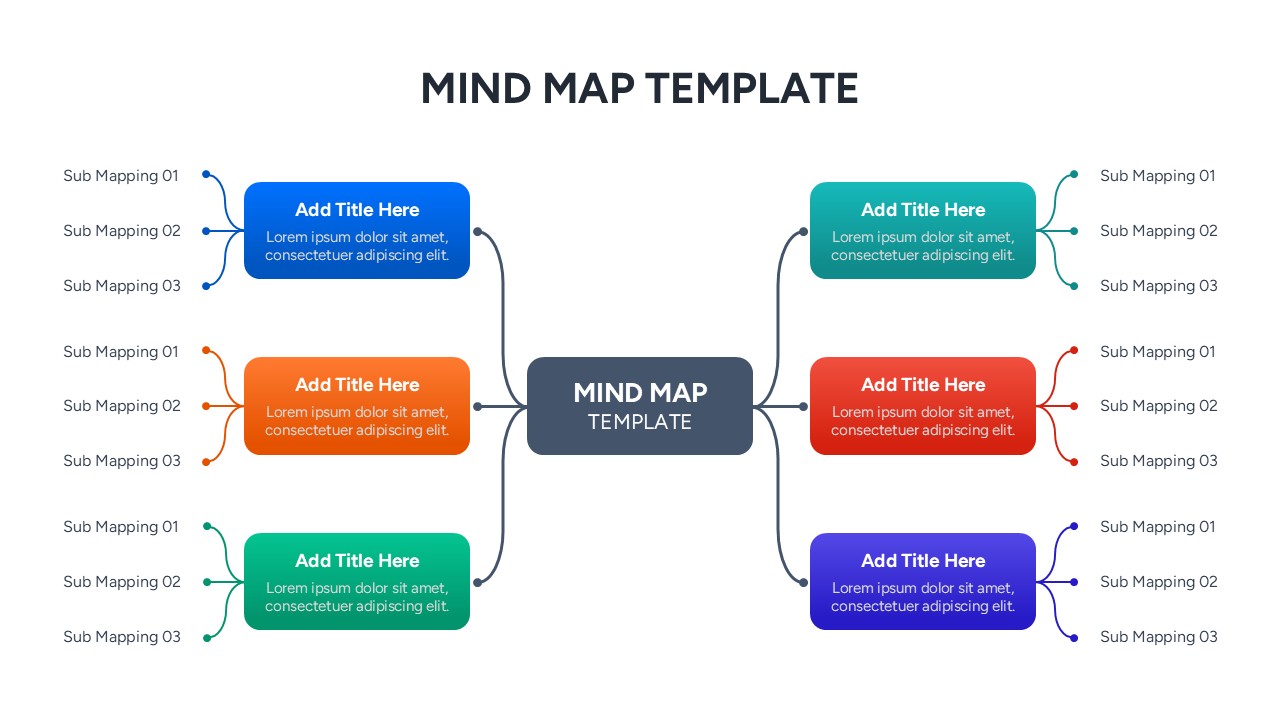
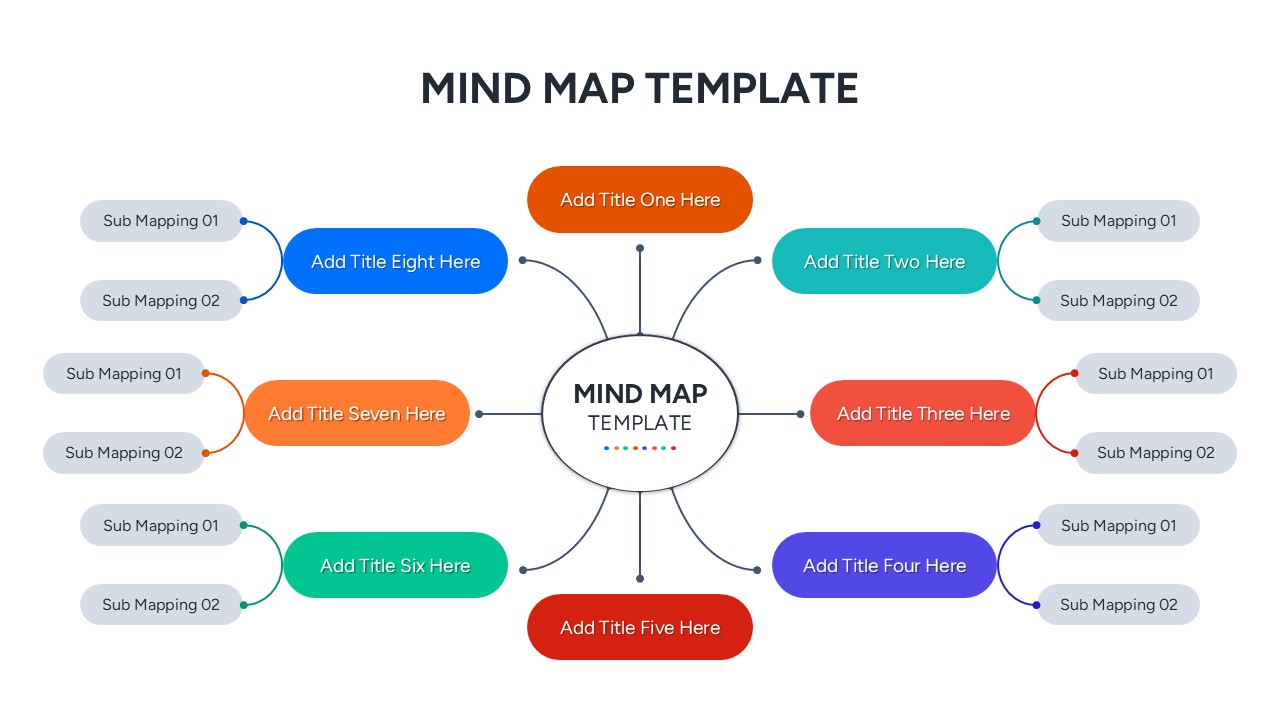
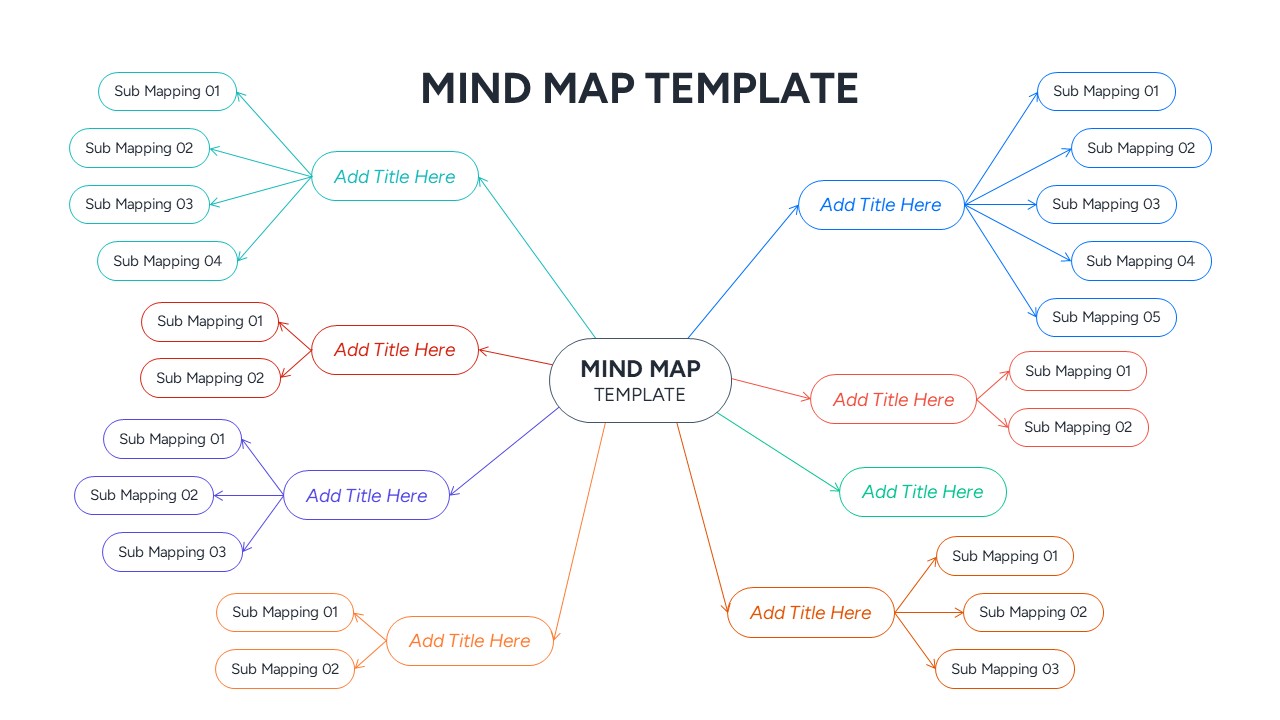
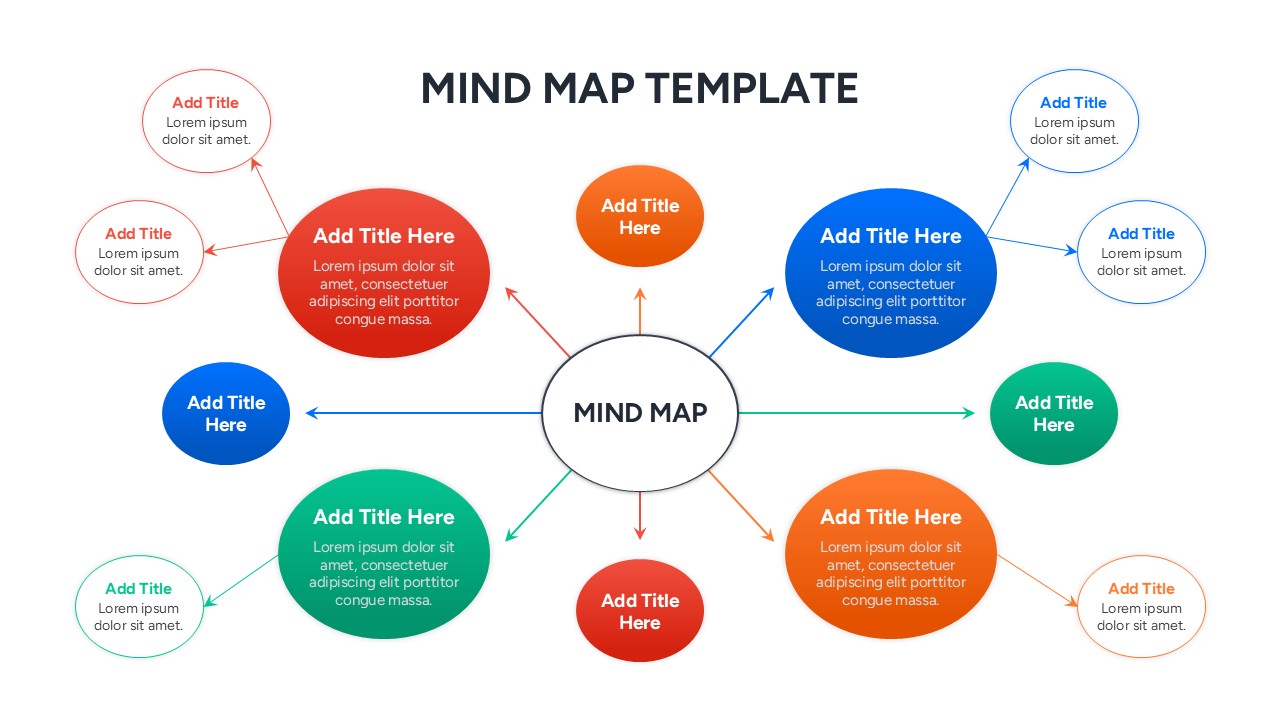
Download this Free Mind Map Diagram and use it as a central brainstorming tool to organize complex ideas and project workflows with ease. This mind map infographic helps you break down a primary concept into manageable sub-topics, making it perfect for team meetings, project planning, or educational lectures. By using a hub-and-spoke layout, you can ensure your audience follows the logical flow of your thoughts without feeling overwhelmed by text-heavy slides.
This Infographic Mind Map includes various layouts, from simple central nodes with four branches to complex multi-level structures with dozens of sub-mapping points. Every element is a vector-based shape, meaning you can change colors to match your brand, resize bubbles without losing quality, and move connectors easily. It’s designed to help you get from a blank page to a finished, professional-looking strategy deck in just a few clicks.
These Free Mind Map Designs are highly effective for strategic planning sessions where you need to map out market opportunities, product features, or organizational structures. They work equally well in a classroom setting for lesson planning or as a study aid to visualize connections between historical events or scientific concepts. The clean, minimalist design ensures that your content remains the hero of the presentation.
Why Use this Free Infographic Mind Map
- Organizes scattered thoughts into a logical, visual hierarchy.
- Accelerates the brainstorming process during collaborative team workshops.
- Enhances audience retention by using spatial cues and color-coding.
- Provides a professional, polished look that builds presenter confidence.
Who is it for
- Project managers and team leads needing to visualize project scopes.
- Educators and students creating study guides or lesson summaries.
- Creative agencies mapping out brand identities or marketing campaigns.
- Business consultants presenting root-cause analyses or strategic roadmaps.
Features of this template
- 100% Vector-Based Graphics
- Fully Layered & Organized
- Multi-Platform Support
- Theme Color & Theme Font
Key Features
- 100% Vector-Based Graphics
- Fully Layered & Organized
- Multi-Platform Support
- Theme Color & Theme Font
Frequently Asked Questions
- Can I customize the branches in this Free Mind Map Diagram?
- Yes, every node and line is fully editable, allowing you to add, delete, or move branches to suit your specific brainstorm.
- Does this diagram support different color themes?
- Absolutely. You can change the colors of the bubbles and connectors to align with your corporate branding or personal preference.
- Is there a limit to how many levels I can add?
- There is no technical limit. Since the graphics are vector-based, you can scale them down to add more layers of detail without losing clarity.
Related Templates
-
 Free
Free -

-

-