Free Simple Agenda Template for PowerPoint & Google Slides

Professional Meeting Itinerary Presentation Template
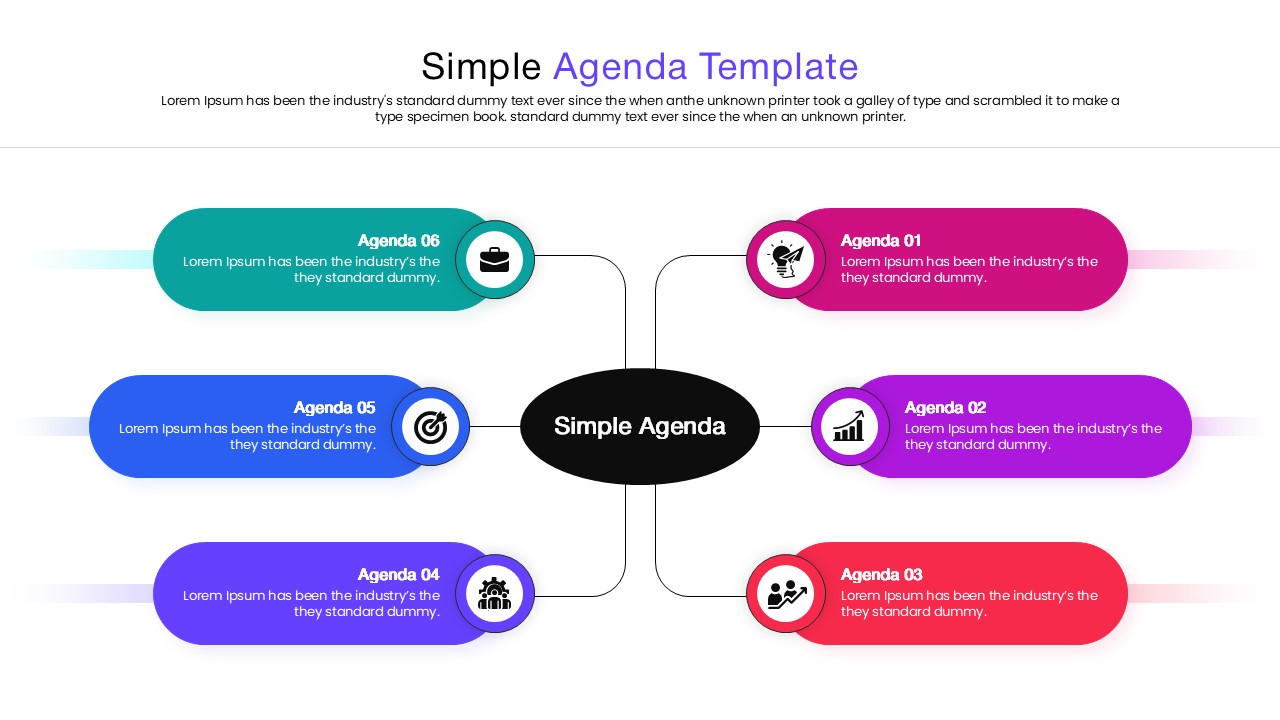
Download this free Simple Agenda Template to transform standard meeting outlines into engaging visual roadmaps. Whether you are facilitating a high-stakes board meeting, a training workshop, or a weekly team sync, establishing a clear path is crucial for success. This slide helps you present your itinerary with precision, ensuring that stakeholders understand the session’s flow, timing, and key objectives immediately. By replacing text-heavy lists with structured graphics, you command attention and demonstrate professionalism before the discussion even begins.
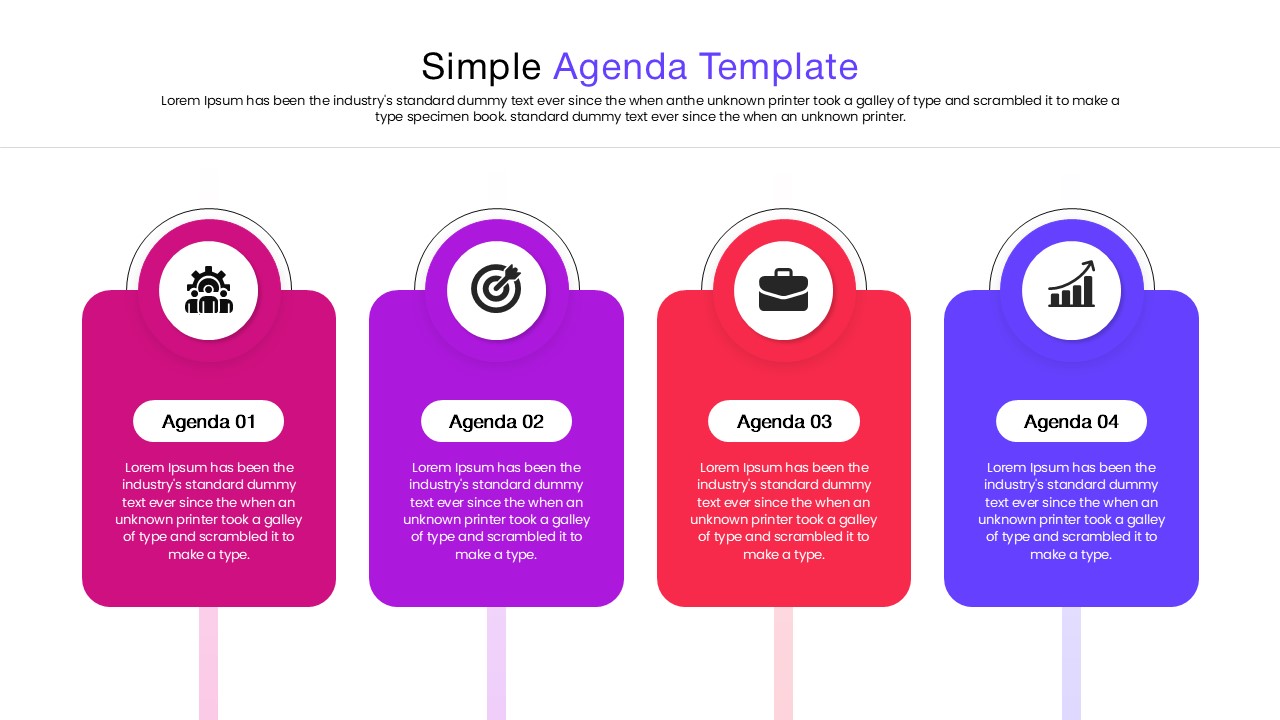
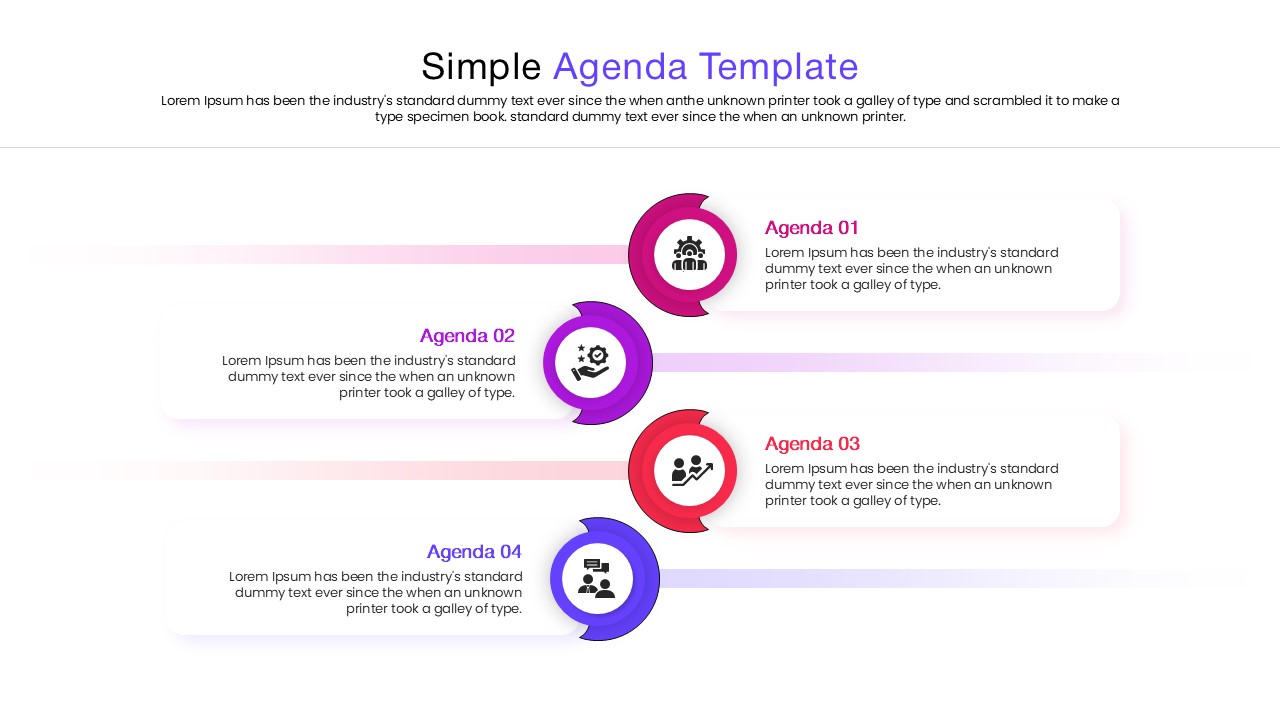
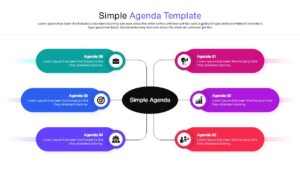
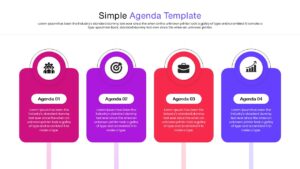
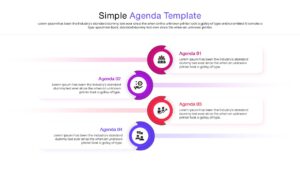
Designed for flexibility, these infographic presentation templates features multiple layout variations, including vertical timelines, horizontal process flows, and connected step diagrams. Each slide is crafted with a modern, multi-color aesthetic that separates distinct agenda items while maintaining visual harmony. Users can effortlessly toggle between 16:9 and 4:3 aspect ratios to suit different screens, and every element—from the vector icons to the font styles—is fully editable. This allows you to align the design with your corporate branding or specific project themes in just a few clicks.
Beyond standard meetings, this versatile tool serves a wide range of professional scenarios. Project managers can use it to illustrate sprint planning or project milestones, while educators can outline lesson modules or seminar schedules. It is also perfect for conference organizers displaying event programs or HR teams guiding new hires through onboarding steps. By visualizing the sequence of events, you reduce cognitive load for your audience, making complex schedules easy to digest and helping keep your presentation on track from start to finish.
Why use this Free Agenda Template
- Provides a clear visual structure for meetings, reducing confusion.
- Keeps the audience focused on the progression of topics.
- Saves design time with pre-built, polished layouts.
- Enhances professional appearance compared to basic bullet points.
Who is it for
- Project Managers and Team Leads organizing sprint reviews or kickoffs.
- Business Consultants presenting workshop itineraries to clients.
- Educators and Trainers outlining course modules or lesson plans.
- Event Organizers displaying conference or seminar schedules.
- HR Professionals structuring onboarding sessions for new employees.
Key Features
- 00% Vector-Based Graphics
- Fully Layered & Organized
- 2 Aspect Ratio (4:3 & 16:9)
- Fully and Easily Editable Content
- Pre-made Multi-color Themes
- Versatile Agenda Layouts (Linear, Steps, Timeline)
Frequently Asked Questions
- Can I change the colors to match my company brand?
- Yes, all shapes and text in this template are fully editable, allowing you to easily apply your specific brand colors.
- Is this compatible with Google Slides?
- Absolutely. This template is designed to work seamlessly with both Microsoft PowerPoint and Google Slides.
- Does the template support different screen sizes?
- Yes, the download includes files optimized for both standard (4:3) and widescreen (16:9) aspect ratios.