
Hexagonal Process Infographics for PowerPoint & Google Slides
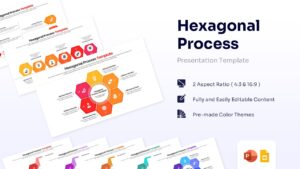
Hexagon Workflow Diagram Presentation Template
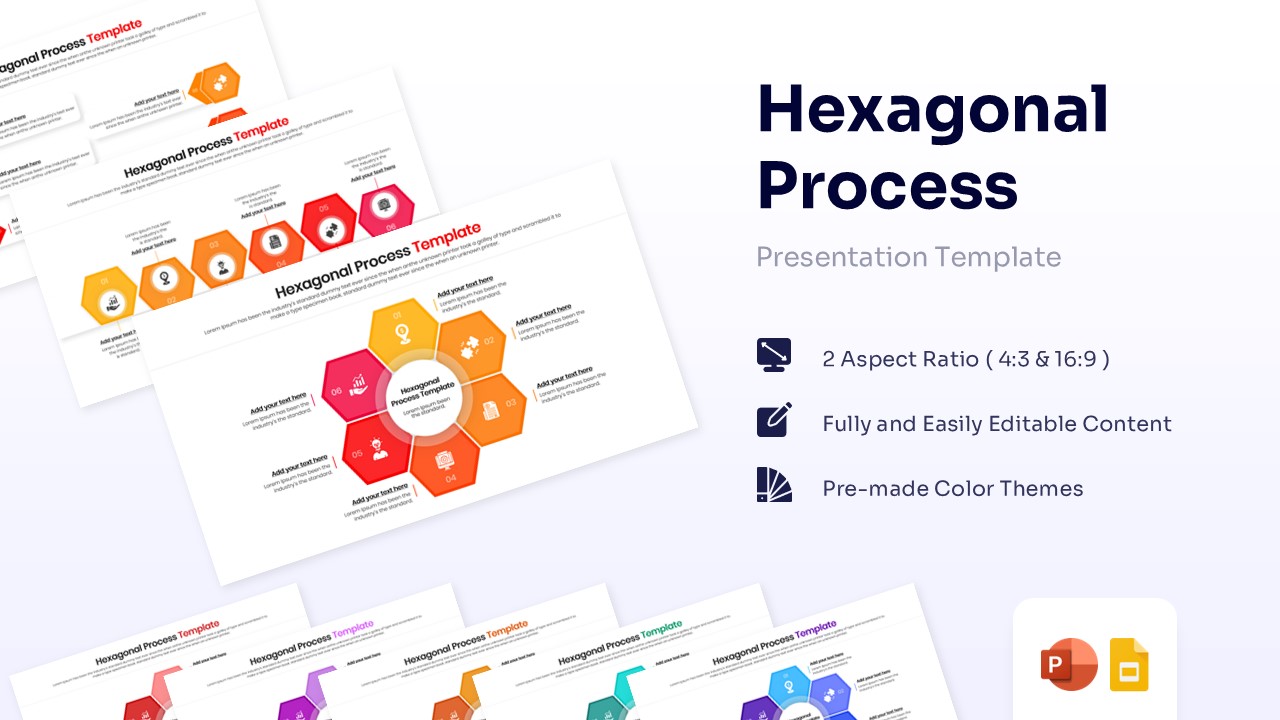
Download this Hexagonal Process Infographics to organize your ideas and visualize workflows with clarity. This presentation aid uses a honeycomb structure to represent connections, sequences, and clustered information effectively. Whether you are outlining a six-step strategy or mapping out a project lifecycle, this design helps you present complex data in a way that is easy for your audience to follow. The geometric layout provides a modern alternative to standard lists, making your slides look polished and professional.
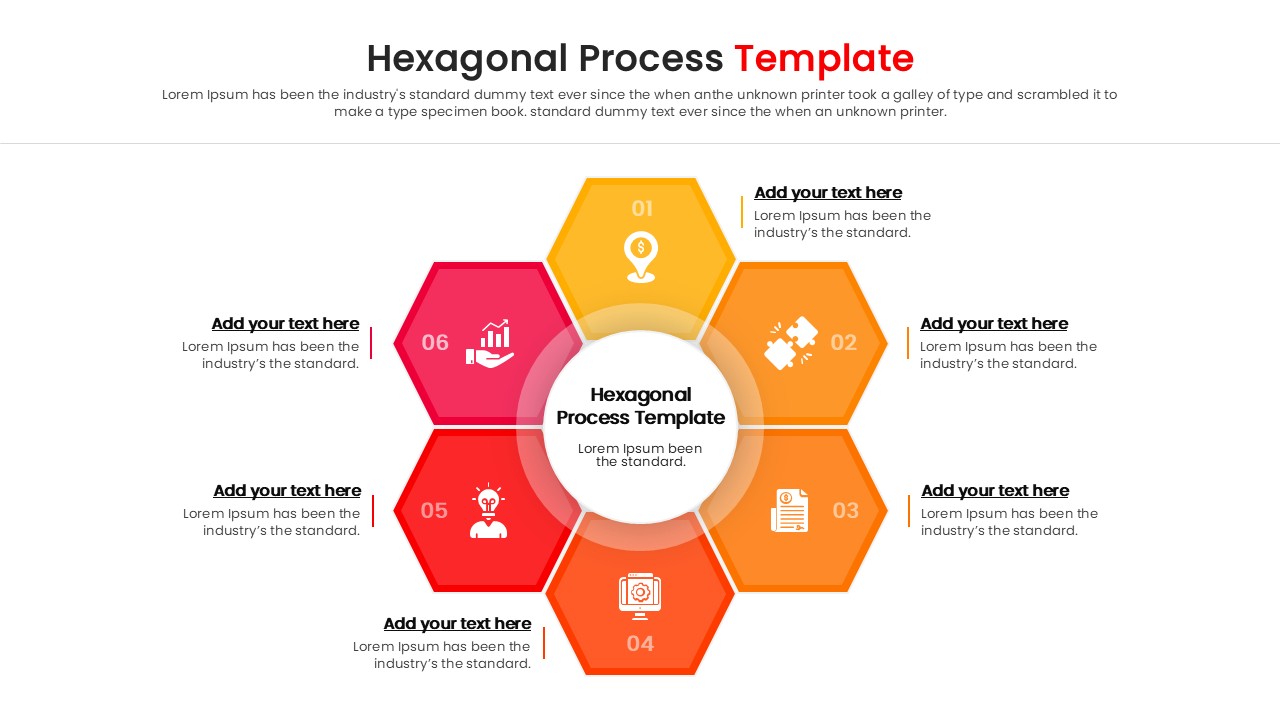
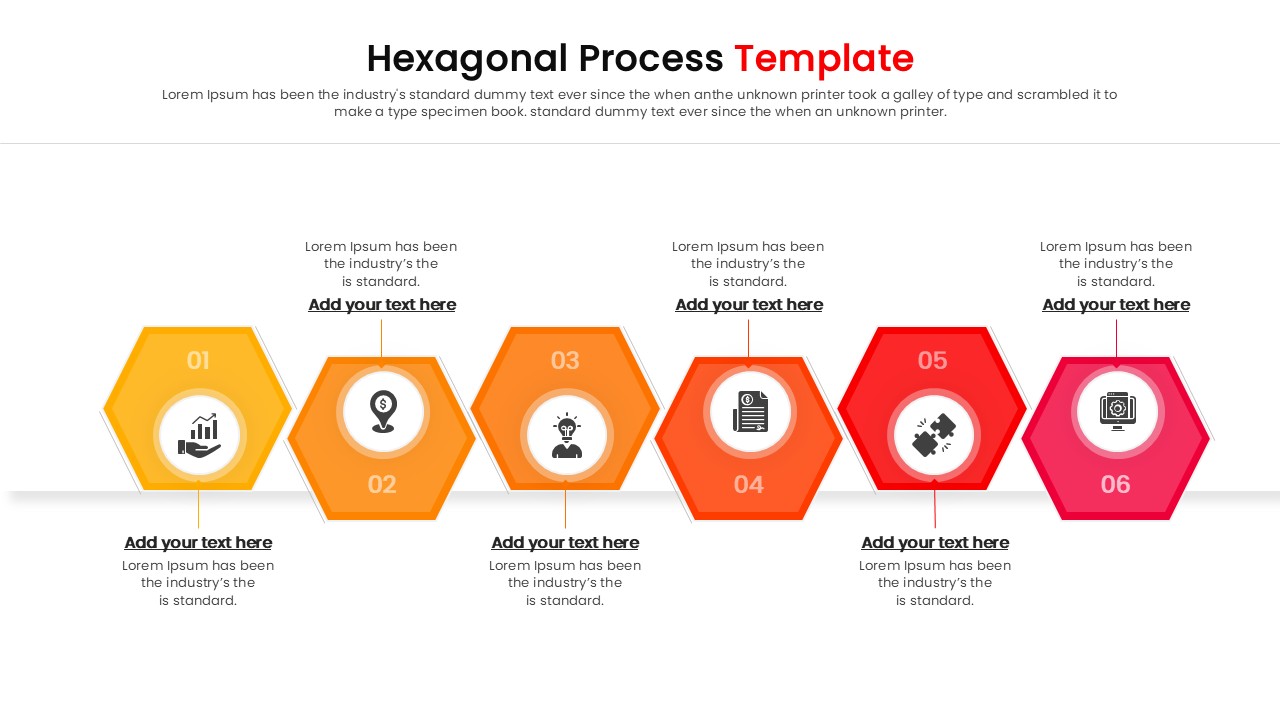
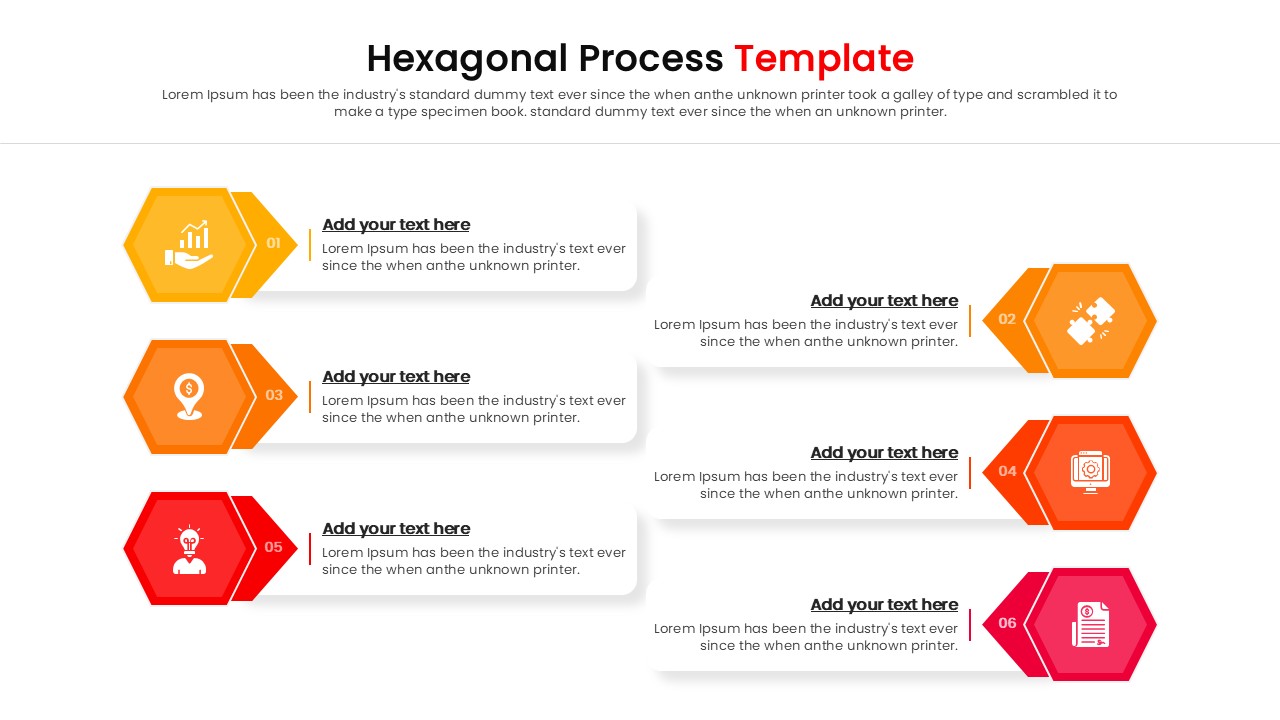
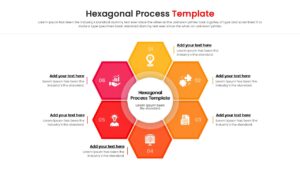
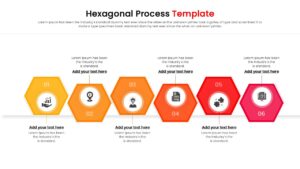
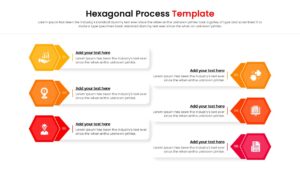
This process infographic template features a central hexagon connected to surrounding shapes, ideal for showing relationships between a core concept and its supporting elements. The slide deck includes variations for linear progressions and circular cycles, giving you flexibility for different types of content. The warm gradient colors—ranging from bright orange to deep red—draw the eye and highlight key stages of your process. Every shape, icon, and text box is fully editable, allowing you to adjust the size and color to match your company branding without needing advanced design skills.
You can use these Hexagonal process diagrams for a variety of business and educational purposes. It works well for illustrating supply chain logistics, product development phases, or marketing campaign steps. The hexagonal theme is also perfect for scientific presentations, team structure diagrams, or brainstorming sessions where ideas need to be grouped logically. By using these presentation templates, you turn raw information into a cohesive story that resonates with your stakeholders.
Why use this Hexagonal Process Infographics Template
- Simplifies complex processes into clear, digestible visual steps.
- Provides a modern, geometric aesthetic that looks cleaner than bullet points.
- Saves design time with a ready-to-use structure that requires only text updates.
- Ensures consistency across your presentation with a unified visual theme.
Who Should Download this Hexagon Process Template
This template is helpful for project managers tracking milestones, business analysts mapping workflows, and marketing teams outlining campaign strategies. It is also useful for educators explaining cyclical processes and consultants presenting organizational structures or interconnected business models.
Key Features
- 100% Vector-Based Graphics
- Fully Layered & Organized
- 2 Aspect Ratios (4:3 & 16:9)
- Pre-made Color Themes
- Easy-to-edit icons and text placeholders
Frequently Asked Questions
- Can I change the colors of the hexagons?
- Yes, all shapes are fully editable. You can easily change the fill colors to match your brand guidelines.
- Is this compatible with Google Slides?
- Absolutely. This template is designed to work seamlessly in both Microsoft PowerPoint and Google Slides.
- Do I need special software to edit the icons?
- No, the icons are built-in vector shapes. You can resize, recolor, or replace them directly within your presentation software.
Related Templates
-
-
 $3.99
$3.99 -
-
 $3.99
$3.99