Free Modern 6 Milestone Chart Timeline Template for PowerPoint & Google Slides
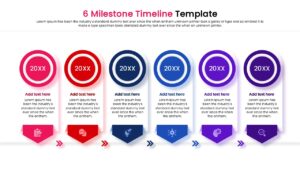
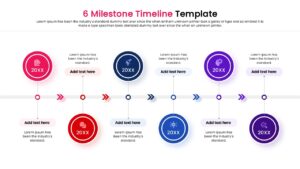
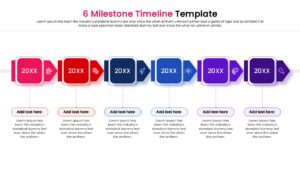
Six Phase Project Roadmap Presentation Template
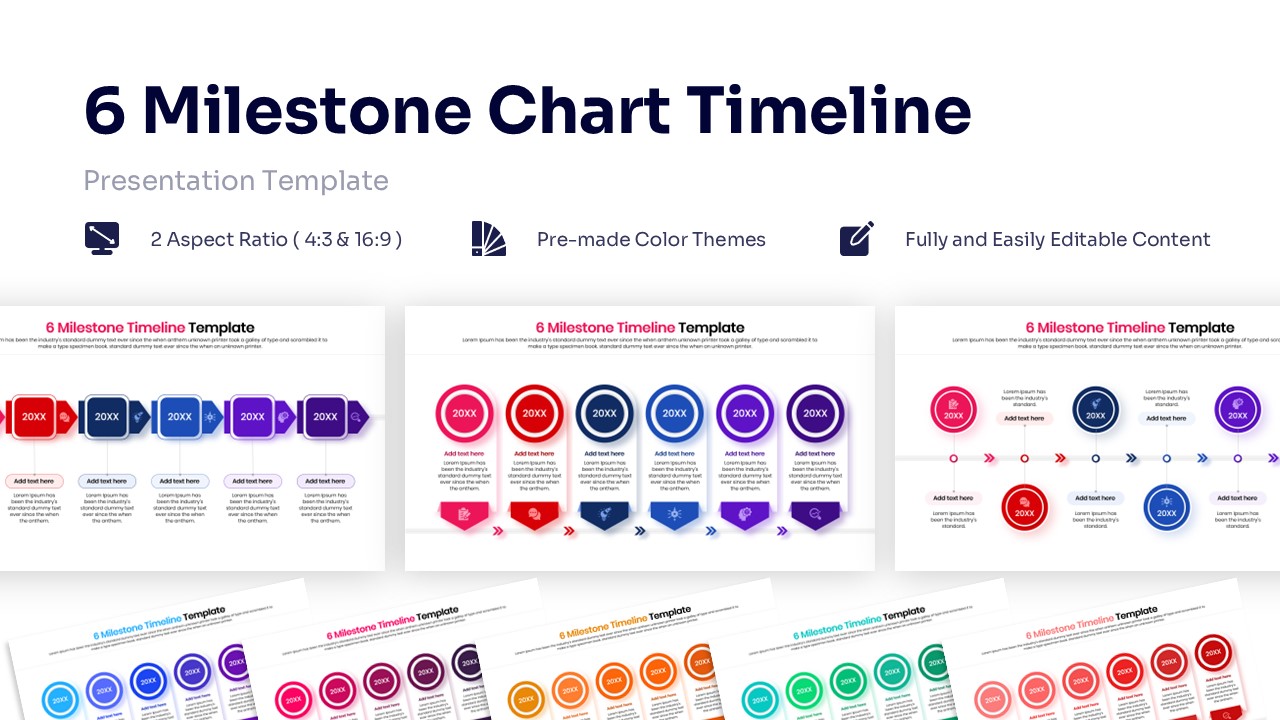
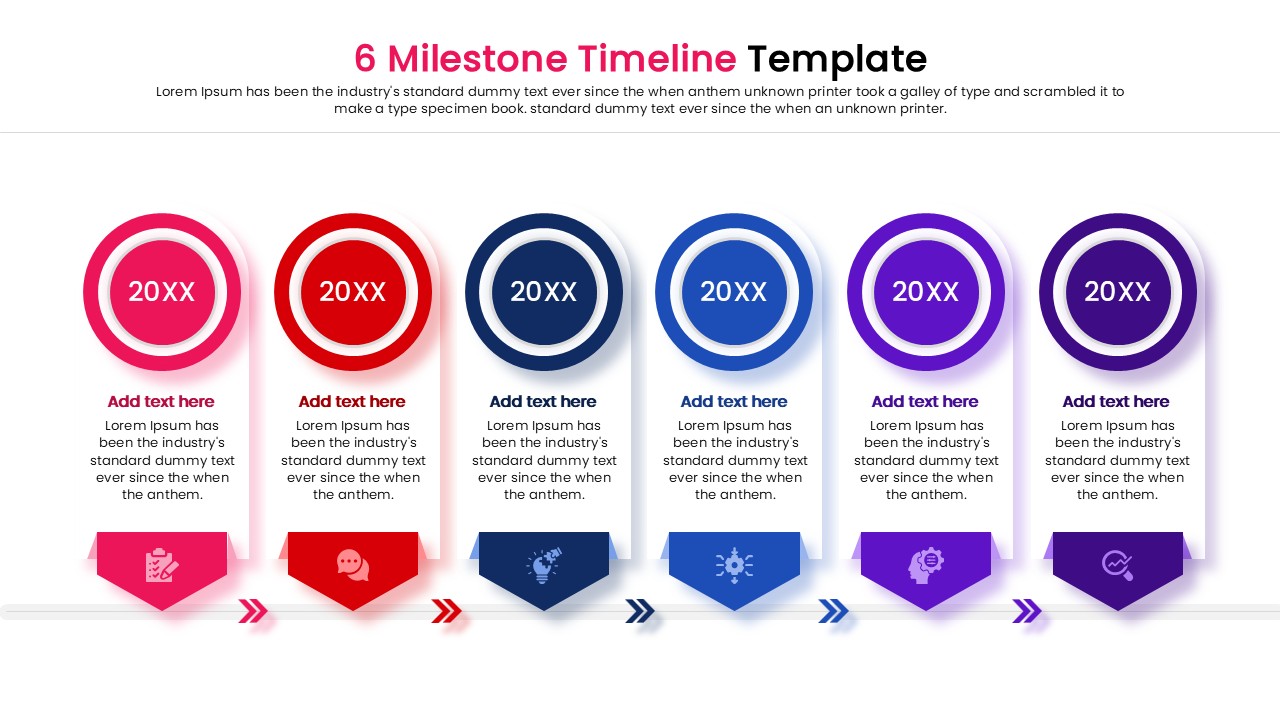
Download this free 6 Milestone Chart Timeline to clearly visualize your project’s progress or outline future goals. This milestone timeline template is designed to help you present a six-step process or a chronological history without cluttering your screen. Whether you are tracking key deliverables or mapping out a business strategy, this layout ensures your audience follows your story from start to finish.
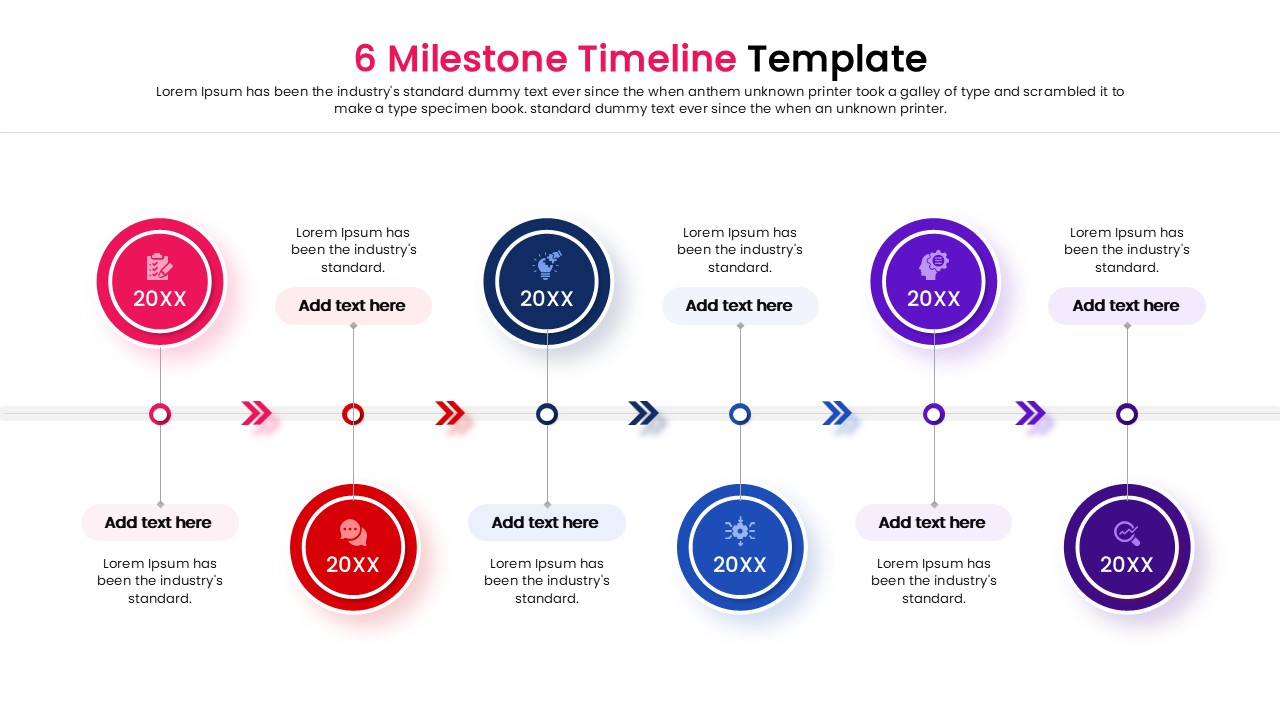
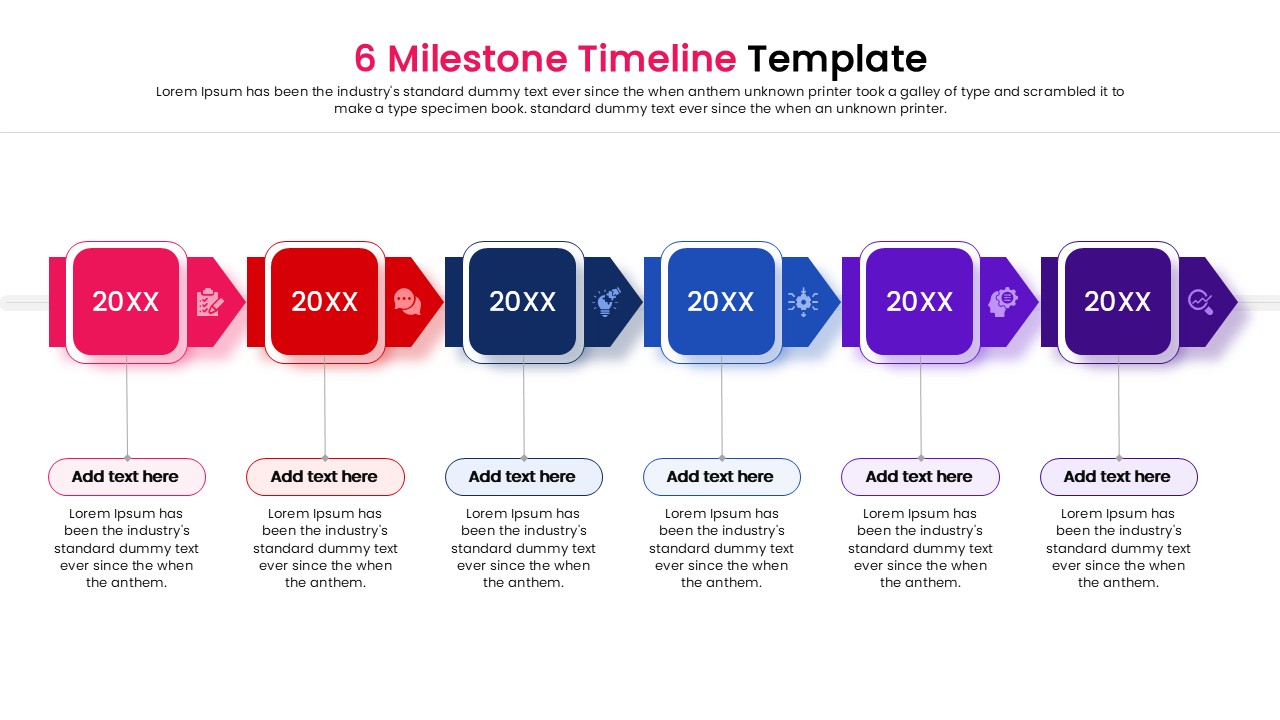
This infographic template features a horizontal flow with six distinct milestones, each represented by a numbered marker or icon placeholder. The design uses a clean, modern aesthetic with ample space for descriptions and dates. You can easily adjust the colors to match your brand identity and swap the icons to represent specific tasks or events. The intuitive structure helps break down complex timelines into digestible segments.
This versatile Timeline PowerPoint Template is perfect for a variety of professional settings. Use it to present a company history, outline a product launch roadmap, or detail a six-month marketing plan. It also works well for educational purposes, such as summarizing a syllabus or historical events. By visualizing the sequence of events, you keep your stakeholders aligned and informed.
Why use this Milestone Timeline Template
- Simplifies complex schedules into an easy-to-read linear format.
- Saves hours of design time with a pre-built, professional structure.
- Enhances audience retention by visually linking steps in a process.
- Ensures a consistent and polished look across your presentation.
Who is it for
- Project Managers tracking deliverables and detailed deadlines.
- Business Executives presenting strategic roadmaps or company history.
- Marketing Teams outlining campaign phases or launch schedules.
- Educators and Trainers explaining sequential processes or timelines.
Key Features
- 100% Vector-Based Graphics
- Fully Layered & Organized
- Multi-Platform Support
- Theme Color & Theme Font
Frequently Asked Questions
- Can I change the number of milestones?
- Yes, since the elements are vector-based, you can duplicate or remove shapes to adjust the number of steps, though the layout is optimized for six.
- Is this compatible with Google Slides?
- Absolutely, this template is fully compatible with both Microsoft PowerPoint and Google Slides.
- Do I need special fonts?
- No, the template uses standard theme fonts, but you can easily switch them to your corporate typography if needed.