Horizontal Timeline Infographic Template for PowerPoint & Google Slides
Linear Roadmap & Process Presentation Template
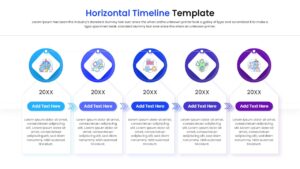
Download this Horizontal Timeline Infographic template to visualize your project milestones, company history, or strategic roadmap with clarity and precision. This slide is designed to help you present chronological data in a linear flow, making it easier for your audience to understand the progression of events over time. Whether you are outlining a five-year plan or reviewing past achievements, this layout ensures your key dates and deliverables stand out.
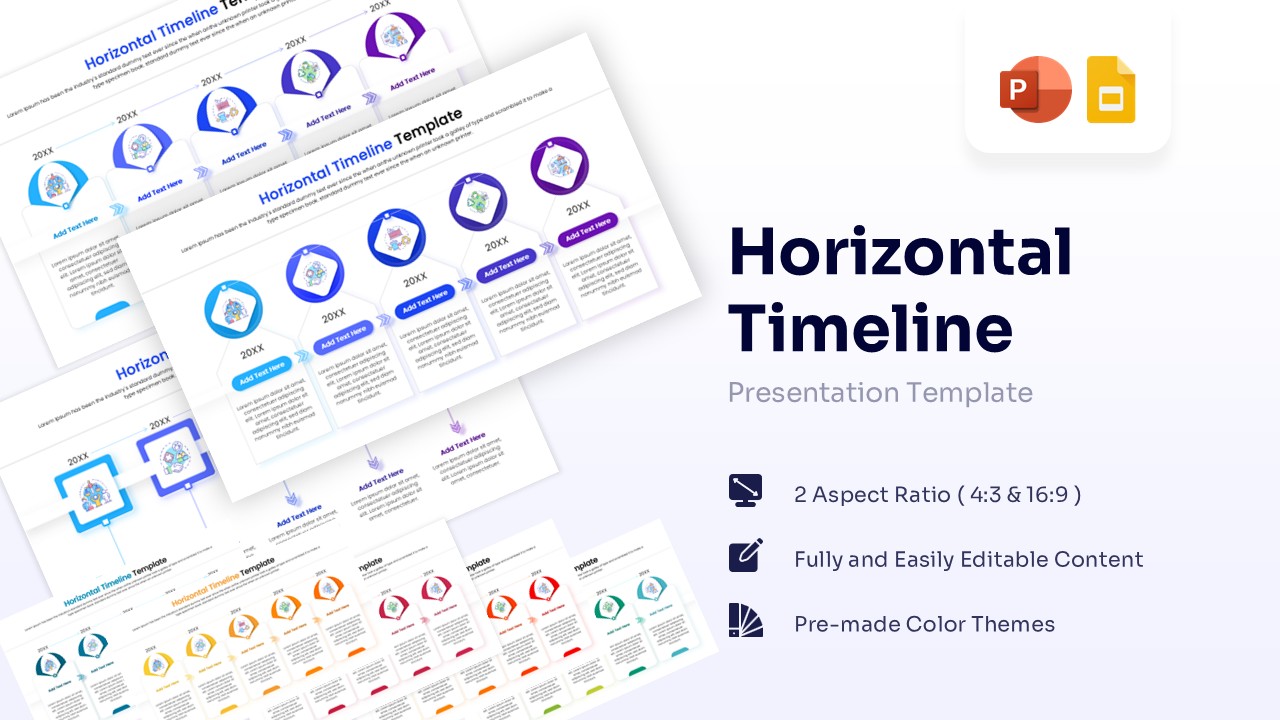
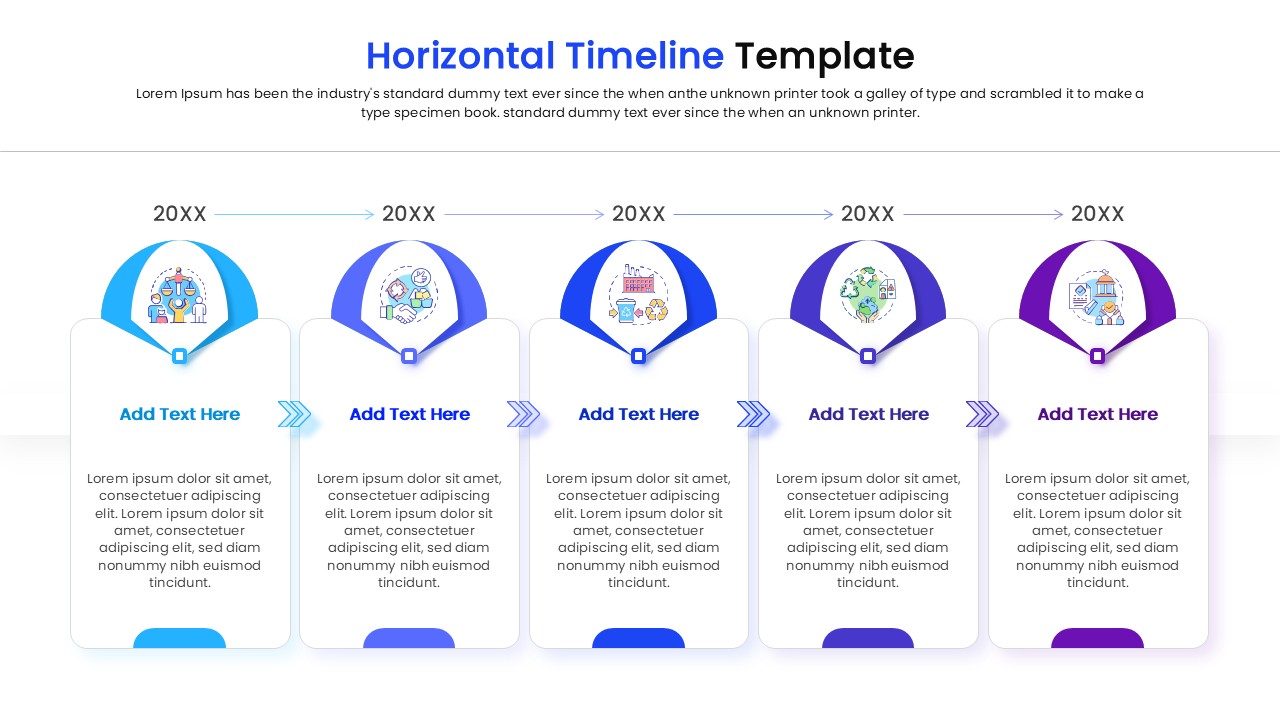
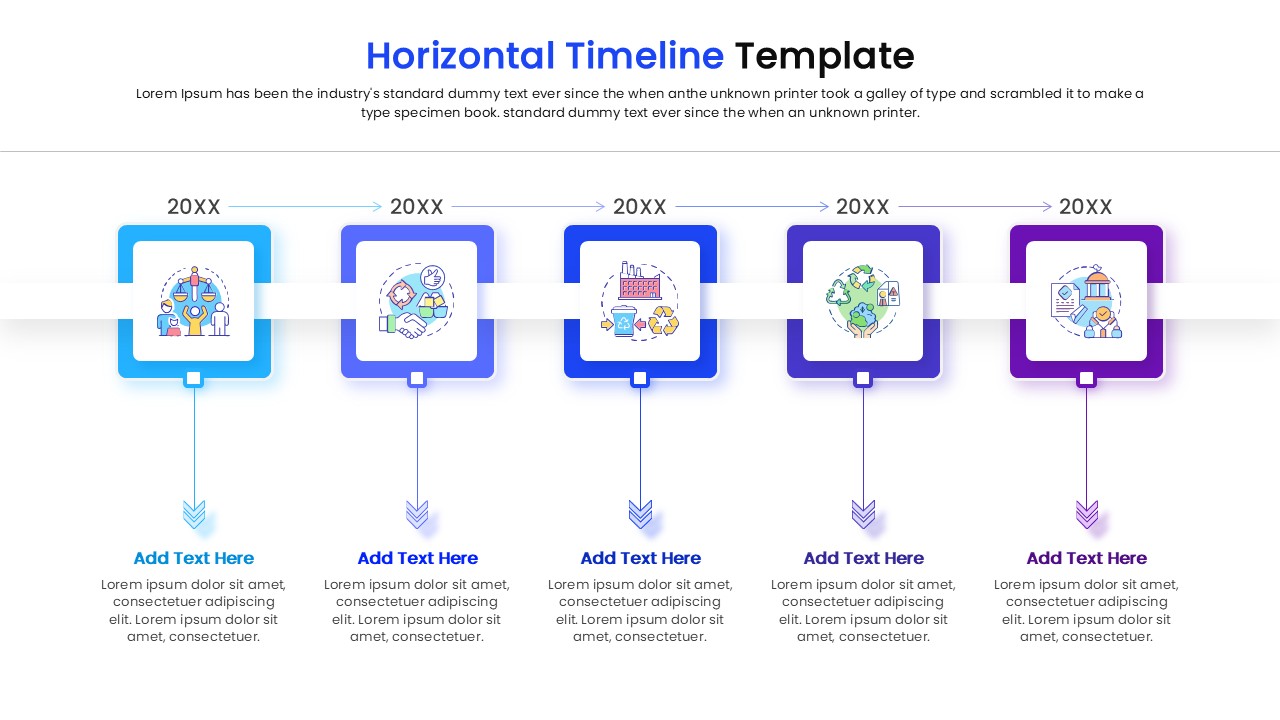
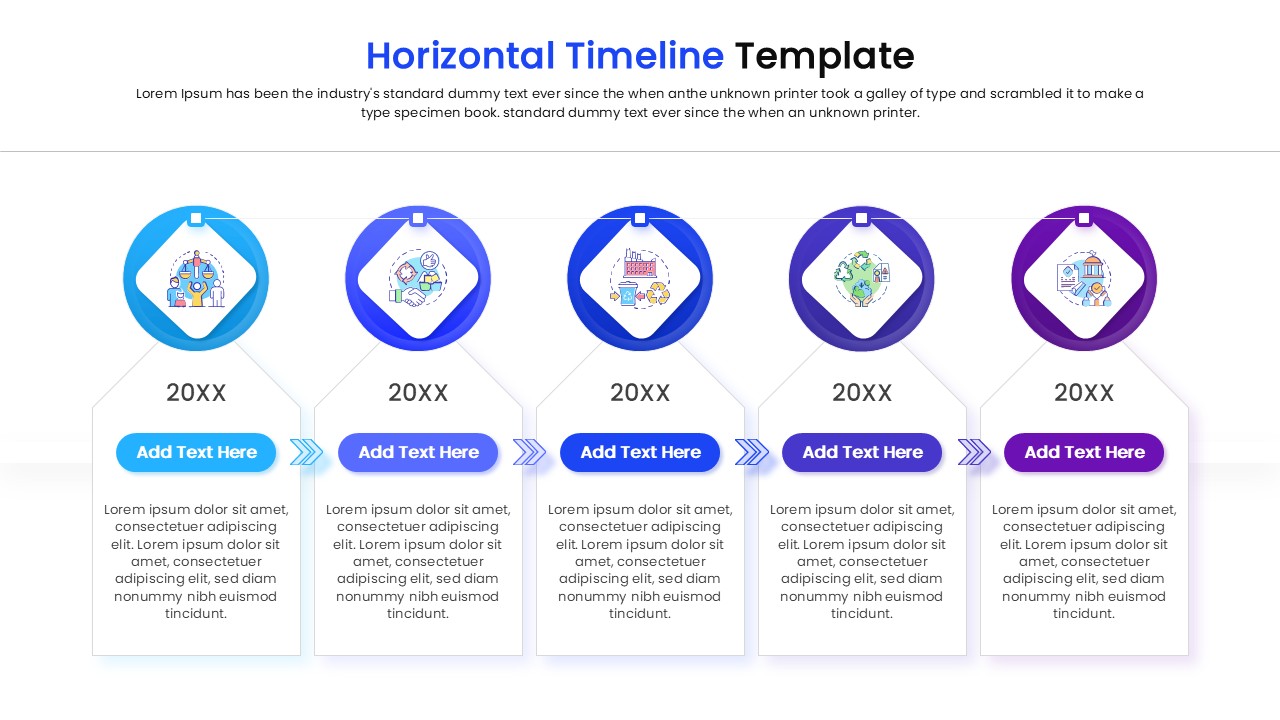
This timeline template features a clean, connected design with circular nodes representing specific timeframes or steps. Each node is linked by directional arrows to reinforce the sense of forward momentum. Inside each horizontal timeline, you will find dedicated placeholders for years, icons, and descriptive text, allowing you to add context to every milestone. The modern blue and purple gradient scheme adds a professional touch, while the fully editable elements let you customize colors, fonts, and shapes to match your brand identity perfectly.
This versatile presentation templates are ideal for a variety of professional settings. You can use it in business proposals to showcase a product launch schedule, in annual reports to highlight company growth, or in educational settings to teach historical events. It also works well for onboarding presentations where you need to outline the first 30, 60, and 90 days for new hires. By breaking down complex schedules into a simple visual stream, you keep your viewers focused on the big picture.
Why use this Horizontal Timeline Infographic
- Simplifies complex schedules into an easy-to-read format.
- Helps stakeholders visualize the sequence of project phases.
- Saves time on formatting alignment and connectors manually.
- Enhances the professional look of your strategy decks.
Who is it for
- Project Managers tracking deliverables and deadlines.
- Business Executives presenting annual reviews or future plans.
- Startup Founders outlining their roadmap for investors.
- Educators and Trainers explaining historical timelines or processes.
Key Features
- 100% Vector-Based Graphics
- Fully Layered & Organized
- Multi-Platform Support
- Theme Color & Theme Font
- Easy-to-edit text and date placeholders
- Clean, linear layout for chronological data
Frequently Asked Questions
- Can I change the number of milestones on the timeline?
- Yes, since the elements are vector-based, you can duplicate or remove the circular nodes and adjust the connecting arrows to fit your specific timeframe.
- Is this template compatible with Google Slides?
- Absolutely. This template is designed to work seamlessly in both Microsoft PowerPoint and Google Slides.
Related Templates
-
 $2.99
$2.99 -
-

-