Horizontal Process Infographic for PowerPoint and Google Slides
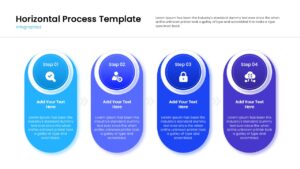
Linear Workflow Diagram Template for PowerPoint & Google Slides
Download this Horizontal Process Infographic to clearly outline steps, workflows, or timelines in your next meeting. This design helps you break down complex procedures into a simple, linear path that your audience can easily follow. Whether you are guiding a team through a new strategy or explaining a product lifecycle, this slide ensures your message is understood instantly.
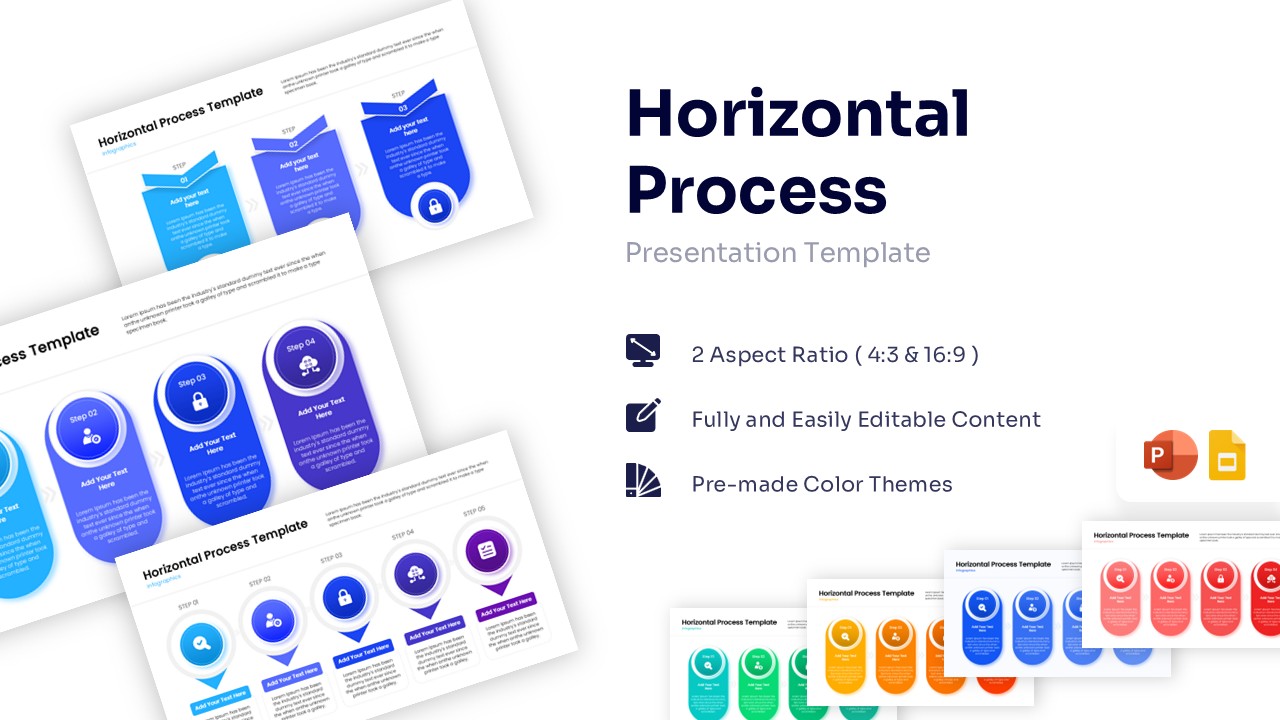
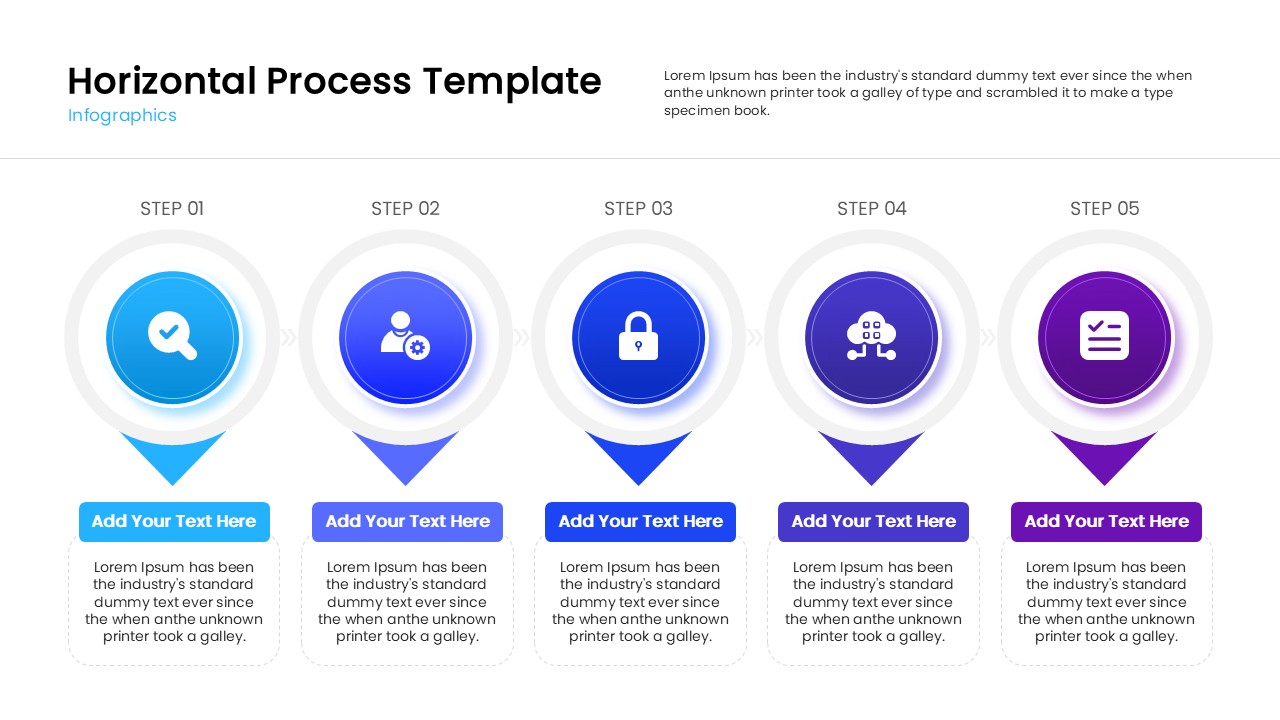
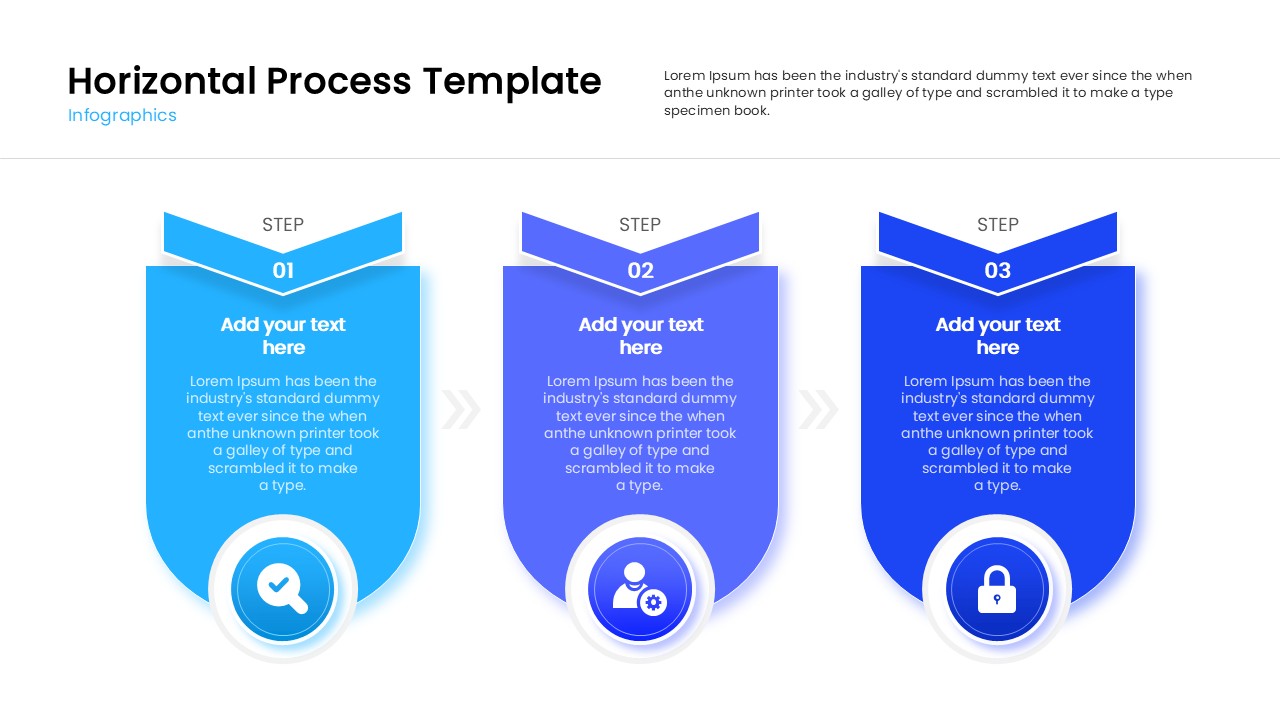
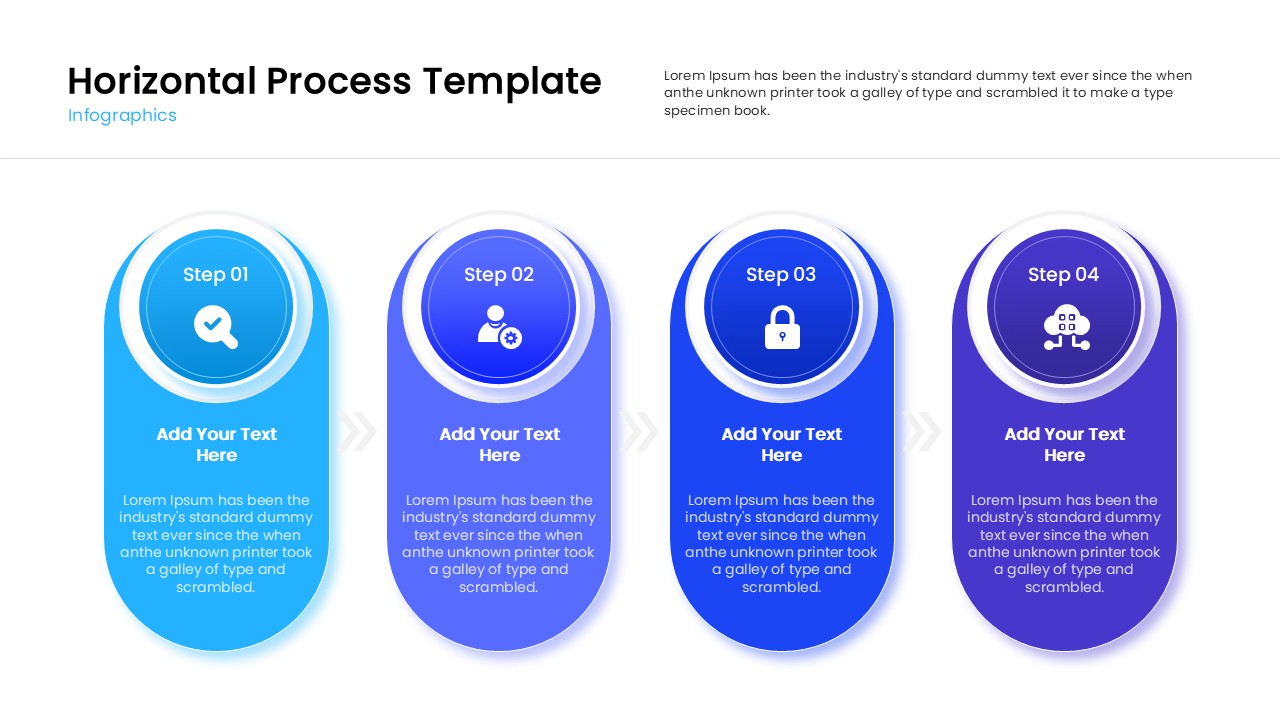
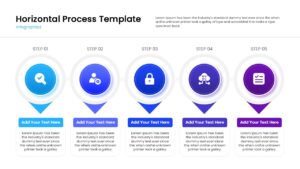
This process diagram template features a series of connected circular nodes, each with a designated space for icons, titles, and descriptions. It comes with pre-made color themes and fully editable elements, allowing you to customize the look to match your company branding in just a few clicks. The layout is optimized for readability, ensuring that even detailed process flows look clean and professional on any screen.
You can use these versatile presentation templates for a wide range of business needs, from mapping out project milestones and supply chain logistics to visualizing customer journeys and software development phases. It works equally well for educational purposes, such as lesson plans or historical timelines, giving you a structured way to present sequential information.
Why use this Horizontal Process Template
- Simplifies complex workflows into an easy-to-read format.
- Saves time on design with a pre-built, professional layout.
- Makes presentations look polished and consistent.
- Easy to update for weekly reports or changing project plans.
Who Should Download this Horizontal Process Infographics
- Project Managers planning roadmaps and tracking milestones.
- HR Professionals onboarding new employees or explaining benefits.
- Business Analysts mapping out operational processes.
- Educators and Trainers outlining course modules or lesson steps.
Key Features
- 100% Vector-Based Graphics
- Fully Layered & Organized
- Multi-Platform Support
- Theme Color & Theme Font
- 2 Aspect Ratios (4:3 & 16:9)
Frequently Asked Questions
- Can I change the number of steps in the process?
- Yes, you can easily duplicate or remove the circular nodes to fit your specific process length.
- Is this template compatible with Keynote?
- This template is primarily designed for PowerPoint and Google Slides, but can often be imported into Keynote with minor adjustments.
- Do I need special software to edit the icons?
- No, all icons and shapes are fully editable directly within PowerPoint or Google Slides.
Related Templates
-
-
-
 $2.99
$2.99 -