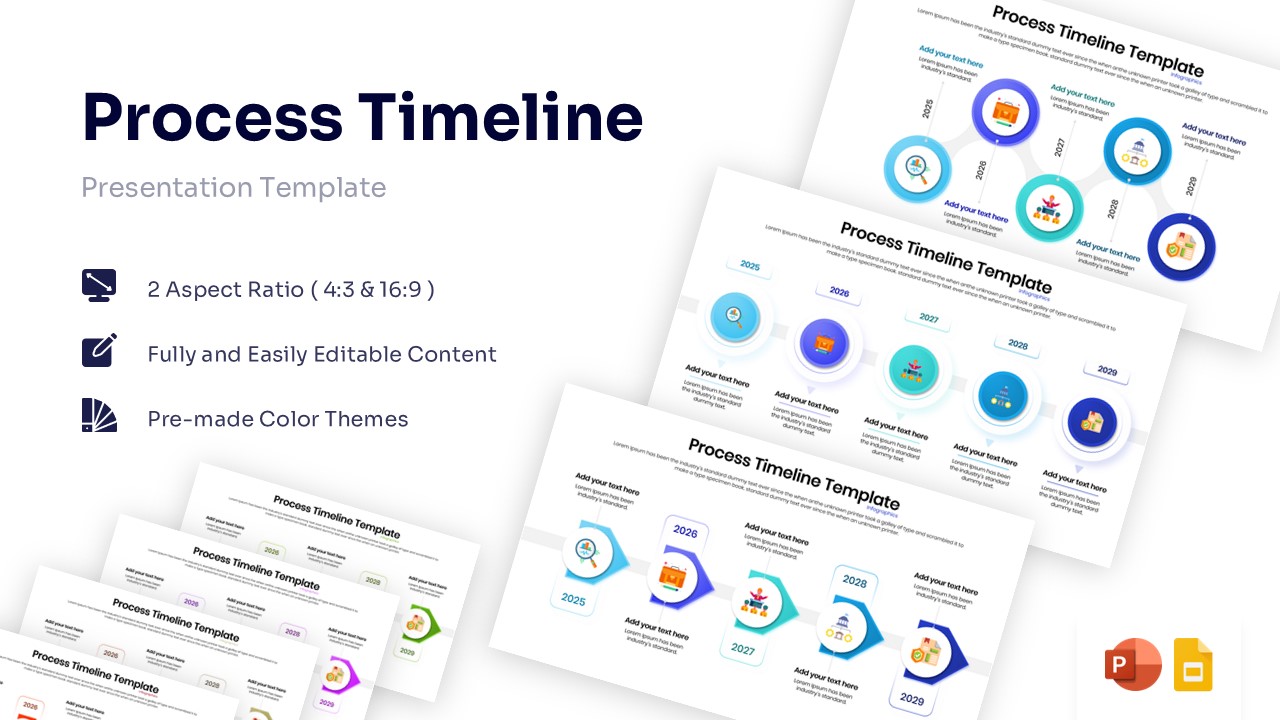
Free Multi-Step Timeline Infographics Template for PowerPoint & Google Slides
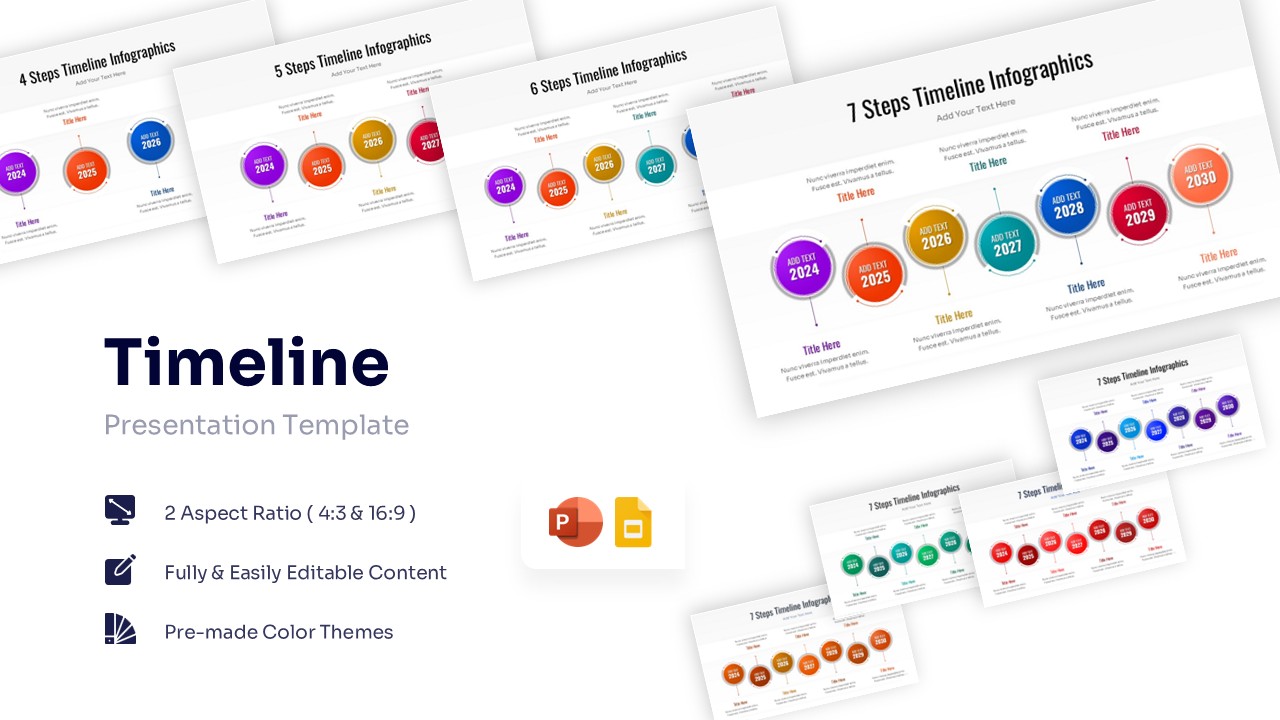
Linear Project Roadmap Presentation Template
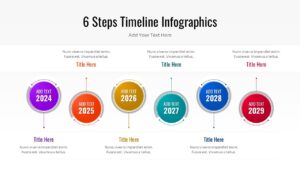
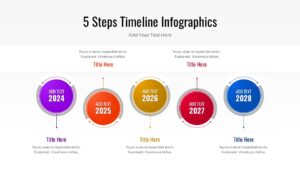
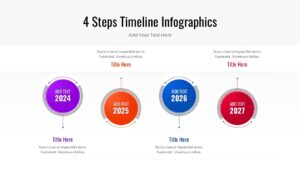
Download this Linear Timeline Infographic Template to clearly visualize project milestones, company history, or future roadmaps. Whether you are outlining a project timeline or a strategic plan, this slide helps you present chronological data in a clean, easy-to-follow format. It sets the stage for a professional review of events, deadlines, and growth phases without clutter.
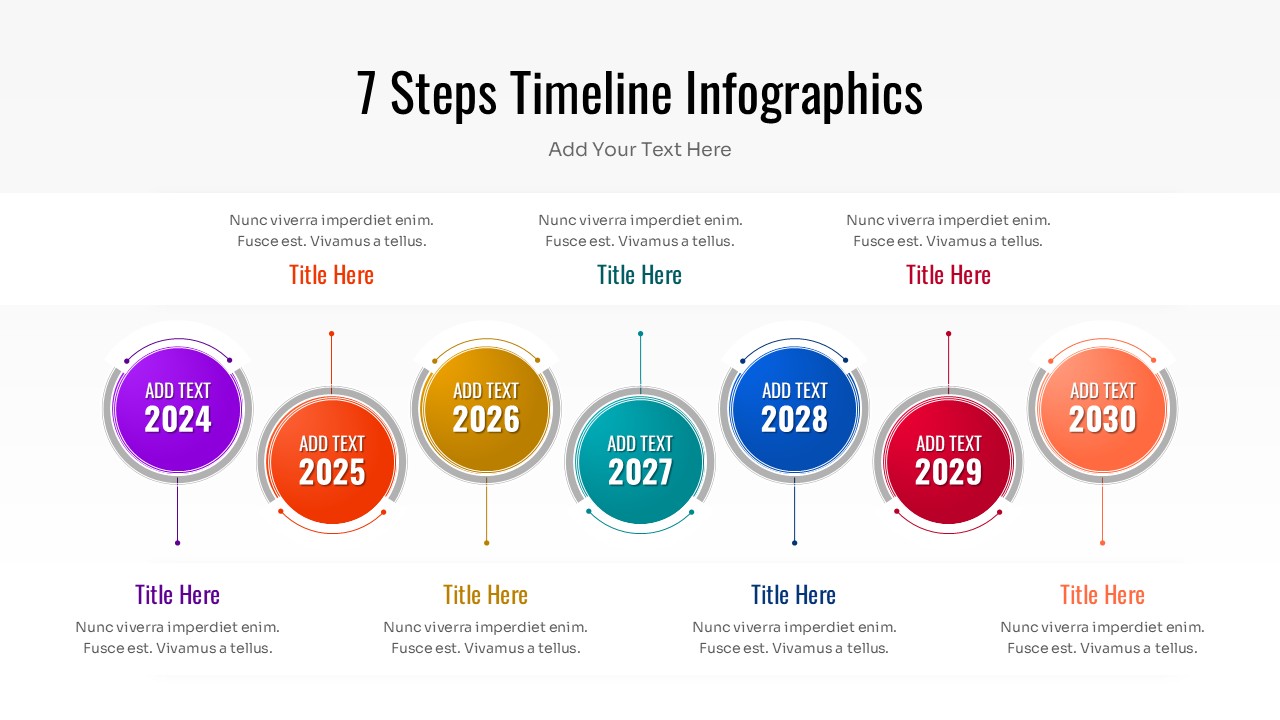
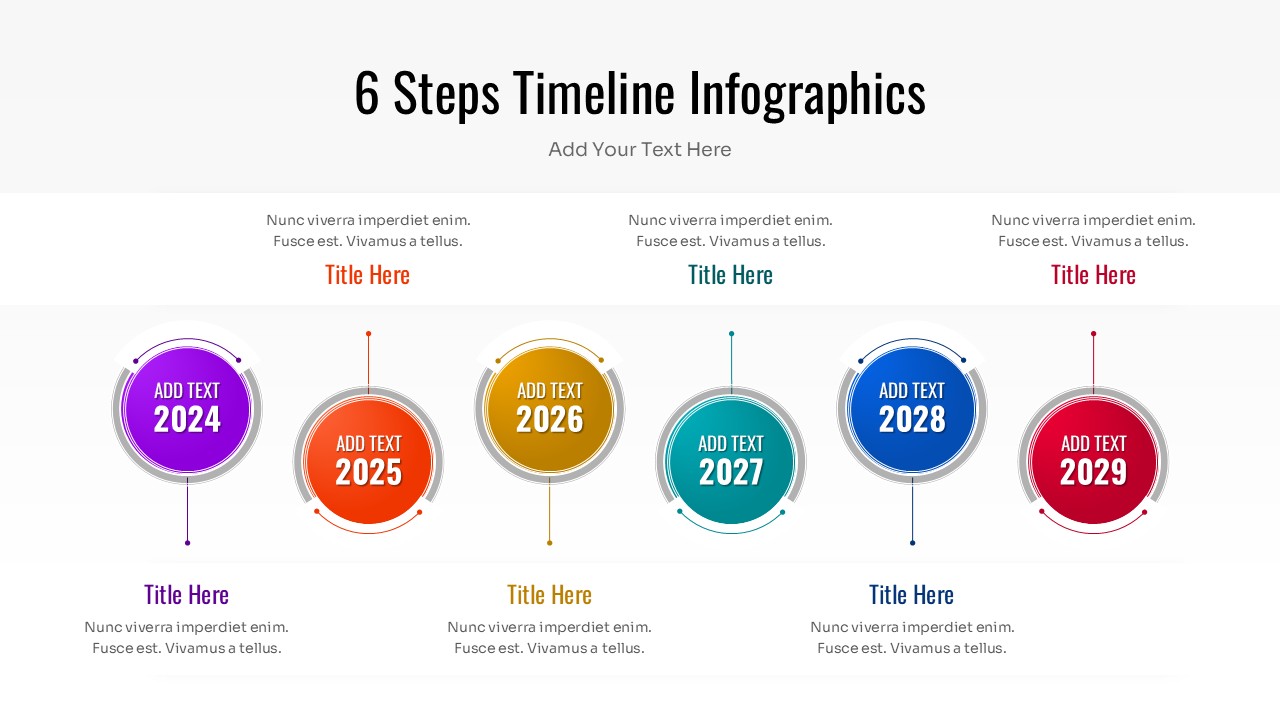
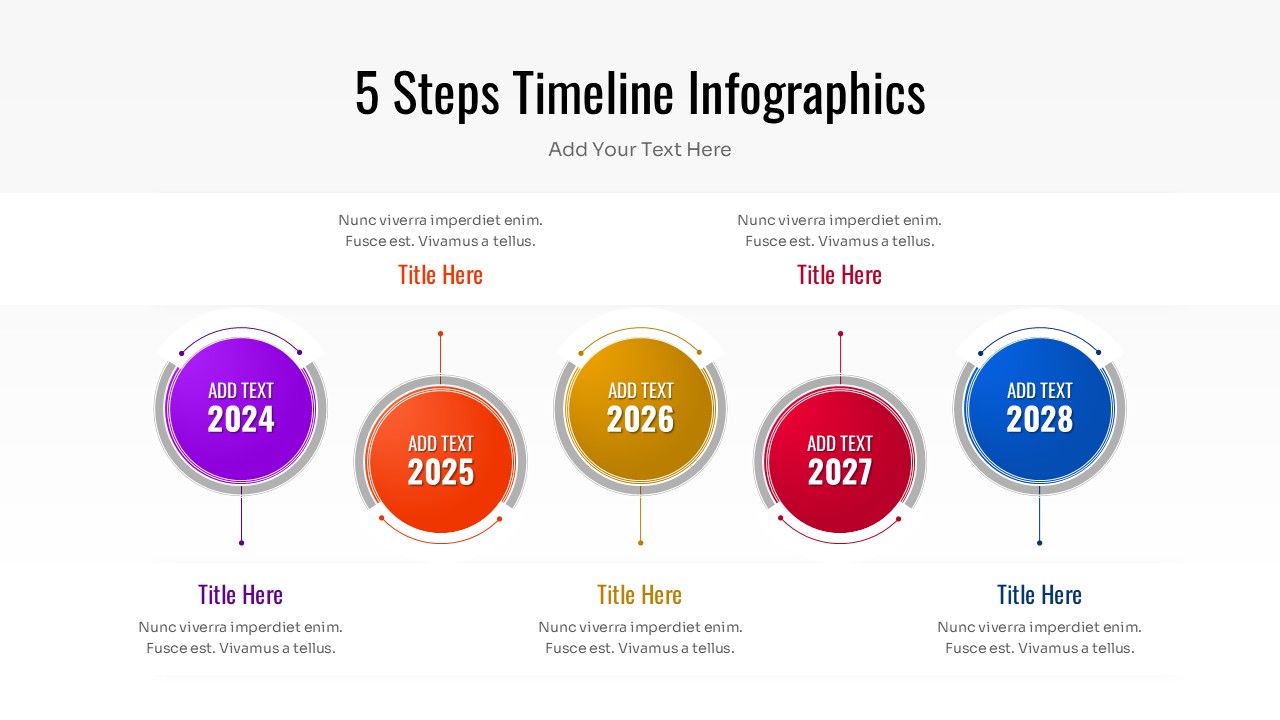
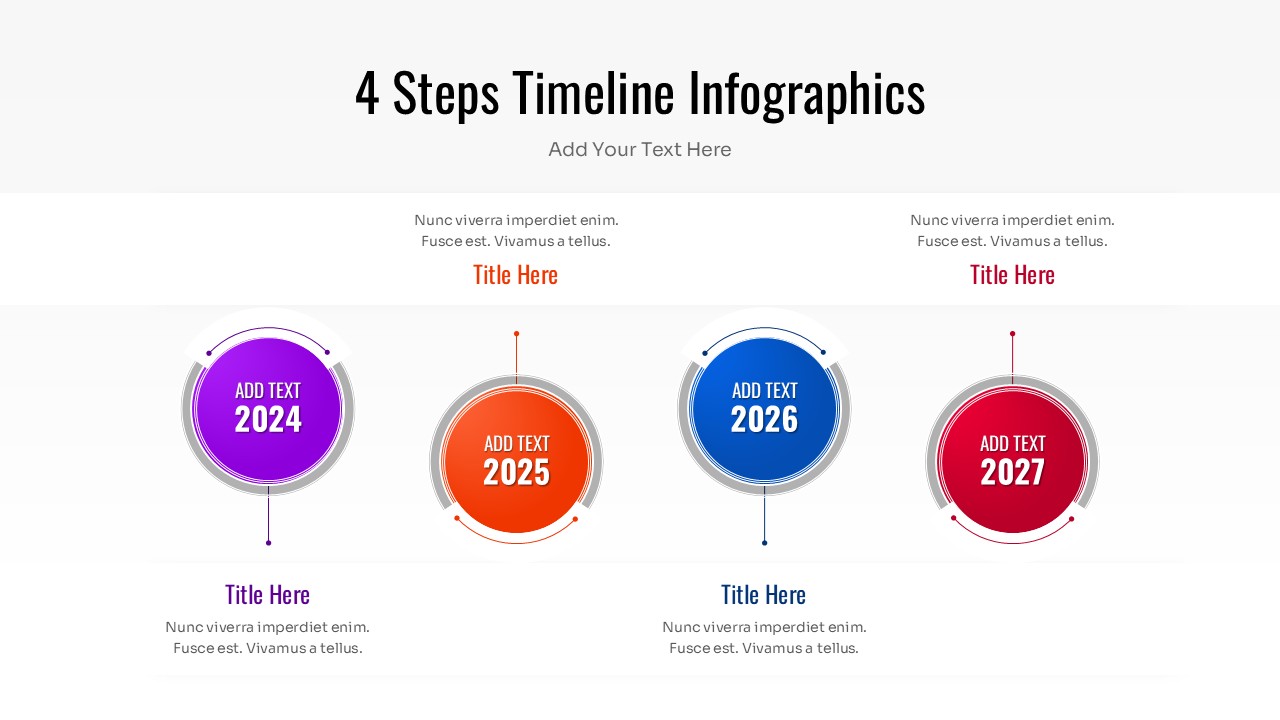
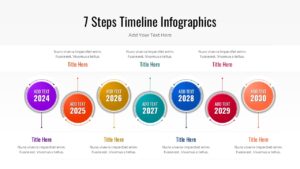
This infographic template features versatile layouts ranging from 4 to 7 steps, allowing you to choose the density of information that fits your specific needs. The design uses colorful circular nodes connected by a central line to represent flow and progression. Each node includes placeholders for dates, titles, and descriptive text, making it simple to highlight key achievements or upcoming targets while maintaining a polished look.
You can use these linear timeline infographics for annual reviews, product launch schedules, or educational lesson plans. The straightforward linear structure is perfect for simplifying complex processes into digestible stages. It works equally well for business proposals, status reports, and marketing strategies where timing and sequence are crucial to the narrative.
Why use this Multi-Step Timeline Infographic
- Visualizes complex schedules in a simple, linear format.
- Helps audiences quickly understand the sequence of events or steps.
- Saves design time with pre-built, evenly spaced layout options.
- Adapts easily to both short-term sprints and long-term annual plans.
Who Should Download this Linear Timeline Template
- Project managers tracking deliverables and deadlines.
- Business analysts presenting company history or growth strategies.
- Educators outlining course syllabuses or historical events.
- Marketing teams planning campaign rollouts and launch dates.
Key Features
- Variations for 4, 5, 6, and 7-step timelines
- 100% Vector-Based Graphics
- Fully Layered & Organized
- Multi-Platform Support
- Theme Color & Theme Font
Frequently Asked Questions
- Can I change the colors of the circles?
- Yes, all shapes are fully editable, so you can match the colors to your company branding easily.
- Is this suitable for printing?
- Absolutely. The high-quality vector graphics ensure the slide remains crisp and clear even when printed for handouts.
- Do I need special fonts?
- No, this template uses standard theme fonts, ensuring it looks consistent on any computer without installation issues.
Related Templates
-

-

Career Journey Template for PowerPoint & Google Slides
Free Templates
Free -
-