Creative Key Takeaways Template for PowerPoint & Google Slides
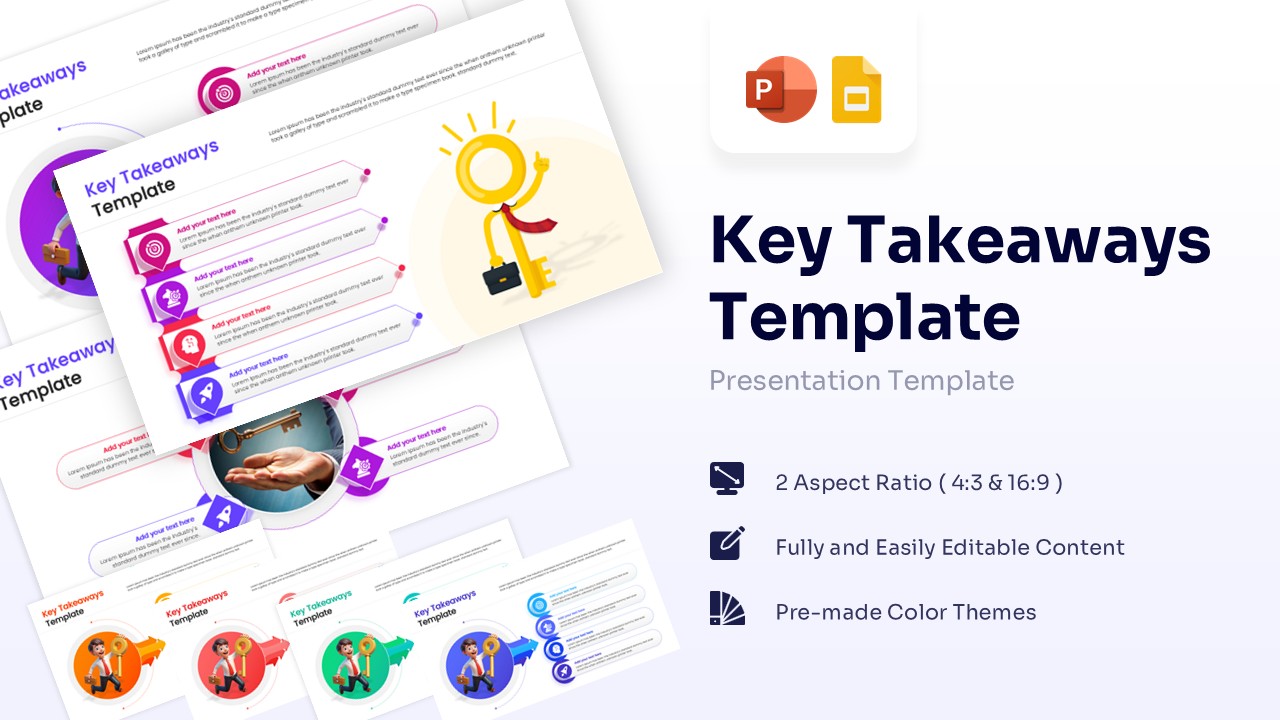
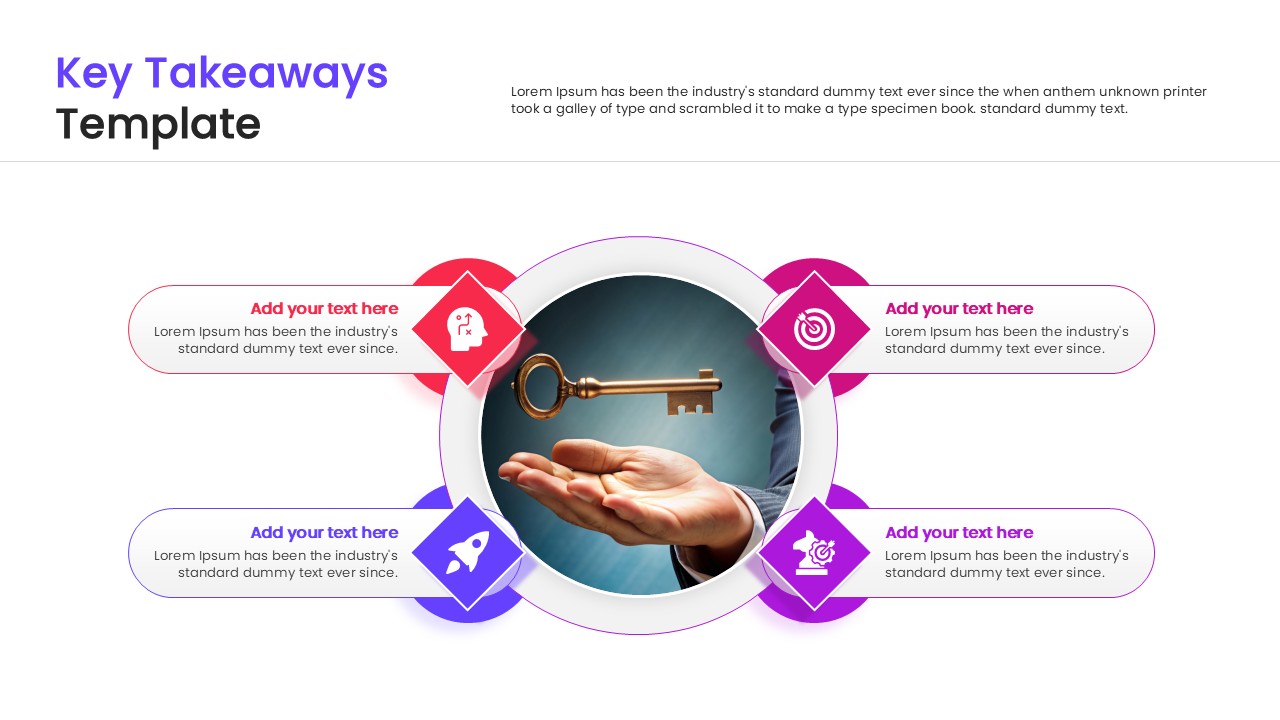
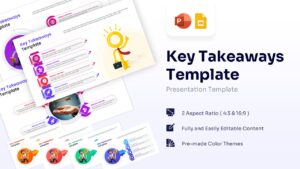


Download this Modern Key Takeaways Template to effectively summarize the essential points of your presentation. Whether you are closing a business proposal or reviewing a project status, this slide ensures your audience leaves with a clear understanding of the core message. It is designed to make your final thoughts memorable and impactful for any professional audience.
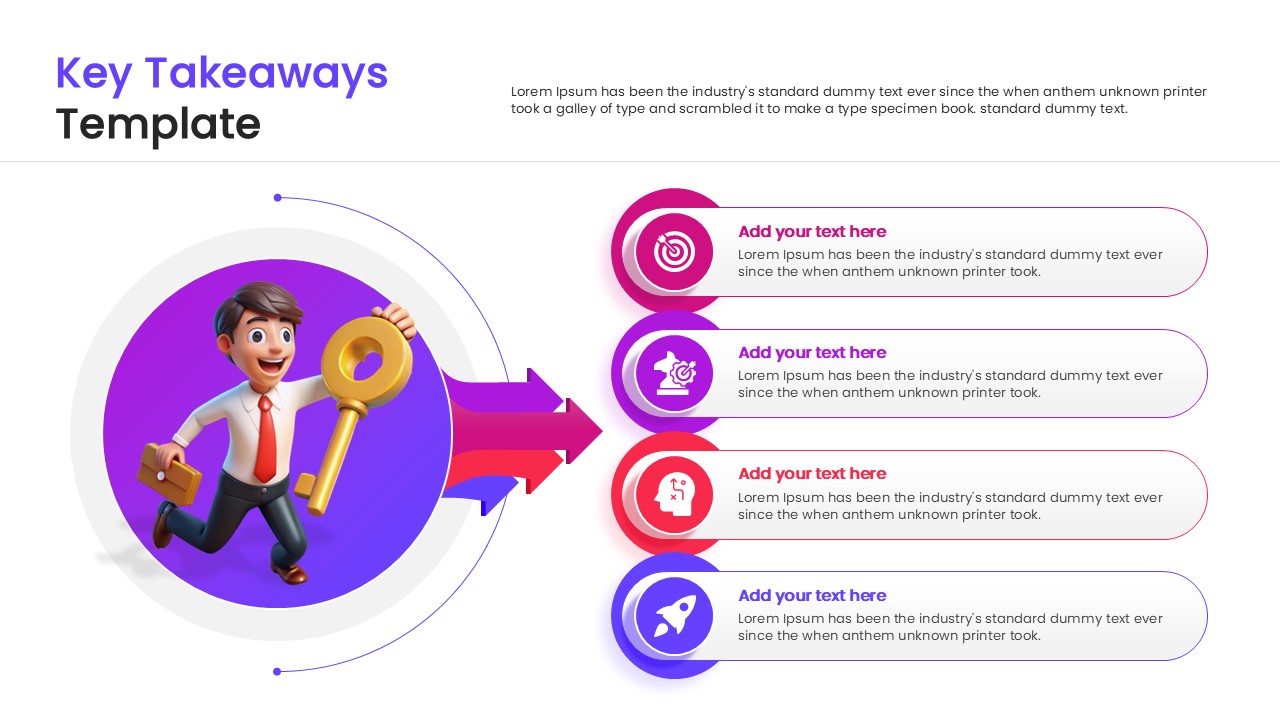
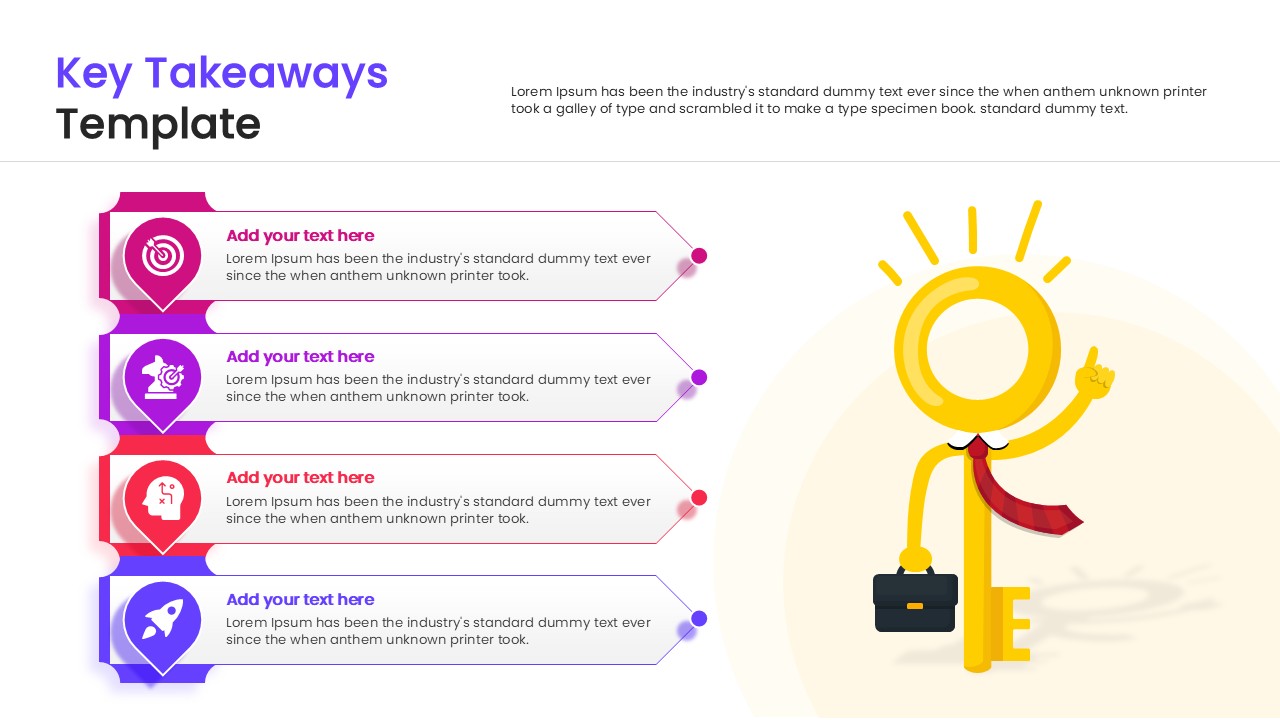
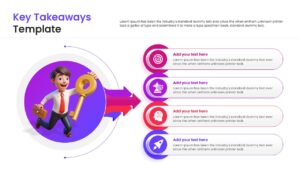
This creative presentation templates features high-quality 3D illustrations of characters holding keys, adding a visual metaphor for unlocking success. The layout includes organized lists and editable text boxes, allowing you to present summary points and actionable insights clearly. The pre-made color themes and vector graphics make customization simple and fast, ensuring you look polished.
You can use this takeaways template in executive meetings, academic lectures, or strategic workshops to reinforce learning objectives. It works perfectly as a closing slide to recap the agenda, highlight agreed-upon decisions, or outline the next steps in a roadma
Why use this Key Takeaways Infographic Template
- Helps the audience retain critical information after a long meeting.
- Adds a polished and professional touch to your presentation’s conclusion.
- Visual cues like keys reinforce the importance of the summary points.
- Saves preparation time with a ready-to-use, structured layout.
Who is it for this List Infographic Template
- Project managers wrapping up team updates.
- Sales professionals summarizing pitch benefits.
- Educators and trainers reviewing lesson key points.
Key Features
- 100% Vector-Based Graphics
- Fully Layered & Organized
- Multi-Platform Support (PowerPoint & Google Slides)
- 2 Aspect Ratios (4:3 & 16:9)
Frequently Asked Questions
- Can I edit the text and numbers?
- Yes, all text areas and numbered lists are fully editable to fit your specific content.
- Is this template available for Google Slides?
- Yes, you can download it for PowerPoint or open it directly in Google Slides.
- Do I need special software to edit the graphics?
- No, standard PowerPoint or Google Slides tools are sufficient to resize or recolor elements.
Related Templates
-
 $3.99
$3.99 -
-

-