
Free Modern Table of Contents Template for PowerPoint & Google Slides

Professional Agenda Presentation Template
Download this Free Table of Contents Template to organize your presentation topics clearly. A well-structured agenda helps your audience understand the flow of your meeting from the start. This slide is designed to outline your key points simply, ensuring everyone stays on the same page and knows what to expect throughout your talk.
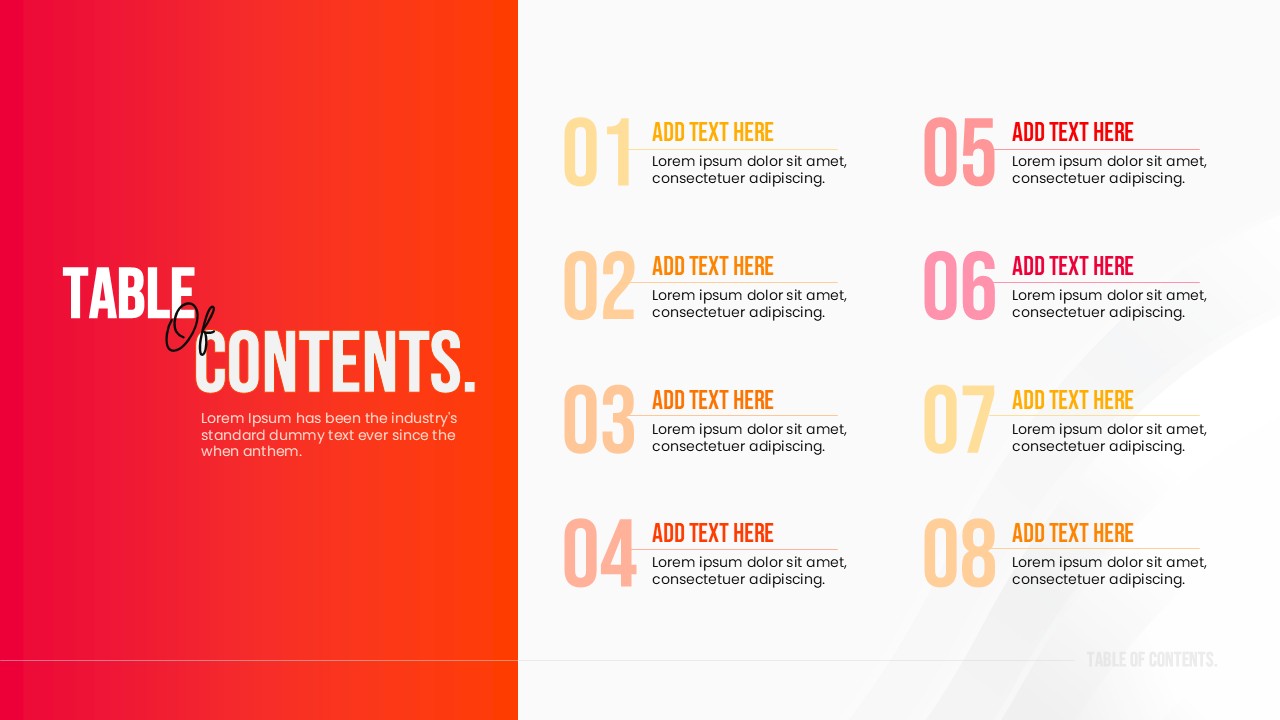
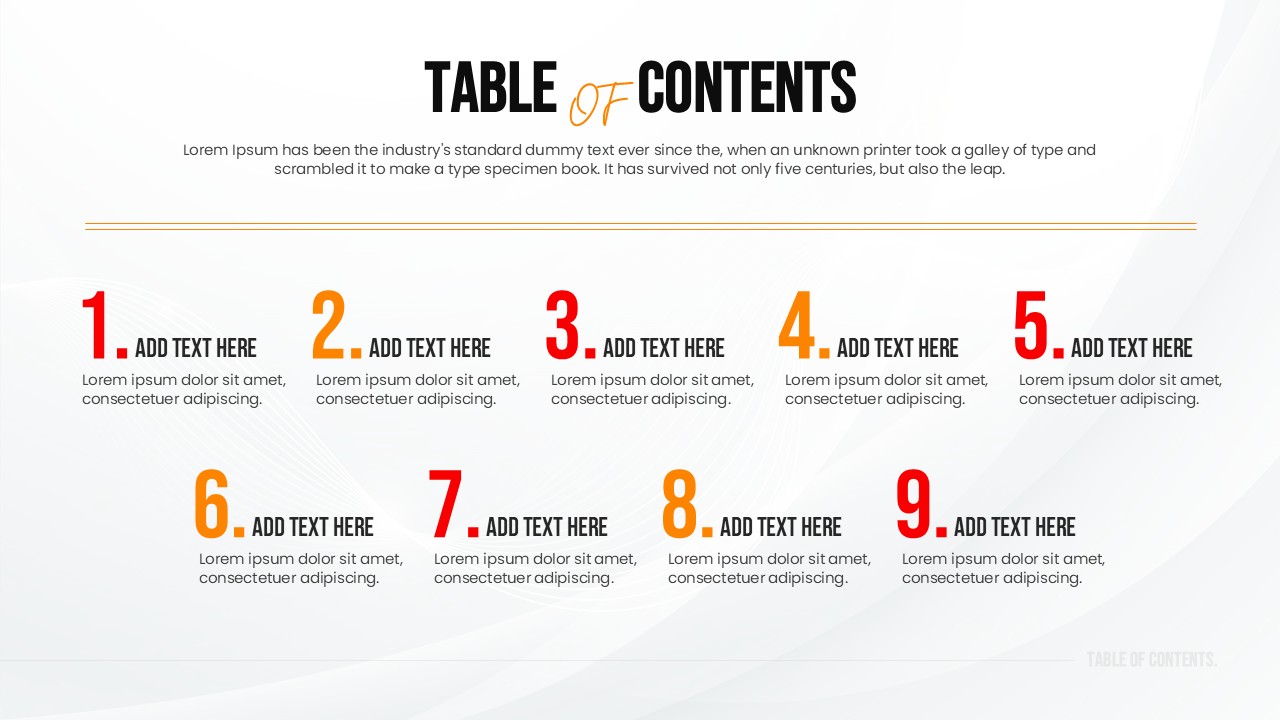
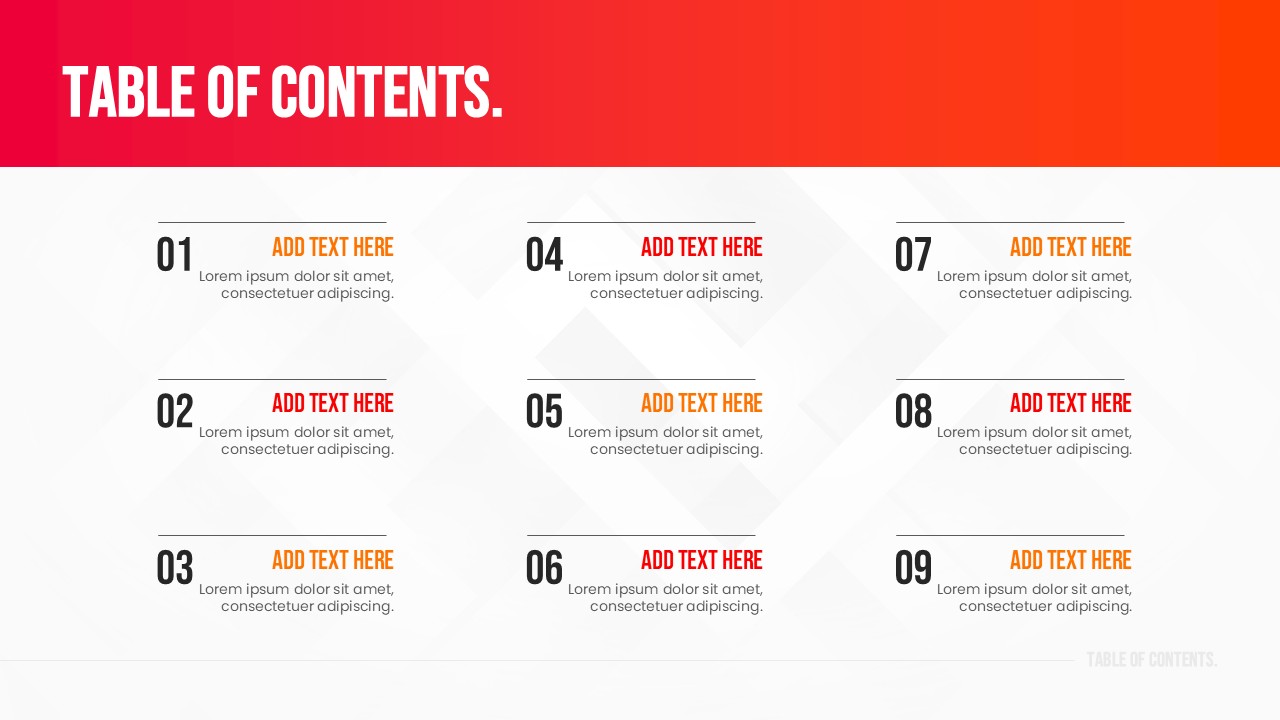
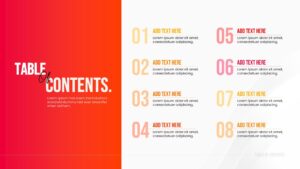
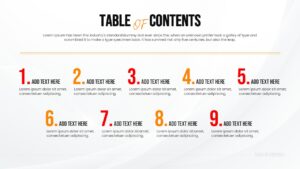
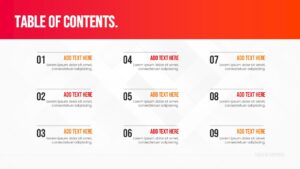
This infographic template features a bold design with a distinct red and white color scheme that looks professional and modern. It offers versatile layouts, including vertical lists for up to eight items and horizontal options for shorter agendas. The large, clean typography makes it easy to scan, while the numbered sections provide a logical order to your content, helping you present with confidence.
You can use this presentation slide for various professional scenarios, such as outlining a business proposal, setting the stage for a workshop, or listing chapters in an educational lecture. It works perfectly as an index for longer decks, allowing viewers to anticipate what is coming next and serving as a roadmap for your entire session.
Why use this Table of Contents Template
- Provides a clear roadmap for your presentation structure.
- Keeps your audience oriented and engaged from the beginning.
- Saves time on design with pre-formatted numbered lists.
- Easy to customize text and colors to match your brand.
Who is it for this List Infographic Template
- Project managers outlining project phases and milestones.
- Educators structuring lecture materials for students.
- Sales professionals presenting product catalogs or service lists.
- Corporate trainers organizing workshop sessions and topics.
Key Features
- 100% Vector-Based Graphics
- Fully Layered & Organized
- Multi-Platform Support
- Theme Color & Theme Font
- 2 Aspect Ratio (4:3 & 16:9)
Frequently Asked Questions
- Can I change the red color to match my brand?
- Yes, this template is fully editable. You can easily change the red color to your specific brand color using the theme settings.
- Is this compatible with Google Slides?
- Absolutely. This template is designed to work seamlessly on both Microsoft PowerPoint and Google Slides.
- How many items can I list on the slide?
- The template includes layouts that support different numbers of items, ranging from short lists of 4-5 points up to longer agendas with 8 items.
Related Templates
-

-
-
-
 $2.99
$2.99