
Organizational Chart Template for PowerPoint & Google Slides


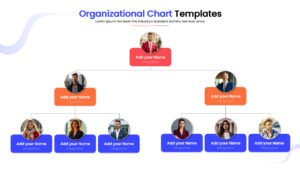
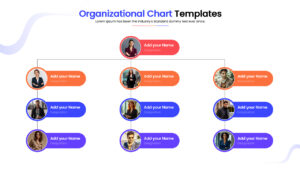
Team Structure & Hierarchy Infographic Template
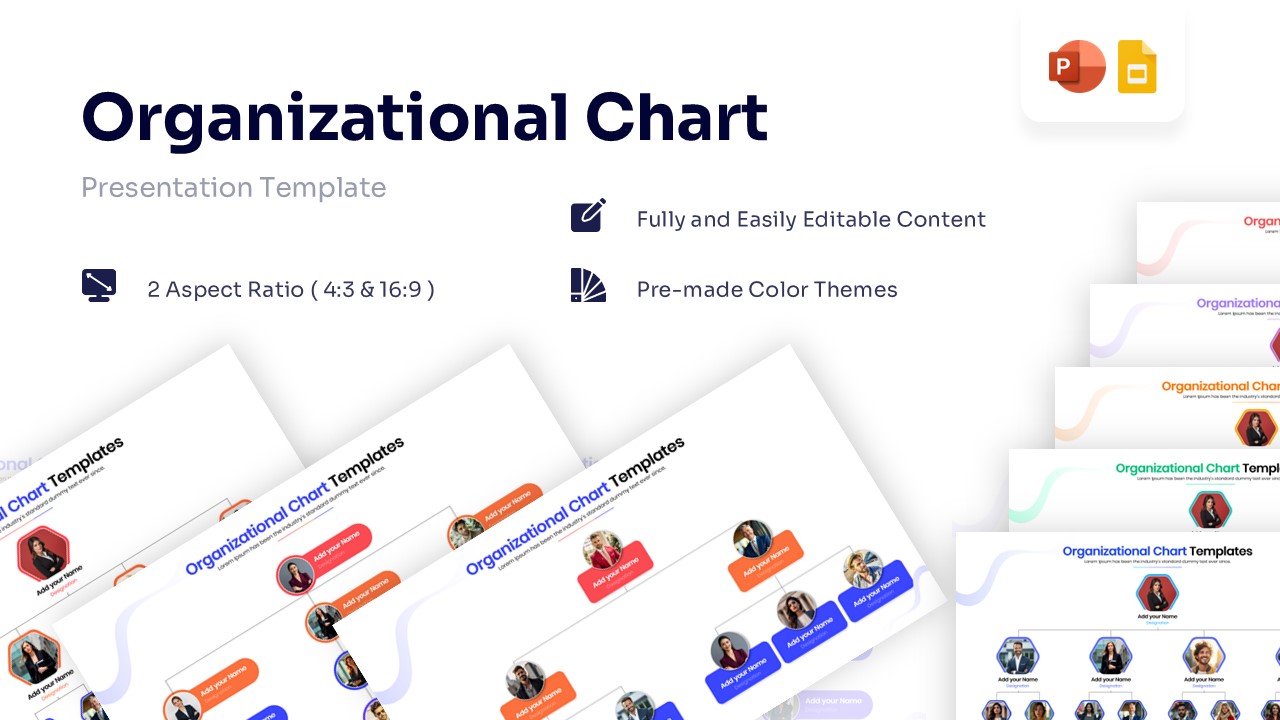
Download this Organizational Chart Template for PowerPoint and Google Slides to clearly map out your team’s structure and reporting lines. Whether you are welcoming new hires or presenting your management team to investors, a visual hierarchy helps everyone understand who does what and how departments connect.
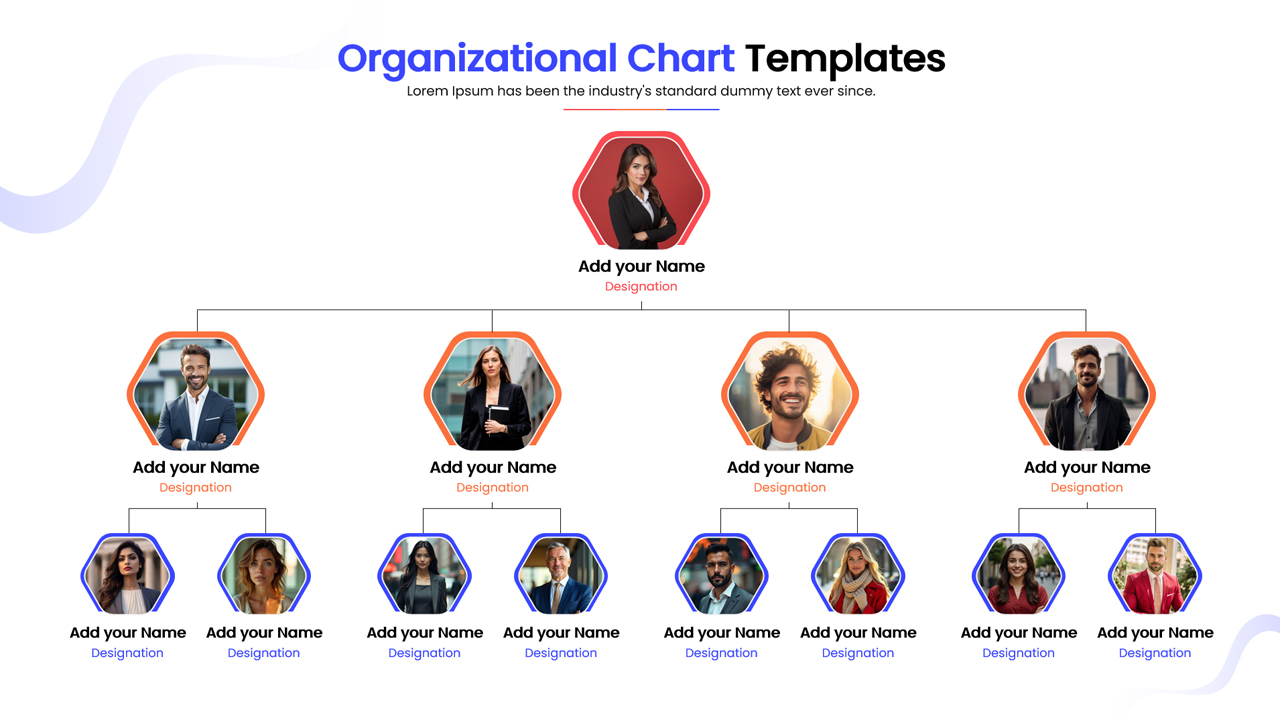
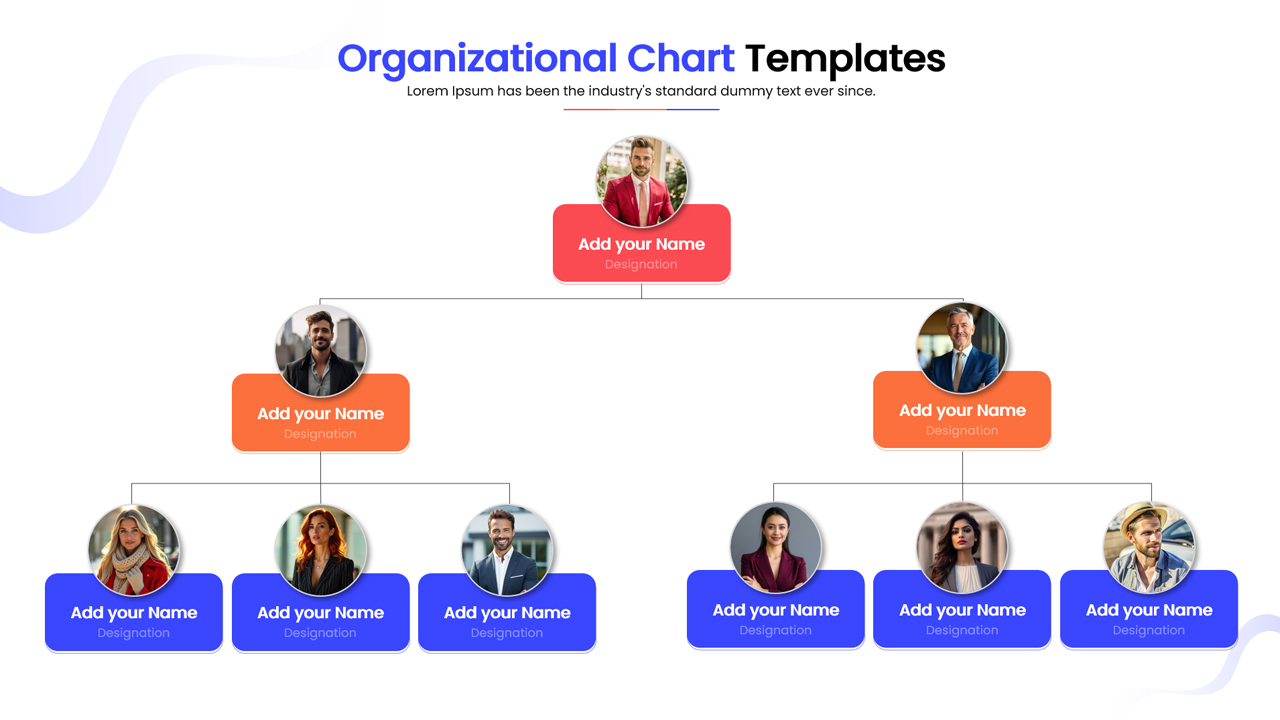
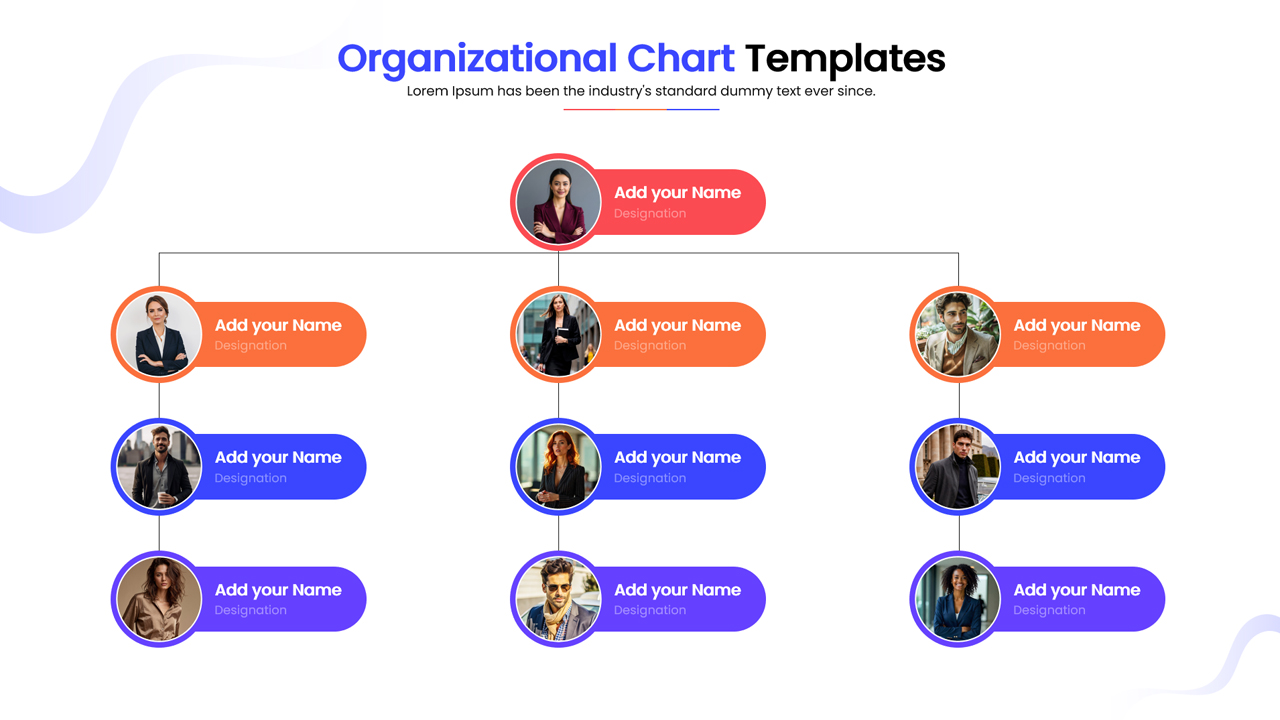
This hierarchical chart template features a clean, professional design with dedicated spaces for team photos, names, and titles. The layout uses intuitive connecting lines to show relationships between departments and management levels, ensuring your audience can easily follow the flow of authority. You can easily swap the placeholder images with your own team photos and adjust the colors to match your brand identity using the master slide settings.
These presentation templates are perfect for company profile presentations, HR onboarding sessions, and management reviews. Use them to clarify roles during a restructure, outline the chain of command in an employee handbook, or showcase your leadership team in a pitch deck. The design ensures that even complex reporting paths look organized and accessible.
Why use this Organizational Chart Template
- Clarifies reporting lines and team responsibilities instantly.
- Makes team introductions more personal by including photos.
- Saves hours of formatting time compared to building charts from scratch.
- Ensures a consistent, professional look across your company presentations.
Who is it for
- HR Managers organizing workforce data and onboarding materials.
- Startup Founders presenting their leadership team to potential investors.
- Department Heads clarifying internal roles and workflows.
- Project Managers defining team responsibilities and scope.
Key Features
- 100% Vector-Based Graphics
- Fully Layered & Organized
- Image Placeholders for Team Photos
- Theme Color & Theme Font
- Editable Text & Shapes
Frequently Asked Questions
- How do I replace the photos in the placeholders?
- You can simply click on the image placeholder, right-click, and choose \"Change Picture\" to upload your own team photos. The shape will automatically crop the image to fit the design.
- Can I change the colors to match my company brand?
- Yes, this template uses theme colors. You can easily switch the color palette in PowerPoint or Google Slides, and all shapes and lines will update automatically.
- Is this template suitable for large organizations?
- Absolutely. While the default layout shows a standard hierarchy, you can duplicate shapes and connectors to expand the chart horizontally or vertically to fit larger teams.
Related Templates
-
-
-
-
 $2.99
$2.99