
Process Infographic Templates for PowerPoint & Google Slides
Library of 1000+ professional design process infographics template for PowerPoint and Google Slides. Professional & colourful designs to make your presentation more engaging.
Sort by
-
-
-
-
 $3.99
$3.99 -
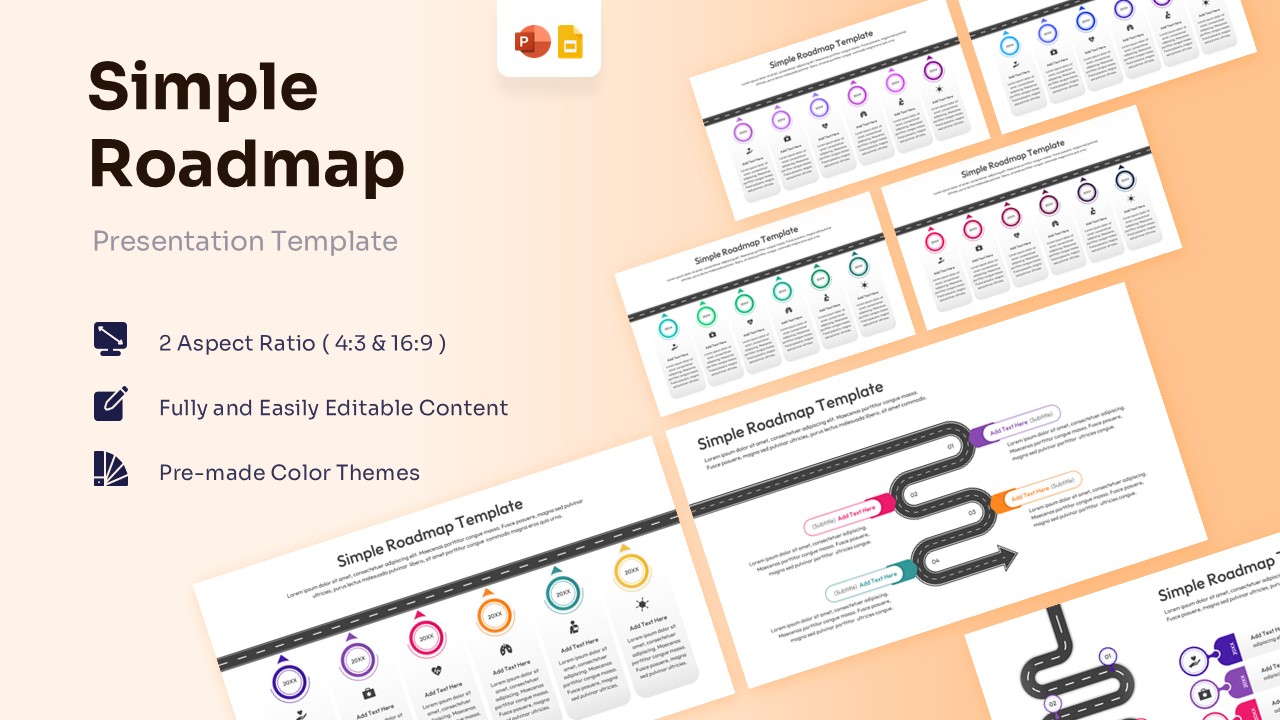
Free Simple Roadmap Template for PowerPoint & Google Slides
Free Templates
Free -
 $2.99
$2.99 -
 $3.99
$3.99 -
-
 $3.99
$3.99 -
-
-
 $3.99
$3.99 -
 $3.99
$3.99 -
-
-
-
 $3.99
$3.99 -
-
-
 Free
Free -
-
-
-
-
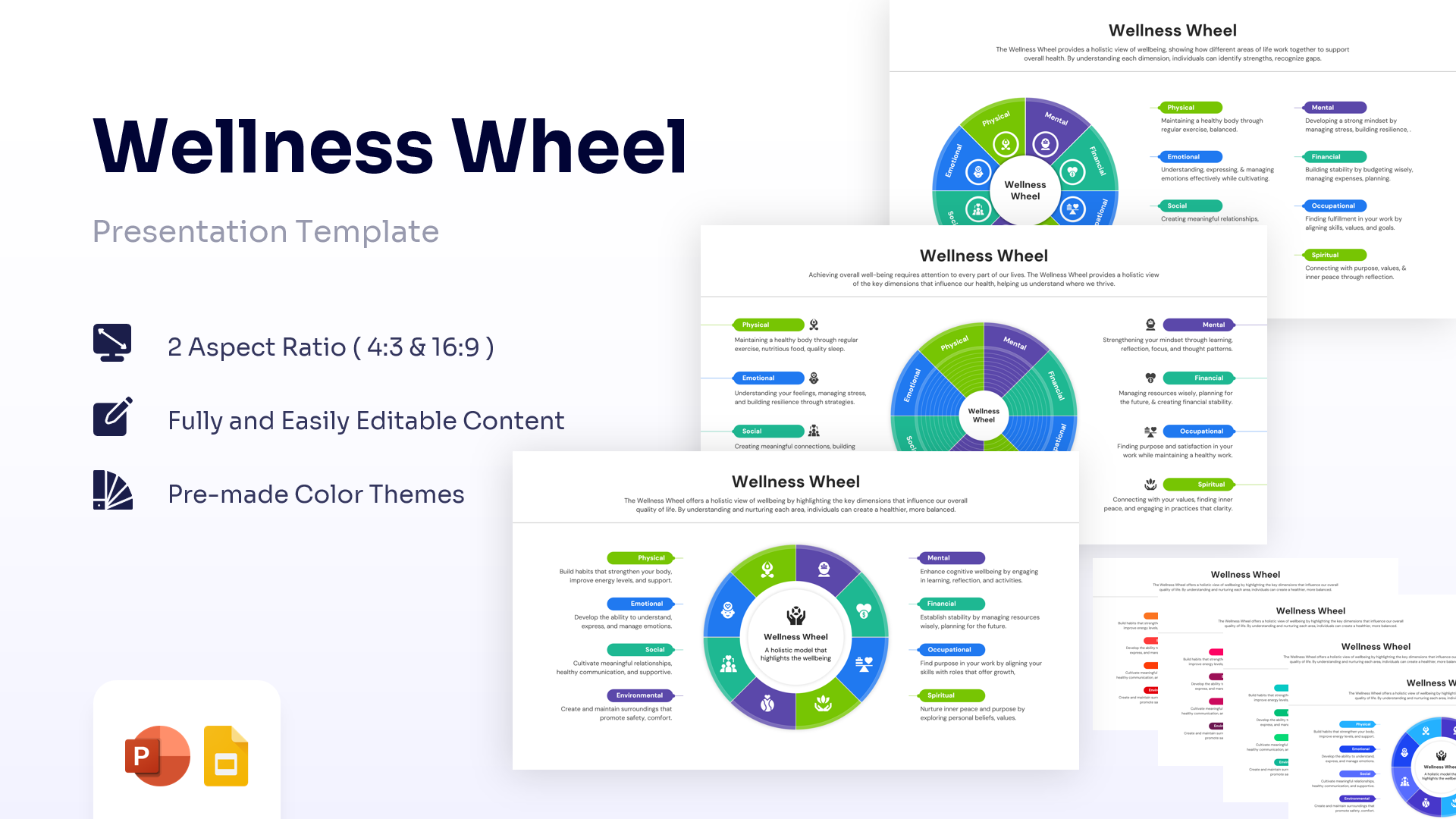
Wellness Wheel Template for PowerPoint & Google Slides
Charts & Graphs
$2.99 -
 $2.99
$2.99 -
 $3.99
$3.99 -
 $2.99
$2.99 -
-
-
-
 $3.99
$3.99 -
-
-
 $2.99
$2.99 -
-
 $2.99
$2.99 -
-
-
 Free
Free -
-
-
-
 $3.99
$3.99 -
-
-
-
 Free
Free -
-
-
-
 $2.99
$2.99 -
-
-
 $2.99
$2.99 -
 $2.99
$2.99 -
-
-
-
-
-
-
 $2.99
$2.99 -
-
-

-
-
-
 $3.99
$3.99 -
-
 $3.99
$3.99 -

Career Journey Template for PowerPoint & Google Slides
Free Templates
Free -
 $3.99
$3.99 -
Frequently Asked Questions
Can I edit these process infographics in Google Slides?
Yes, absolutely. All our templates are fully compatible with Google Slides. When you download a file (usually in .PPTX format), you can simply upload it to your Google Drive and open it with Google Slides. All the vector shapes, text boxes, and colors will remain fully editable and ready for you to customize.
Are the elements in these templates vector-based?
Yes. We use high-quality vector graphics for all our process diagrams, icons, and shapes. This means you can resize an icon to be as small as a business card or as large as a billboard without it becoming blurry or pixelated. It ensures your presentation looks sharp on any screen size.
How do I change the number of steps in a process diagram?
Our templates are built to be flexible. If you download a 5-step linear process but only need 4 steps, you can simply click on the unwanted step and delete it. The remaining elements can be dragged and resized to fill the space. Similarly, you can duplicate a step to add more stages to your workflow.
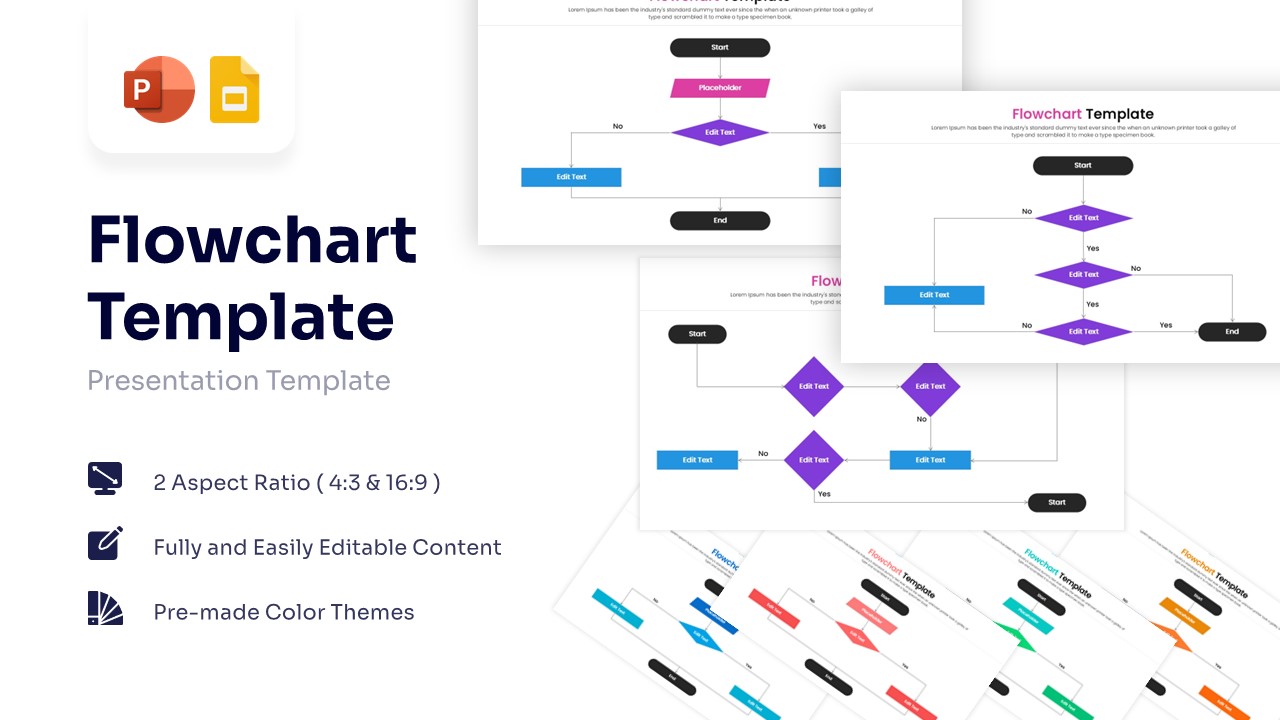
What is the difference between a Linear Process and a Workflow?
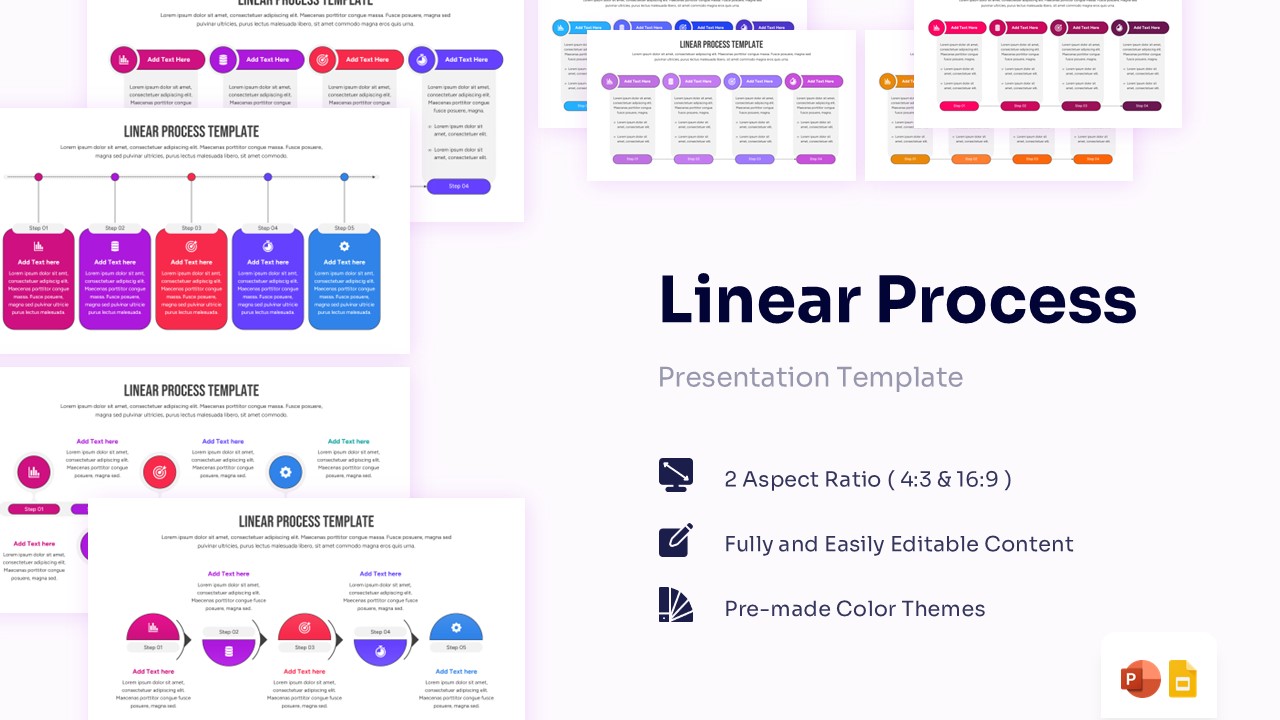
A Linear Process is best for sequences that happen in a straight line, like a timeline or a "Step 1 to Step 5" guide. A Workflow (or Flowchart) is better for complex operations that might have decisions, branches, or loops (e.g., "If Yes, go here; If No, go there"). We offer templates for both styles in this category.
Can I change the colors to match my company brand?
Yes. All process templates are linked to the theme colors of the slide master. You can manually select any shape and change its "Shape Fill" color, or you can change your presentation's overall Color Theme, and the infographic will automatically update to match your brand palette instantly.
Do these templates work on Mac Keynote?
While our templates are native to PowerPoint (.pptx), they can be opened in Apple Keynote. Keynote does a great job of converting PowerPoint files. However, for the most 100% perfect formatting without any adjustments, we recommend using them in Microsoft PowerPoint or Google Slides.
Do I need design skills to use these templates?
No design skills are required. These are "Ready-to-Use" templates. The layout, alignment, and typography are already done for you. You only need to type your text into the placeholders and perhaps change a color if you wish. It is designed to save you time so you can focus on your content.
Are these templates suitable for commercial use?
(Note: You should verify your specific license policy here, but assuming standard stock logic): Yes, once you download a template, you can use it for your personal or commercial business presentations, client pitches, and internal reports. However, you generally cannot resell or redistribute the template file itself on another website.