Product Comparison Infographic Template for PowerPoint & Google Slides
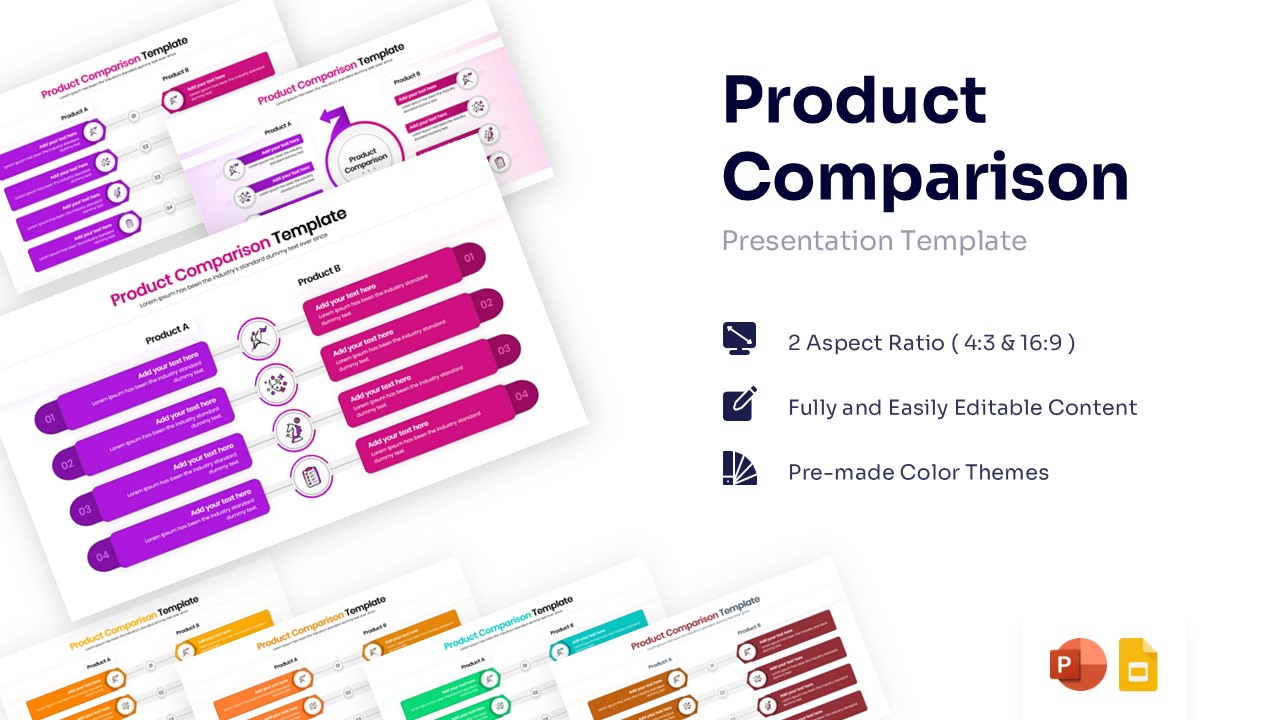
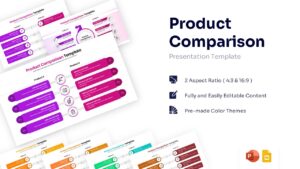
Side-by-Side Product Features Comparison Presentation Template
Download this Product Comparison Template for PowerPoint and Google Slides to clearly differentiate between two items, services, or strategies. Whether you are evaluating competitor features or highlighting the benefits of a premium model versus a standard one, this layout helps your audience grasp the differences instantly.
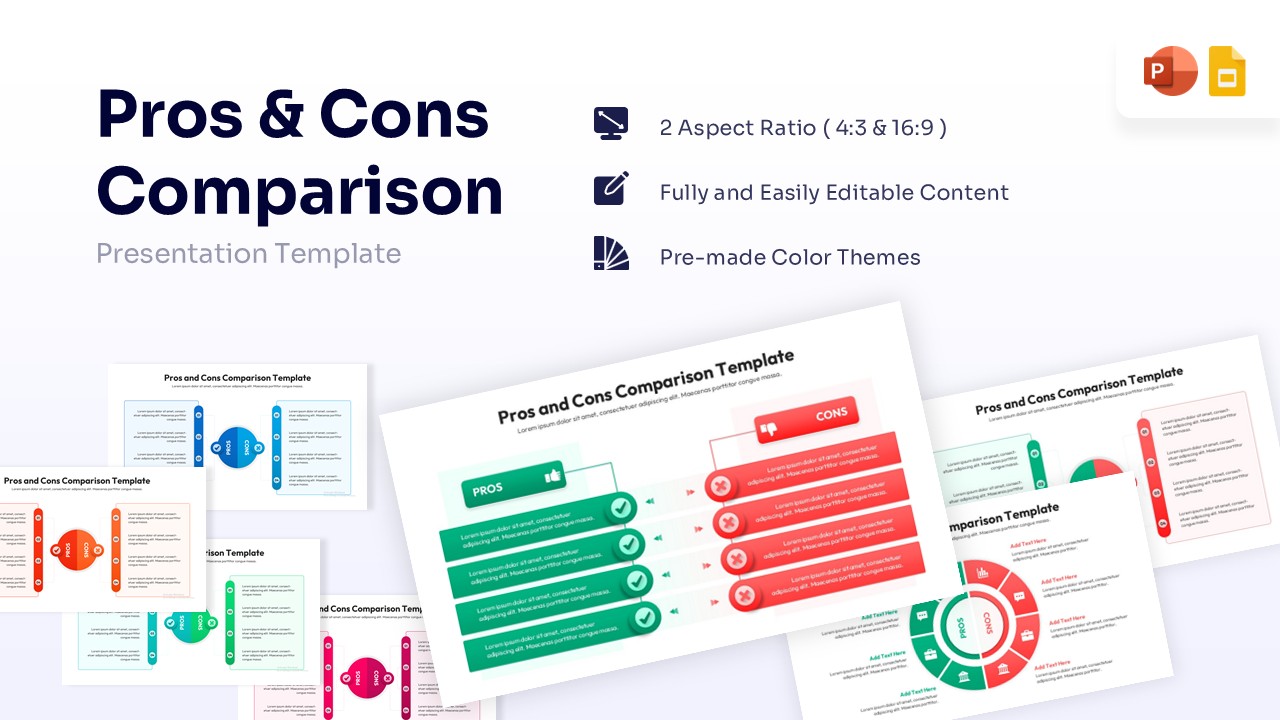
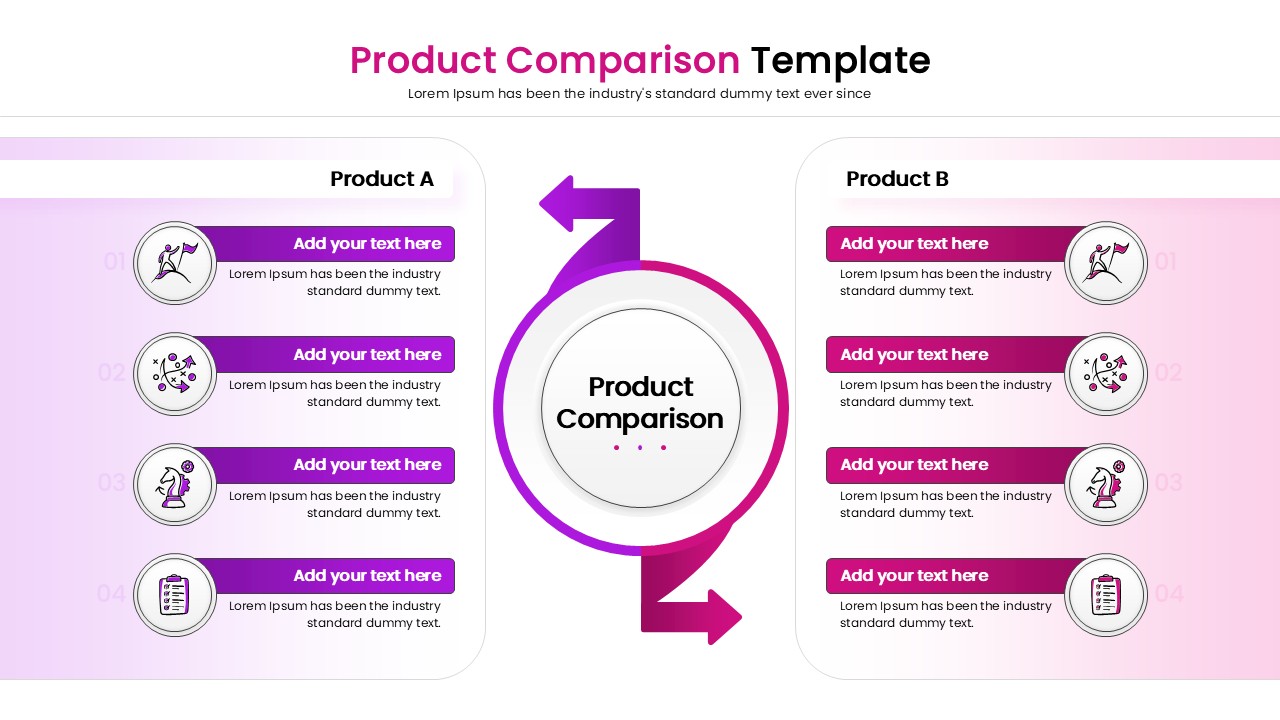
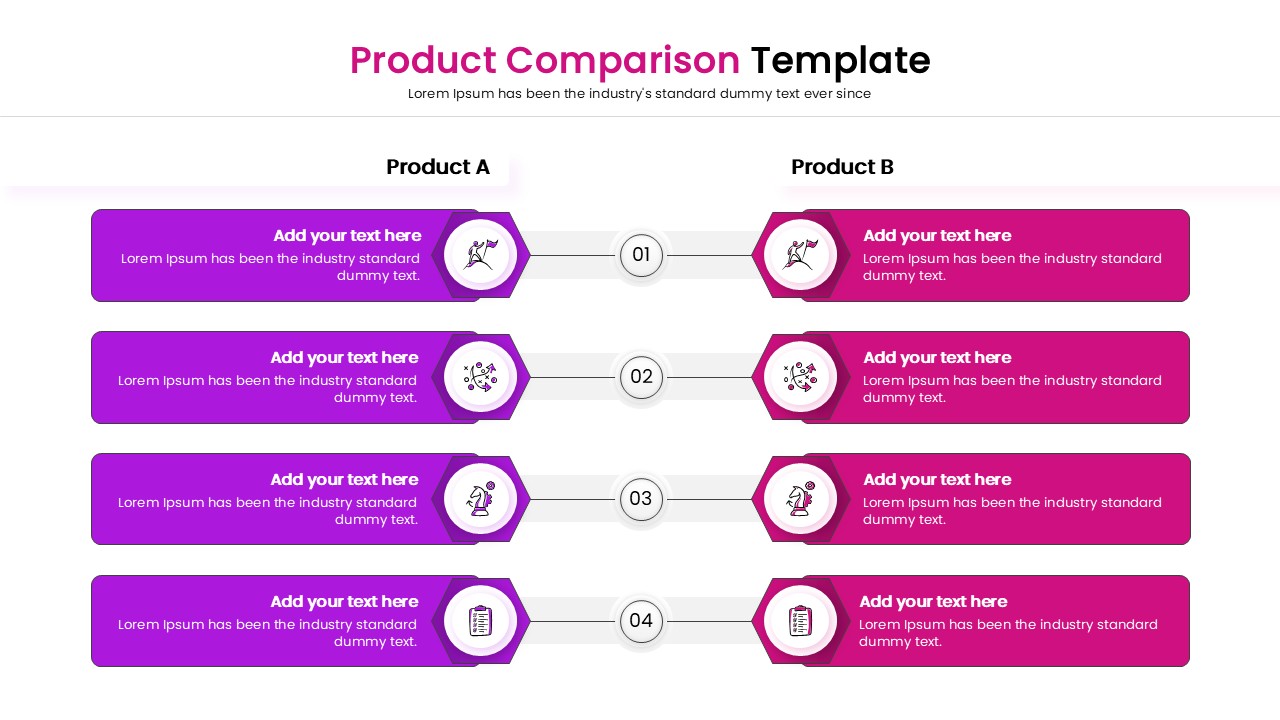
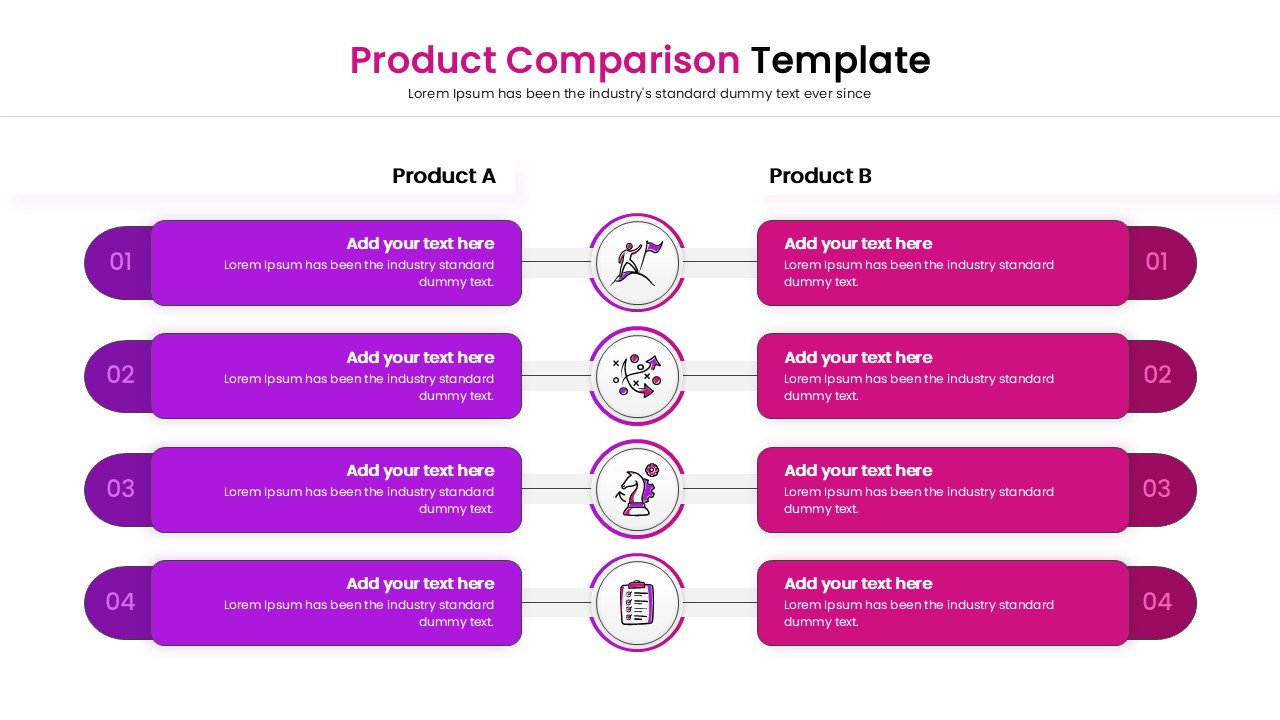
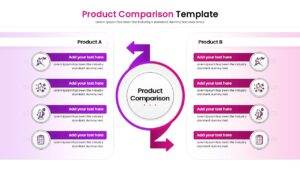
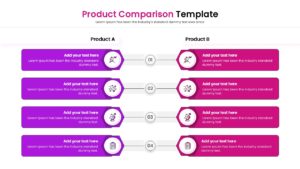
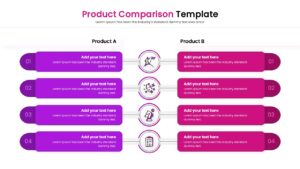
These comparison slides features a central axis design with four distinct comparison points for “Product A” and “Product B”. The clean layout uses icons and clear text placeholders to organize specifications, ensuring your data is easy to read. You can easily modify the colors to match your brand and adjust the text to fit your specific criteria using this Product Comparison Template.
Use these presentation templates for product launch presentations, competitor analysis meetings, or internal strategy sessions. It is perfect for showcasing pros and cons, comparing pricing tiers, or evaluating software features side-by-side. The visual structure guides the eye naturally, making complex evaluations simple and straightforward.
Why use this Product Feature Comparison Table Template
- Simplifies complex comparisons into an easy-to-digest format.
- Helps stakeholders make informed decisions faster.
- Standardizes how you present competitive analysis.
- Saves hours of design time with a ready-to-use structure.
Who is it for
- Product Managers comparing features or versions.
- Sales Representatives demonstrating value against competitors.
- Business Analysts conducting market research.
- Consultants presenting strategic options.
Key Features
- 100% Vector-Based Graphics
- Fully Layered & Organized
- Multi-Platform Support
- Theme Color & Theme Font
- 4-Point Comparison Structure
Frequently Asked Questions
- Can I change the colors to match my brand?
- Yes, the elements are fully editable, allowing you to apply your own color palette easily.
- Can I add more comparison points?
- Yes, you can duplicate the existing rows to add more points or remove them to fit your content needs.