Product Launch Timeline Template for PowerPoint & Google Slides
Go To Market Roadmap Presentation Template
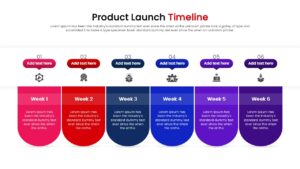
Download this Product Launch Timeline to organize your go-to-market strategy into a clear, visual roadmap. Launching a new product involves many moving parts, from development to marketing, and keeping the team aligned is crucial. This slide helps you map out the critical weeks leading up to the big day, ensuring every stakeholder understands the schedule and their specific responsibilities.
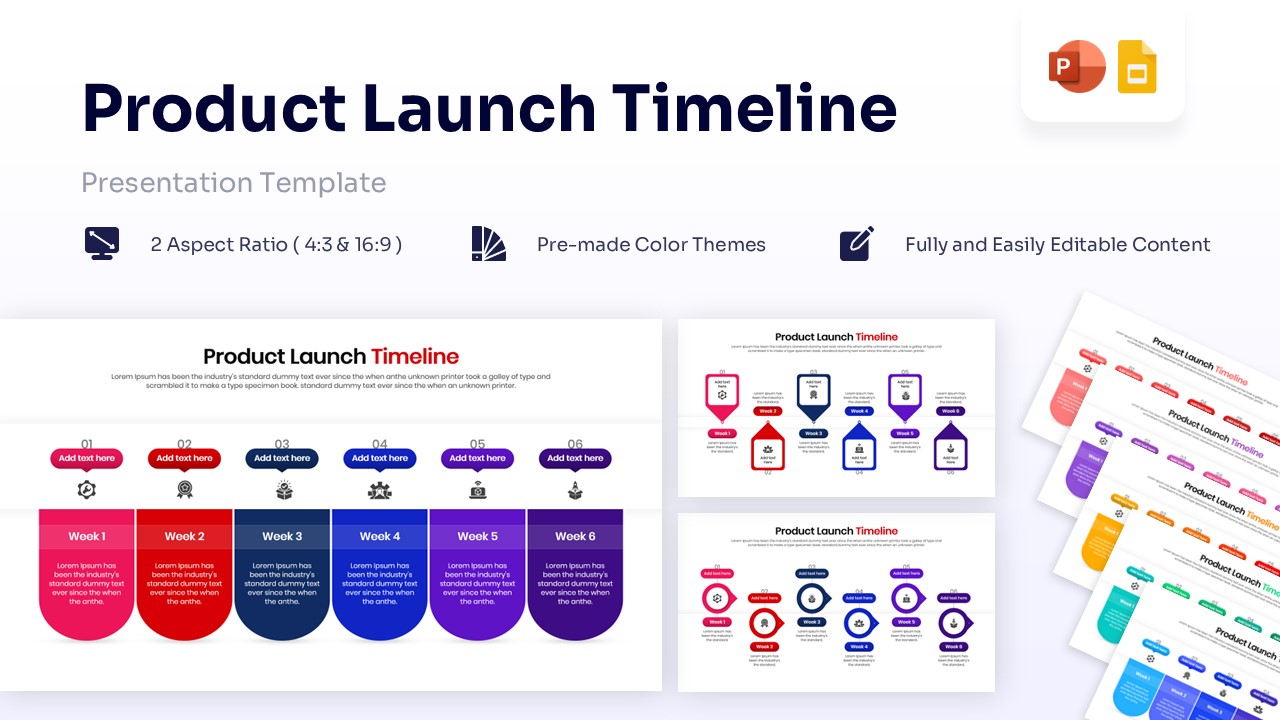
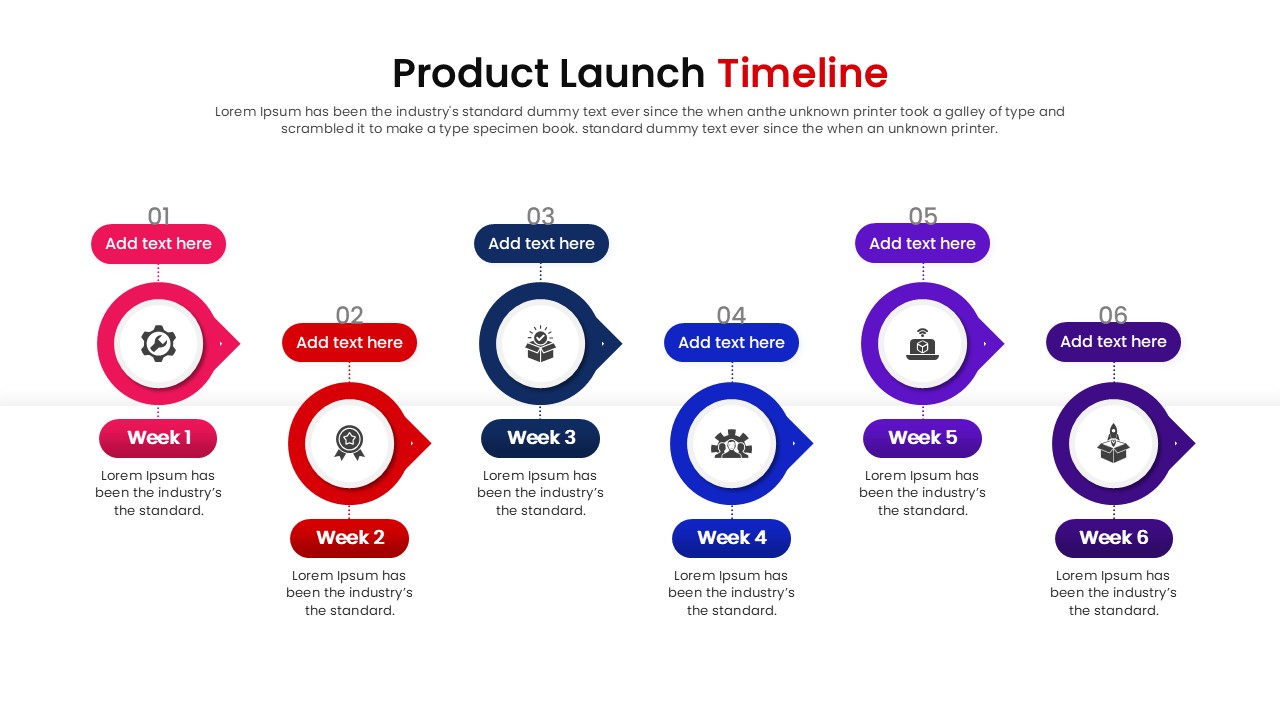
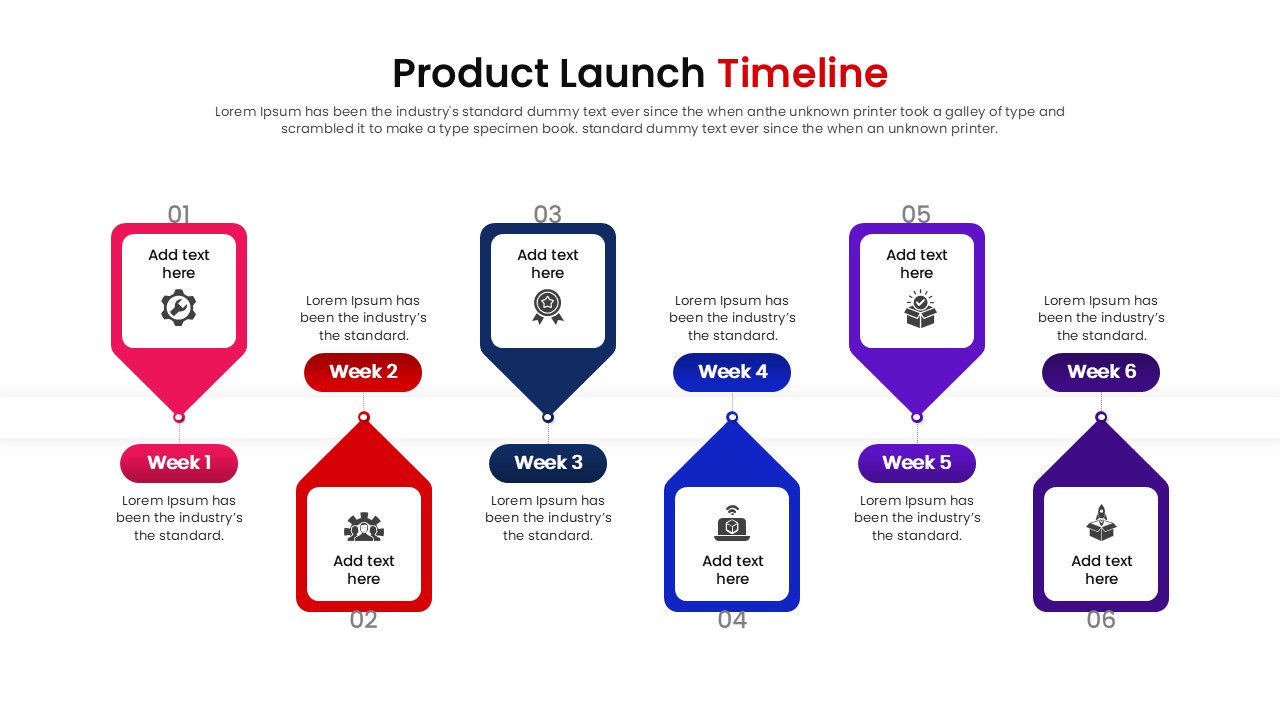
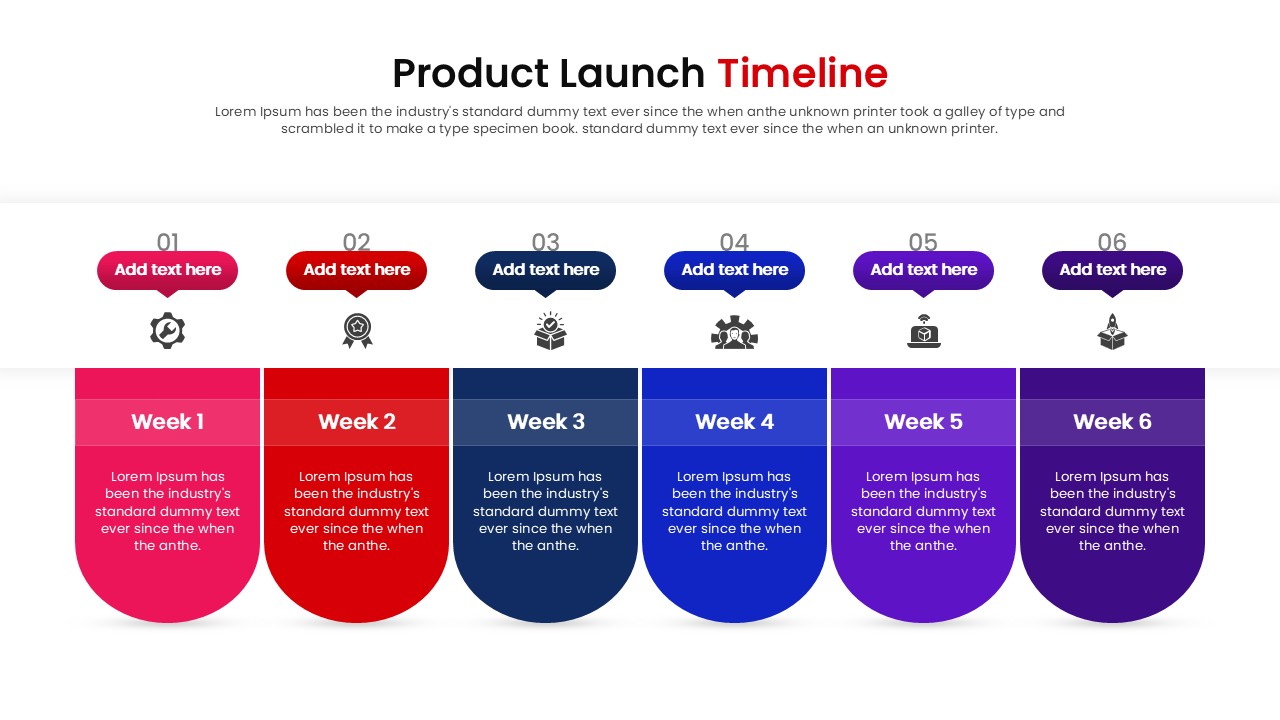
This template features a linear, six-step layout divided into weekly milestones (Week 1 to Week 6). Each phase is represented by a distinct color block—ranging from urgent red to steady blue—and includes a dedicated icon and text holder. You can easily update the “Week” labels to specific dates or phases and swap the icons to match your specific tasks, such as quality testing, marketing blasts, or shipping logistics.
Beyond standard product releases, this Product Launch Infographic Template is perfect for visualizing software rollouts, marketing campaign schedules, or even event planning countdowns. Whether you are presenting to investors to show your preparedness or briefing your internal team on upcoming deadlines, these infographic templates transforms complex schedules into an easy-to-follow narrative.
Why use this Product Launch Timeline Infographic
- Clarifies the sequence of events for the entire team to see.
- Highlights critical milestones and deadlines visually effectively.
- Reduces the time spent designing complex roadmap slides manually.
- Ensures a consistent, professional look for your strategy deck.
Who is it for this Product Launch Infographic
- Product Managers coordinating cross-functional teams.
- Marketing Directors planning campaign rollouts.
- Startup Founders presenting go-to-market strategies to investors.
- Project Managers tracking weekly progress.
Key Features
- 100% Vector-Based Graphics
- Fully Layered & Organized
- Multi-Platform Support
- Theme Color & Theme Font
Frequently Asked Questions
- Can I change the icons to match my specific industry?
- Yes, all icons are fully editable vectors. You can easily replace them with any other icons that better suit your product or industry.
- Is this template compatible with Keynote?
- While designed for PowerPoint and Google Slides, the elements are standard vectors and usually import well into Keynote, though some minor adjustments might be needed.
- Can I add more weeks to the timeline?
- Yes, the shapes are independent. You can resize or duplicate the groups to add a \"Week 7\" or remove steps to shorten the timeline.
Related Templates
-
-
-
 $2.99
$2.99 -