Professional Sprint Review Template for PowerPoint & Google Slides
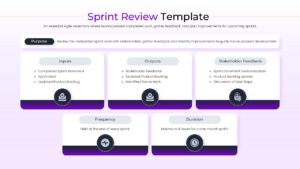
Agile Sprint Review Presentation Template
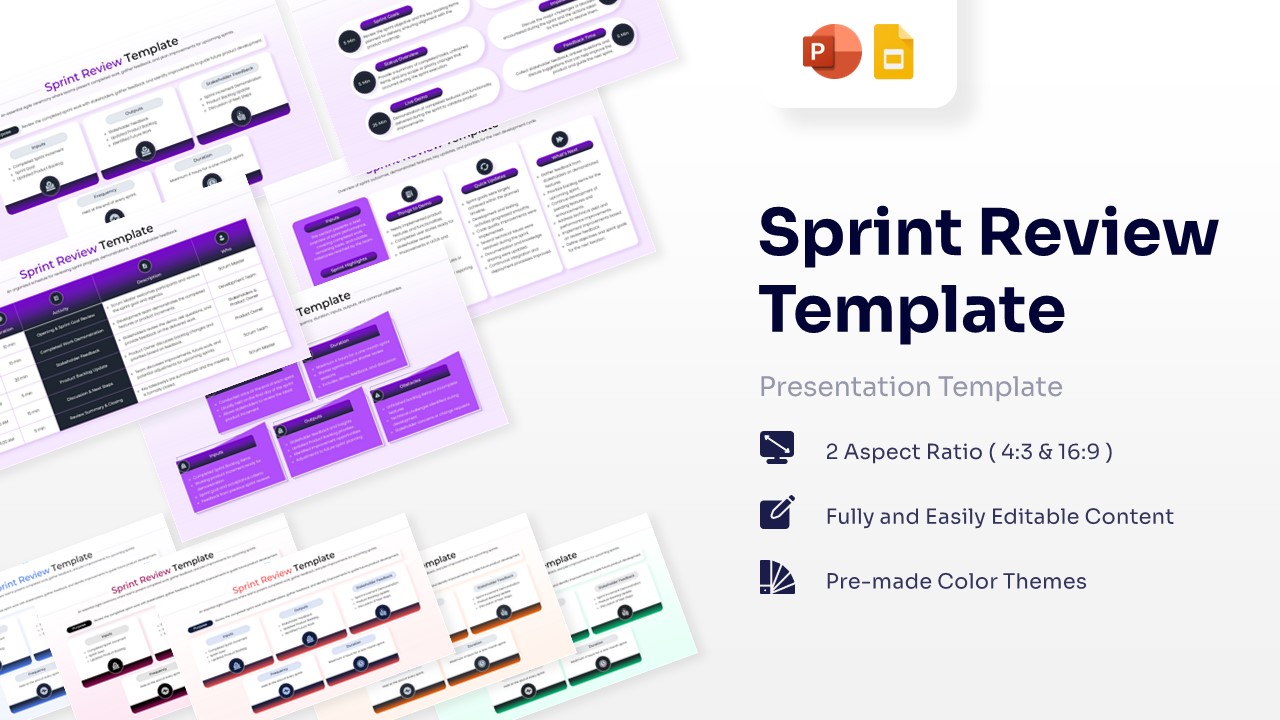
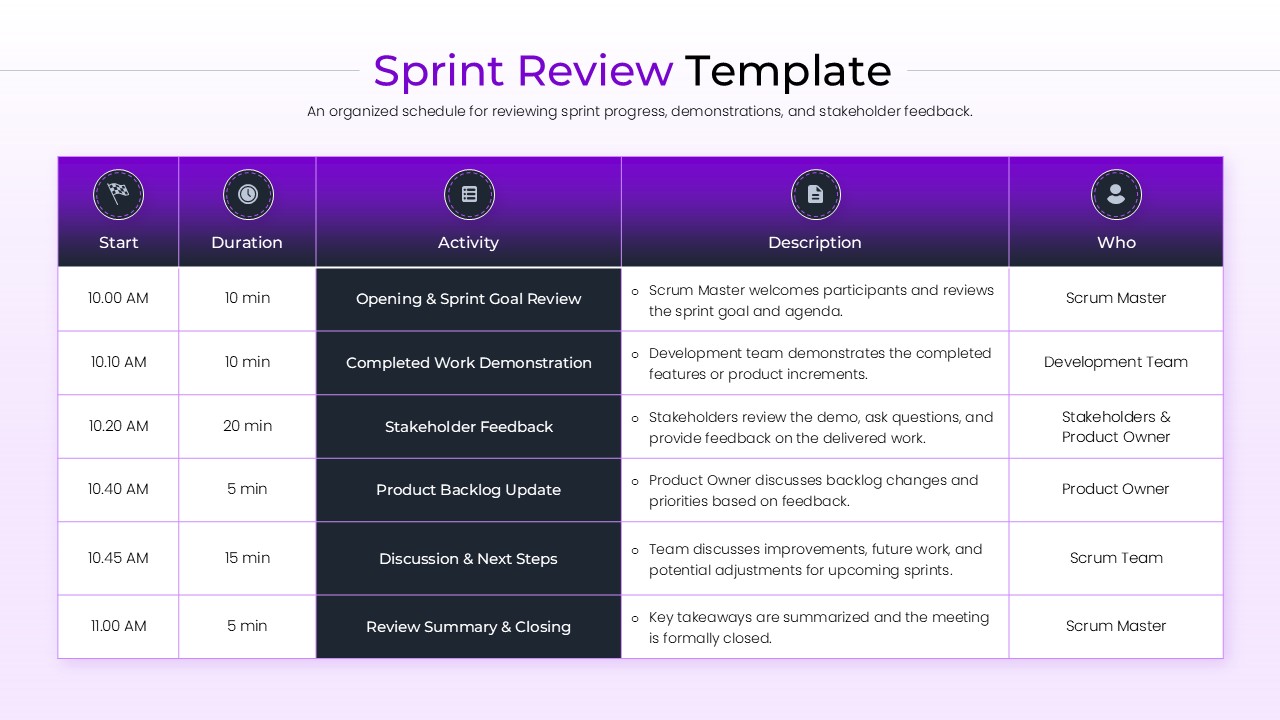
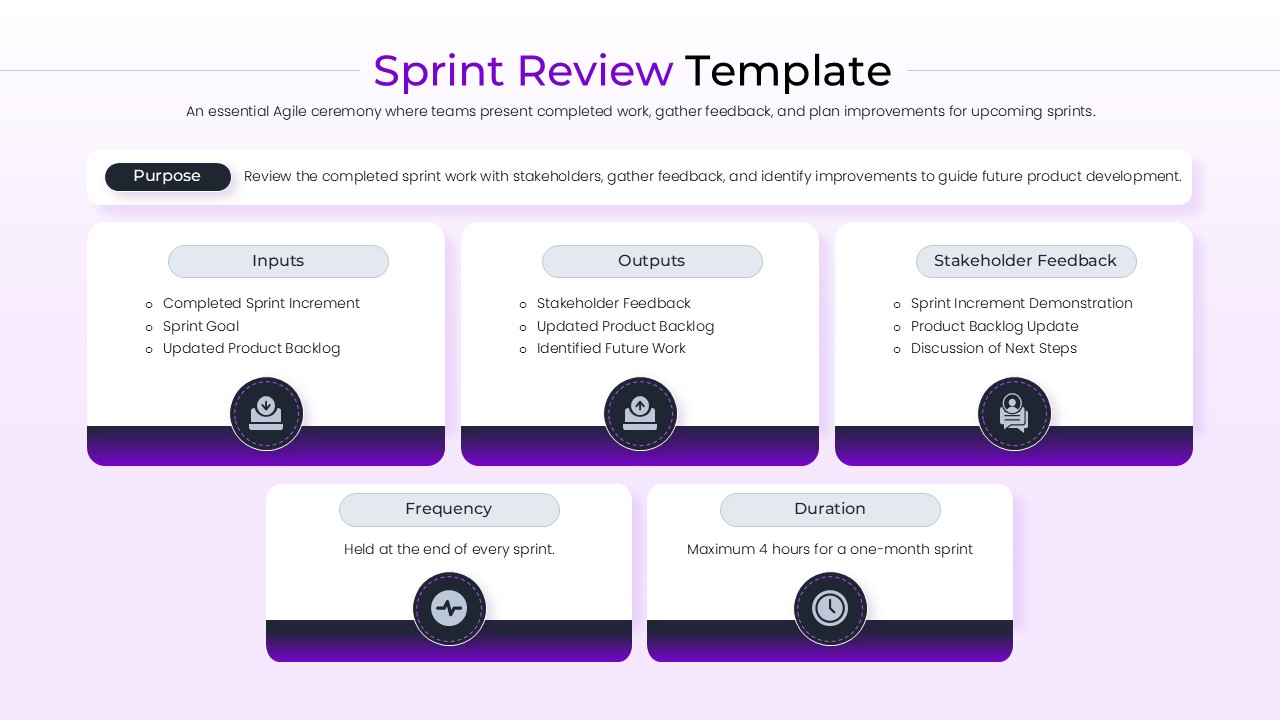
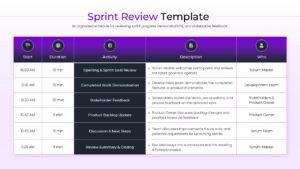
Download this Sprint Review Template to facilitate effective Agile ceremonies where teams present completed work, gather stakeholder feedback, and plan improvements for upcoming iterations. This comprehensive business infographic deck is designed to help Scrum Masters and Product Owners lead structured meetings that bridge the gap between development teams and business stakeholders. By using this template, you can ensure every participant understands the sprint goals, the value delivered in the recent increment, and the roadmap for the next development cycle.
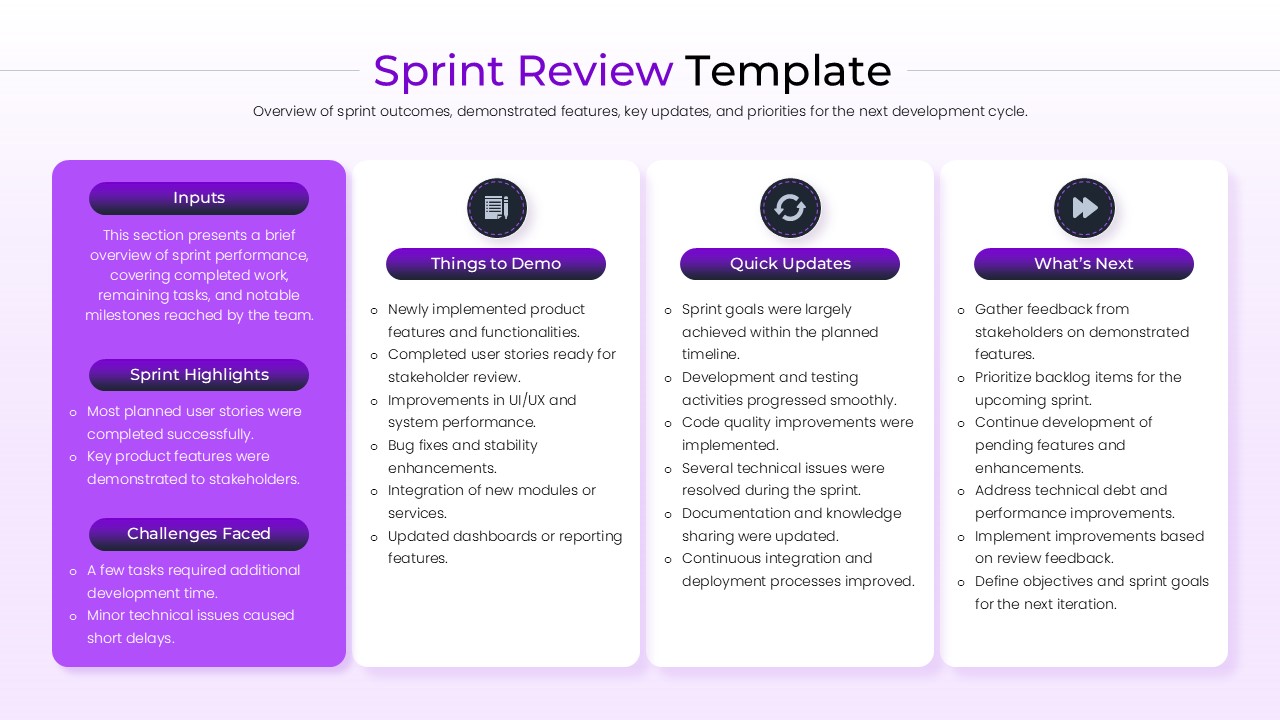
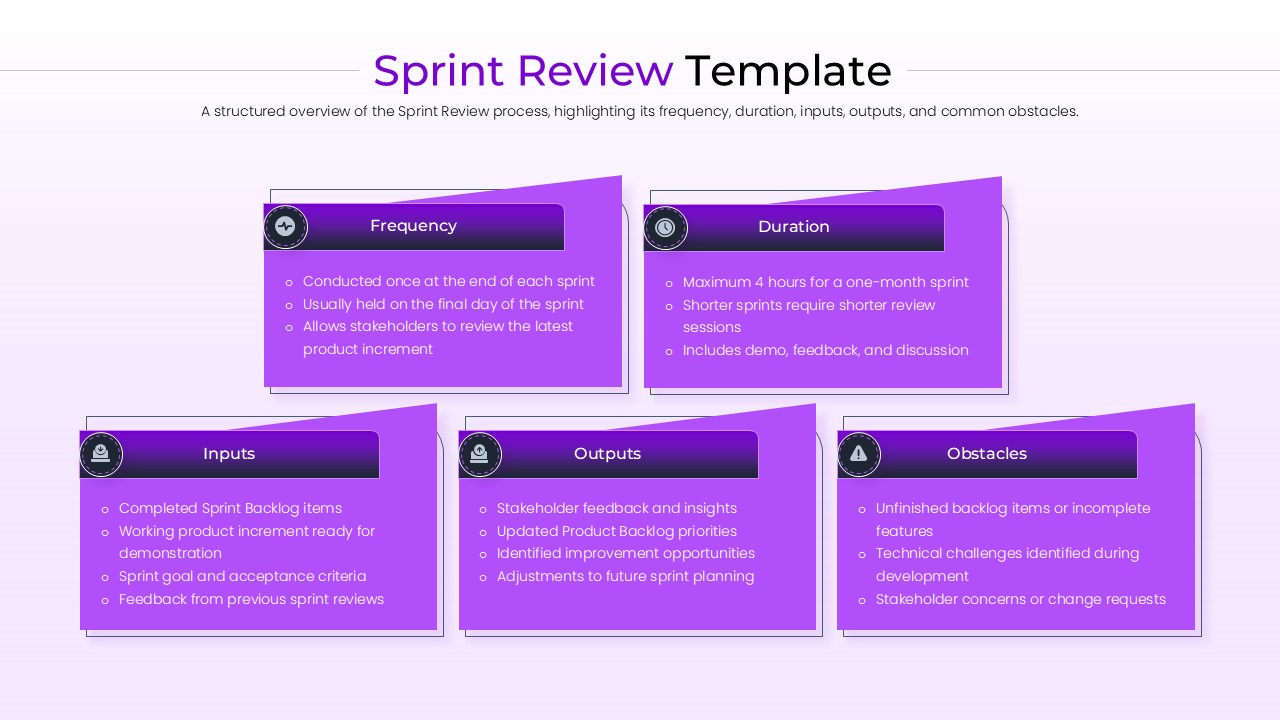
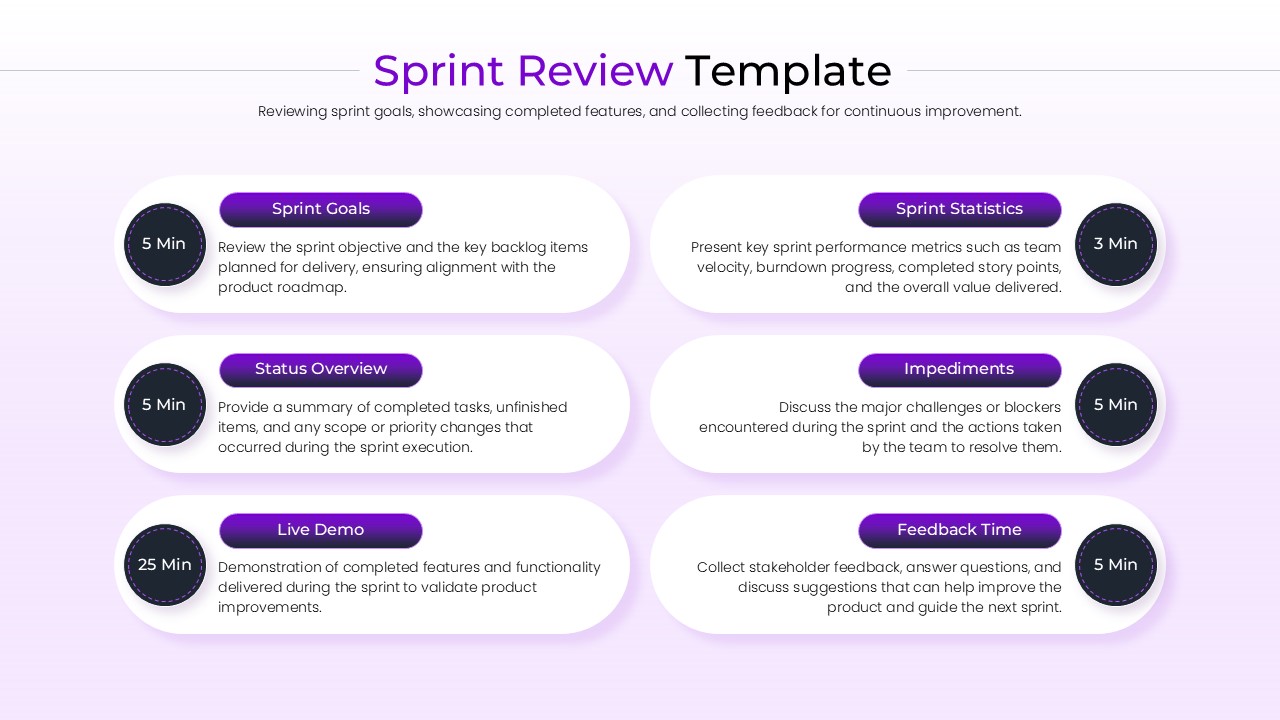
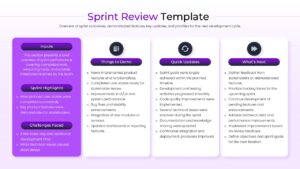
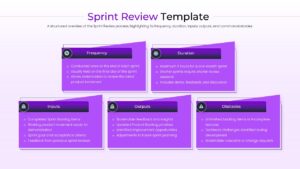
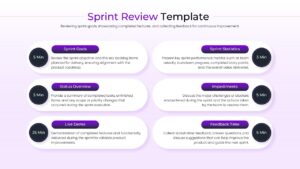
This sprint review template features a clean, professional aesthetic with a consistent purple and white color scheme that enhances readability during high-stakes reviews. It includes dedicated sections for Sprint Highlights, Challenges Faced, and Quick Updates, allowing you to provide a balanced view of the team’s progress. With a focus on clarity, the layout uses intuitive icons and organized text blocks to present complex data like Sprint Statistics and Impediments without overwhelming your audience.
These business review templates are ideal for various use cases within the software development lifecycle, including bi-weekly project updates, executive briefings, and cross-functional alignment sessions. Whether you are showcasing a Live Demo of new features or discussing Product Backlog Updates, the structured flow helps maintain focus on the “Definition of Done.” The versatile design also supports remote team collaboration, ensuring that even virtual participants can follow the sprint journey from start to finish.
Why Use this Sprint Review Meeting Template
- Accelerates the Agile Sprint Review process by providing a structured meeting agenda.
- Enhances transparency between the Scrum Team and business stakeholders.
- Provides clear visualization of Sprint Statistics and team velocity.
- Easily customizable to match your company’s branding and specific Sprint Goals.
Who Should Download this Sprint Review Infographic
- Agile Project Managers and Scrum Masters facilitating end-of-sprint ceremonies.
- Product Owners presenting the updated Product Backlog and vision.
- Development Teams conducting a Live Demo for clients or internal leadership.
- Consultants helping organizations transition to Agile Frameworks.
Key Features
- 100% Vector-Based Graphics
- Fully Layered & Organized
- Multi-Platform Support
- Theme Color & Theme Font
Frequently Asked Questions
- Can I change the purple color to my company\'s brand color?
- Yes, the template uses Theme Colors, allowing you to change the entire color scheme in just a few clicks.
- Is this template compatible with both 4:3 and 16:9 screens?
- Absolutely, the package includes both aspect ratios to ensure your presentation looks great on any display.
- Do I need advanced design skills to use this?
- Not at all. The slides are designed for ease of use, with simple placeholders where you can just click and type.
Related Templates
-
-
-
 $3.99
$3.99 -