
Resource Planning Template for PowerPoint & Google Slides
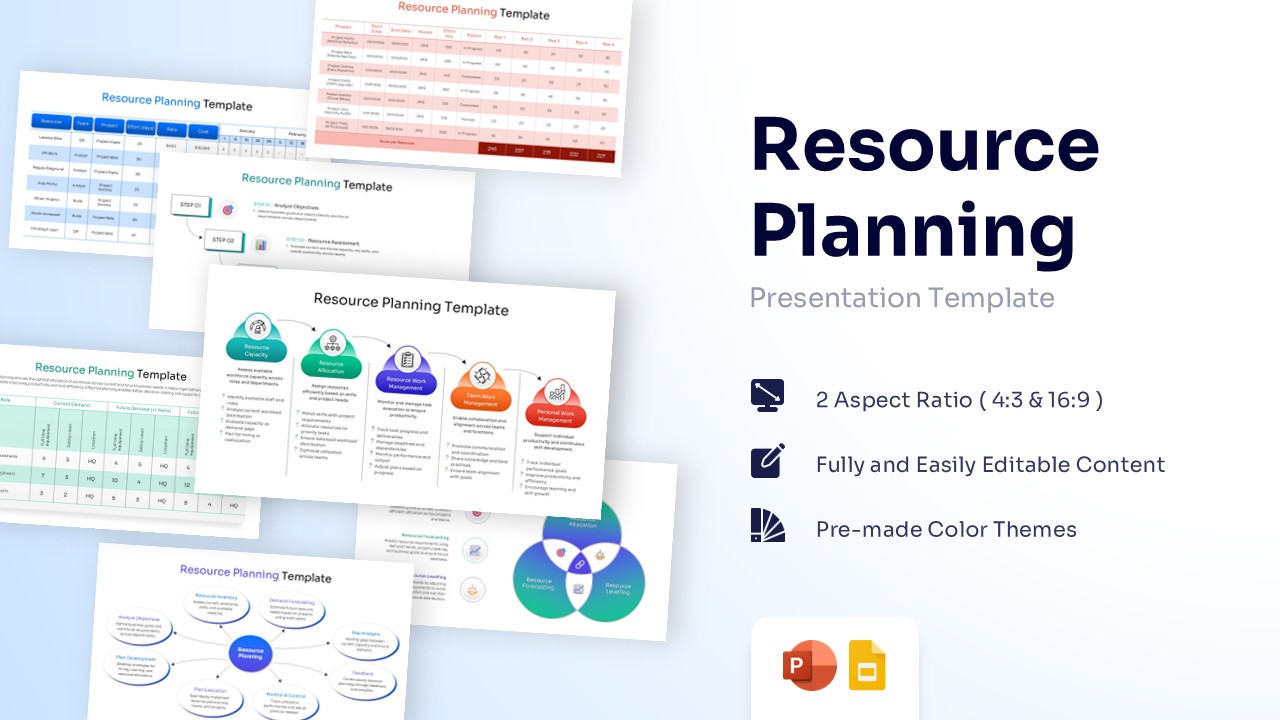
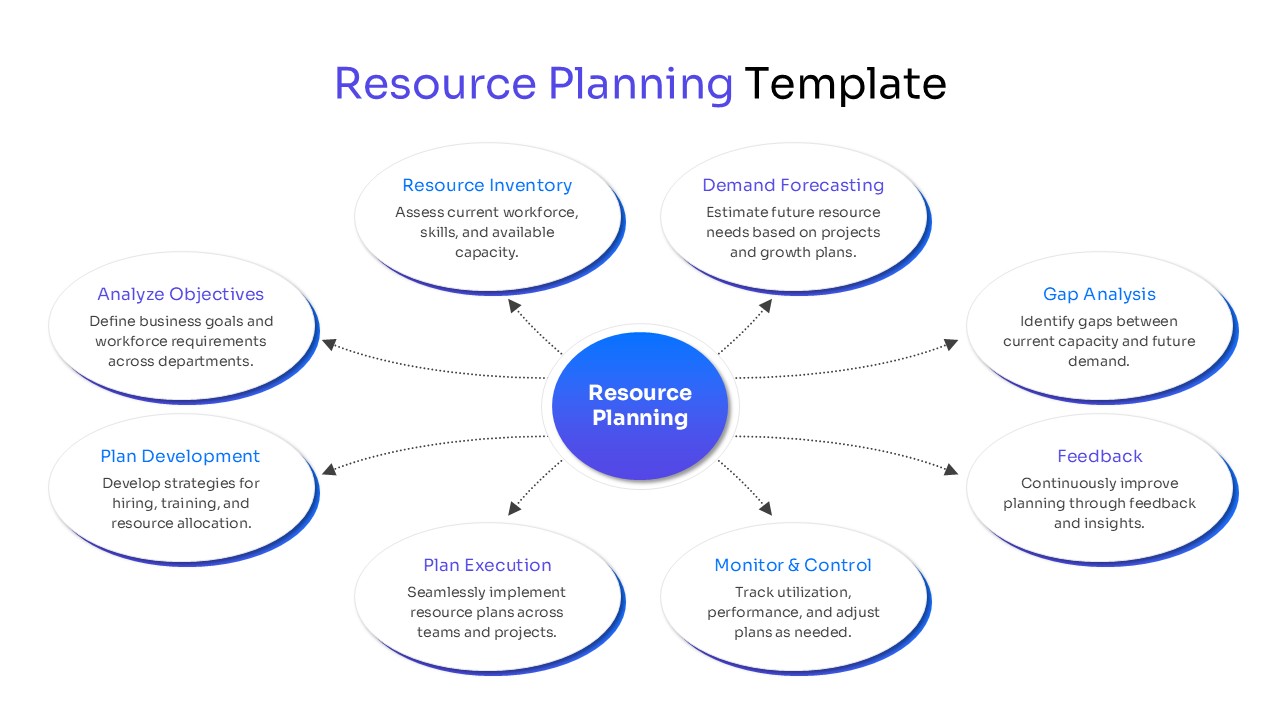
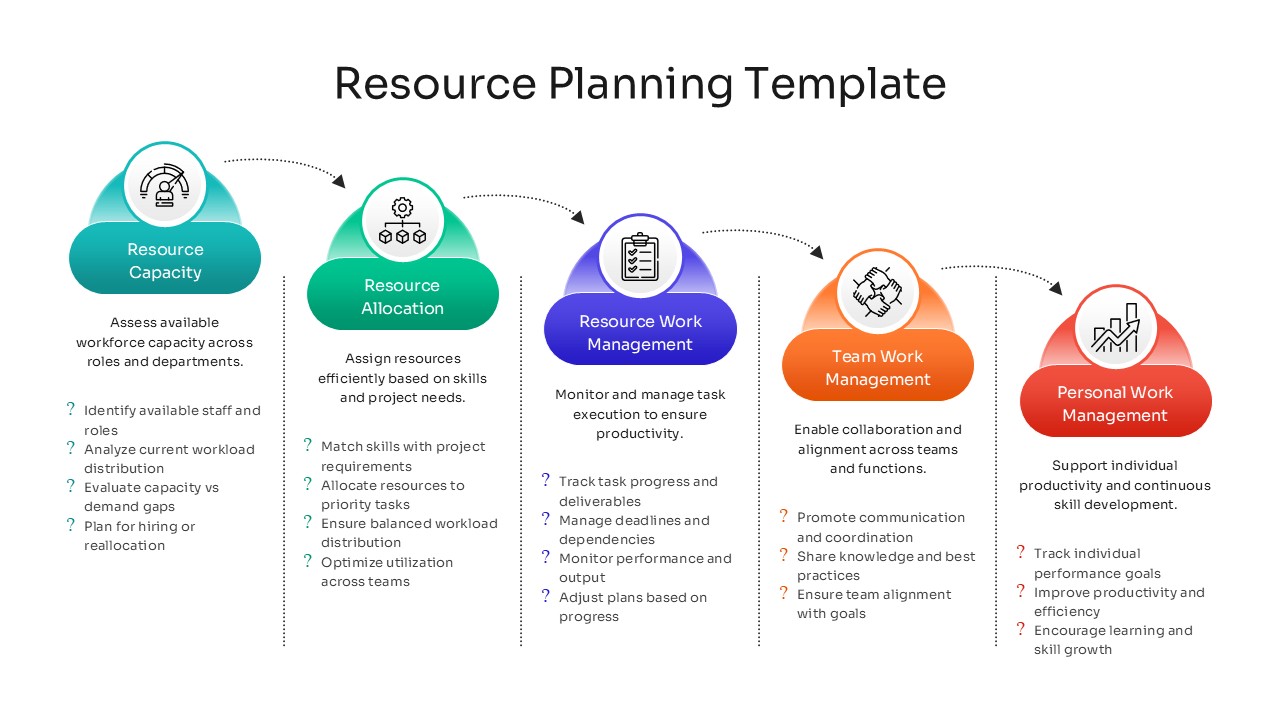
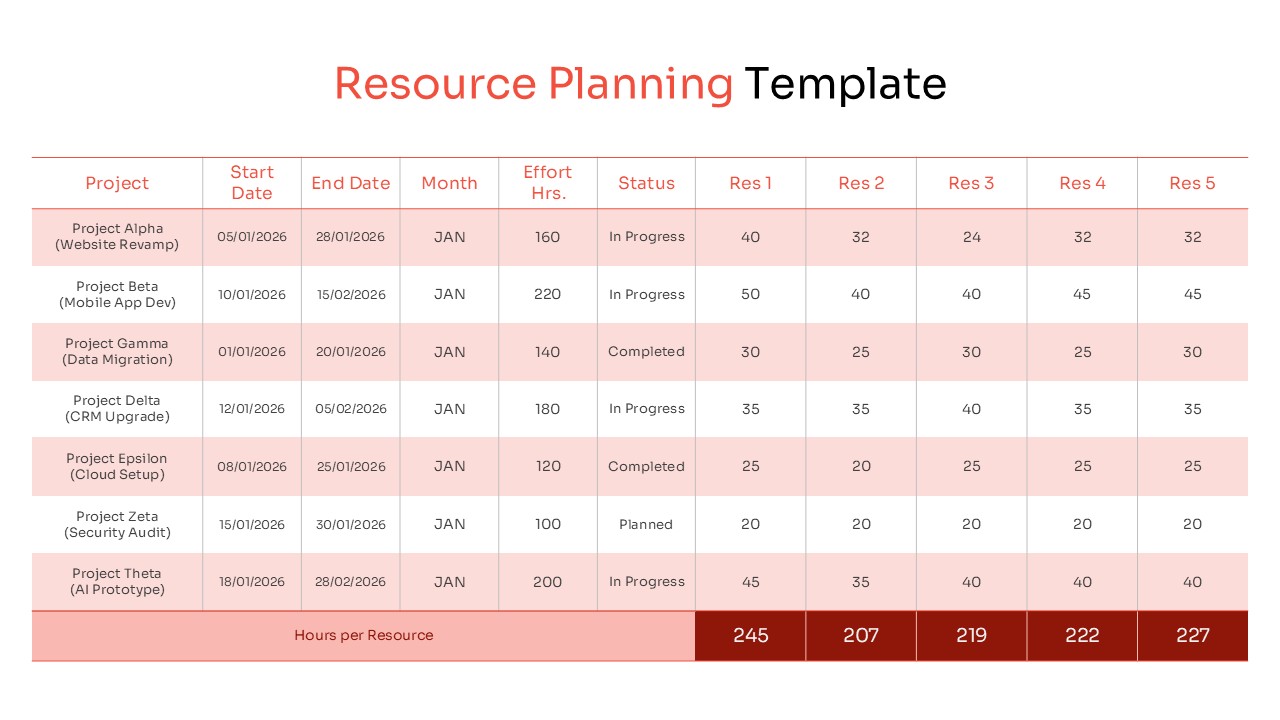
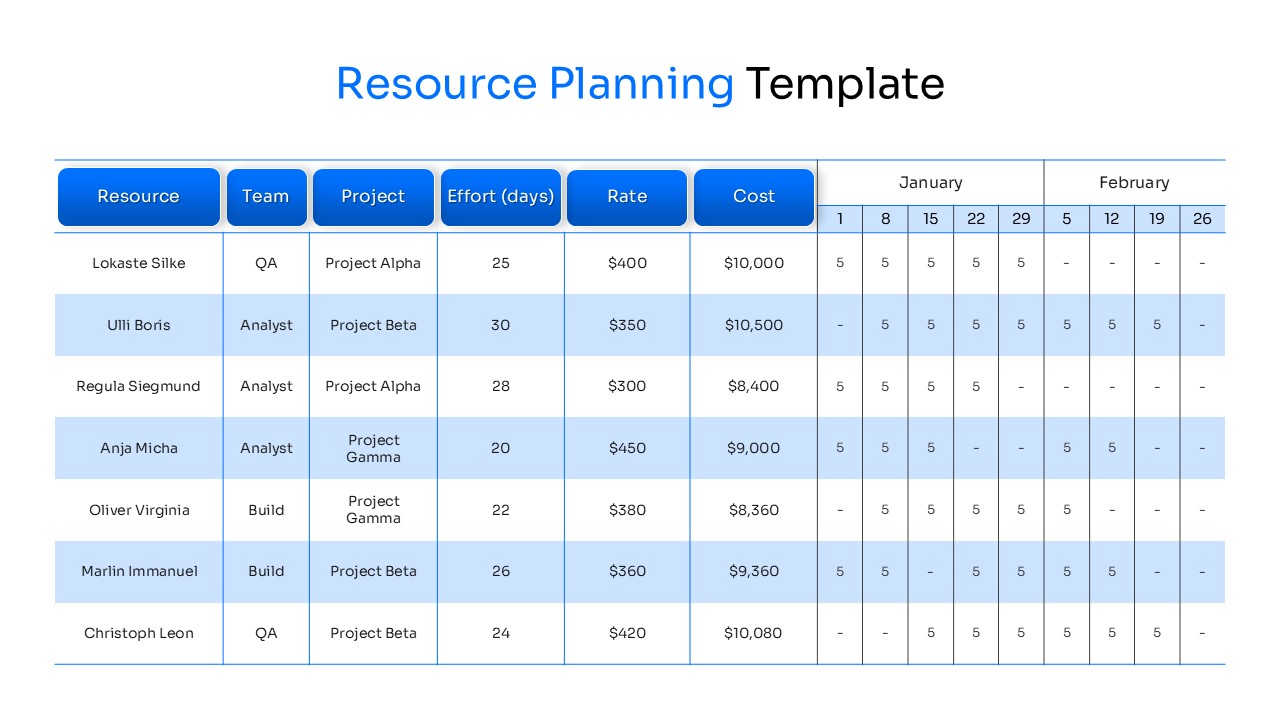
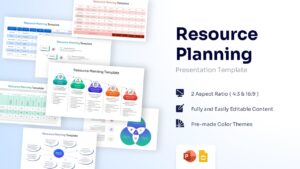
Comprehensive Workforce Management Slides
Download this Resource Planning Template and use for streamlining team productivity, managing project timelines, and ensuring efficient labor distribution. Effective organizational growth often requires strategic business planning frameworks to align departmental goals with available human capital and this resource planning presentation template simplifies the complex task of balancing demand and supply across multiple workstreams.
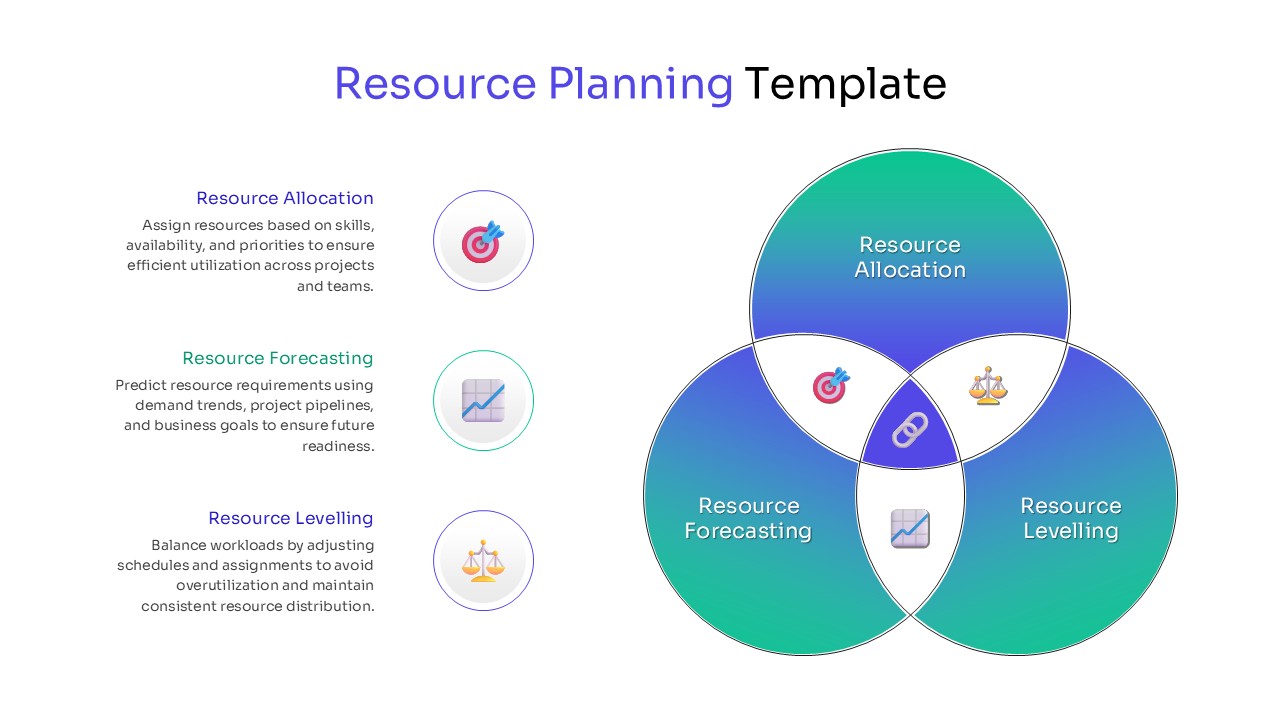
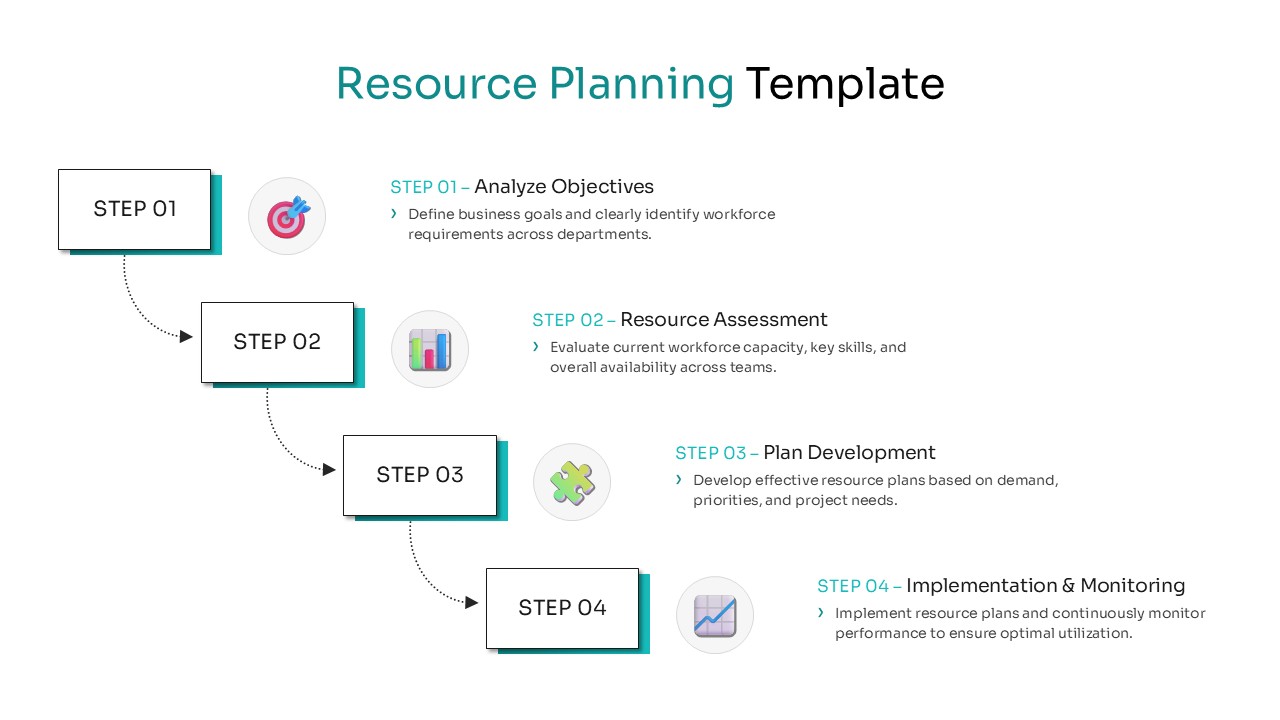
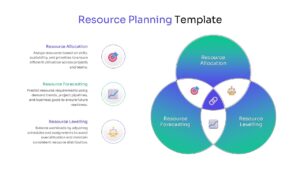
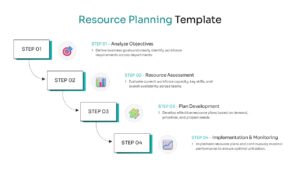
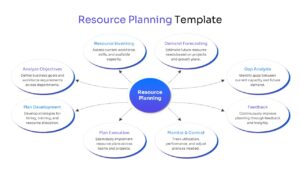
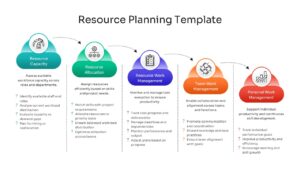
By using these process infographics , managers can visualize the entire resource management framework from a high-level overview down to specific individual assignments. Perfect for HR briefings, project kickoff meetings, and quarterly operational reviews where transparency in workload distribution is paramount. It helps identify potential bottlenecks before they impact your delivery schedule.
What are the Uses of this Resource Planning Infographic Template
- Provides a clear visual representation of team capacity to prevent employee burnout.
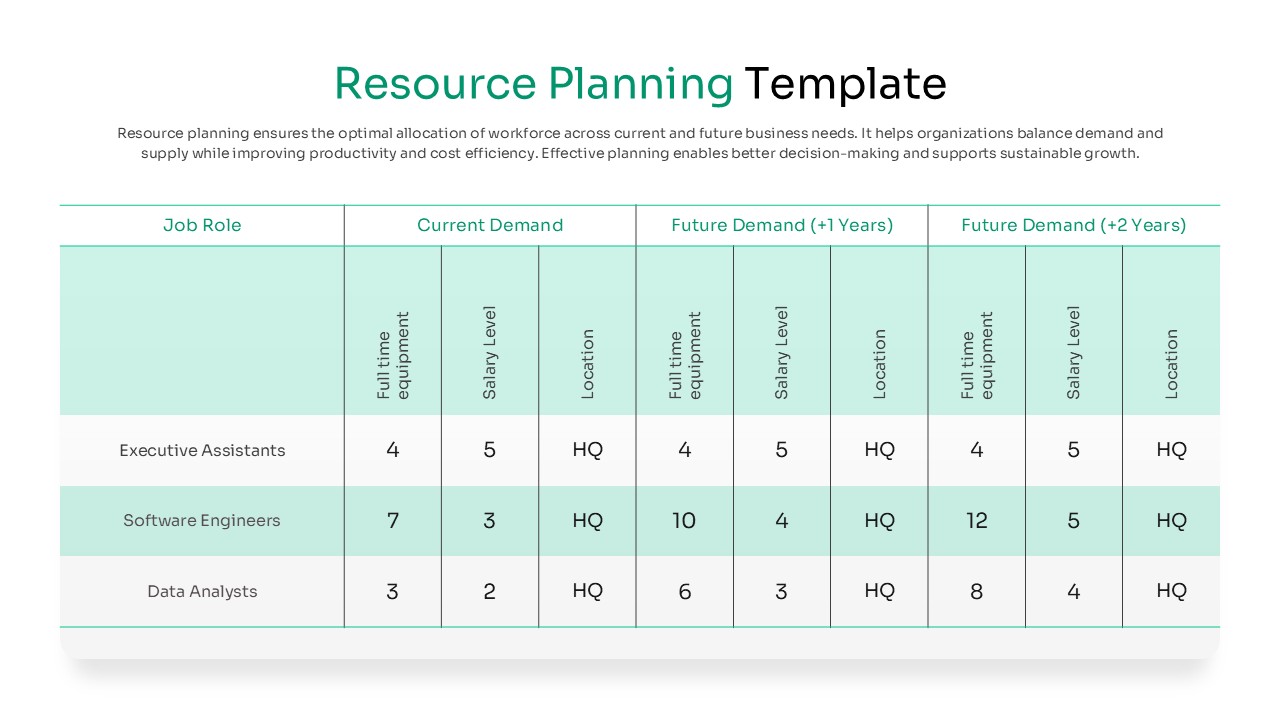
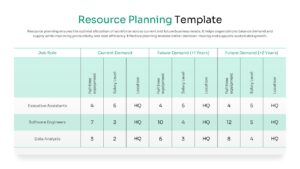
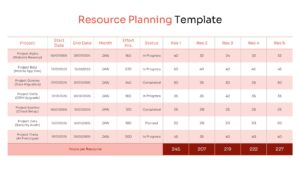
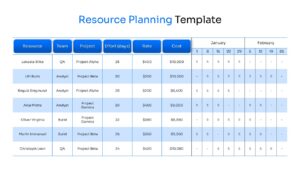
- Reduces preparation time with pre-designed tables for project effort tracking and cost analysis.
- Ensures professional consistency across departmental reports with a unified design language.
- Allows for high levels of customization to highlight specific demand forecasting and gap analysis.
Who Should Download this Resource Planning PowerPoint Template and Google Slides
- Project Managers and Operations Directors overseeing complex multi-team deliverables.
- HR Professionals and Recruiters planning future hiring needs based on growth trends.
- Department Heads needing to justify budget requests for additional headcount or equipment.
- Business Consultants helping clients optimize their internal operational workflows.
Key Features
- 100% Vector-Based Graphics
- Fully Layered & Organized
- Multi-Platform Support
- Theme Color & Theme Font
- Excel-compatible data tables for precise effort tracking
- Customizable flow diagrams for resource lifecycle management
Frequently Asked Questions
- Does this Resource Planning support both 4:3 and 16:9 aspect ratios?
- Yes, the layout is fully optimized for both standard and widescreen formats to ensure compatibility with any modern projector or monitor.
- Can I edit the Project Resource Allocation tables?
- Absolutely, all tables are fully editable, allowing you to add rows for new projects, change names, and update effort hours or costs directly.
- Are the icons in this workforce management slide deck customizable?
- Yes, every icon is a vector shape, meaning you can recolor, resize, or replace them without losing any image quality.
Related Templates
-
-
 $2.99
$2.99 -
-
 $3.99
$3.99