Retail Customer Journey Template for PowerPoint & Google Slides
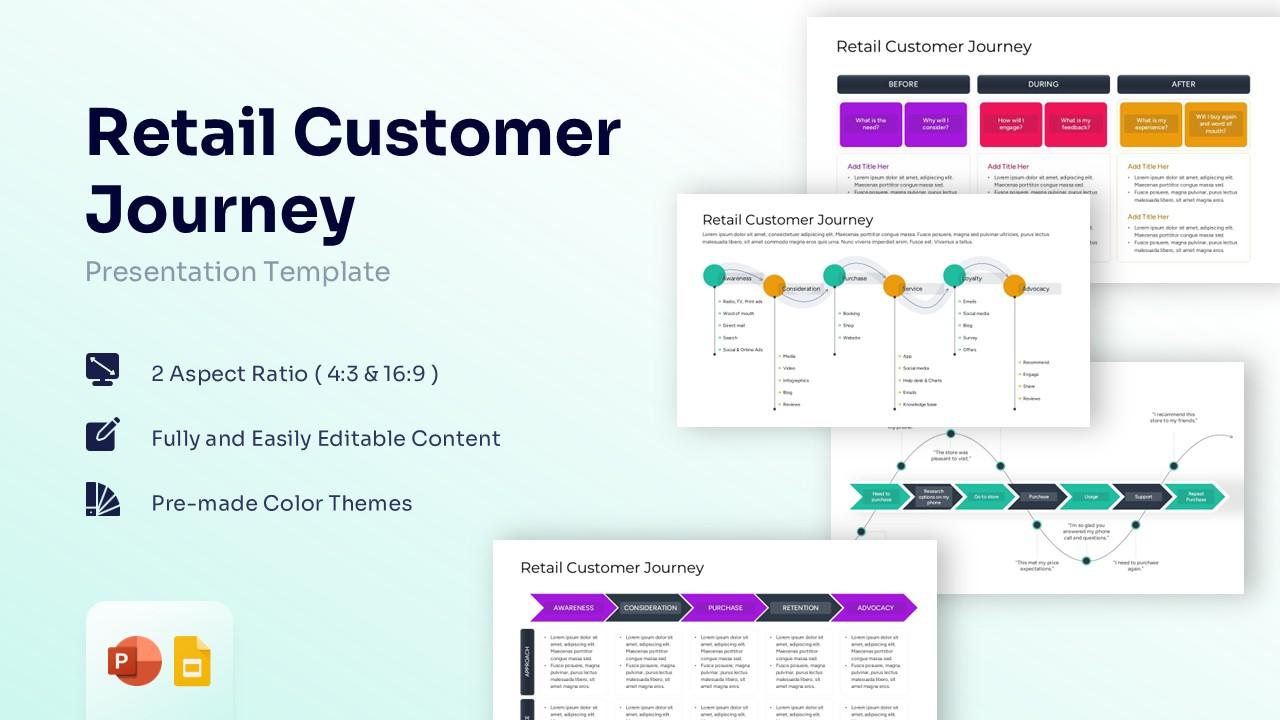
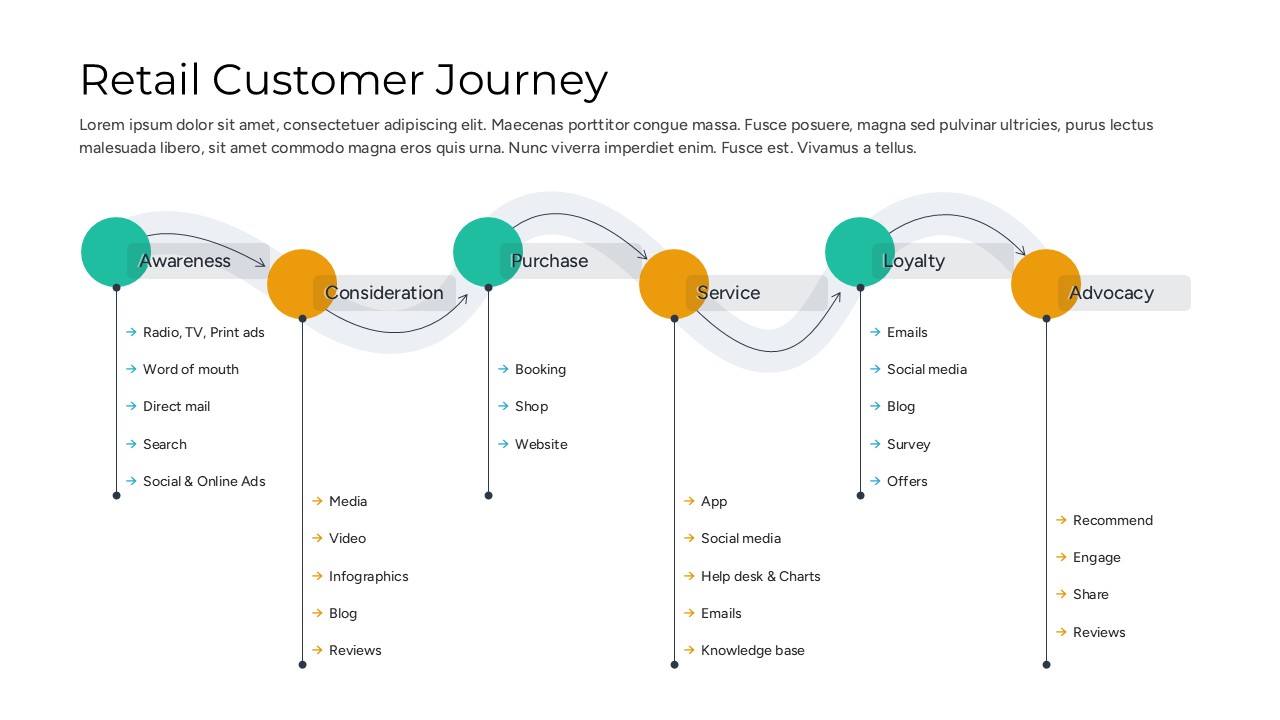
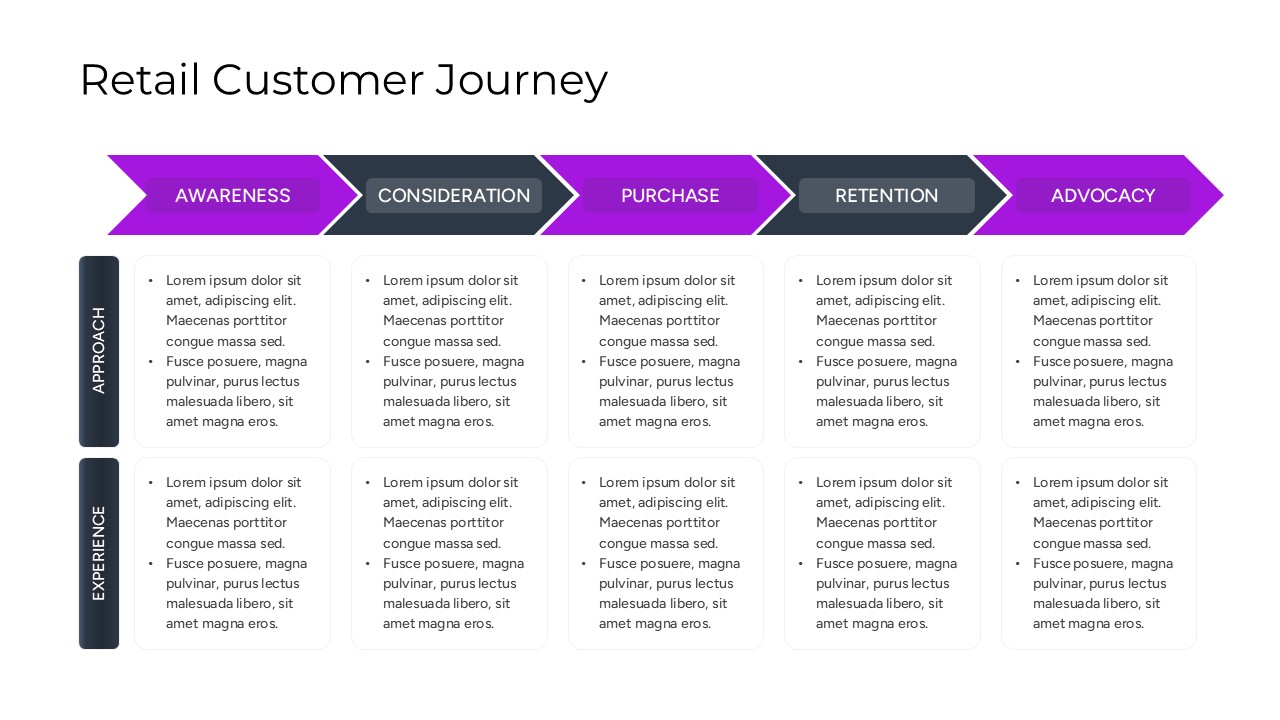
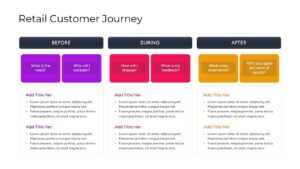
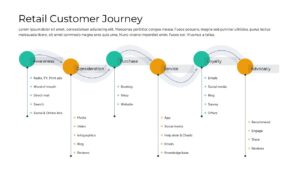
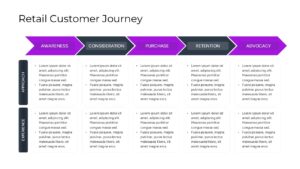
Customer Journey Presentation Template
Download this Retail Customer Journey Template and use case for mapping complex buyer behaviors, identifying friction points, and optimizing store layouts. To better understand how users move through your sales funnel, you can explore our extensive collection of process infographics for business presentations. This presentation tool allows retail managers to align their team’s strategy with actual customer needs at every stage of the brand interaction.
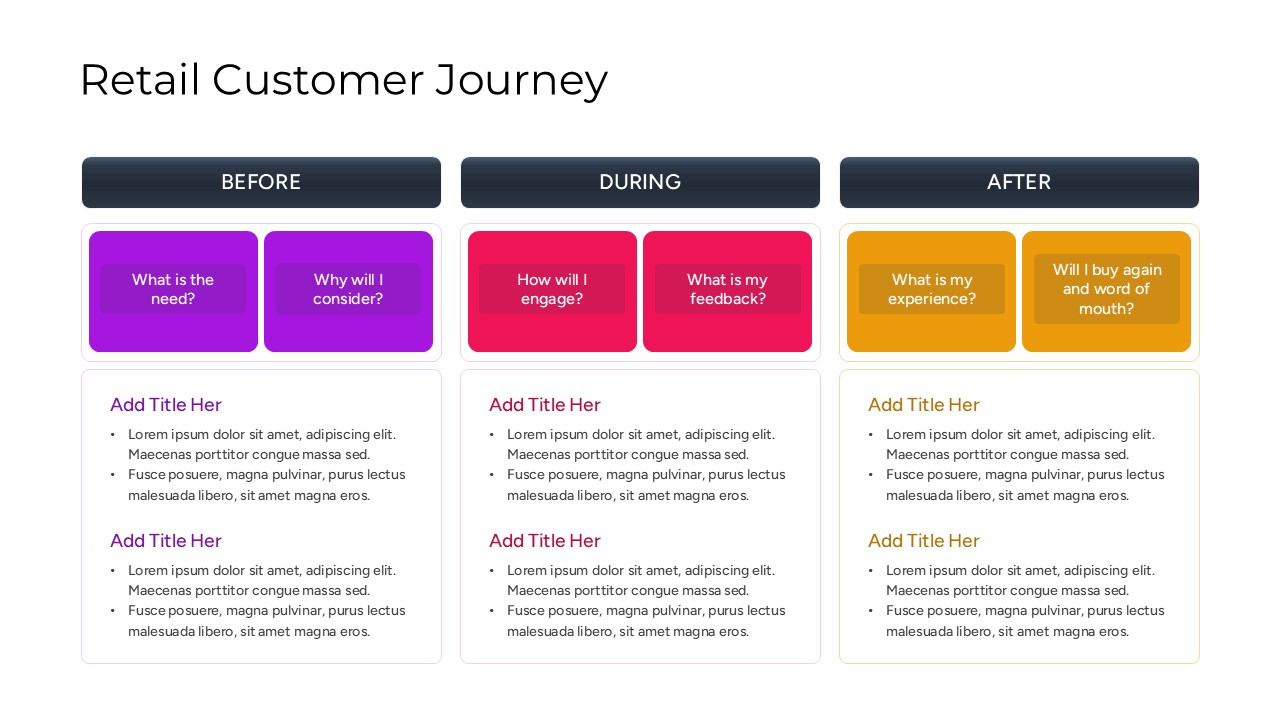
Visualizing the transition from digital discovery to physical store visits is essential for modern brand managers and marketing teams. This customer journey map template provides a structured way to document “Before, During, and After” phases of the shopping experience, ensuring no interaction goes unanalyzed. By using these infographic slides, you can pinpoint exactly where customers drop off or where loyalty is strongest, making it a vital asset for quarterly business reviews and strategy workshops.
The entire visual framework is built with flexibility in mind, allowing you to modify colors, text, and icons to fit your specific brand identity. Every element is a high-quality vector graphic, ensuring that your editable marketing strategy diagrams remain sharp and professional on any screen size. This slide deck is designed for ease of use, enabling even non-designers to create sophisticated journey maps that communicate value to stakeholders and executive leadership.
Why Use these Retail Customer Journey Map – Customer Touchpoint Mapping
- Provides a clear visual roadmap of the buyer’s lifecycle to improve team alignment.
- Saves hours of design time with pre-built layouts for awareness, consideration, and advocacy.
- High-quality vector elements ensure professional aesthetics for high-stakes meetings.
- Fully customizable nodes allow you to highlight specific pain points or “wow” moments.
Who Should Download this Retail Marketing Framework – Consumer Path to Purchase
- Retail Store Managers and Operations Directors looking to improve in-store flow.
- E-commerce Strategists analyzing the bridge between online search and offline buying.
- Marketing Agencies creating pitch decks for retail and consumer goods clients.
- CX (Customer Experience) Professionals dedicated to journey optimization.
Key Features
- 100% Vector-Based Graphics
- Fully Layered & Organized
- Multi-Platform Support
- Theme Color & Theme Font
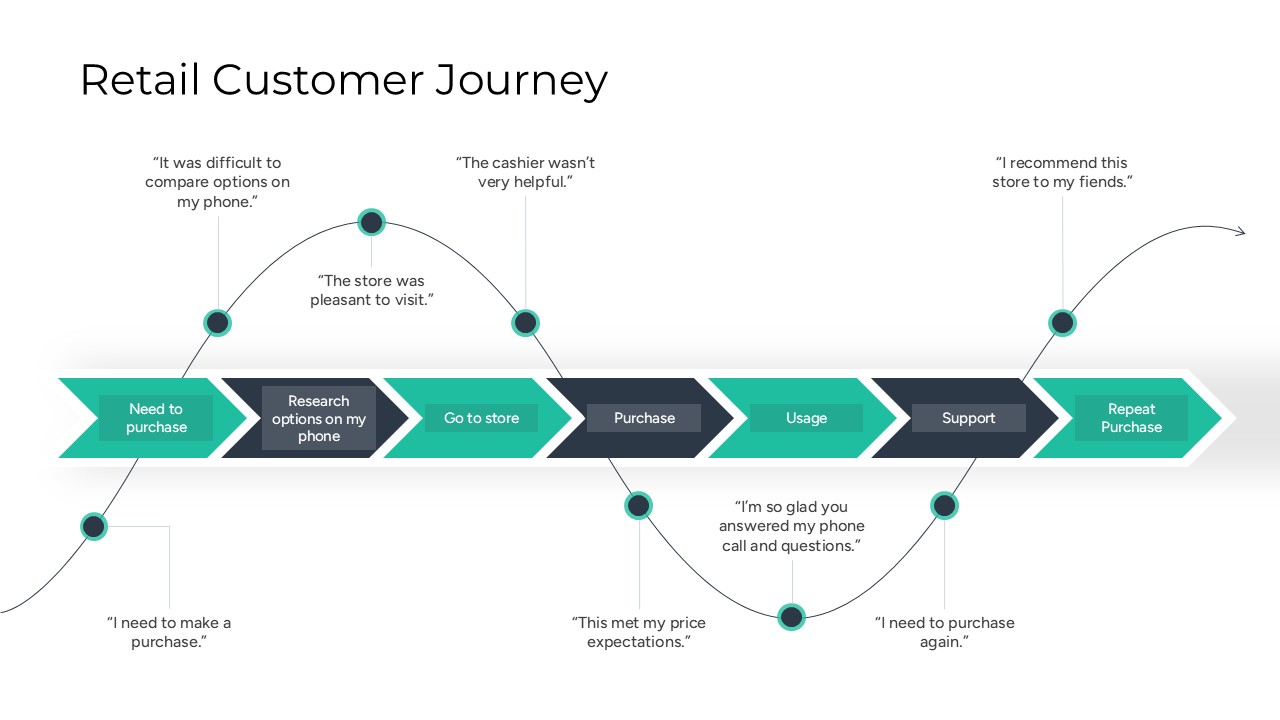
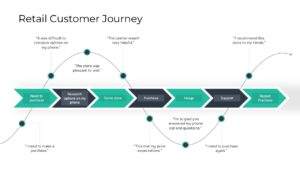
- Customizable Emotional Curve Graphics
- Pre-formatted Touchpoint Icons
Frequently Asked Questions
- Can I edit the text in the customer touchpoint mapping slides?
- Yes, every text box is fully editable, allowing you to replace the placeholder \"Lorem Ipsum\" with your specific retail data and customer feedback.
- Is this retail marketing framework compatible with Google Slides?
- Absolutely, the file is optimized for seamless performance on both Microsoft PowerPoint and Google Slides without losing any formatting.
- How do I change the colors of the consumer path to purchase icons?
- Since all elements are 100% vector-based, you can simply click on any icon or shape and use the \"Shape Fill\" tool to match your corporate branding.
Related Templates
-
-

Career Journey Template for PowerPoint & Google Slides
Free Templates
Free -
-