Traffic Light Start Stop Continue Retrospective for PowerPoint & Google Slides
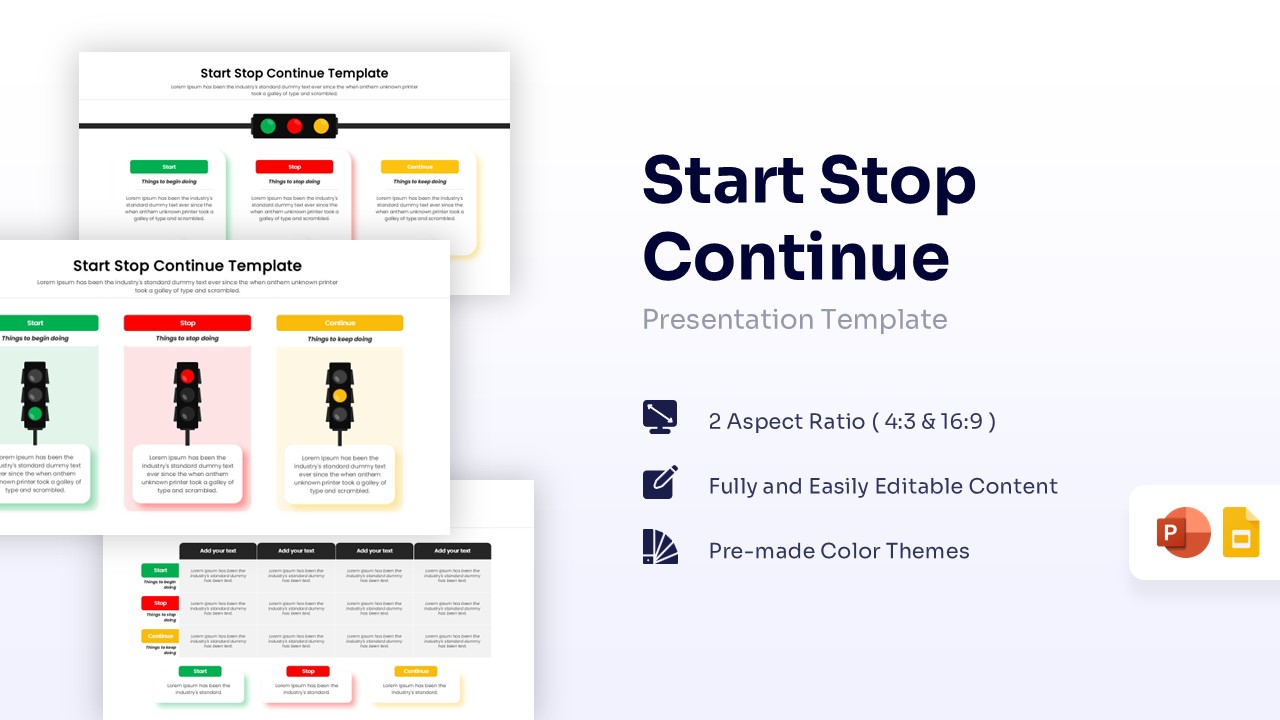
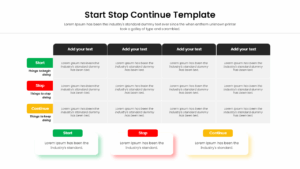
Stoplight Feedback Review Process for PowerPoint & Google Slides
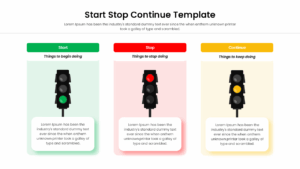
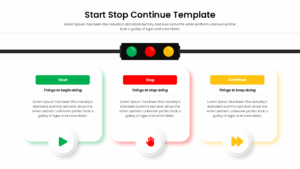
Download this Start Stop Continue Retrospective for PowerPoint & Google Slides to streamline your team’s feedback sessions and project reviews. This PowerPoint Diagram helps you identify what’s working, what needs to change, and what should be abandoned, making it perfect for agile sprint retrospectives or quarterly business reviews. By using the familiar green, yellow, and red traffic light system, you can present complex performance data in a way that is instantly recognizable and easy to understand for everyone in the room.
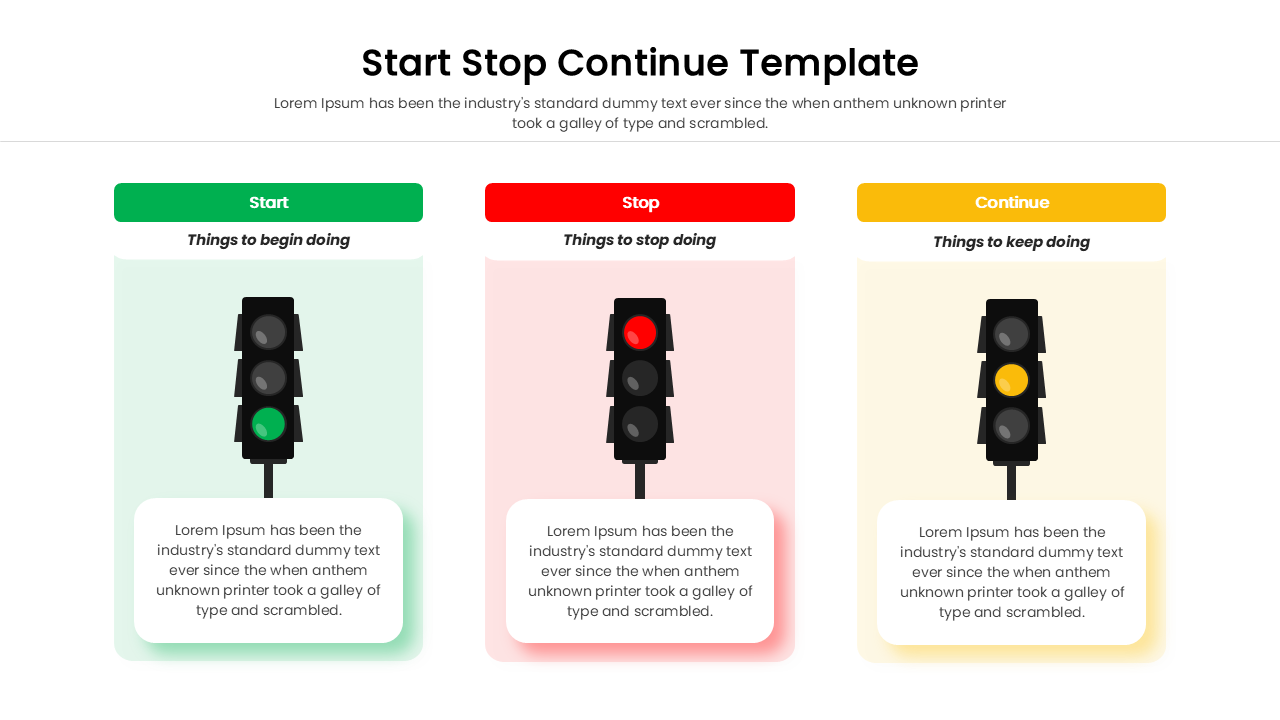
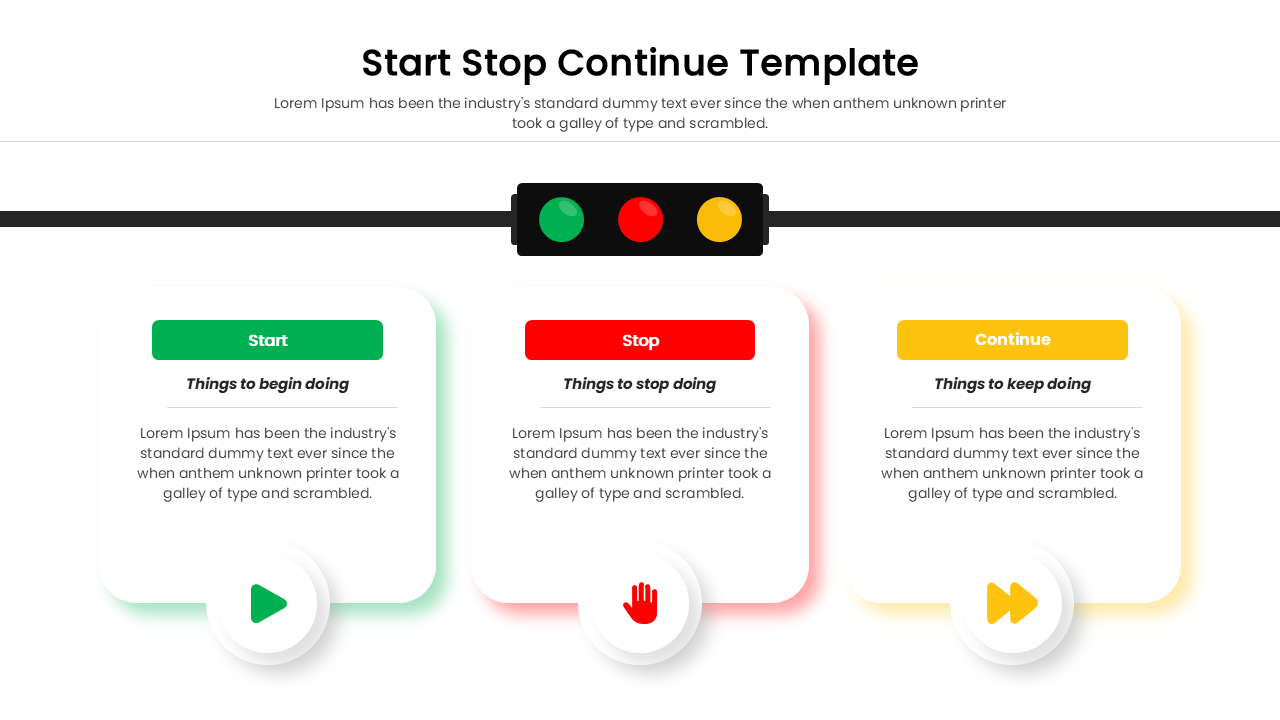
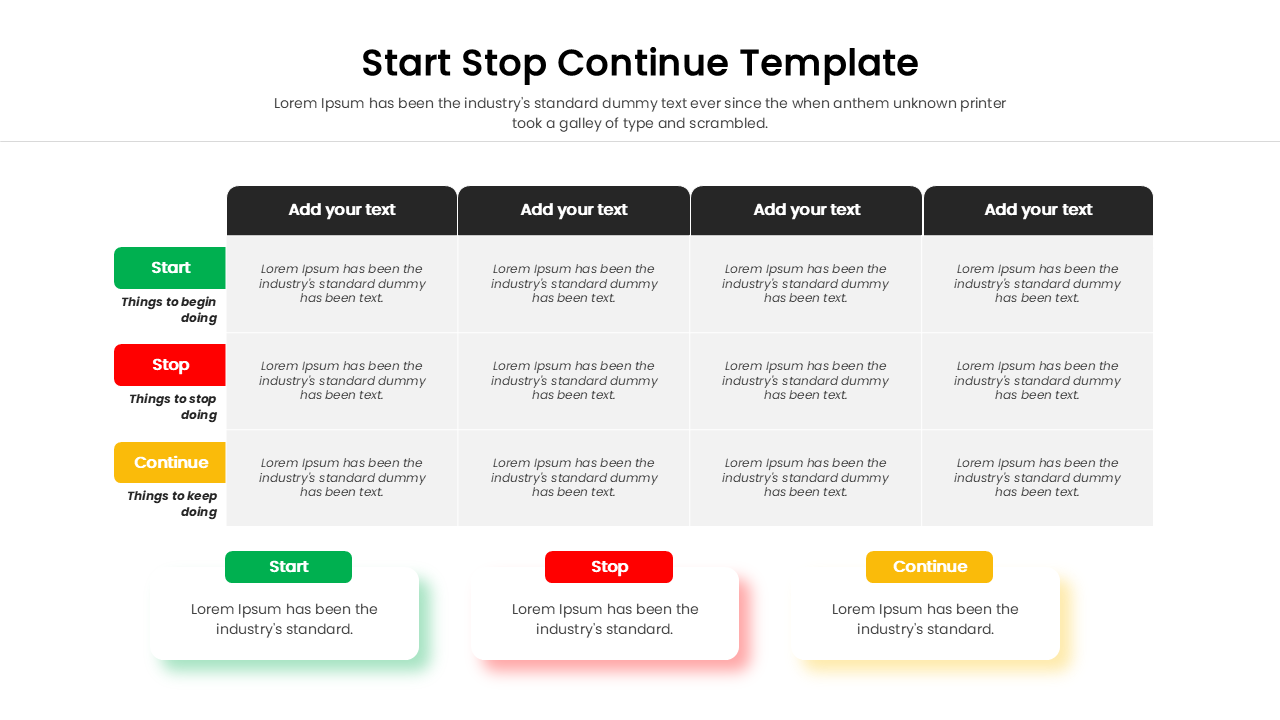
This professional stoplight feedback model features several distinct layouts, including detailed matrix grids and bold infographic cards. Each slide is designed with high-quality vector graphics, ensuring that your presentation looks crisp on any screen size. Whether you need a simple three-column layout or a comprehensive table for deep-dive analysis, this deck provides the flexibility to customize colors, fonts, and icons to match your corporate branding perfectly.
You can use these traffic light start stop continue infographics for various professional settings, such as post-project evaluations, employee performance reviews, or strategic planning workshops. It’s an excellent choice for facilitating open dialogue during team meetings, allowing members to contribute ideas on starting new initiatives, halting inefficient practices, and continuing successful workflows. The visual clarity of the traffic light signals helps keep the conversation focused and productive, ensuring that the most important action items are captured clearly.
Why use this Start Stop Continue Retrospective
- Simplifies complex feedback into three actionable categories: start, stop, and continue.
- Uses universally understood traffic light signals to communicate project status and urgency.
- Saves hours of design time with pre-built layouts that are ready for your content.
- Enhances audience engagement by providing a clean, organized, and professional visual structure.
Who is it for in Process Improvement Template
- Project managers and scrum masters conducting agile retrospectives or team debriefs.
- HR professionals and team leads managing performance reviews and feedback cycles.
- Business consultants and strategists looking to improve organizational workflows and processes.
- Department heads needing a clear way to present quarterly goals and operational changes.
Key Features
- 100% Vector-Based Graphics
- Fully Layered & Organized
- Multi-Platform Support
- Theme Color & Theme Font
Frequently Asked Questions
- What is a Start Stop Continue retrospective?
- It is a simple framework used by teams to reflect on recent work by identifying new activities to begin, inefficient ones to end, and successful ones to keep.
- Can I change the colors of the traffic lights?
- Yes, all elements are 100% vector-based, allowing you to easily adjust colors and shapes to fit your specific presentation theme.
- Is this template compatible with Google Slides?
- Absolutely, the file is fully optimized for seamless performance in both Microsoft PowerPoint and Google Slides.
- When is the best time to use a feedback loop slide?
- Use it at the end of a project phase, during monthly team meetings, or during annual performance appraisals to foster continuous improvement.
Related Templates
-
-
-
 $3.99
$3.99 -