Types of Strategic Alliance Template for PowerPoint & Google Slides
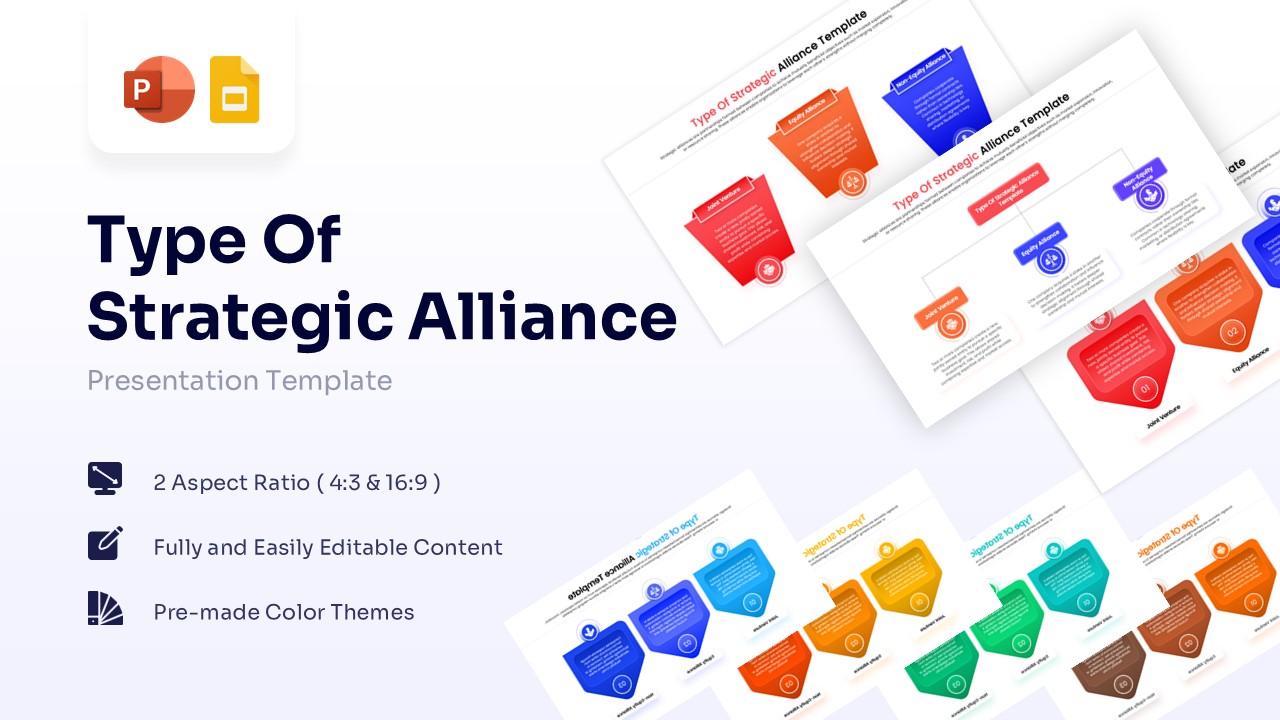
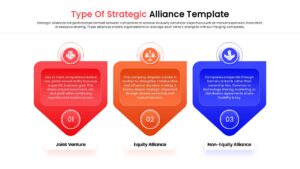
Corporate Partnership Models Presentation Template
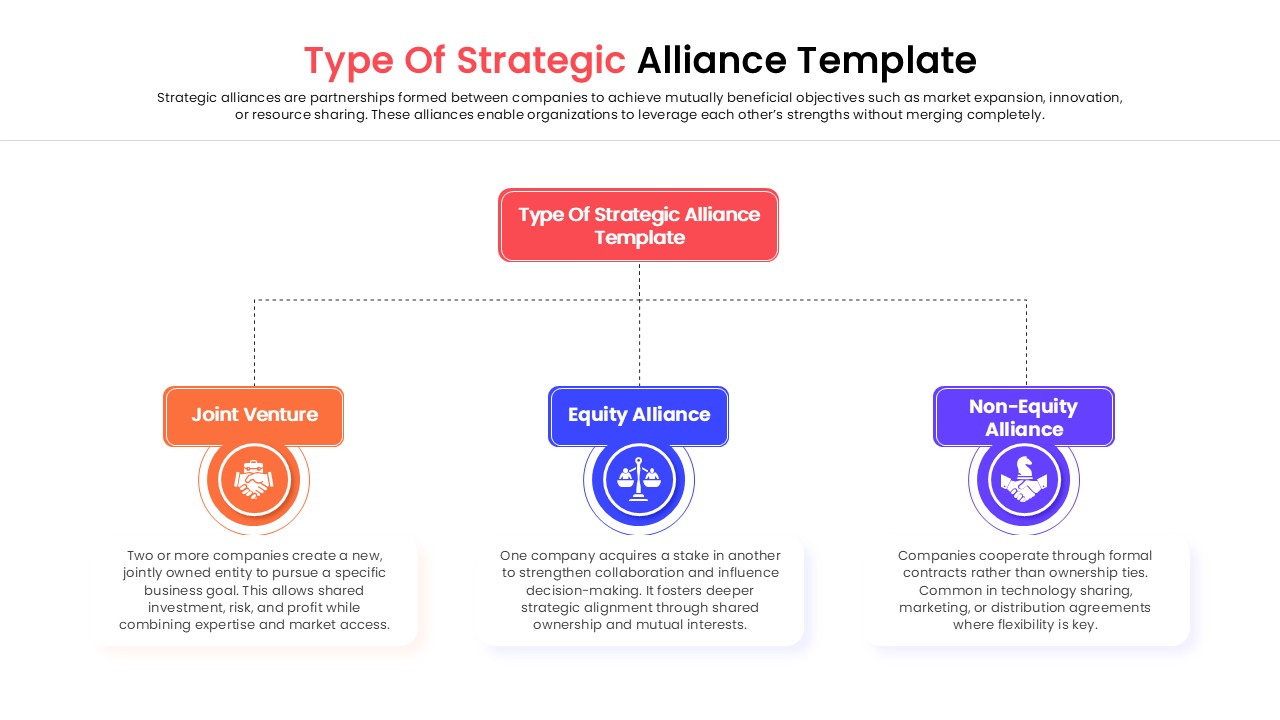
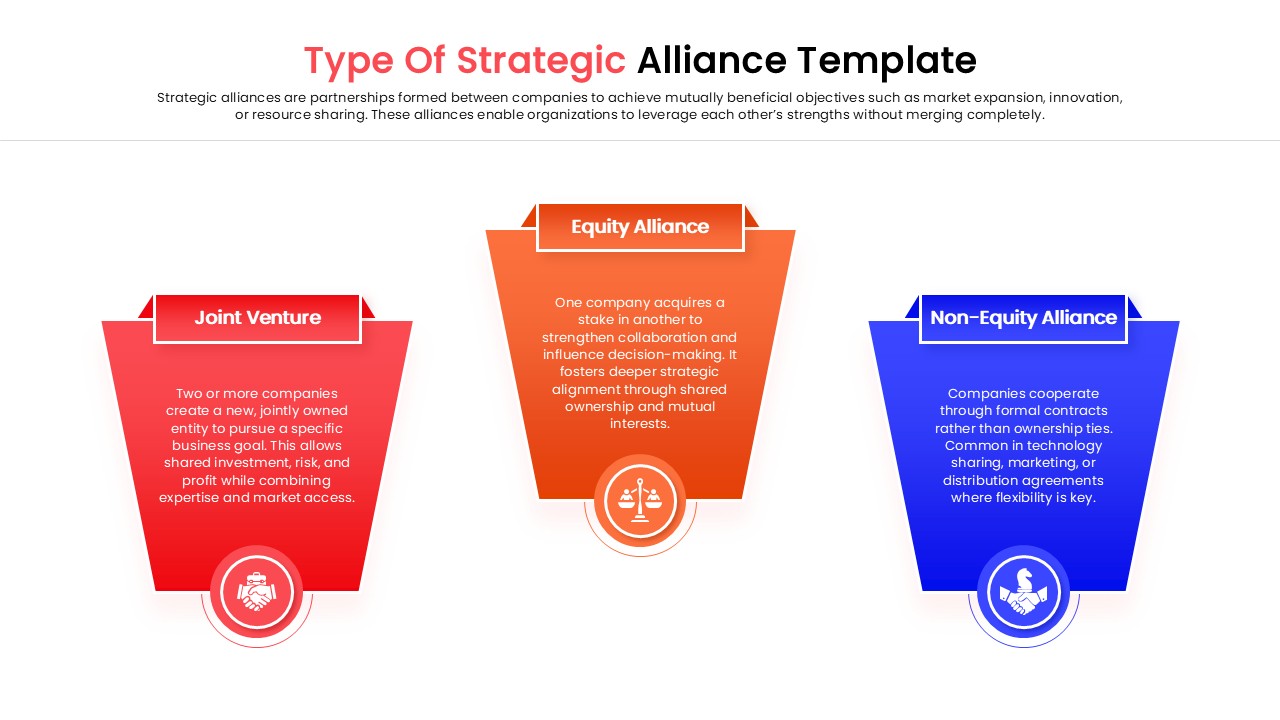
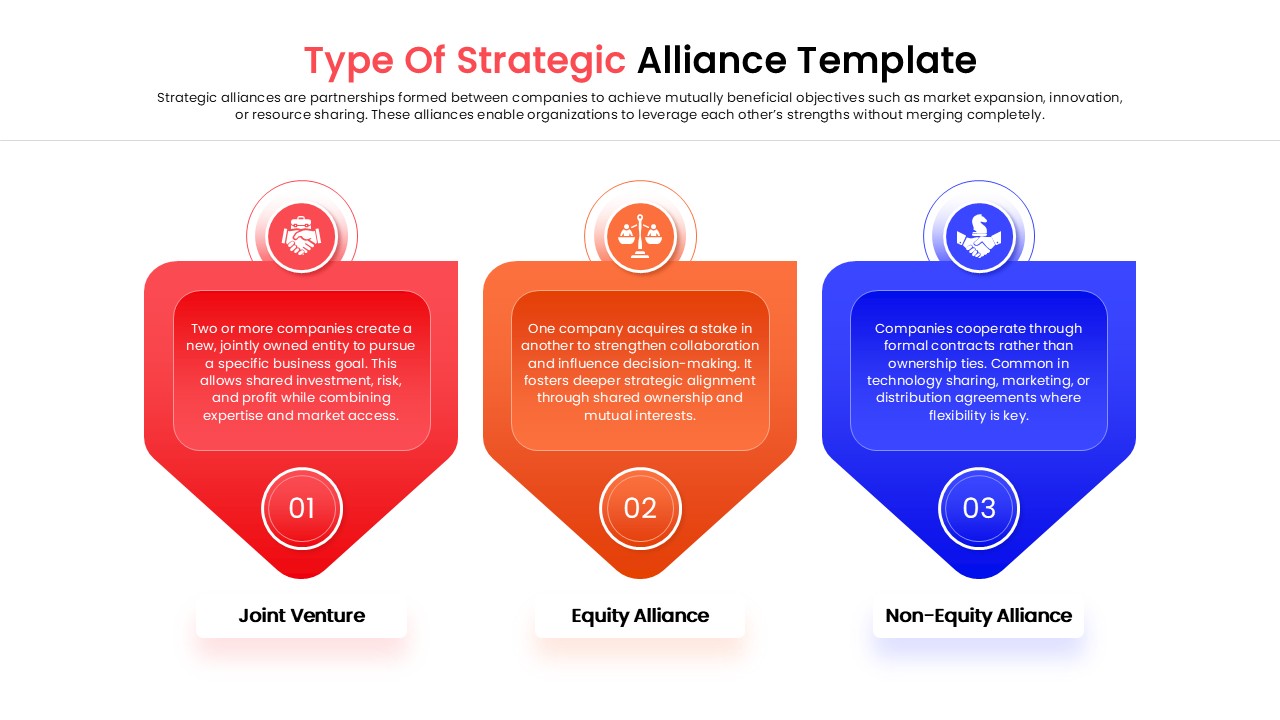
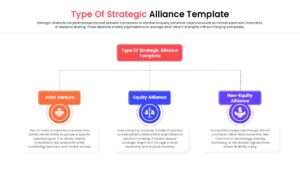
Download this Strategic Alliance Types slide to clearly define and present partnership structures to stakeholders. This layout is perfect for explaining the differences between Joint Ventures, Equity Alliances, and Non-Equity Alliances during merger discussions or corporate strategy meetings. It simplifies complex business relationships into a visual format that keeps your audience focused on the strategic value of collaboration.
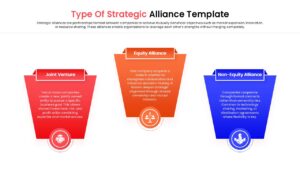
The template features a clean, three-column design using distinct chevron shapes to separate each category. It allows you to detail the specific characteristics of corporate partnerships, such as risk sharing, ownership percentages, and market access. The pre-made color coding—red, orange, and blue—helps differentiate the levels of commitment, ensuring your team instantly grasps the structural nuances of each alliance model without confusion.
Use this versatile slide for pitch decks seeking international partners, management training sessions on business expansion, or academic presentations regarding corporate governance. It is also excellent for clarifying legal boundaries and operational expectations in initial proposal documents. Whether you are a startup looking for a simple collaboration or an enterprise planning a complex merger, this tool ensures your message is professional and precise.
Why use this Types of Strategic Alliance Infographics
- Clarifies complex partnership definitions instantly for stakeholders.
- Visualizes distinct levels of business commitment and risk.
- Easy to customize for specific deal terms or legal requirements.
- Saves time on design while ensuring a polished, corporate look.
Who is it for
- Business Strategy Consultants
- Corporate Development Managers
- Management Professors and Students
- Startup Founders seeking partnerships
Key Features
- 100% Vector-Based Graphics
- Fully Layered & Organized
- 2 Aspect Ratios (4:3 & 16:9)
- Pre-made Color Themes
- Easy-to-Edit Text Placeholders
Frequently Asked Questions
- Can I change the colors to match my company branding?
- Yes, all shapes and text are fully editable. You can easily switch the red, orange, and blue themes to your specific corporate brand colors using the theme color palette.
- Is this compatible with Google Slides?
- Absolutely. This template is optimized for both Microsoft PowerPoint and Google Slides, ensuring you can present smoothly on either platform without formatting issues.
Related Templates
-
-
 $3.99
$3.99 -
-