
Strategic Business Target Presentation Template for PowerPoint & Google Slides
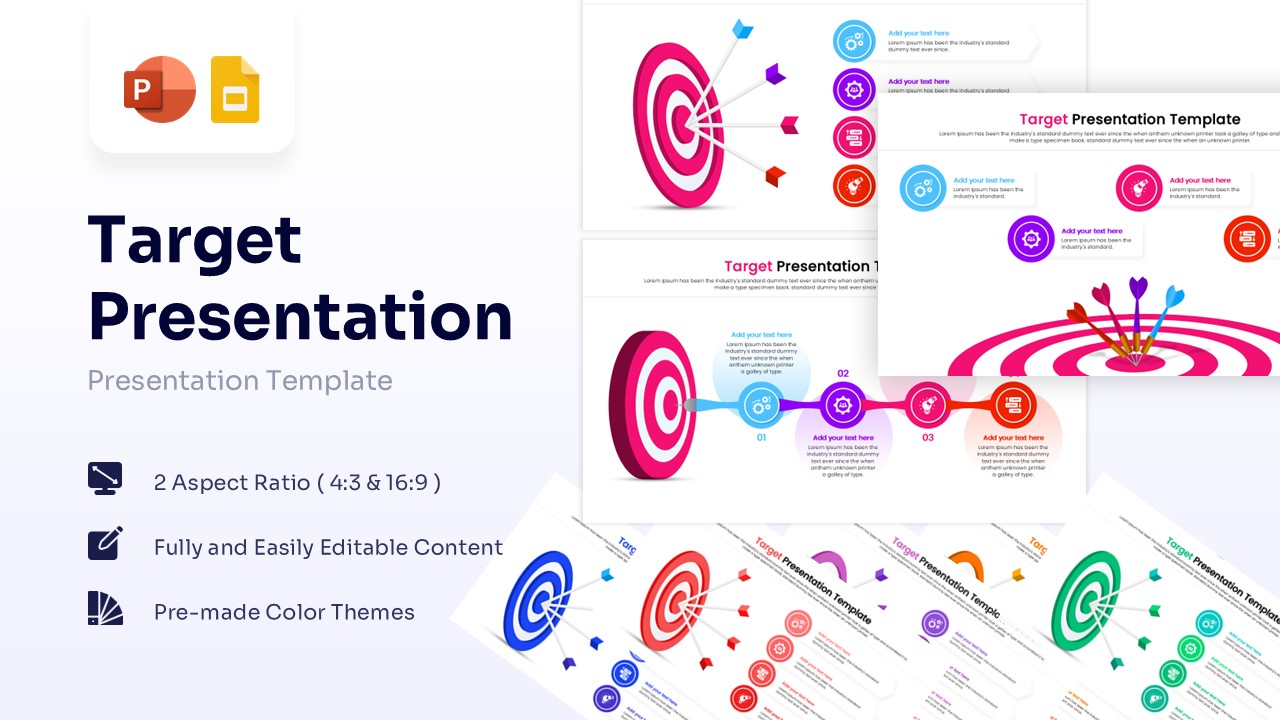
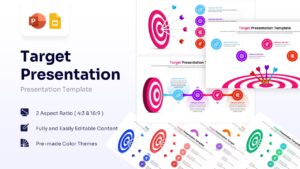
Goal Setting and Bullseye Strategy Presentation Template
Download this Strategic Business Target Presentation Template PowerPoint & Google Slides to clearly define your objectives and keep your team aligned. Whether you are outlining a new sales strategy, presenting the company vision, or setting quarterly benchmarks, hitting the mark is easier when your visuals support your message. This deck helps you map out success and focus your audience’s attention on the specific outcomes that matter most to your organization.
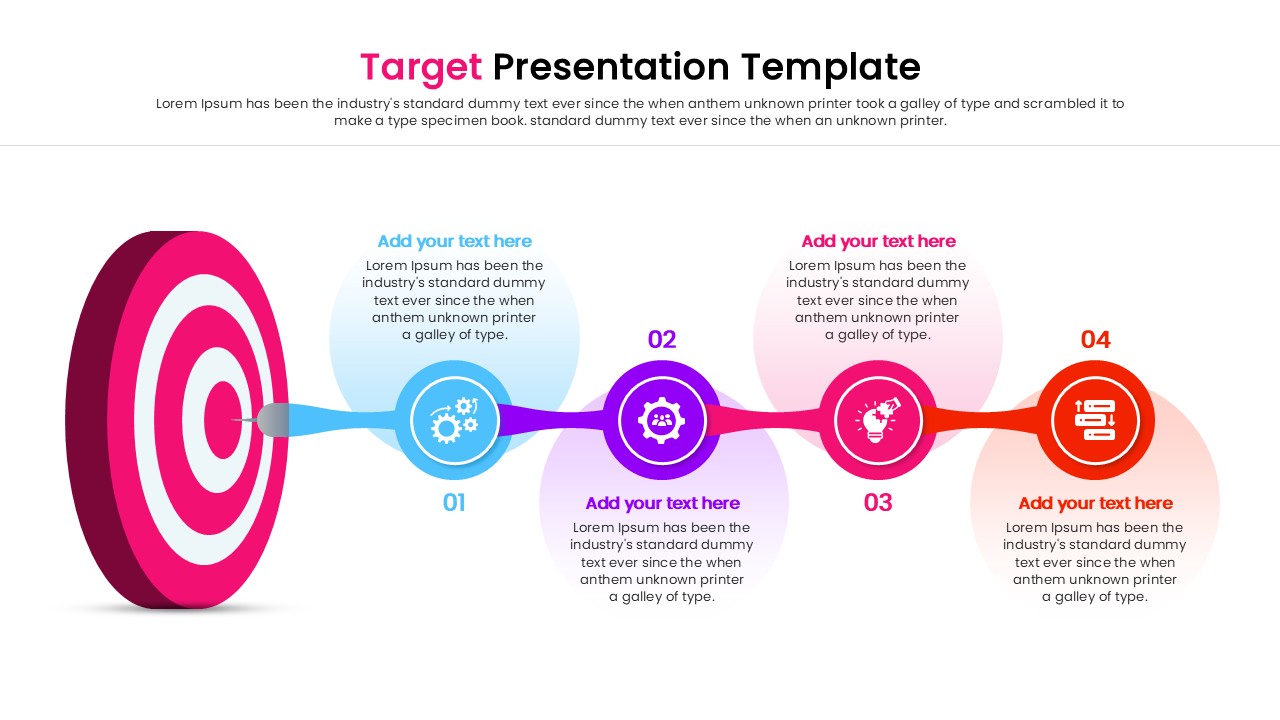
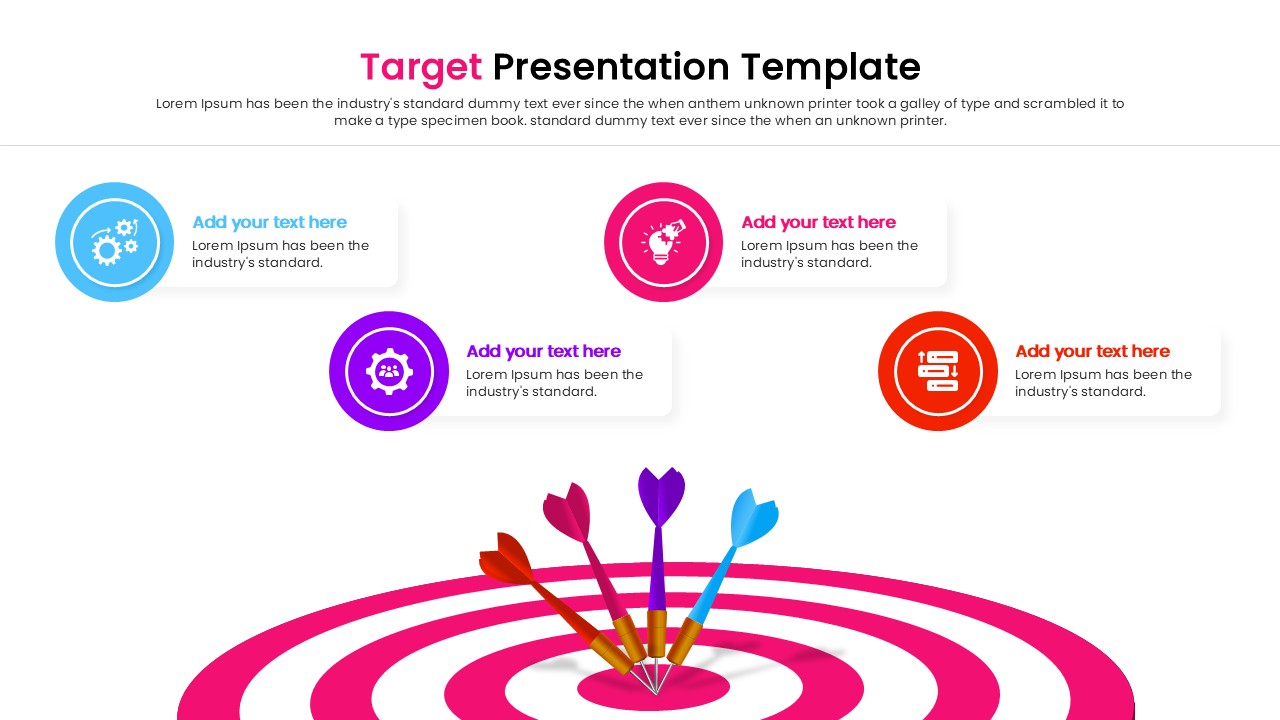
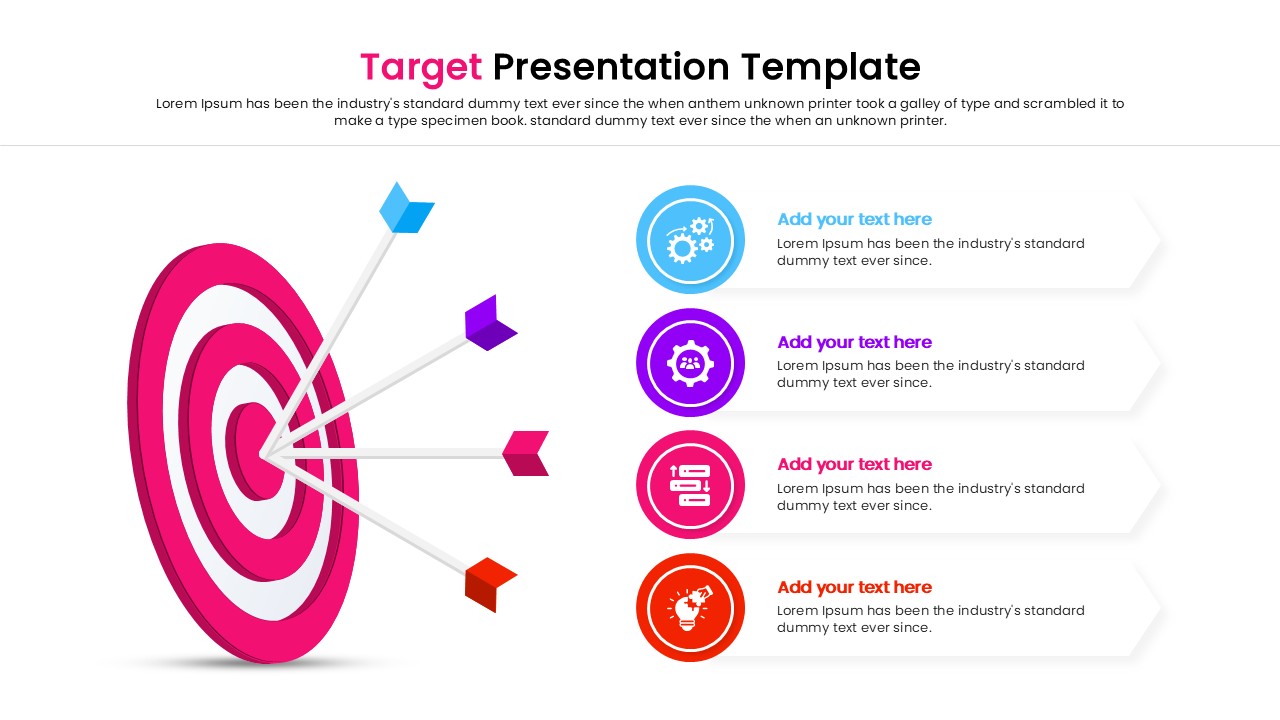
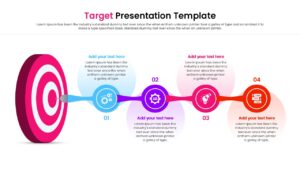
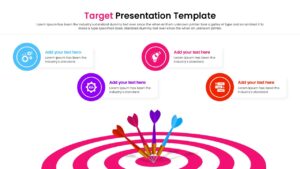
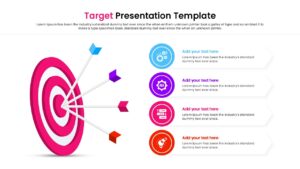
This infographic template features high-quality vector illustrations of dartboards, bullseyes, and arrows, designed to symbolize precision, focus, and achievement. The collection includes various layouts, such as single large targets for primary goals, linear process flows connected to objectives, and list structures for multiple targets. The clean, modern aesthetic uses a professional color palette that you can easily adapt to match your own brand identity, ensuring a consistent look across your entire presentation.
These presentation templates are versatile enough for quarterly business reviews, investor pitches, marketing plans, or team kick-off meetings. You can use them to display key performance indicators (KPIs), track project milestones, or illustrate the critical steps required to reach a specific destination. By using the visual metaphor of a target, you make complex strategies feel tangible, actionable, and achievable for your stakeholders.
Why use this Target Presentation Infographic Template
- Visualizes abstract business goals into concrete, understandable targets.
- Saves preparation time with professional, ready-to-use layouts.
- Engages the audience by focusing attention on key objectives.
- Offers flexible designs that work for timelines, lists, and main concepts.
Who is it for
- Business executives presenting annual strategies and vision.
- Sales managers tracking team quotas and performance targets.
- Project leads outlining critical milestones and deliverables.
- Marketing teams defining campaign goals and success metrics.
Key Features
- 100% Vector-Based Graphics for sharp scaling at any size.
- Fully Layered & Organized elements for easy editing.
- Multi-Platform Support (PowerPoint & Google Slides).
- Theme Color & Theme Font integration for quick branding updates.
Frequently Asked Questions
- Can I change the colors of the dartboards?
- Yes, all shapes and vector elements are fully editable. You can change the colors to match your company branding directly within PowerPoint or Google Slides.
- Is this template compatible with Keynote?
- While designed primarily for PowerPoint and Google Slides, the file can usually be imported into Keynote, though some minor formatting adjustments might be required.
- Can I animate the arrows hitting the target?
- Yes, since the elements are separate vectors, you can apply standard PowerPoint or Google Slides animations to the arrows to simulate them hitting the bullseye.
Related Templates
-
-
-
 $3.99
$3.99 -
 $3.99
$3.99