Free Vertical Process Template for PowerPoint & Google Slides
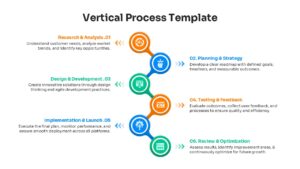
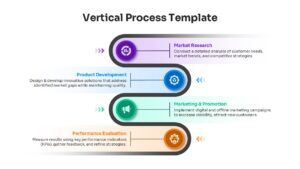
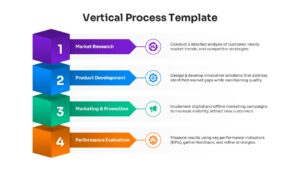
Vertical Workflow Infographic Presentation Template
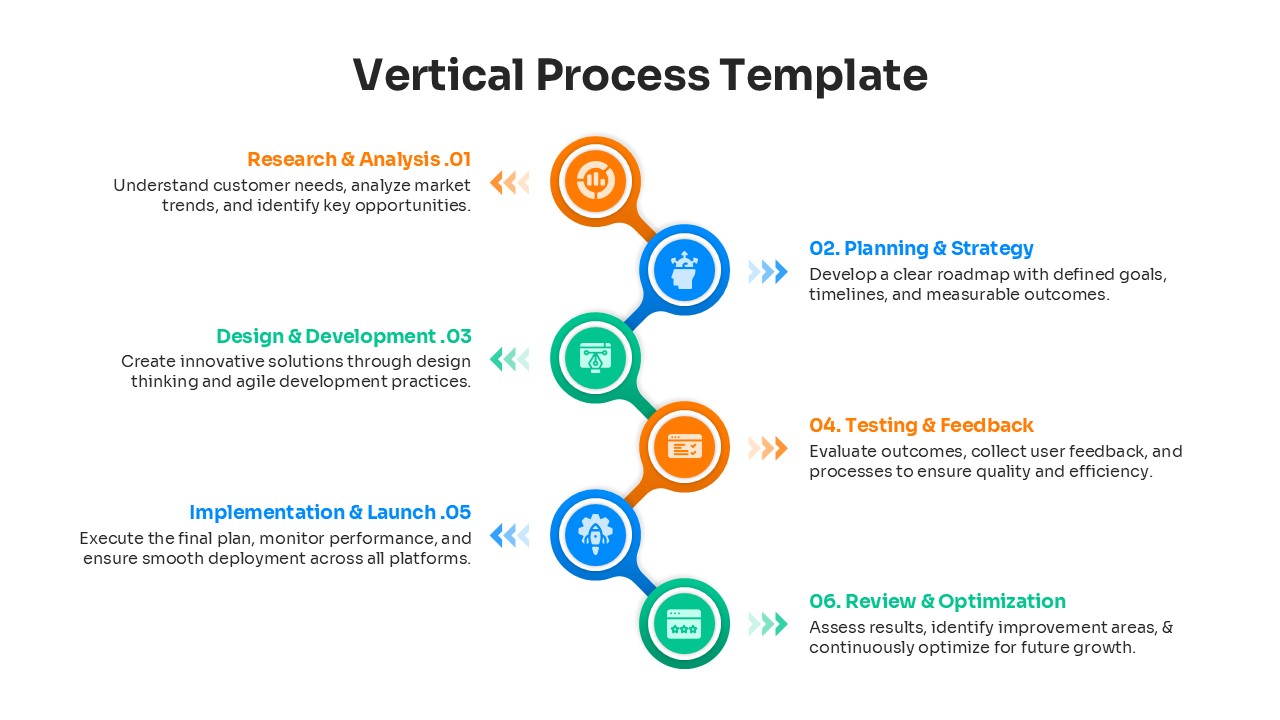
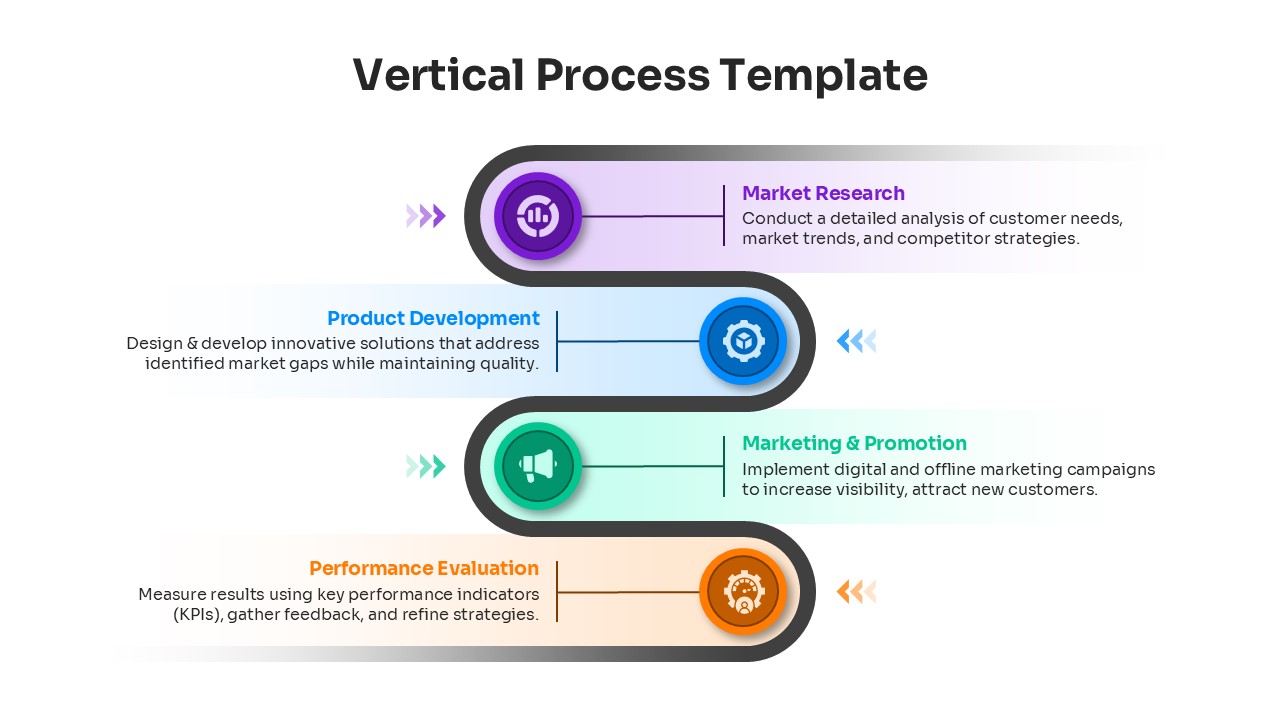
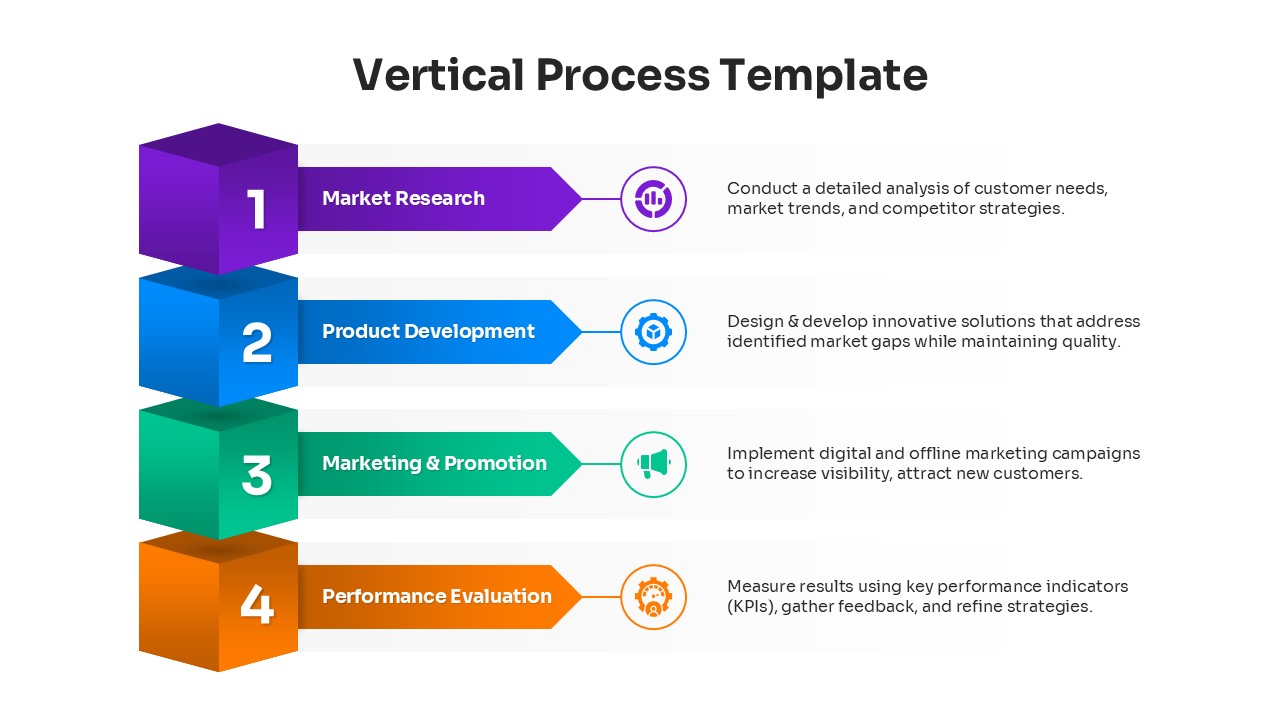
Download this Vertical Process Template for PowerPoint and Google Slides to clearly outline steps, workflows, or timelines in your next presentation. Whether you need to show a project roadmap, a product development cycle, or a simple “how-to” guide, these slides make complex sequences easy to follow. The vertical layout is perfect for utilizing the full height of your slide, allowing for detailed descriptions alongside each step without cluttering the view. By guiding the audience’s eye naturally from top to bottom, you ensure that the progression of tasks or events is understood instantly.
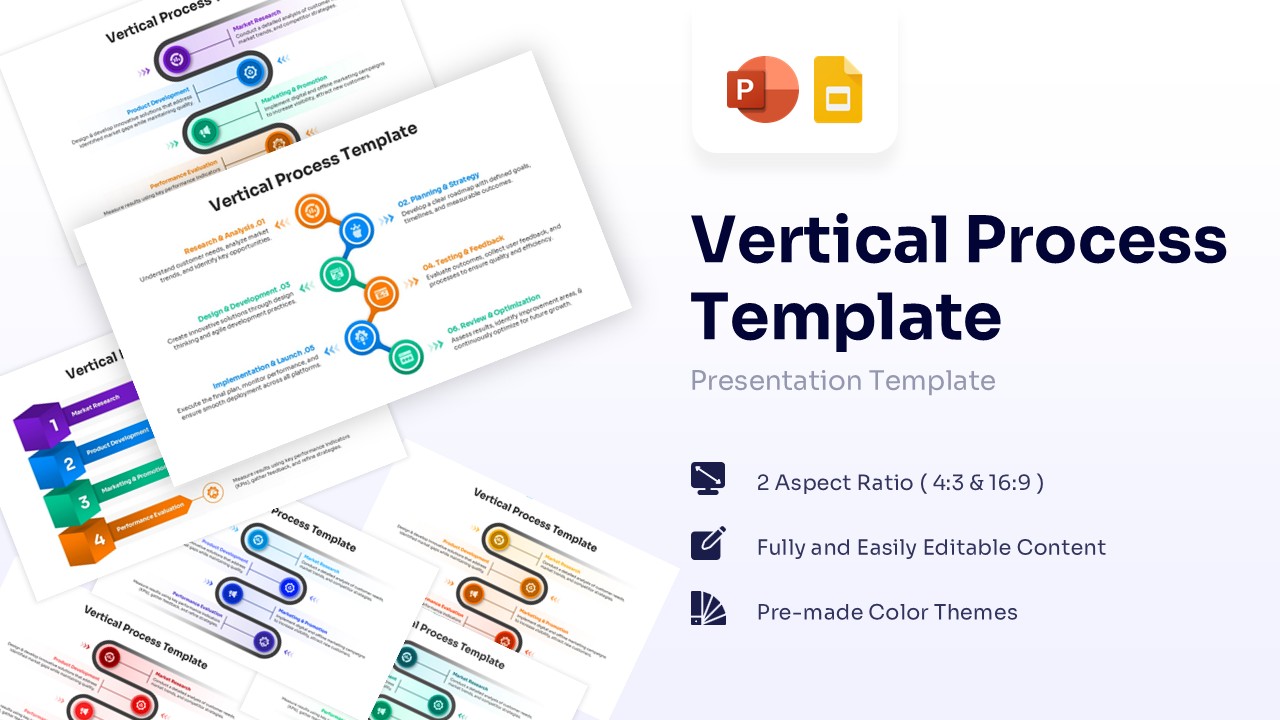
This process infographic template collection features diverse styles, including 3D stacked blocks, snake-like flows, and linear paths connected by clear icons. The use of vibrant colors—such as blue, purple, green, and orange—helps distinguish each phase, while the clean design ensures your content remains the focal point. You can easily customize the text placeholders, adjust the colors to fit your brand, and swap icons to match your specific topic. This flexibility makes it a versatile tool for showcasing workflow diagrams or step-by-step instructions without starting from scratch.
These layouts work exceptionally well for business strategies, educational lesson plans, supply chain descriptions, or HR onboarding processes. Instead of listing dry bullet points, use these visual flows to tell a story of progress and growth. From initial research to final launch, the vertical progression highlights the connection between tasks. Use these presentation templates to keep your team aligned on milestones or to explain a new procedure to stakeholders with clarity and confidence.
Why use this template Vertical Process Infographic Template
- Visualizes complex processes in a simple, easy-to-read vertical format.
- Saves time on design with pre-made, professional layouts.
- Distinguishes different project phases effectively using color coding.
- Adapts easily to various topics, from timelines to instruction manuals.
Who is it for this Vertical Process Diagram
- Project managers tracking milestones and deliverables.
- Business consultants explaining strategic roadmaps to clients.
- Educators and trainers outlining lesson plans or learning paths.
- Marketing teams visualizing campaign workflows or funnels.
Key Features
- 100% Vector-Based Graphics
- Fully Layered & Organized
- Multi-Platform Support
- Theme Color & Theme Font
- Two Aspect Ratios (4:3 & 16:9)
Frequently Asked Questions
- Can I change the icons in the steps?
- Yes, all icons are fully editable. You can replace them with any other vector icon to better suit your specific process or industry.
- Does this support different slide sizes?
- Yes, the download includes both Standard (4:3) and Widescreen (16:9) aspect ratios to fit any screen or projector.
- How do I edit the text?
- Simply click on the text placeholders provided in the template and type your content. The formatting is already set for a polished look.