Ultimate List of Top Project Plan Template to Streamline Your Project Planning Steps.
The excitement of a new project often fades the moment you stare at a blank screen. The ideas are there and the team is ready, but without a clear roadmap, the path forward quickly becomes a tangled mess of emails, sticky notes, and vague deadlines. It is a feeling every manager knows well: the chaos of starting without a plan. The stakes are higher than just a headache, too. Industry statistics are chilling—studies consistently show that nearly 70% of all projects fail to meet their original goals, deadlines, or budgets. The primary culprit is almost always poor planning.
But you don’t need to reinvent the wheel every time you launch a new initiative. The secret to consistent success isn’t working harder; it is starting smarter with Project Planning Templates — pre-built structures that save time, reduce stress, and ensure you never miss a critical step.
Whether you need a complex Gantt chart for tracking tasks or a professional WinSlides presentation template to pitch your strategy to stakeholders, having the right toolkit is half the battle. This guide covers the 5 essential planning phases, strategic design tips, and a curated list of the best templates to download in 2026 to get your project across the finish line.
What is a Project Plan Template? (More Than Just a Calendar)
A common misconception is that a project plan is simply a schedule with due dates. While timelines are important, a true Project Plan is the comprehensive blueprint for the entire initiative. It defines the “Who, What, Where, Why, and How” of your project—covering scope, objectives, resources, budget, and deliverables.
A Project Plan Template, therefore, is a pre-structured framework that organizes all this information into a standard format. Instead of starting with a blank page and wondering what you might be forgetting, a template provides the empty containers for you to fill in.
Why You Should Use Project Management Template
Attempting to “wing it” or create a new format for every project is a recipe for inconsistency. Here is why top project managers rely on templates:
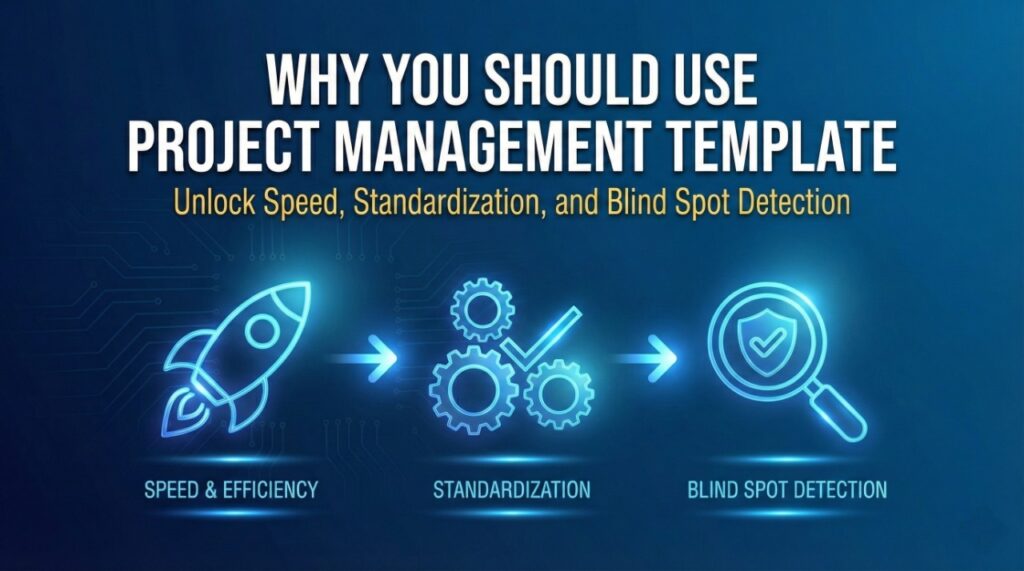
Speed & Efficiency: Stop reinventing the wheel. A template lets you skip the formatting setup and go straight to the strategy. You can launch a new project in minutes, not hours.
Standardization: When every project follows the same structure, your team knows exactly where to look for information. It creates a common language for stakeholders, whether they are looking at a WinSlides presentation or an Excel sheet.
Blind Spot Detection: Good templates act as a checklist. They include sections for things you might otherwise forget in the heat of the moment—like Risk Management, Stakeholder Communication, or Resource Allocation.
Best Project Planning Templates to Download in 2026 (The Curated List)
Navigating the internet for high-quality templates can feel like searching for a needle in a haystack. Most free downloads are either outdated, ugly, or overly complicated to use. To save you time, we have done the heavy lifting.
Below is our curated collection of the essential project planning templates every manager needs in 2026. Whether you need a data-heavy Excel sheet to track complex dependencies or a polished WinSlides presentation to visually communicate your strategy to stakeholders, these tools are designed to be downloaded, customized, and deployed immediately.
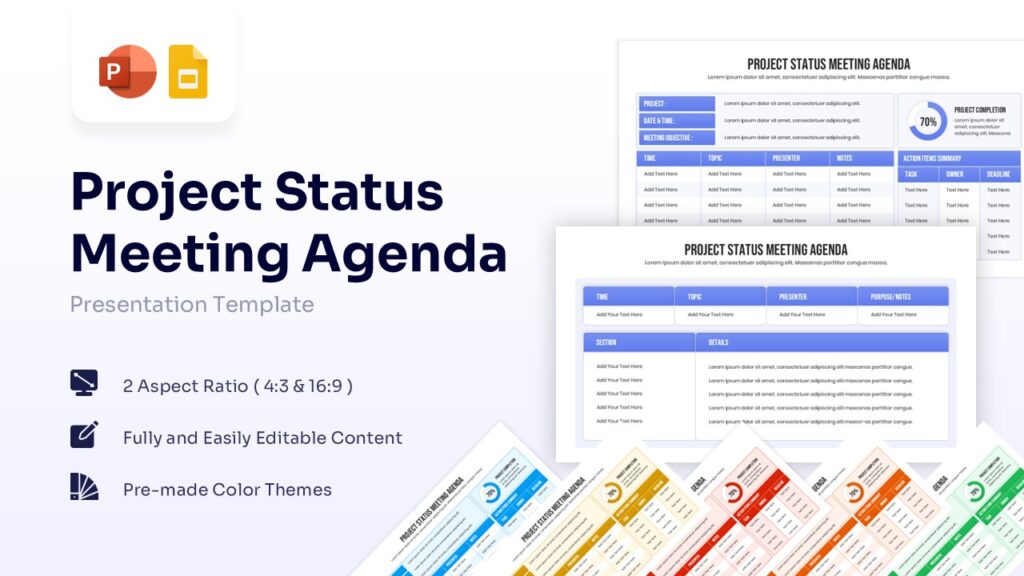
A project plan is useless if you don’t track its progress. The Status Meeting Agenda is your weekly heartbeat. It is a structured document (or slide deck) designed to keep check-in meetings short, focused, and actionable.
Why You Need It: Without a template, status meetings often devolve into hour-long rambling sessions where nothing gets decided. A good agenda forces the team to focus only on what matters:
Completed Milestones: What did we finish last week?
Active Tasks: What are we working on right now?
Roadblocks (Blockers): What is stopping us from moving forward?
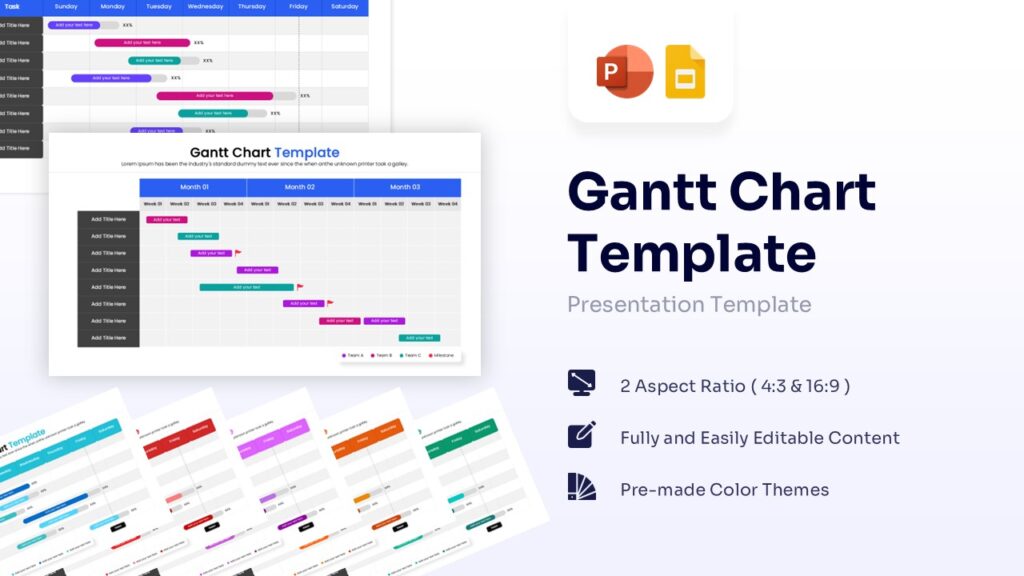
A static to-do list tells you what to do, but a Gantt Chart tells you
Why You Need It: Deadlines don’t exist in a vacuum. A delay in “Phase 1” usually pushes back “Phase 2.” A Gantt chart reveals these hidden dependencies instantly, allowing you to spot bottlenecks and adjust the schedule before they become crises.
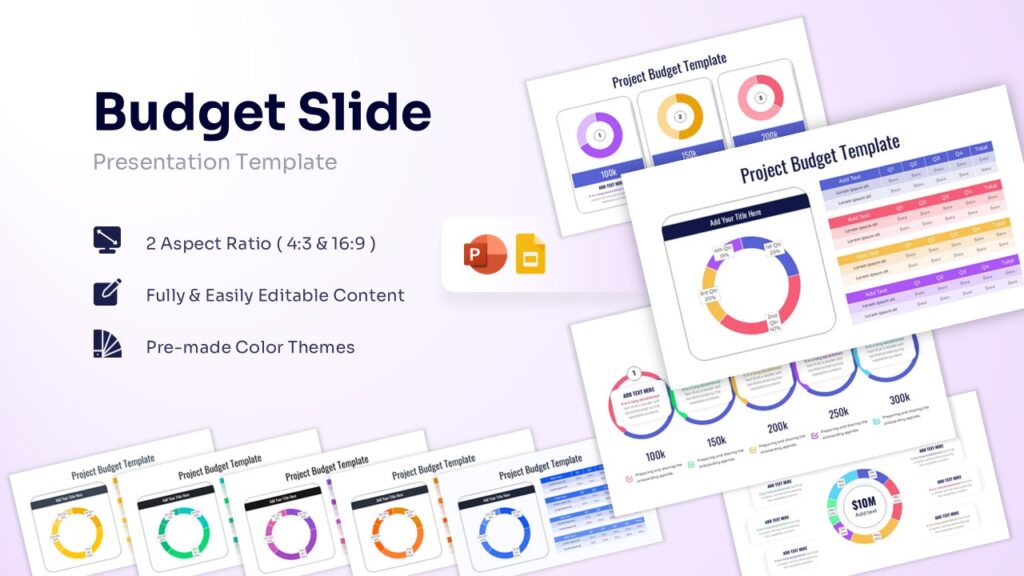
A vision without funding is just a hallucination. This template serves as your financial ledger, allowing you to estimate costs line-by-line, allocate resources, and track actual spending against your initial projections.
Why You Need It: It prevents financial surprises. By comparing “Planned vs. Actual” spend, you can spot variance immediately. If “Phase 1” cost 20% more than expected, you know instantly that you need to adjust the budget for “Phase 2” to stay in the green.
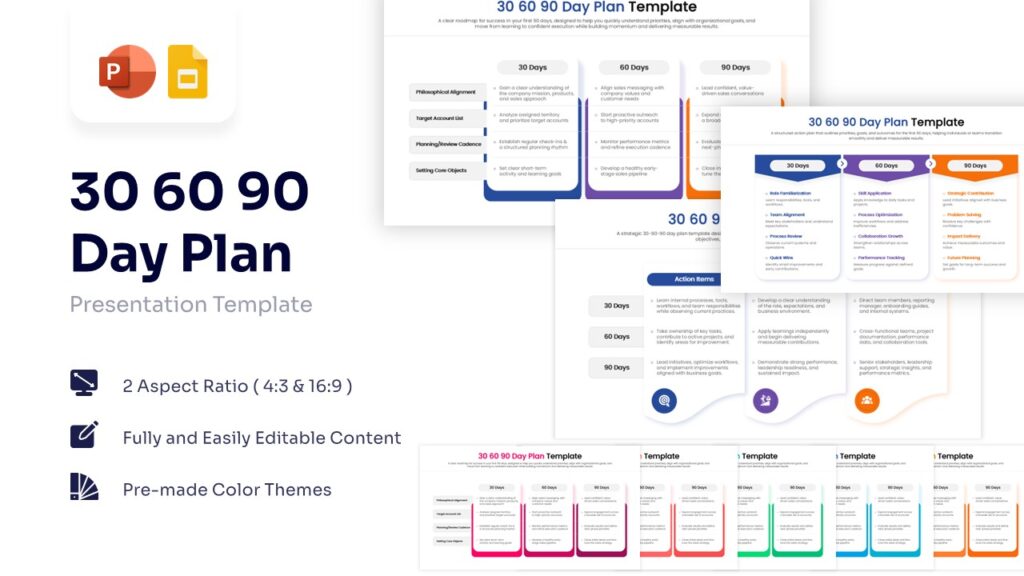
First impressions matter. Whether you are a new manager or launching a new strategy, this template visually maps out your roadmap for the first three months. It breaks your journey into three clear phases: Learning (Day 30), Contributing (Day 60), and Leading (Day 90).
Why You Need It: It eliminates “new start” anxiety. Instead of making vague promises, you present a concrete timeline of deliverables. It aligns expectations with stakeholders immediately, proving that you have a structured plan to move from “understanding the problem” to “solving it” within a single quarter.
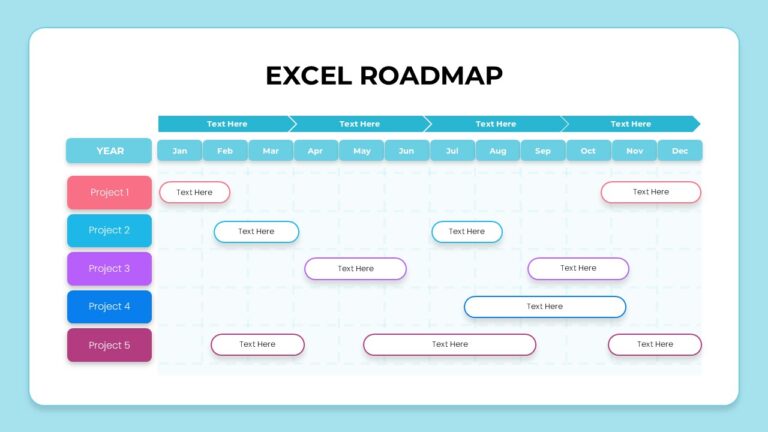
Forget the daily grind—this is your 30,000-foot view. Unlike a detailed Gantt chart, this template provides a high-level visual summary of your project’s trajectory over months or quarters. It is perfect for tracking multiple workstreams or projects side-by-side without getting lost in the weeds.
Why You Need It: It bridges the gap between complex data and clear communication. Executives and stakeholders often don’t have time to read a 500-row spreadsheet; they just want to know if “Project 3” is landing in July or August. This roadmap gives them that answer in seconds.
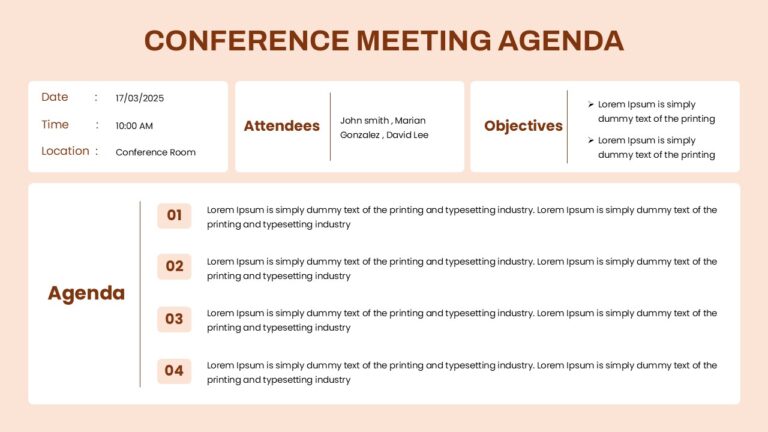
Running a large scale meeting without a script is a recipe for disaster. This template is designed for formal gatherings—whether it’s a quarterly board review or a client summit—clearly outlining objectives, attendees, and a timed flow of events.
Why You Need It: It respects everyone’s time. Large meetings are expensive (calculate the hourly rate of everyone in the room!). This agenda ensures you stick to the schedule, cover the critical “Objectives,” and prevent one speaker from dominating the entire session.
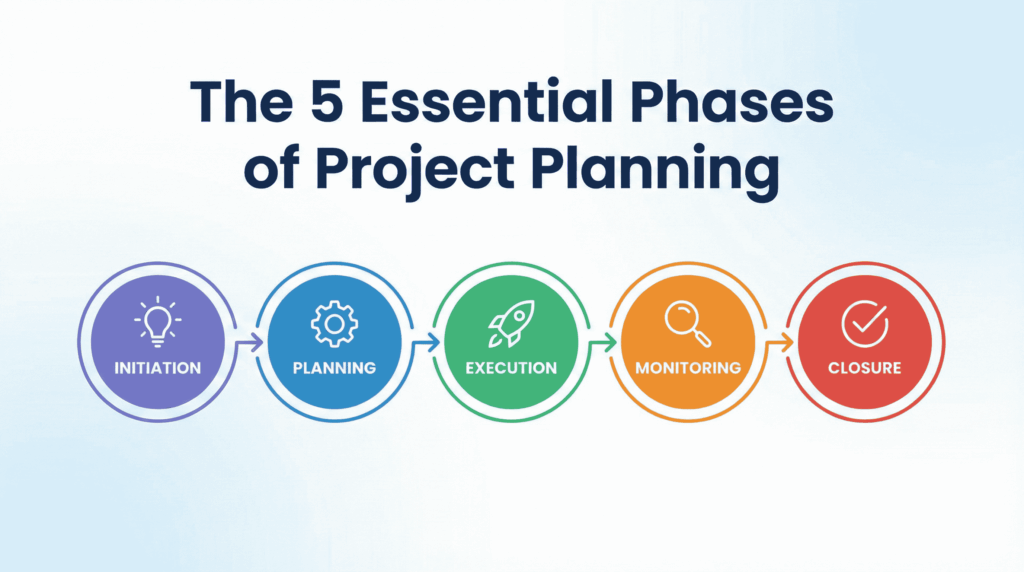
The 5 Essential Phases of Project Planning
Having a hard drive full of templates is great, but they are just tools. To use them effectively, you need to understand the lifecycle they support. Every successful project, whether it is building a skyscraper or planning a marketing campaign, follows these five distinct phases.
Phase 1: Initiation (The “Why”)
This is the “Green Light” phase. Before you plan how to do the work, you must define what the work is and why it matters.
Key Activity: Creating a Project Charter.
Goal: Get approval from stakeholders and secure the budget. If you don’t have a clear “Yes” here, do not proceed to planning.
Phase 2: Planning (The “How”)
This is where 80% of your templates will be used. In this phase, you map out the entire journey before taking the first step.
Key Activity: Building the Gantt Chart, defining the Scope, and setting the Budget.
Goal: Create a roadmap so detailed that any team member can pick it up and know exactly what they need to do next.
Phase 3: Execution (The “Do”)
The planning stops, and the work begins. Your role shifts from “Architect” to “Captain,” guiding the team as they execute the tasks defined in your plan.
Key Activity: Team collaboration, status meetings, and producing deliverables.
Goal: To build the thing you promised in the Initiation phase.
Phase 4: Monitoring & Controlling (The “Check”)
This phase runs at the same time as Execution. It is about comparing “The Plan” vs. “Reality.”
Key Activity: Reviewing your KPI Dashboard and RAID Log.
Goal: Spotting deviations early. Are you over budget? Is a deadline slipping? This is where you make adjustments to get back on track.
Phase 5: Closure (The “End”)
A project isn’t done until it is officially closed. This is the most skipped phase, but it is critical for long-term success.
Key Activity: Handing over deliverables to the client, conducting a “Post-Mortem” meeting to discuss lessons learned, and releasing resources.
Goal: To formally sign off and celebrate the win.
How to Design a Project Plan That Succeeds
Downloading a template is the easy part. Filling it out with a strategy that actually works is where the real challenge lies. A template is just a container; if you put garbage in, you will get garbage out.
To ensure your plan survives first contact with reality, follow these three design principles.
1. Define What is NOT in Scope (The “No” List)
Most projects don’t fail because they missed a deadline; they fail because they tried to do too much. This is called “Scope Creep.”
The Fix: In your Project Charter or Scope Statement, create a specific section titled “Out of Scope.”
Example: If you are building a website, explicitly state: “This project includes the homepage and ‘About Us’ page. It does NOT include an e-commerce store or mobile app.” This gives you a shield to say “No” later.
2. Plan Backwards from the Deadline
Amateurs plan forward (“We start on Monday, then we do X, then Y…”). Pros plan backward.
The Strategy: Start with the launch date. Then, place your “Must-Have” milestones on the calendar.
The Reality Check: If the milestones don’t fit between today and the deadline, you know immediately that the plan is unrealistic. It is better to have that difficult conversation on Day 1 than on Day 90.
3. Get Buy-In, Not Just Sign-Off
There is a big difference between a stakeholder signing a document and actually agreeing with it.
The Trap: Sending a 50-page plan via email and asking for a signature. They won’t read it.
The Fix: Schedule a 30-minute walkthrough. Present the “Critical Path” and ask: “Do you see any risks here?” When they voice the risks themselves, they become partners in the solution, not just critics.
Conclusion
Benjamin Franklin famously said, “By failing to prepare, you are preparing to fail.” In 2026, with the pace of business moving faster than ever, that quote is more relevant than ever.
The chaos of a new project is inevitable, but it doesn’t have to be permanent. Whether you are using a simple One-Page Project Charter to get alignment or a complex Gantt Chart to track daily progress, the right tools turn anxiety into action.
Ready to start? Don’t stare at a blank screen. Scroll back up, download the WinSlides Project Planning Template that fits your needs, and take the first step toward a successful launch today. Your future self (and your team) will thank you.
How to Create a Sales Presentation – Improve your Sales Presentation Did you know that 41% of decision-makers admit to multitasking or losing focus during a sales pitch? In today’s competitive market, you have less than seven seconds to grab a prospect’s attention before they mentally check out. If your slides are cluttered or your…
Slidesgo Alternative You Shouldn’t Miss in 2026 For most presenters, when searching for the best free presentation templates, one name instantly strikes the mind: ”Slidesgo.” Today Slidesgo has firmly established itself as a crowd favorite—the absolute go-to for students, teachers, and creatives hunting for fun, illustrated Google Slides themes. Their platform is practically synonymous with…