Impact Effort Matrix Template for PowerPoint & Google Slides
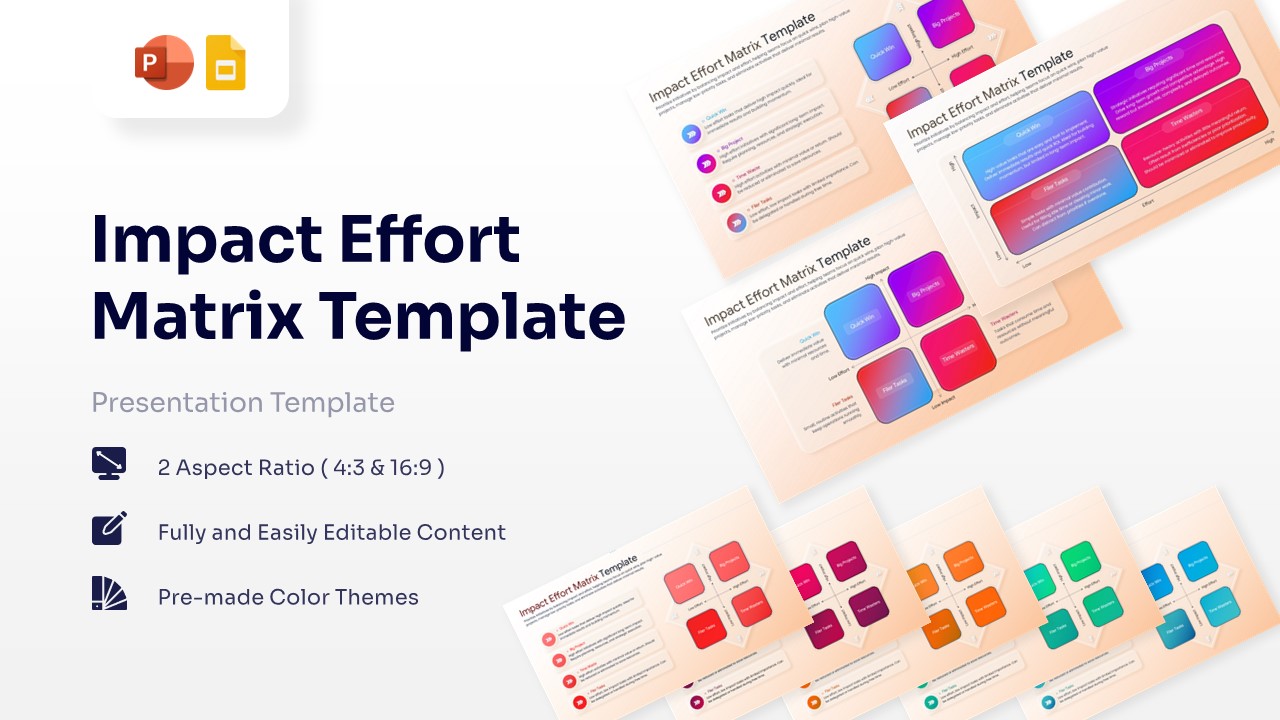
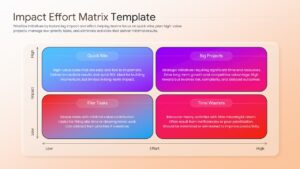
Versatile Action Priority Matrix Layout
Download this Impact Effort Matrix template and use case for streamlining project workflows, managing team workloads, or conducting strategic planning sessions. This tool is essential for any professional business strategy profile seeking to categorize tasks based on their potential return and required resources. By visually mapping out your to-do list, you can ensure your team stays focused on high-value activities that move the needle.
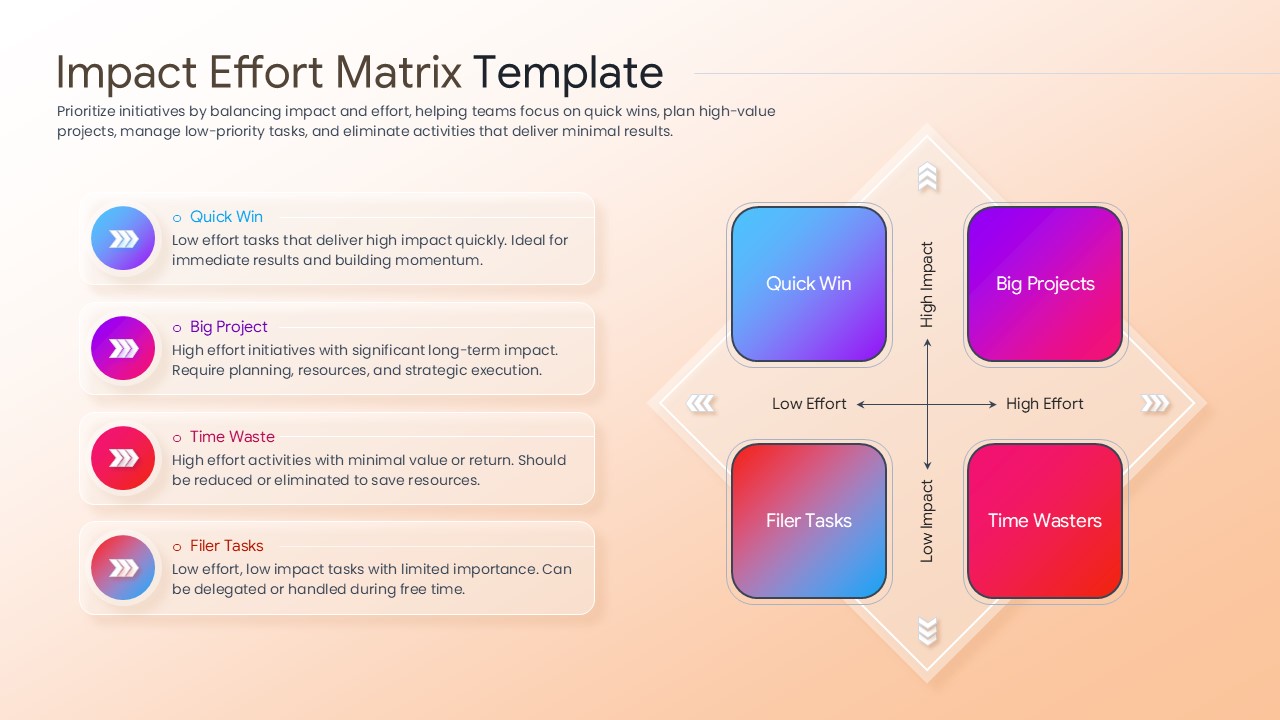
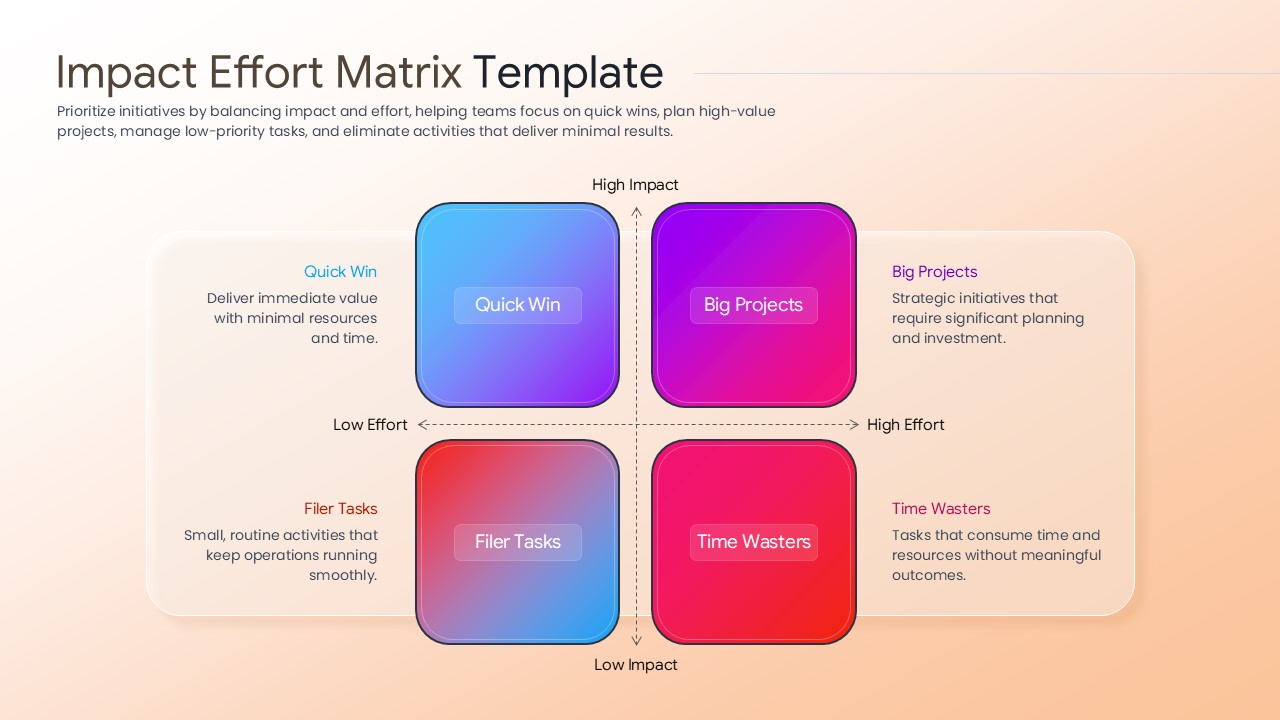
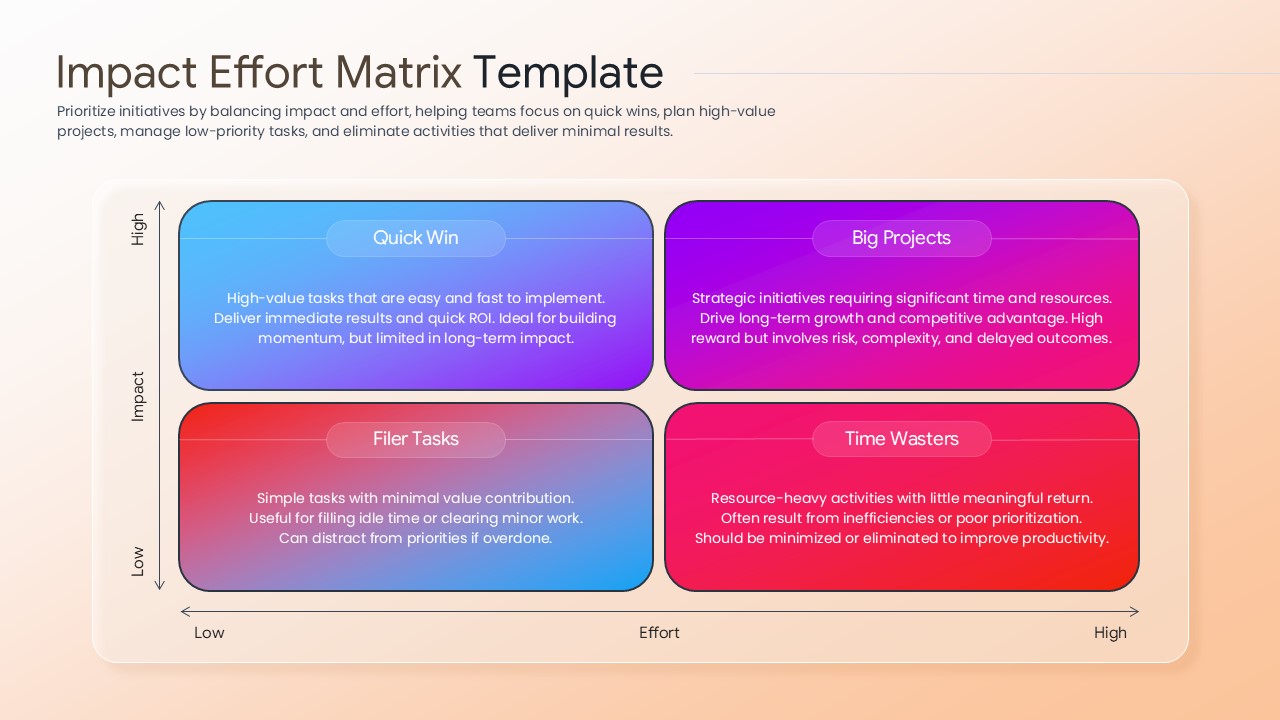
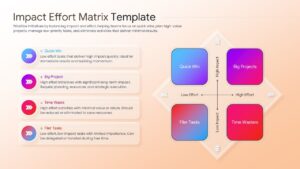
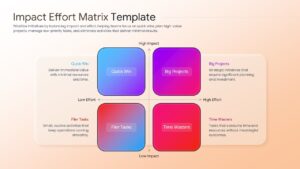
This 2×2 matrix template helps stakeholders distinguish between “Quick Wins” and “Big Projects,” while identifying “Time Wasters” that should be eliminated. These infographic slides serve as a powerful visual aid during executive briefings, allowing for real-time adjustments to project roadmaps. Instead of looking at a flat list of tasks, your audience can see a dynamic prioritization framework that justifies resource allocation through clear, logical data visualization.
Every element in this impact effort matrix slide deck is constructed with vector graphics, allowing you to resize or recolor components without any loss in clarity. This visual framework is designed to be intuitive, ensuring that even complex project portfolios are easy to digest at a glance. You can easily integrate these graphics into a comprehensive process infographics deck to show how specific tasks lead to larger organizational goals.
Why Use these Impact Effort Matrix – Decision Making Infographic
- Provides a clear visual hierarchy of tasks to improve team alignment and focus.
- Reduces decision fatigue by using a proven 2×2 logic for resource management.
- Ensures a professional aesthetic with consistent gradients and modern typography.
- Allows for rapid updates during live meetings to reflect changing project priorities.
Who Should Download this Action Priority Matrix Layout – 2×2 Matrix Presentation
- Project Managers and Scrum Masters overseeing complex development sprints.
- Operations Directors looking to eliminate process inefficiencies and “Time Wasters.”
- Team Leads needing a simple way to delegate “Filler Tasks” to junior members.
- Startup Founders prioritizing product features during the early growth stages.
Key Features
- 100% Vector-Based Graphics
- Fully Layered & Organized
- Multi-Platform Support
- Theme Color & Theme Font
- Includes 4-quadrant labeled layouts
- Available in both Light and Dark theme variations
Frequently Asked Questions
- How do I add my own tasks to the Impact Effort Matrix?
- Simply click on the text placeholders or use the included icons to drag and drop your specific initiatives into the appropriate quadrant.
- Is this prioritization framework slide compatible with Keynote?
- While optimized for PowerPoint and Google Slides, the 100% vector shapes allow for high compatibility when imported into other presentation software.
- Can I change the colors of the quadrants?
- Yes, you can select any individual shape and change the fill color or gradient to match your specific corporate branding or project theme.
Related Templates
-
 $3.99
$3.99 -
 $4.99
$4.99 -
 $3.99
$3.99 -