
Free Cluster Diagram Template for PowerPoint & Google Slides
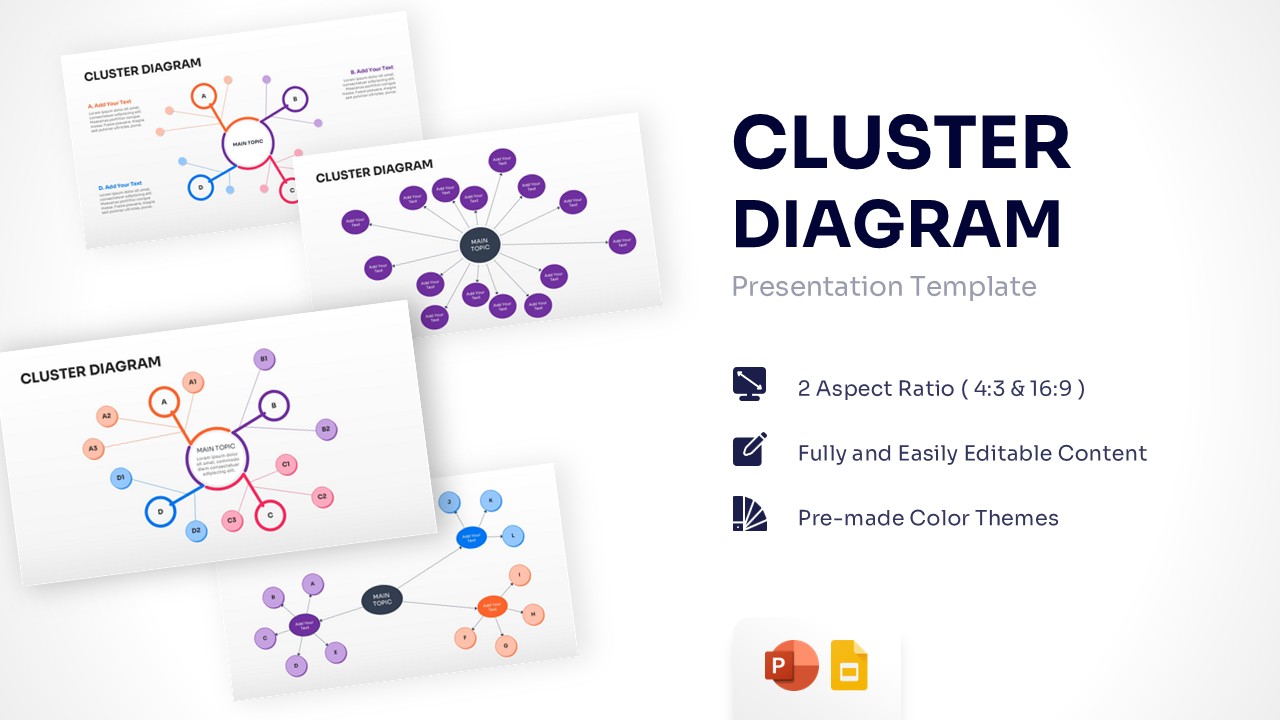
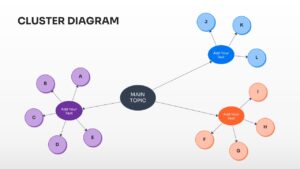
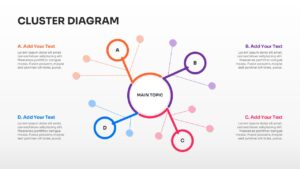
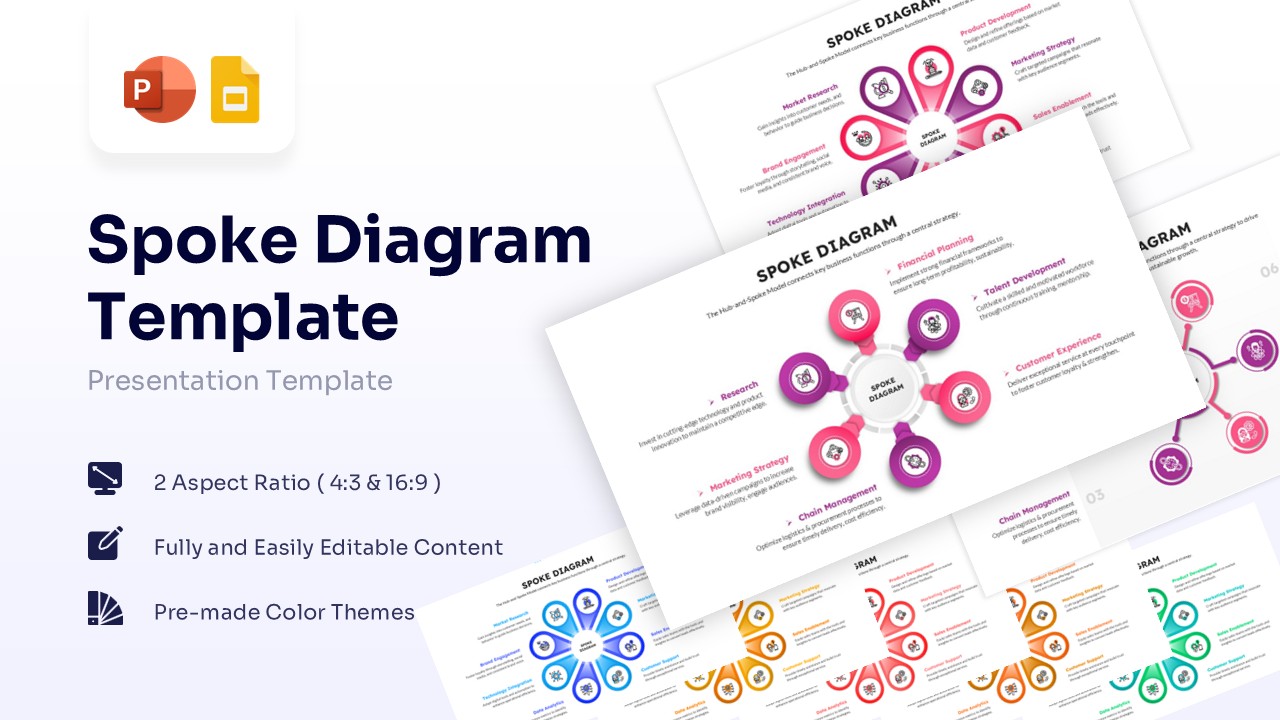
Hub and Spoke Model Diagram for Strategic Planning
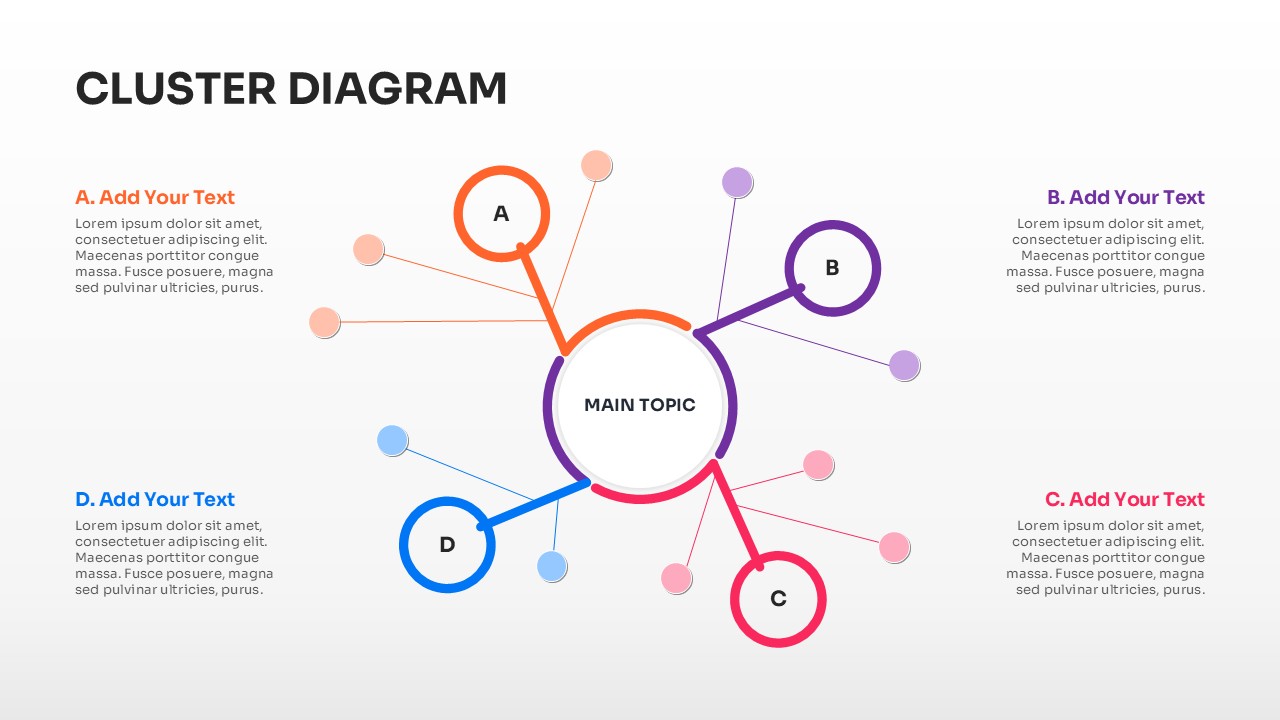
Download this Cluster Diagram Template for PowerPoint and Google Slides, perfect for brainstorming sessions, root cause analysis, or organizing complex data sets. Creating a mind mapping framework helps teams break down a central core concept into manageable sub-points. This versatile mind map infographic ensures your presentation remains logically structured while maintaining high visual engagement for your audience.
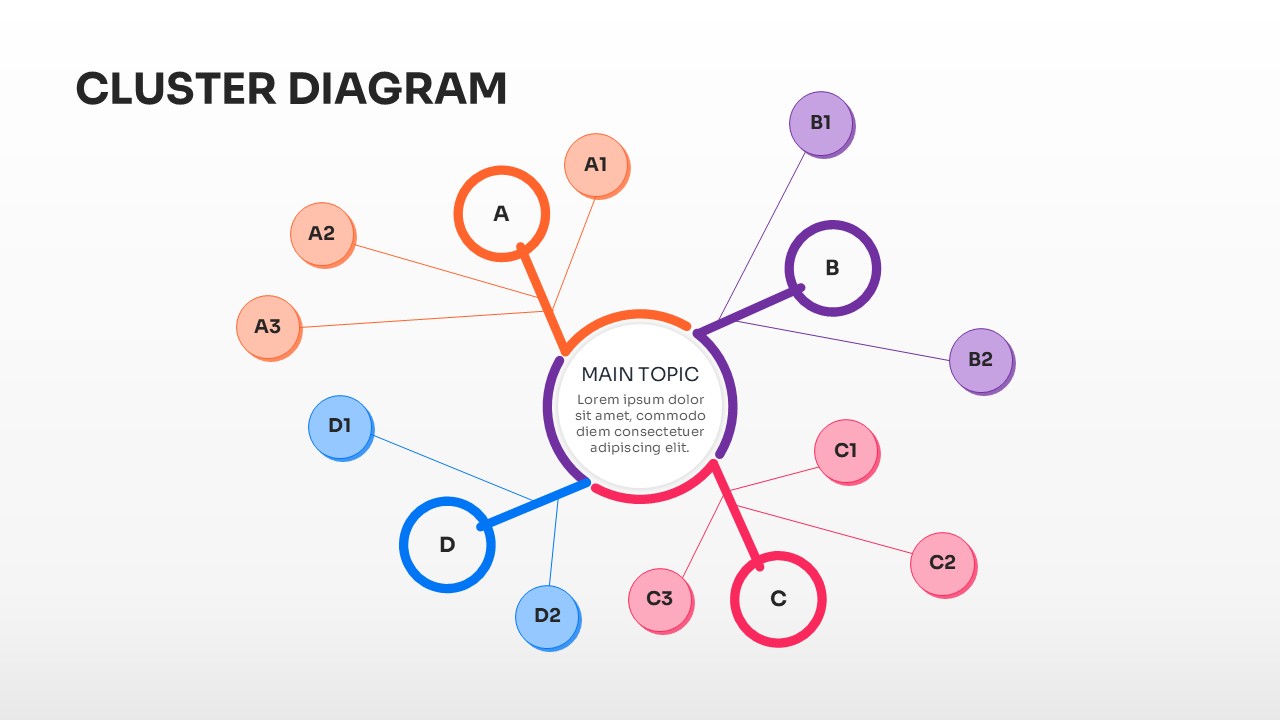
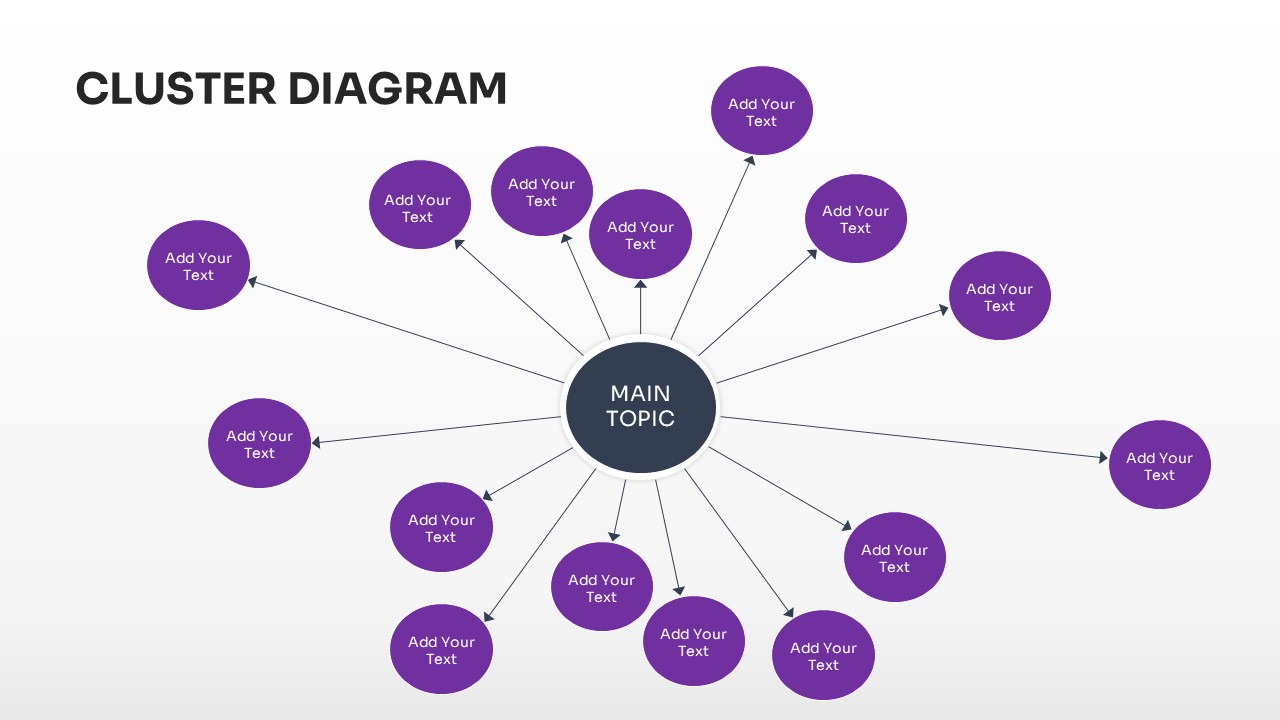
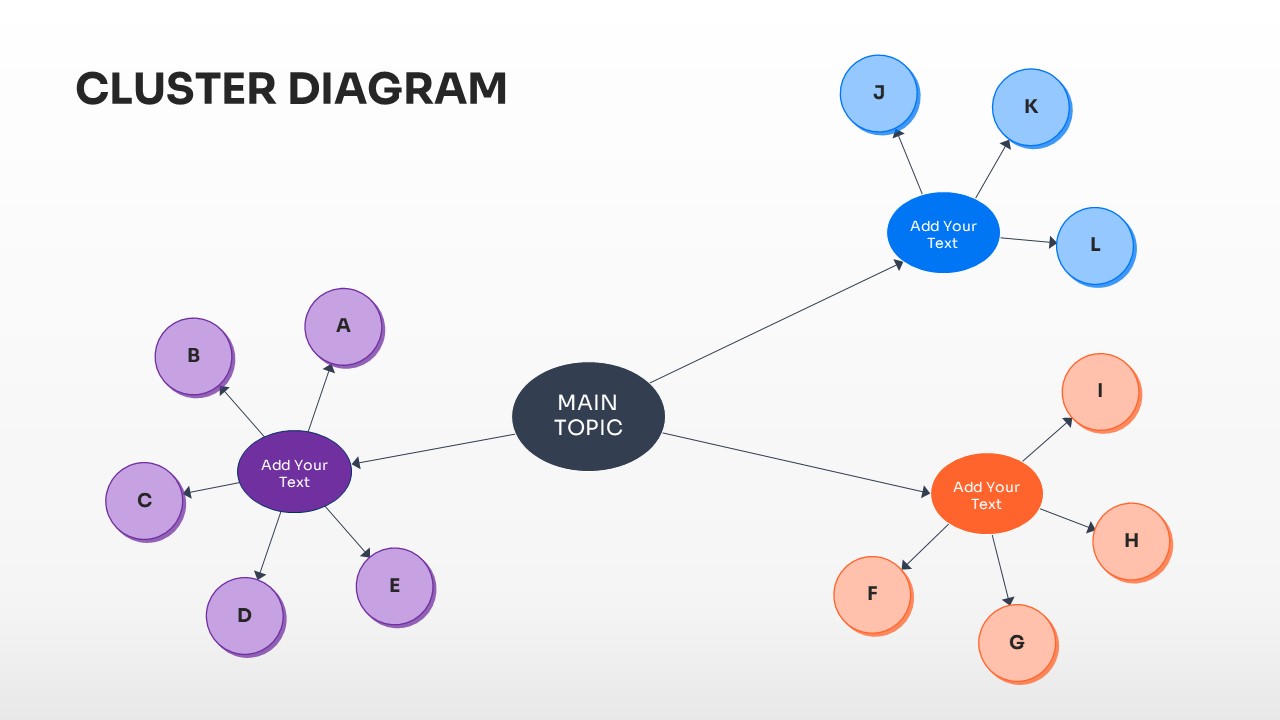
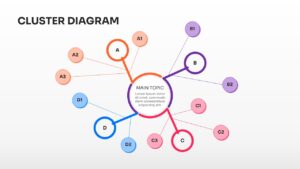
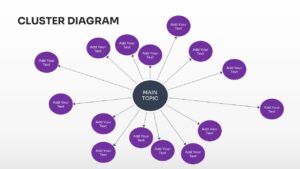
This cluster diagram is perfect for illustrating how various satellite ideas connect back to a primary objective. Whether you are mapping out a marketing strategy, a product ecosystem, or organizational dependencies, these mind maps provide the clarity needed to communicate multi-layered information. By using a hub and spoke model, you can effectively present hierarchical data without overwhelming your viewers with text-heavy lists.
Why Use these Cluster Diagram Templates
- Simplifies complex information by grouping related ideas into visual clusters.
- Enhances audience retention through a clean, non-linear information hierarchy.
- Saves hours of design work with pre-configured, professional layouts.
- Provides a professional aesthetic that works across corporate and creative industries.
Who Should Download this Mind Mapping Framework – Strategic Planning
- Project Managers and Team Leads facilitating brainstorming or “idea generation” sessions.
- Business Consultants presenting market segmentation or organizational structures.
- Educators and Researchers breaking down complex theories into digestible components.
- Marketing Strategists mapping out multi-channel campaigns or customer personas.
Key Features
- 100% Vector-Based Graphics
- Fully Layered & Organized
- Multi-Platform Support
- Theme Color & Theme Font
- Editable Nodes and Connecting Lines
- Multiple Cluster Densities (4 to 15+ points)
Frequently Asked Questions
- Can I add more bubbles to the Cluster Diagram?
- Yes, since the elements are vector-based, you can simply copy and paste existing nodes and rearrange the connecting lines to fit your specific data needs.
- How do I change the colors of the hub and spoke model?
- You can use the standard formatting tools in PowerPoint or Google Slides to change the fill color of individual shapes or apply a global theme color for an instant update.
- Is this ideation slide deck compatible with Google Slides?
- Absolutely, the file is fully optimized for seamless performance on both Microsoft PowerPoint and Google Slides platforms.
Related Templates
-
 Free
Free -
 Free
Free -
 $2.99
$2.99 -
 $3.99
$3.99