Safety Pyramid Template for PowerPoint & Google Slides
Professional Incident Triangle Infographics Presentation Template
Download this Safety Pyramid Template to effectively communicate workplace risk management and accident prevention strategies. This Pyramid Diagram helps safety officers and HR professionals illustrate the relationship between minor near-misses and serious industrial accidents. By using these visual models, you can easily demonstrate how reducing low-level hazards directly prevents major fatalities, making your safety briefings both impactful and easy to follow for every team member.
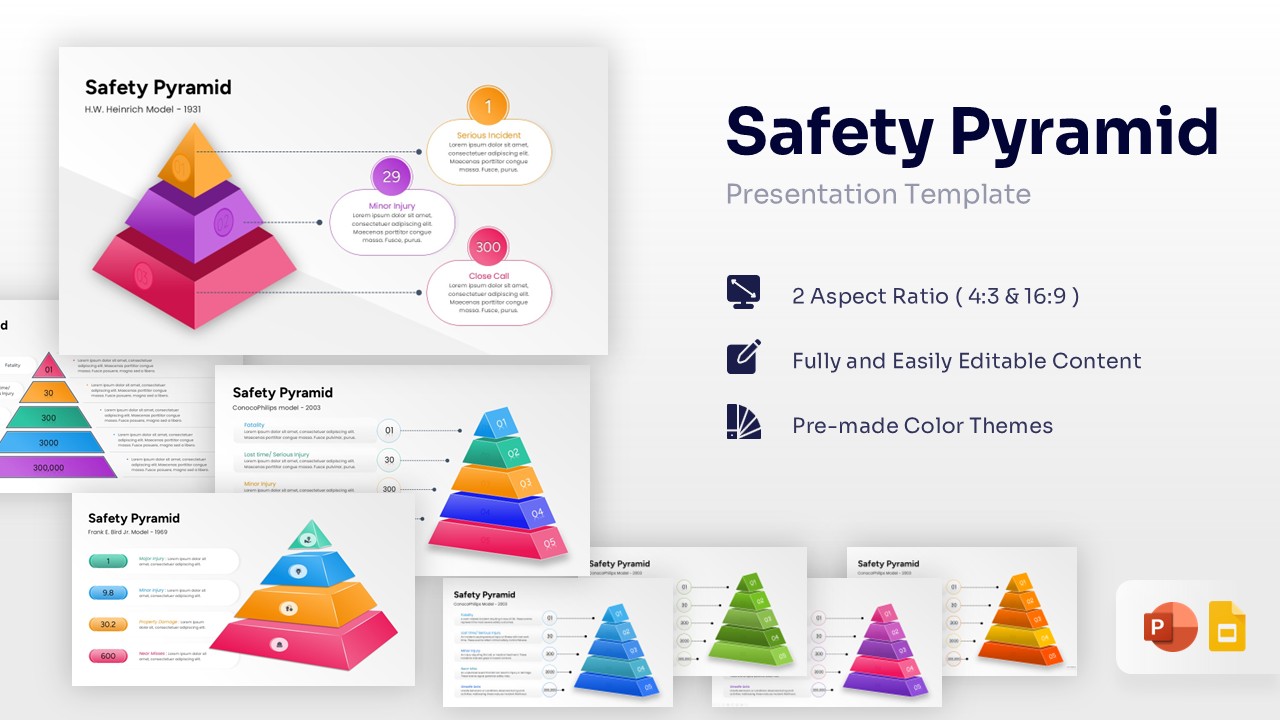
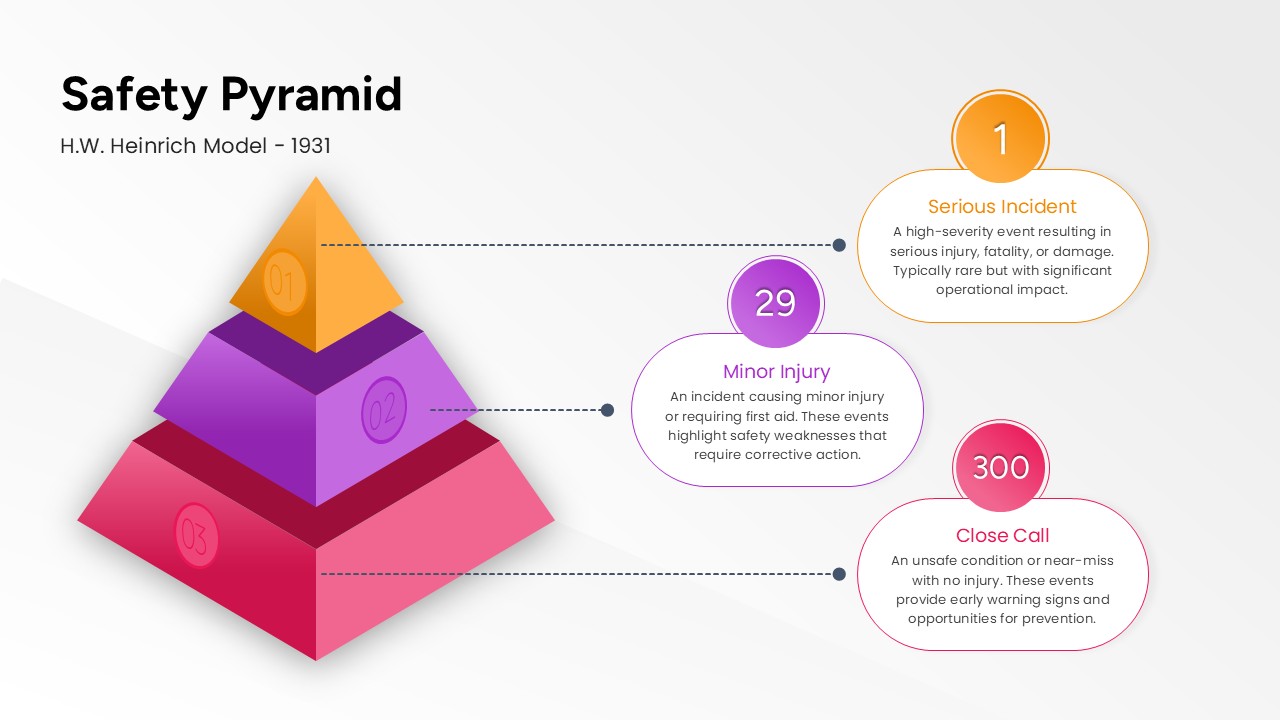
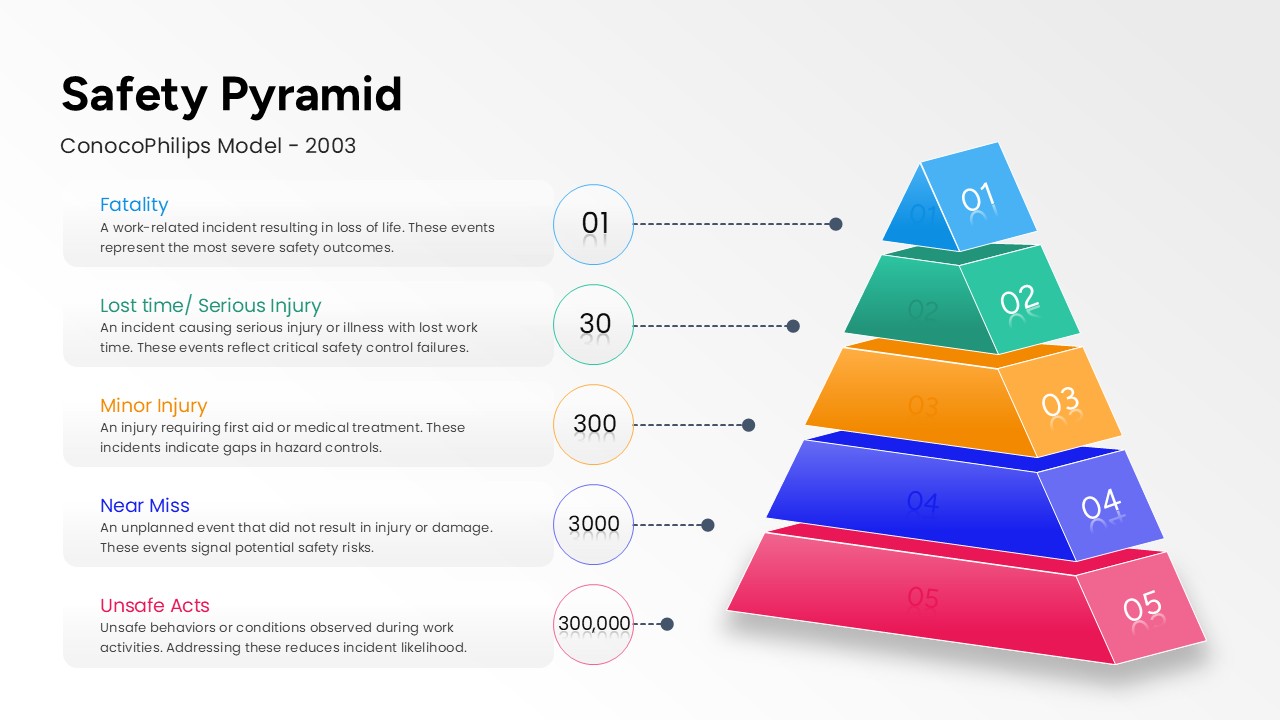
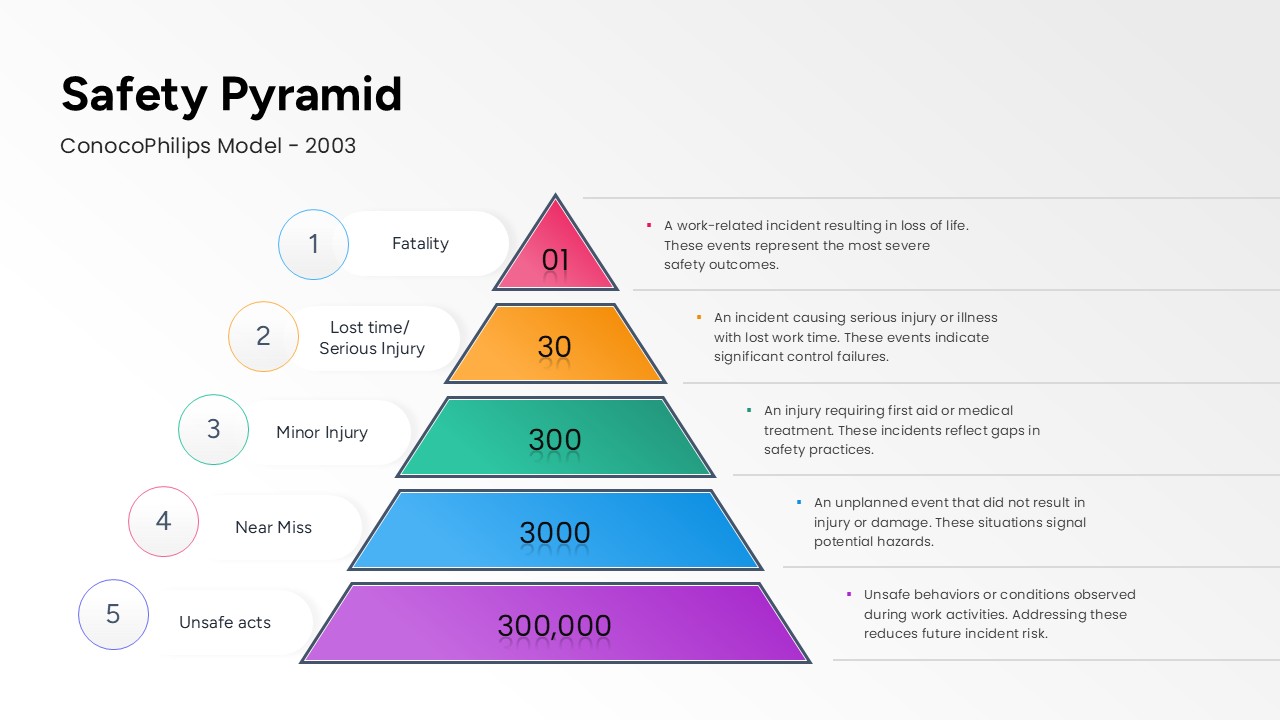
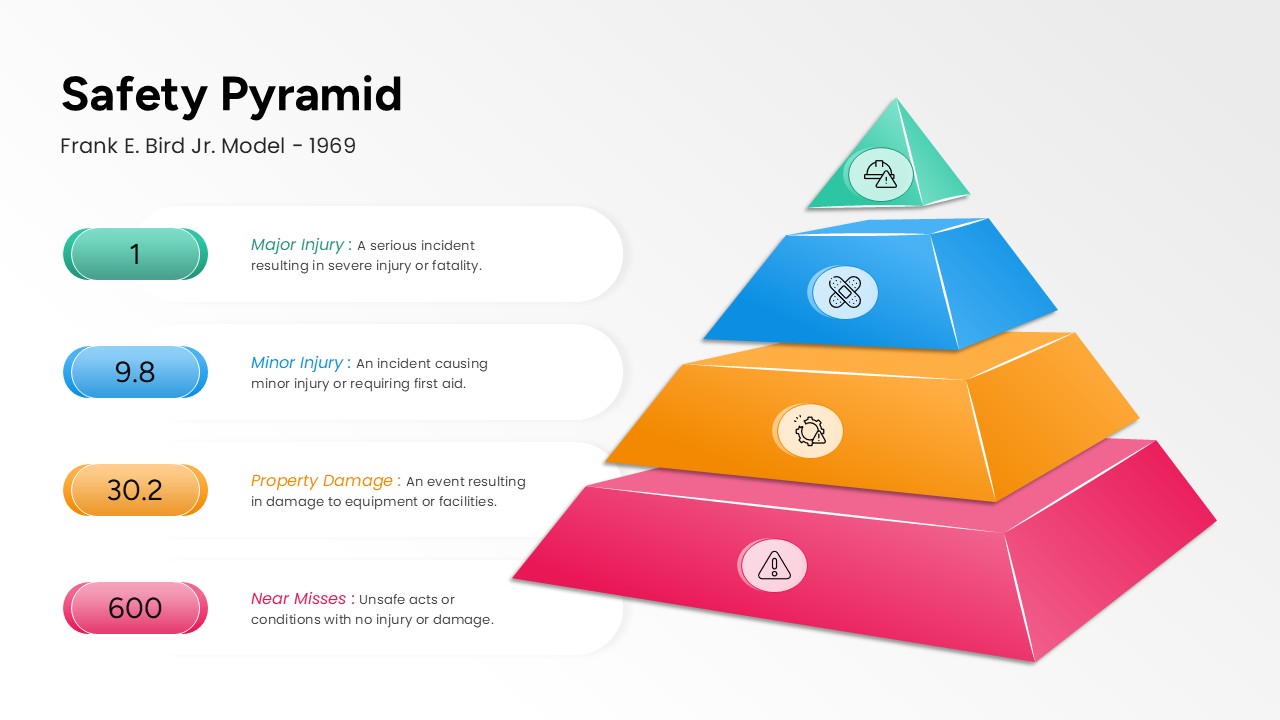
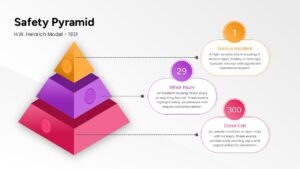
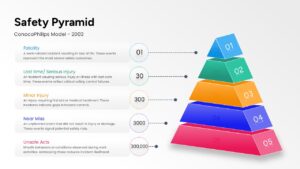
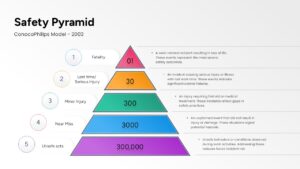
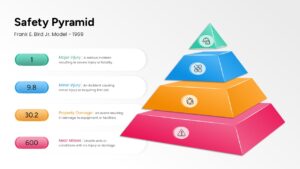
This comprehensive Safety Pyramid Diagram features several industry-standard frameworks, including the H.W. Heinrich Model (1931), the Frank E. Bird Jr. Model (1969), and the ConocoPhillips Model (2003). Each slide is designed with a clean, hierarchical structure, using distinct layers to represent different levels of incident severity. Whether you are explaining the classic ratios or modern behavioral safety data, these incident triangle diagrams provide the professional clarity needed for high-stakes corporate training and compliance reporting.
You can use this Safety Pyramid Template in a variety of professional settings, from monthly safety committee meetings and OSHA compliance workshops to new employee orientations. The layout is optimized to hold complex data without looking cluttered, allowing you to present “Close Call” statistics alongside “Serious Incident” reports. Simply pick the model that fits your organization’s reporting style and plug in your specific data to create a polished, expert-level deck in minutes.
Who Should Download this Safety Pyramid Diagram
- Health and Safety (EHS) Managers conducting risk audits and safety reviews.
- HR Professionals and Corporate Trainers during onboarding and policy updates.
- Operations Managers and Site Supervisors reporting on factory or site incidents.
- Consultants providing specialized workplace safety and loss prevention advice.
Why use this template – Workplace Safety, Risk Assessment, Incident Reporting
- Workplace Safety Education: Masterfully explain the H.W. Heinrich and Frank Bird models to your team.
- Risk Management: Visualize the correlation between minor injuries and major fatalities clearly.
- Effective Communication: Use safety triangle visuals to drive home the importance of reporting near-misses.
- Presentation Readiness: Look professional with clean, high-contrast layouts that work in any boardroom.
Key Features
- 100% Vector-Based Graphics
- Fully Layered & Organized
- Multi-Platform Support
- Theme Color & Theme Font
Frequently Asked Questions
- How can I customize the number of levels in the pyramid?
- Since all elements are 100% vector-based, you can easily add or remove layers using the standard PowerPoint or Google Slides grouping tools without losing image quality.
- Are the text boxes pre-formatted for safety data?
- Yes, each slide includes designated placeholders for incident counts (like fatalities, minor injuries, and close calls) to ensure your data is aligned and legible.
- Can I change the colors to match my company\'s safety branding?
- Absolutely. The template is built with theme colors, allowing you to change the entire palette of the pyramid with just a few clicks in the \"Design\" tab.