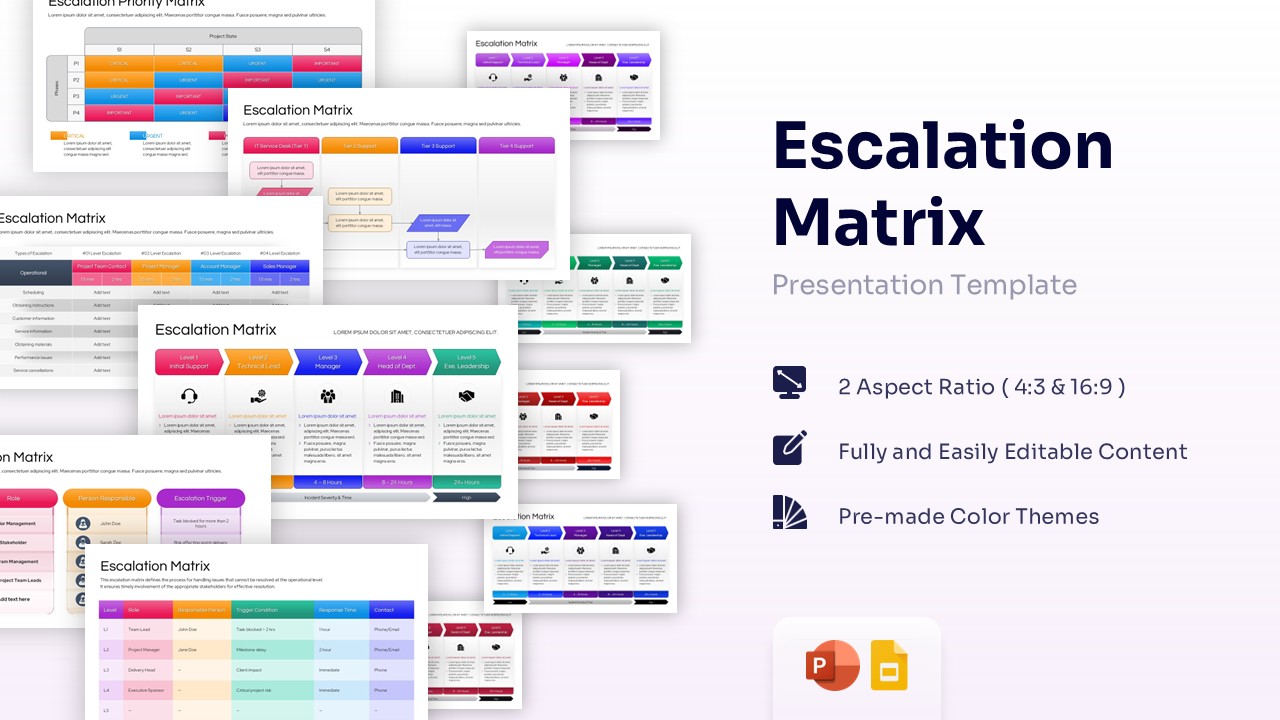
TOWS Matrix Template for PowerPoint & Google Slides
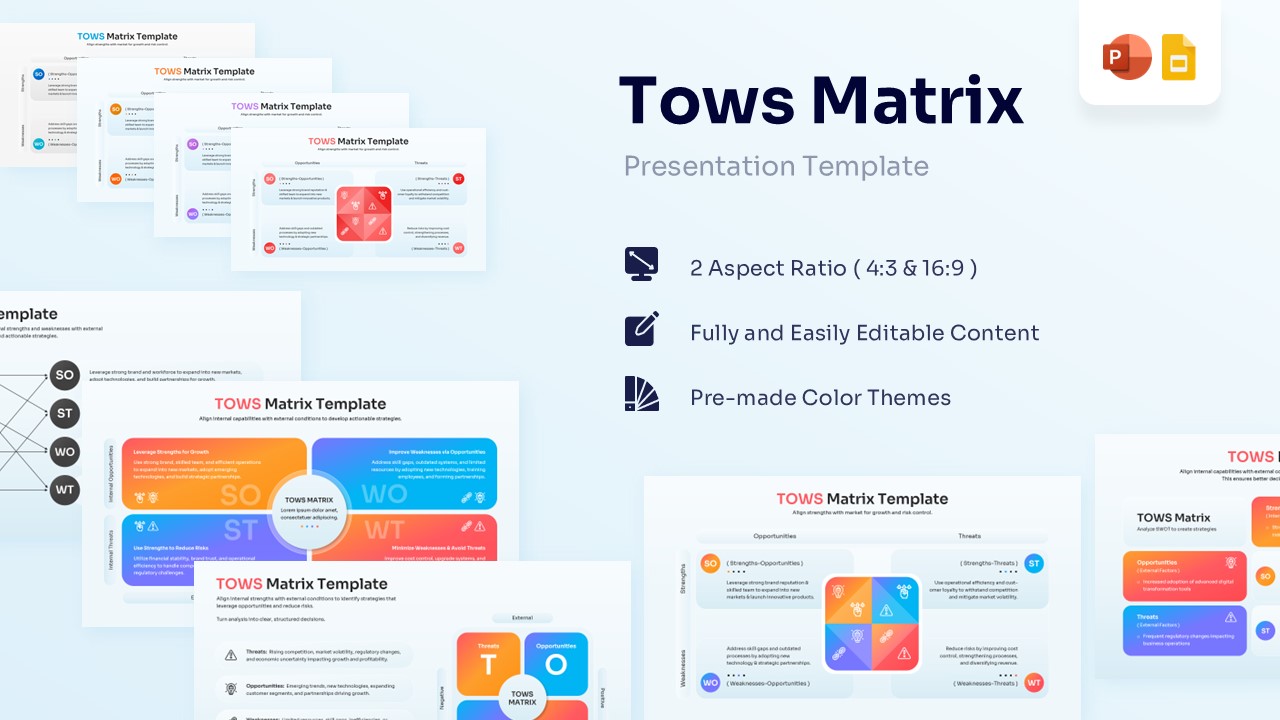


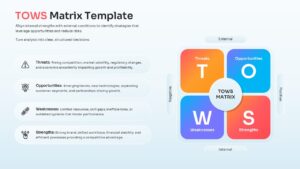

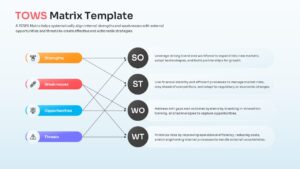
TOWS Strategy Matrix Presentation Template
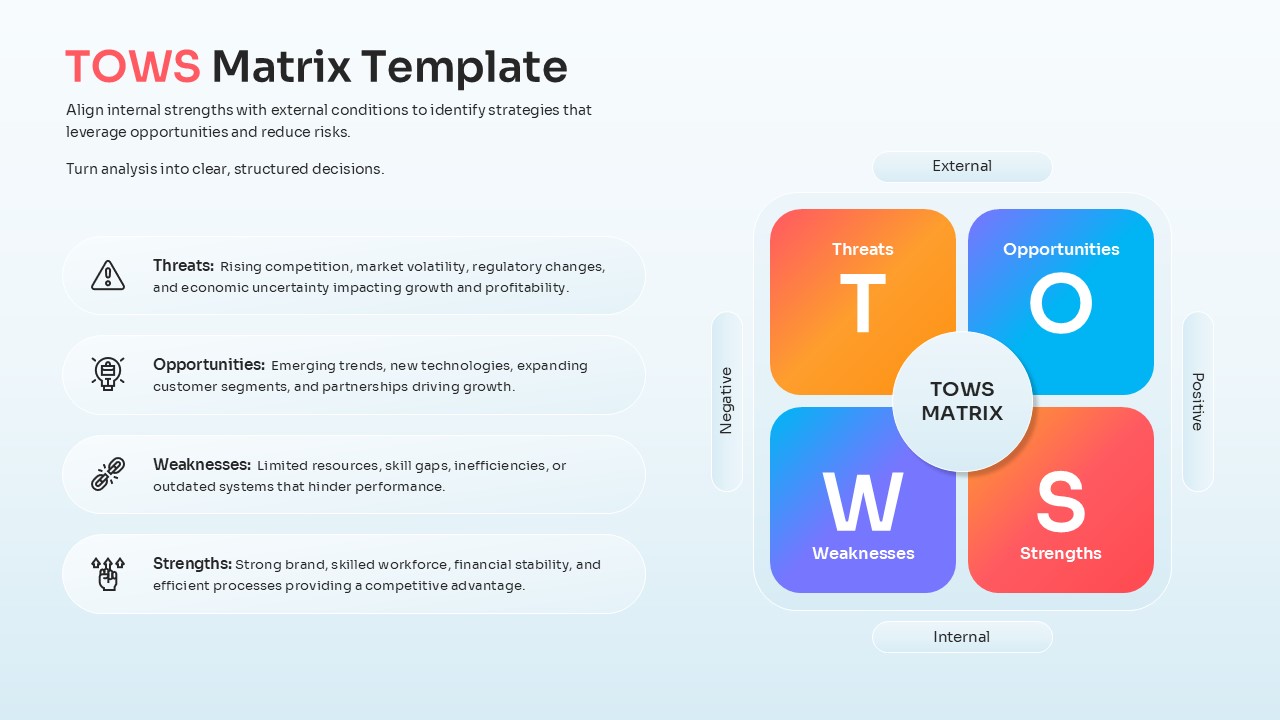
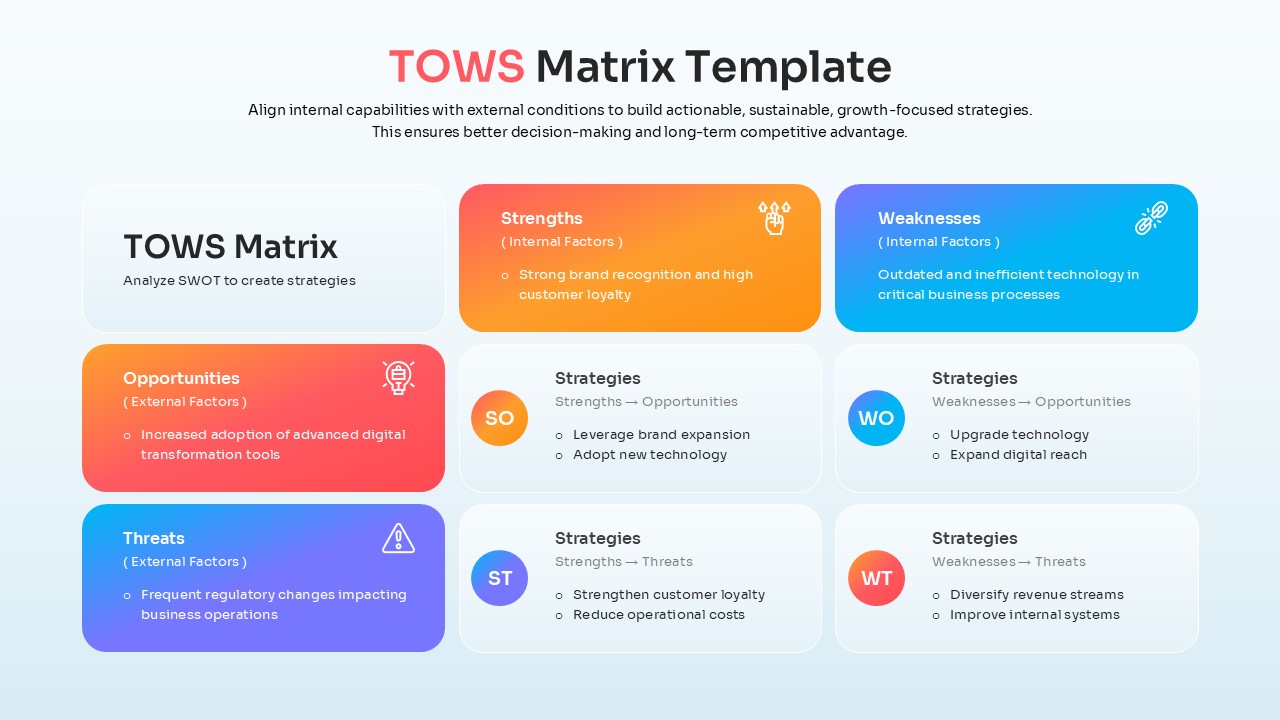
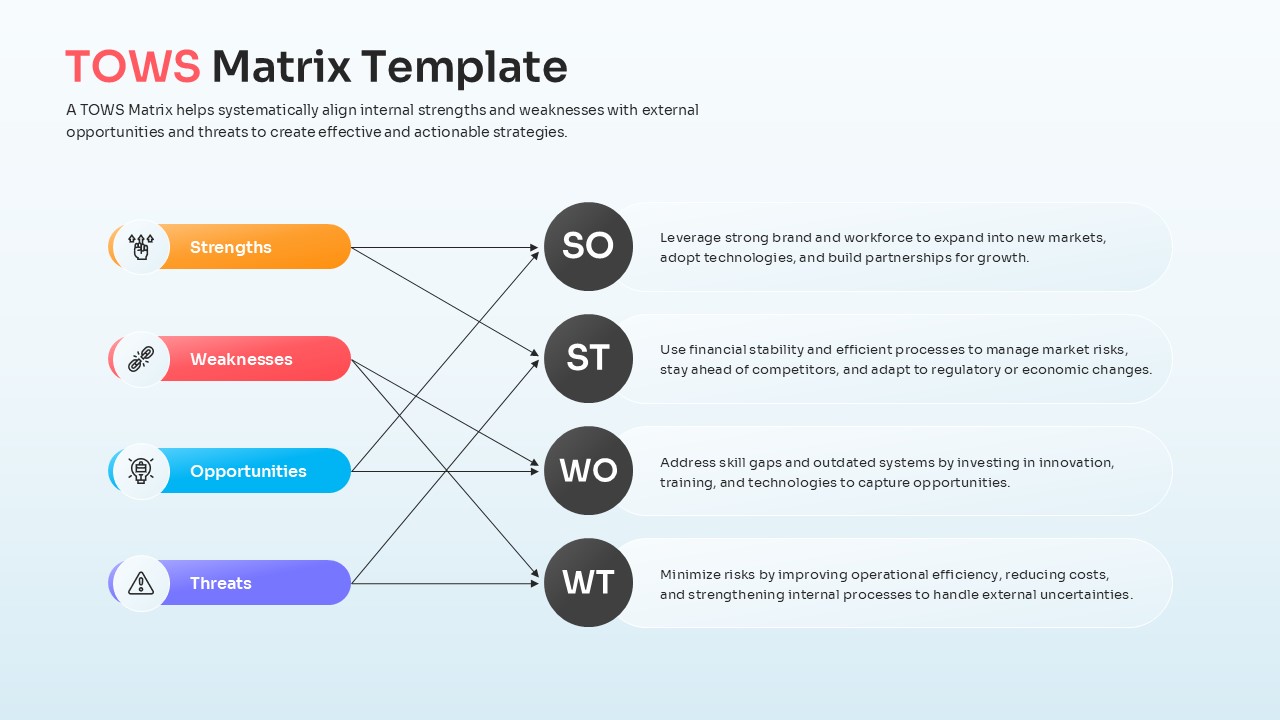
Download this TOWS Matrix Template for PowerPoint and Google Slides and use it for executive briefings, market expansion analysis, or organizational audits. This versatile infographic presentation template allows you to turn raw data into high-level tactical plans by crossing internal and external factors.
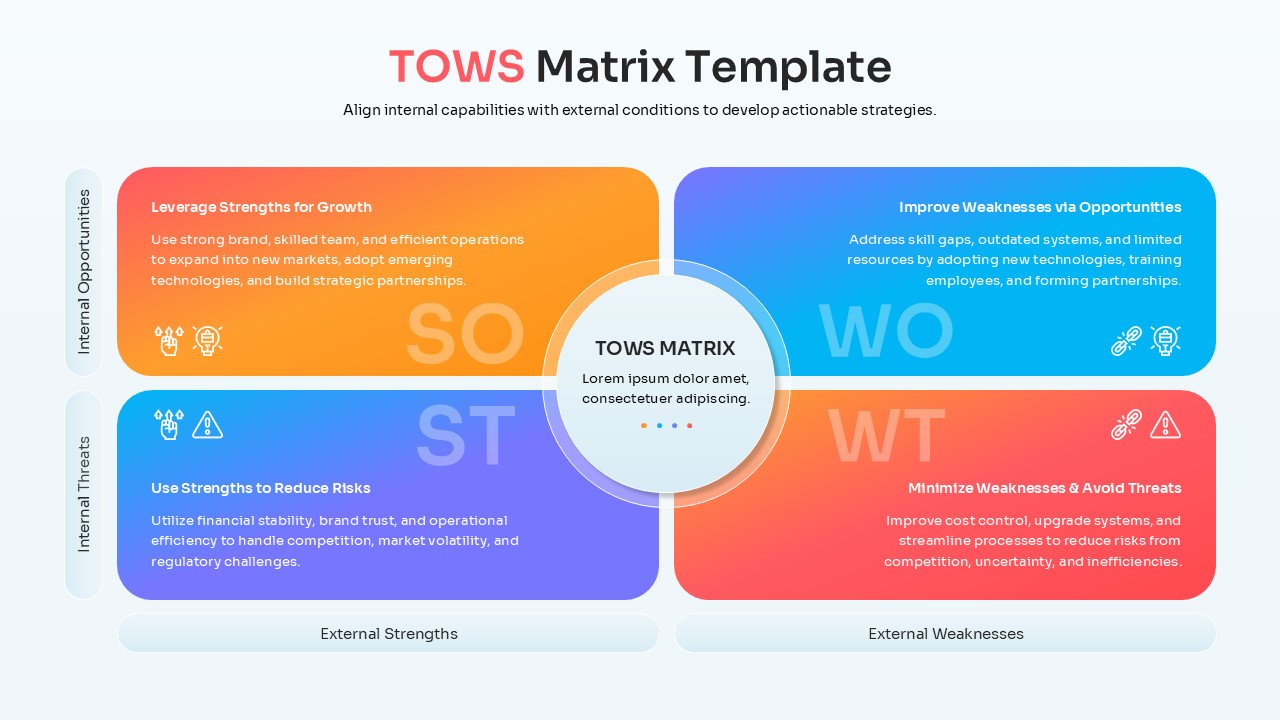
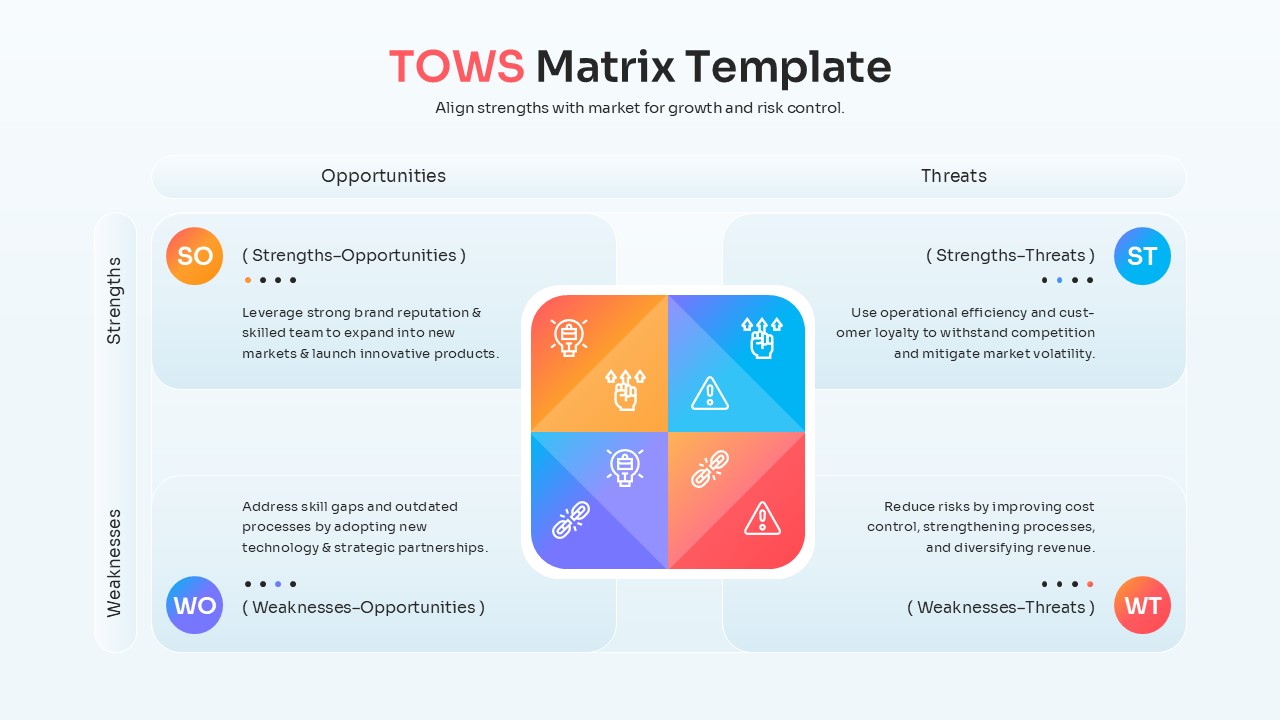
This TOWS matrix diagram provides a structured way to visualize SO, ST, WO, and WT strategies. These infographic slides are essential for teams looking to move beyond simple identification and into the execution phase of their SWOT analysis strategy. By using this visual framework, managers can clearly communicate how specific strengths will be used to capitalize on emerging market opportunities or mitigate risks.
Each element is crafted using vector graphics, ensuring that your slide deck remains crisp and professional at any resolution. You can easily adjust colors and text to fit your corporate identity using fully editable business infographics. This flexibility makes the strategic decision framework adaptable for everything from startup pitch decks to annual corporate reviews without requiring advanced design skills.
Why Use this TOWS Matrix Template
- Provides a logical structure to convert SWOT findings into actionable growth strategies.
- Reduces preparation time with pre-designed layouts for complex strategic relationships.
- Ensures stakeholder buy-in through clear, high-contrast visual representations of risk and reward.
- Allows for seamless integration into existing corporate presentations with matching themes.
Who Should Download this Visual Framework – Business Strategic Planning
- Strategic planners and business consultants developing long-term roadmaps.
- Marketing directors identifying new market entry points and competitive advantages.
- Project managers assessing potential threats and resource allocation needs.
- Business students and educators teaching advanced management frameworks.
Key Features
- 100% Vector-Based Graphics
- Fully Layered & Organized
- Multi-Platform Support
- Theme Color & Theme Font
- High-Contrast Strategy Quadrants
- Labeled Relationship Connectors
Frequently Asked Questions
- Can I edit the text within the TOWS Matrix quadrants?
- Yes, all text boxes in the TOWS Matrix are fully editable, allowing you to input your specific strategic goals directly into the quadrants.
- Is it possible to change the color of the SO, ST, WO, and WT sections?
- Absolutely, every section is a separate vector shape; you can recolor them to match your brand or highlight specific priorities using standard fill tools.
- How does this differ from a standard SWOT analysis layout?
- While SWOT identifies factors, this strategic decision framework focuses on the interaction between those factors to create specific, actionable strategies.
Related Templates
-
 $3.99
$3.99 -
 $4.99
$4.99 -
Impact Effort Matrix Template for PowerPoint & Google Slides
Business Strategy
$3.99 -