
Download Professional PowerPoint Diagram and Google Slides for Presentation
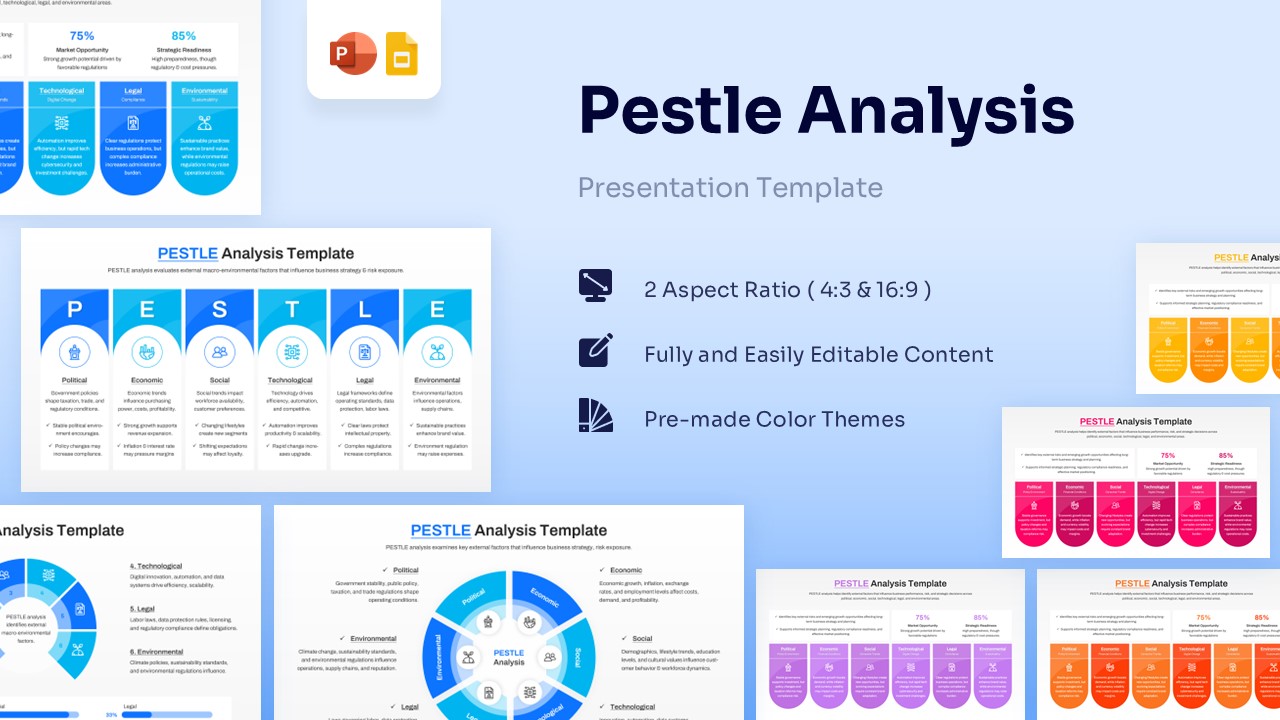
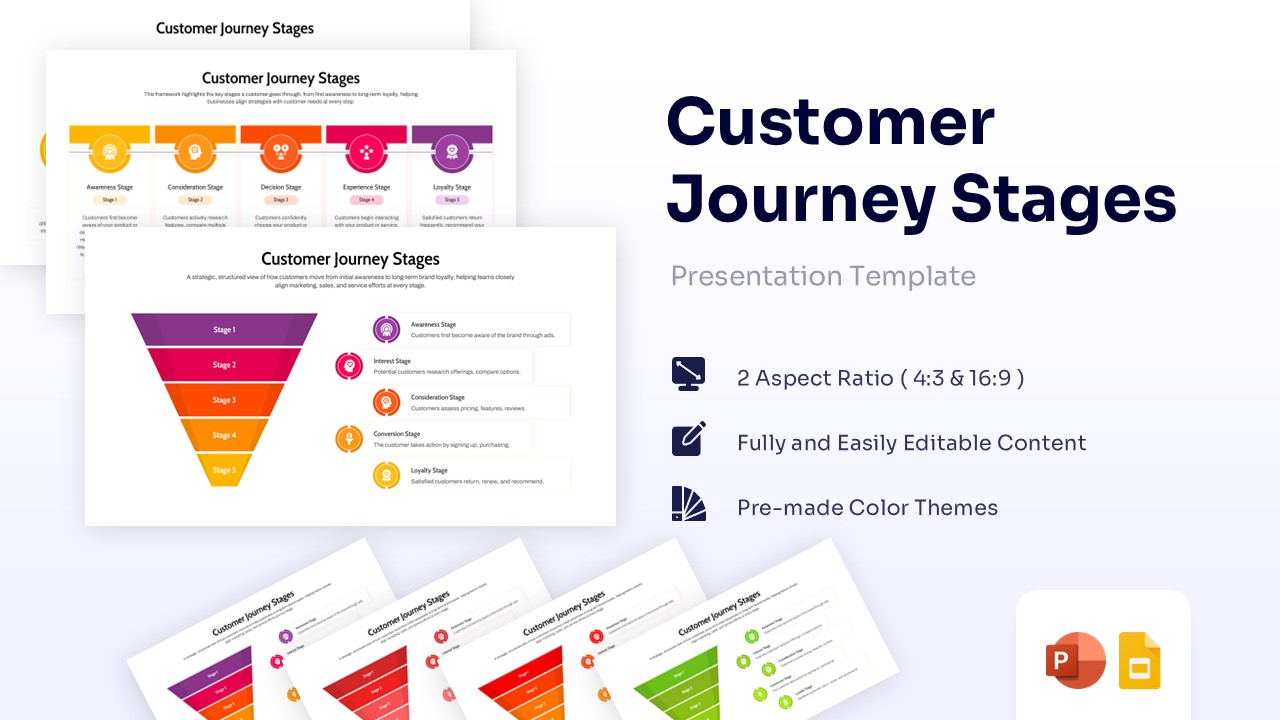
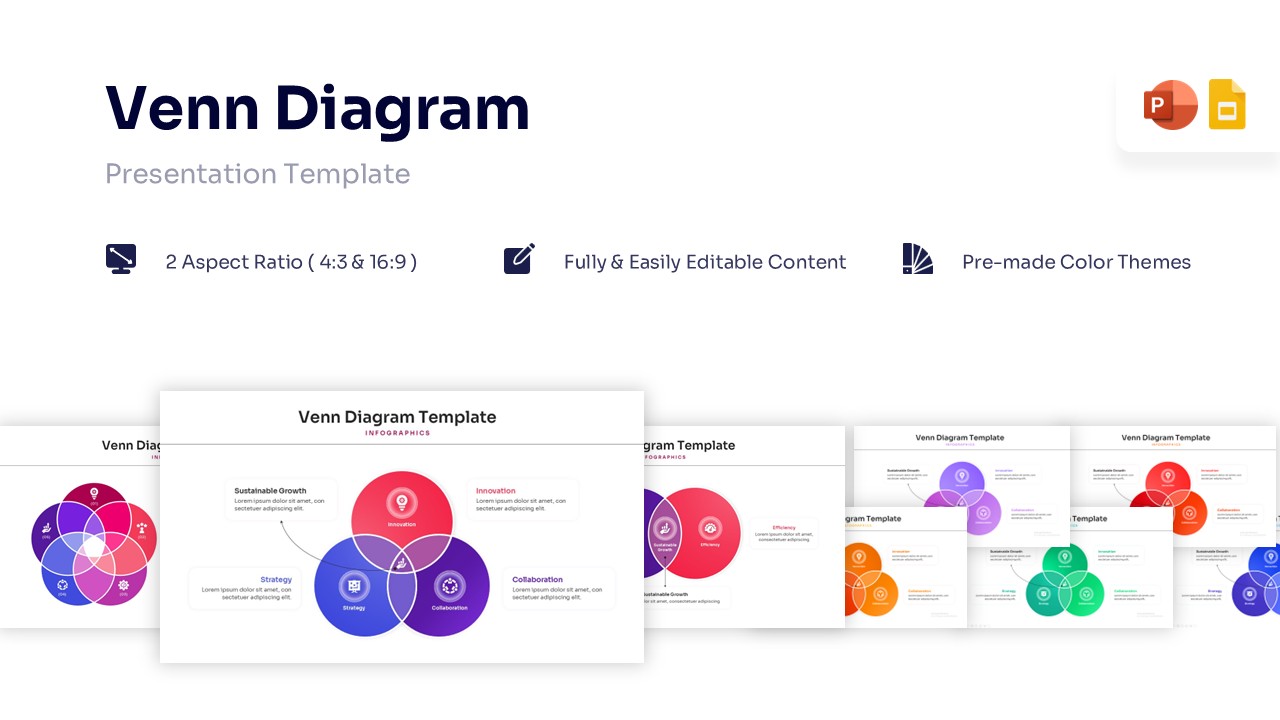
Understanding complex processes is hard for your audience. Our PowerPoint diagrams help you show these steps visually instead of just saying them . You can explain relationships and processes simply so everyone understands instantly . This keeps your team focused and helps you present like a pro .
Sort by
-
 $2.99
$2.99 -
-
-

-
 $2.99
$2.99 -
-
-
 $3.99
$3.99 -
-
-
-
-
-
 Free
Free -
-
 $2.99
$2.99 -
-
-
-
-
-
-
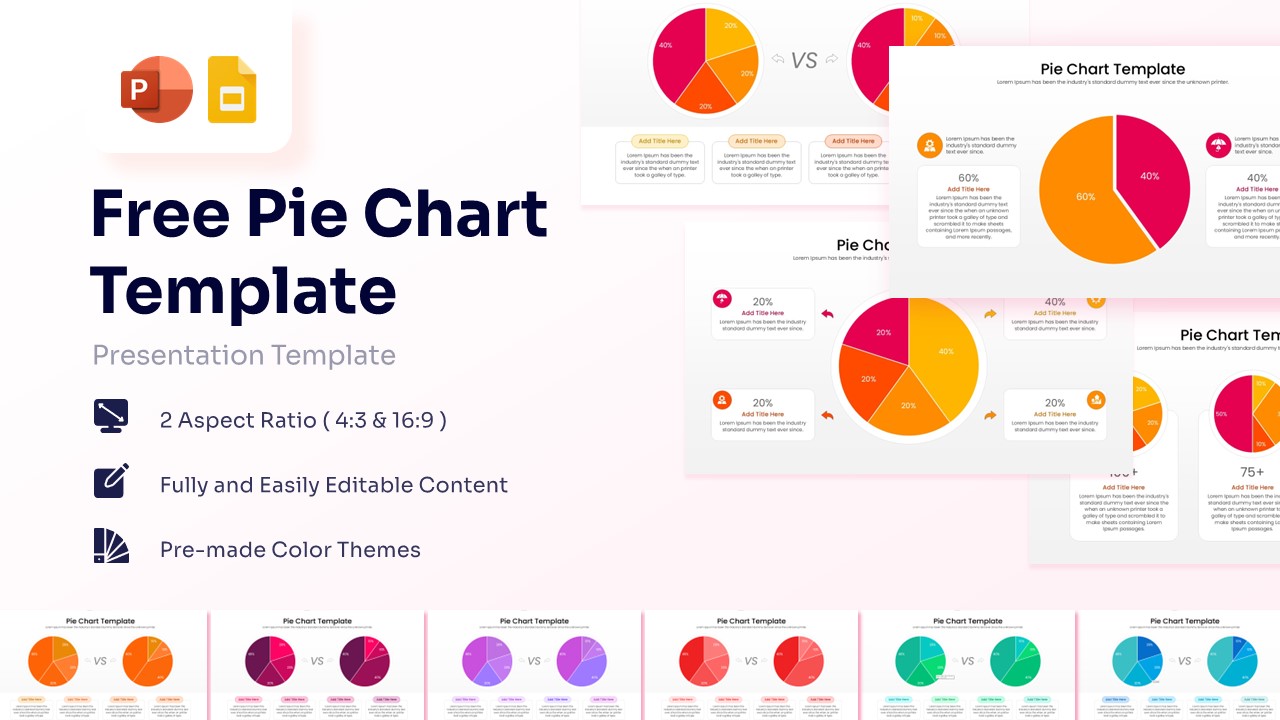
Free Pie Chart Template for PowerPoint & Google Slides
Charts & Graphs
Free -
 $3.99
$3.99 -
 $3.99
$3.99 -
 $3.99
$3.99 -
-
-
-
-
-
-
 $2.99
$2.99 -
-
 $3.99
$3.99 -
-
 $3.99
$3.99 -
 $3.99
$3.99 -
-
-
-
-
-
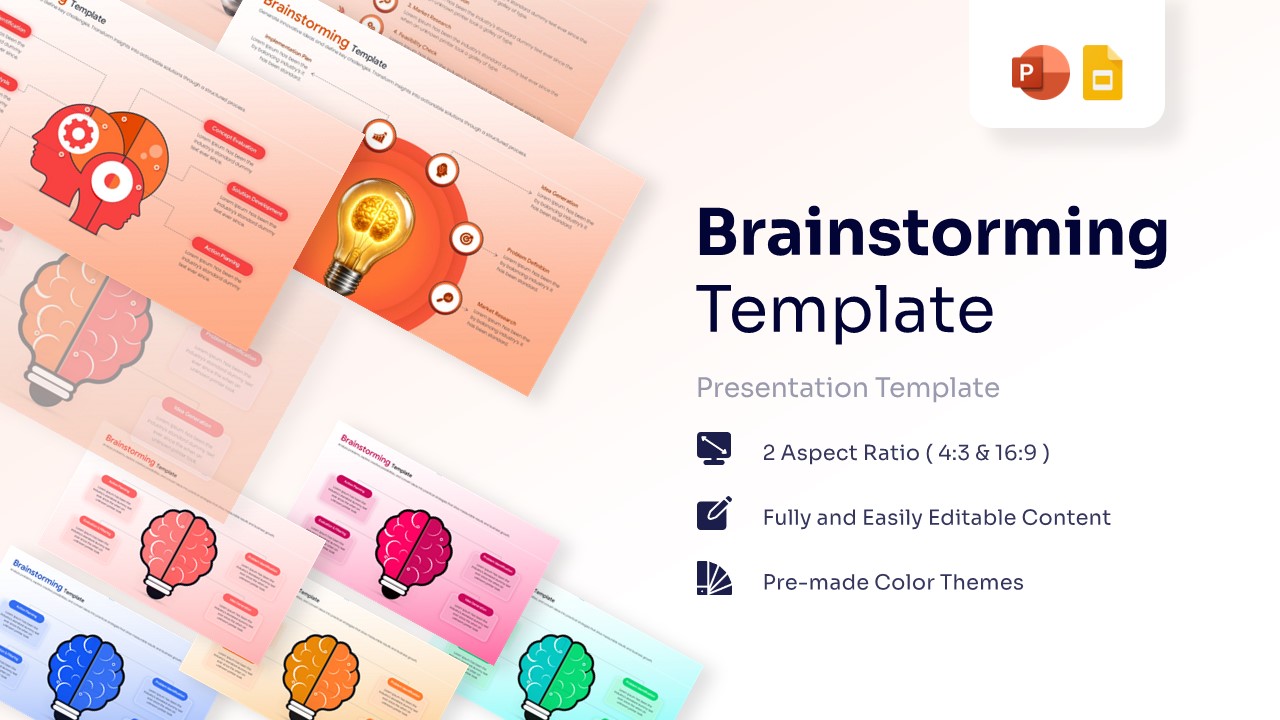
Brainstorming Template for PowerPoint & Google Slides
Cause and Effect
$3.99 -
-
-
 $2.99
$2.99 -
 $2.99
$2.99 -
 $2.99
$2.99 -
-
-
-
 $3.99
$3.99 -
 $3.99
$3.99 -
-
 $2.99
$2.99 -
-
-
 $3.99
$3.99 -
-
 $2.99
$2.99 -
-
-
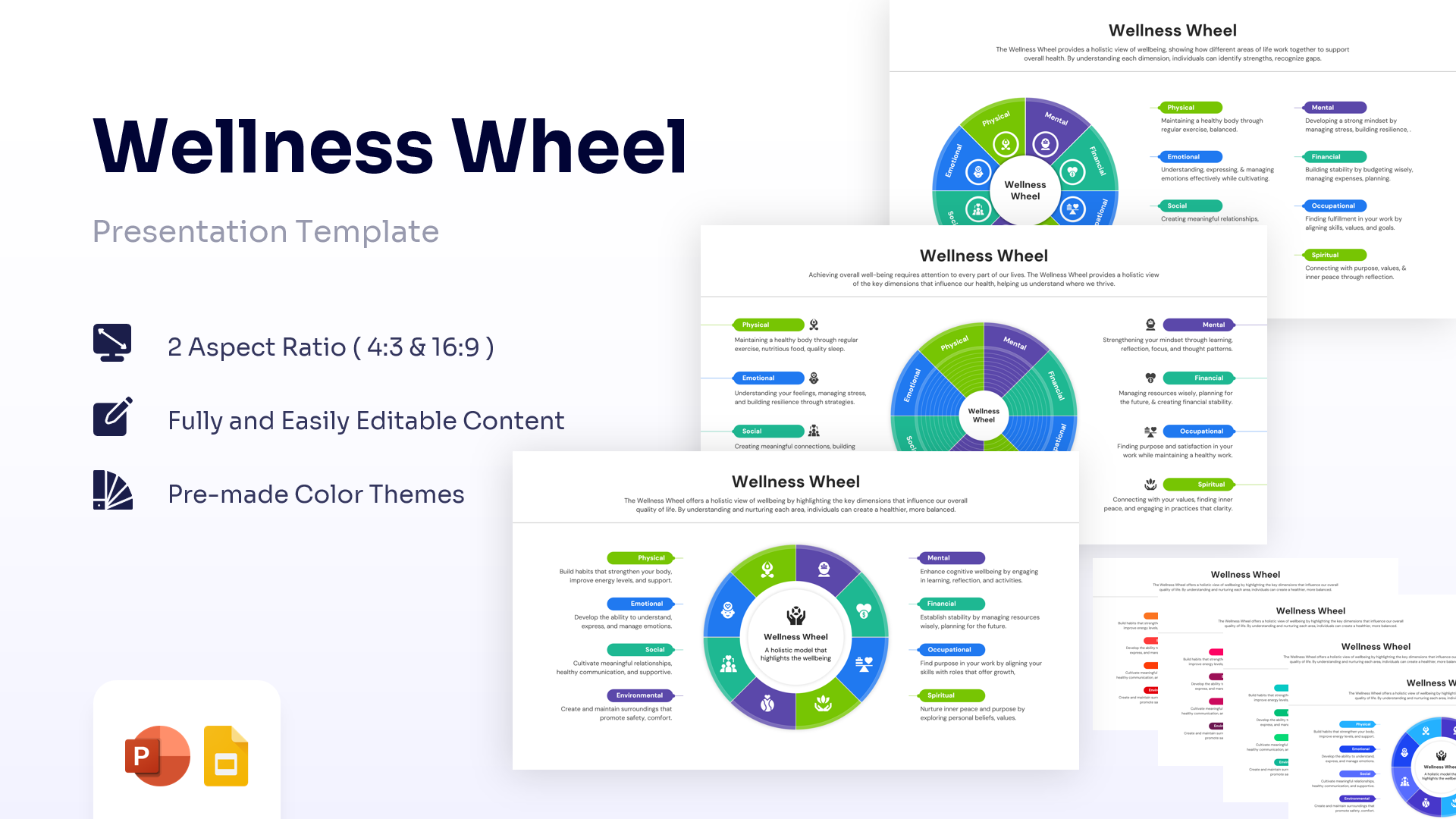
Wellness Wheel Template for PowerPoint & Google Slides
Charts & Graphs
$2.99 -
-
 $4.99
$4.99 -
-
-
-
-
 $3.99
$3.99 -
 $2.99
$2.99 -
-
-
 $3.99
$3.99 -
-
-
-
 $3.99
$3.99 -
 $3.99
$3.99
Frequently Asked Questions
How to make a Diagram in PowerPoint?
You can use the SmartArt tool under the Insert menu to build simple diagrams. But if you want to save prep time and ensure your slides look professional, we recommend using our ready-made diagram templates. Simply download the layout that fits your idea, type in your text, and you are ready to present.
Does PowerPoint have Diagram Templates?
Yes, PowerPoint offers built-in SmartArt graphics. While these are good for simple lists, they often lack the detail needed for professional reports. Our editable diagram templates offer more creative options. Download them to make your presentation look sharp and distinct.
Can I use these diagram templates in Google Slides?
Yes, our templates are fully compatible with Google Slides. You can upload the PowerPoint file directly to your drive, and the diagrams will remain editable. This allows you to work on the platform you prefer without losing quality.
Are the colors and fonts fully editable?
Yes, every part of the diagram is 100% editable. You can easily change the colors to match your company brand and switch the fonts to your preferred style. This flexibility ensures the slide fits your presentation perfectly.
Do I need design skills to use these templates?
No, you do not need to be a designer. Our templates are built to be user-friendly. Simply download the layout, click on the text holders, and type your content. It is a simple way to look professional without the stress of designing from scratch.
Can I use these diagrams for commercial business presentations?
Absolutely. Our templates are royalty-free, which means you can use them for client meetings, internal reports, or marketing pitches. You do not need to worry about copyright issues, allowing you to present with confidence.
What types of business diagrams are available in this library?
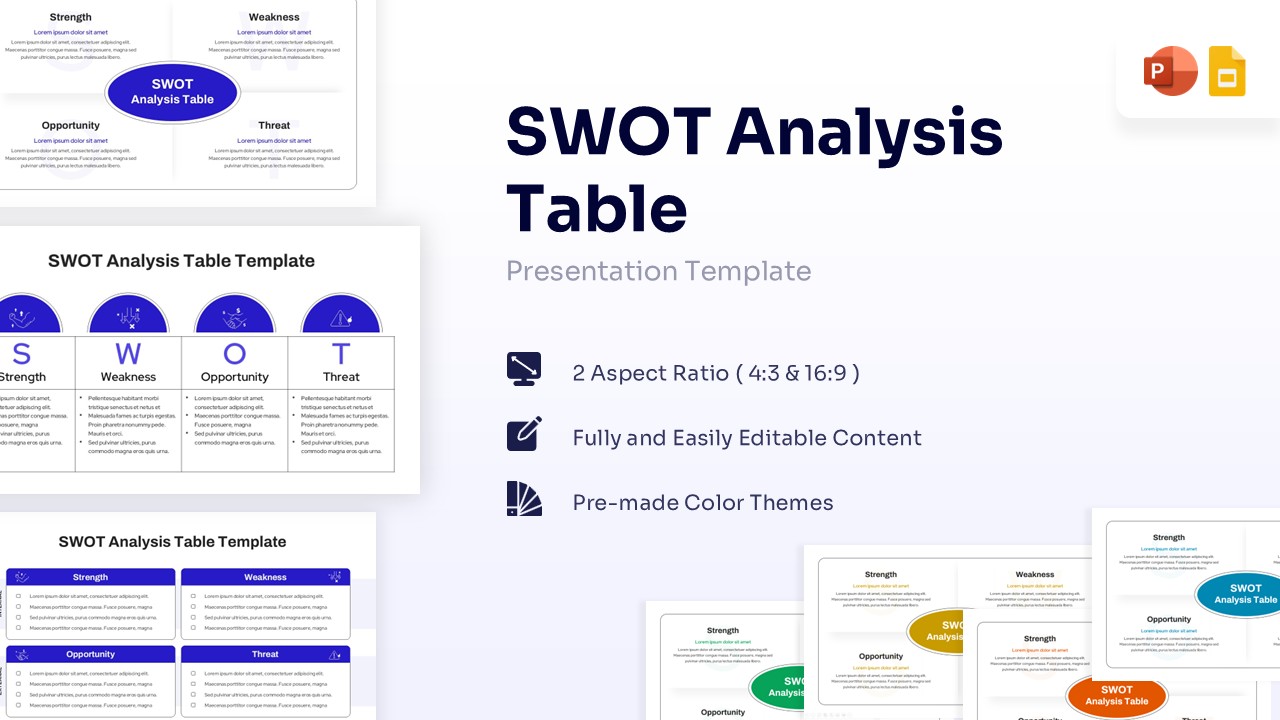
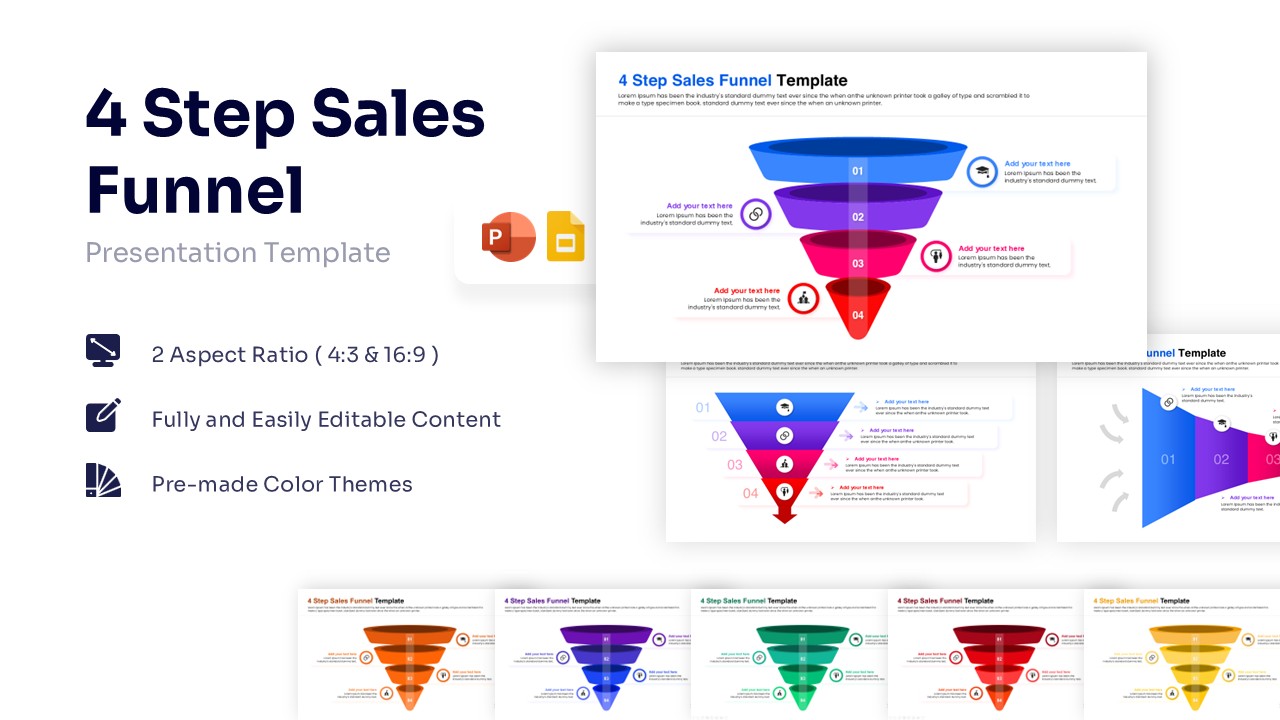
We offer a wide range of diagrams to fit different needs. You will find SWOT analysis, flowcharts, funnels, mind maps, and hierarchy charts. We organize the library to help you find the exact visual you need to explain your specific idea clearly.
How do these templates help me save time?
Creating a clean, aligned diagram from scratch takes hours of work. By using our ready-made templates, you skip the design phase entirely. You get a high-quality visual instantly, allowing you to focus on your message and get your deck ready faster.