
Download Professional PowerPoint Templates for Presentations
Browse our collection of professional PowerPoint templates. Perfect for business, education, medical, and creative presentations. Whether you need a pitch deck, a marketing report, or a timeline diagram explore our versatile library & find designs that help you look polished and feel ready.
Sort by
-
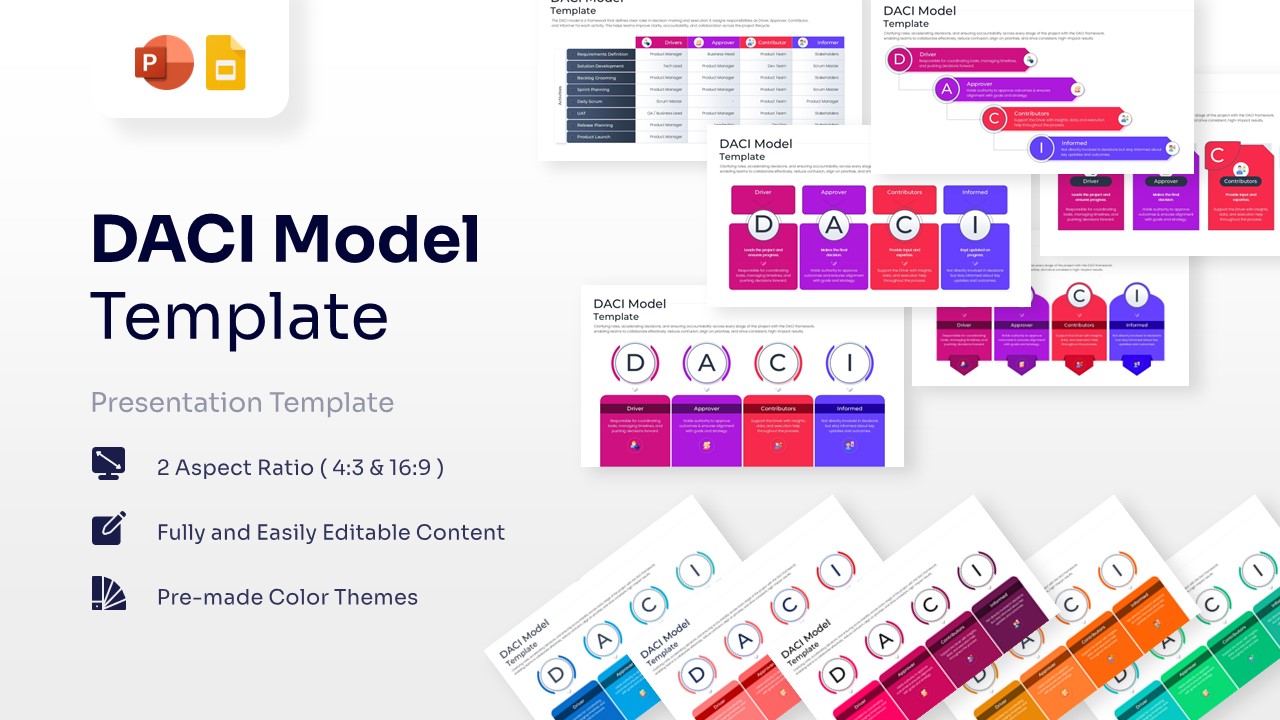 $5.99
$5.99 -
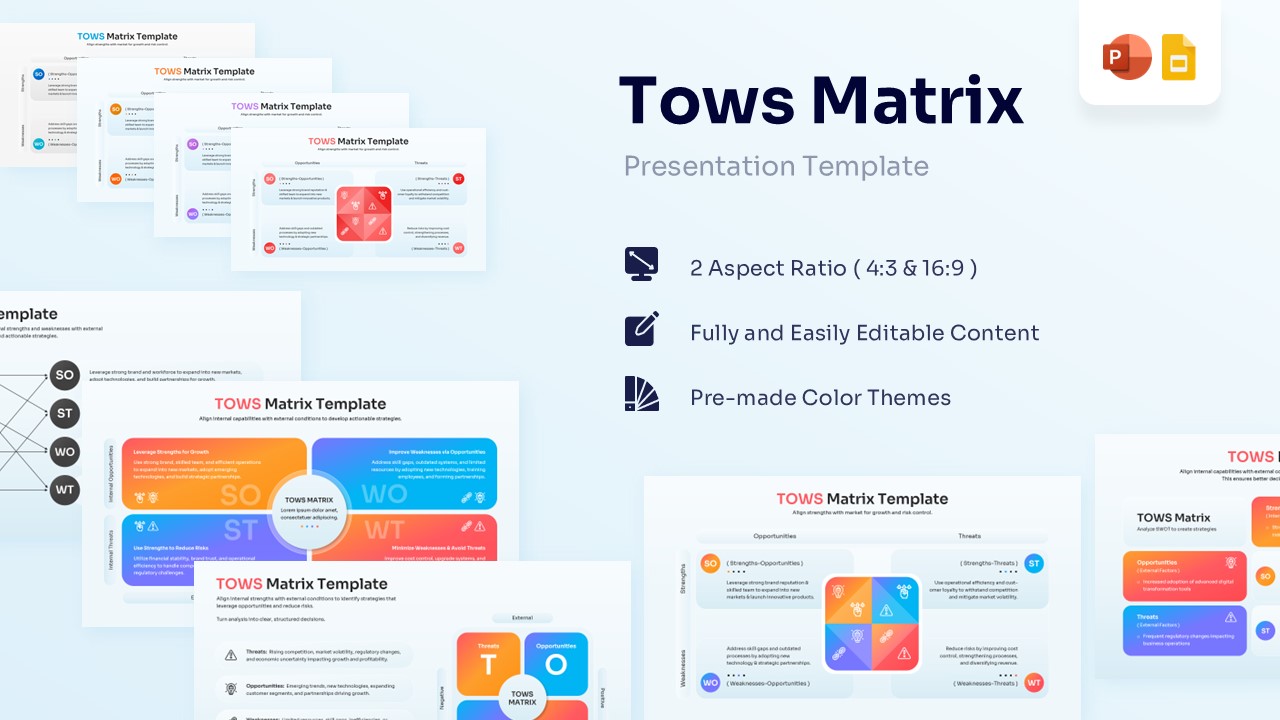 $4.99
$4.99 -
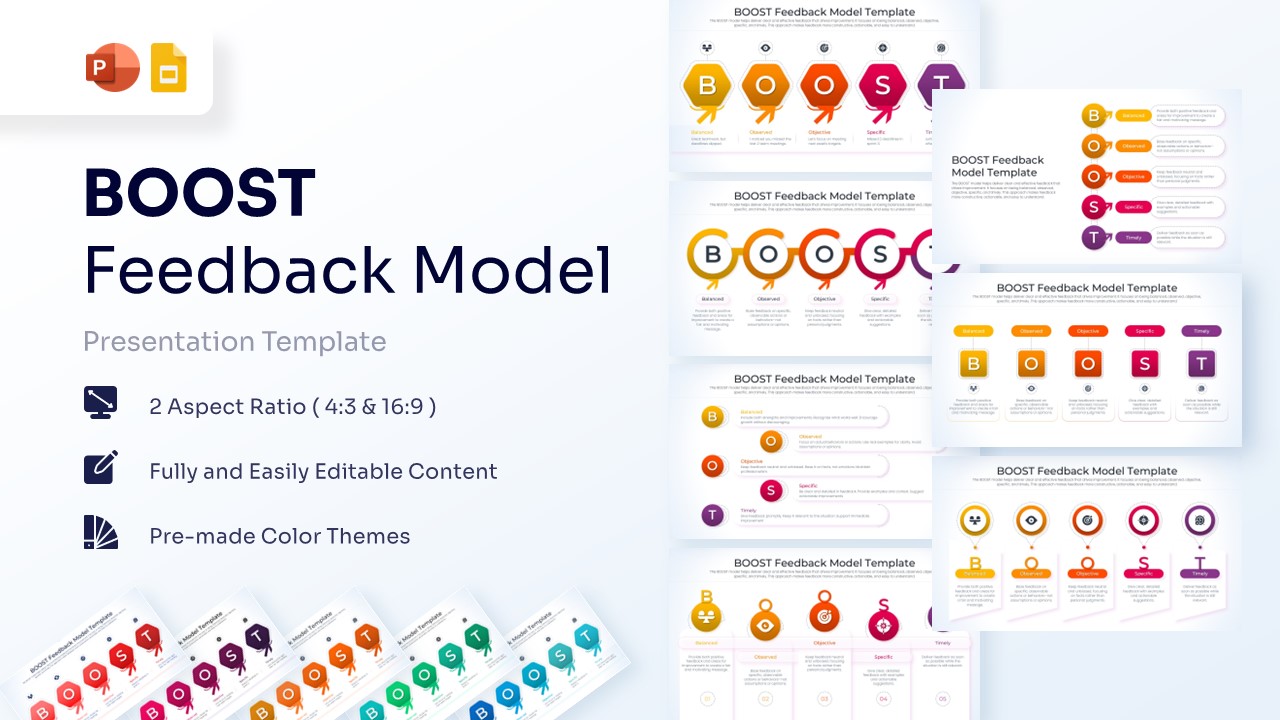 $4.99
$4.99 -
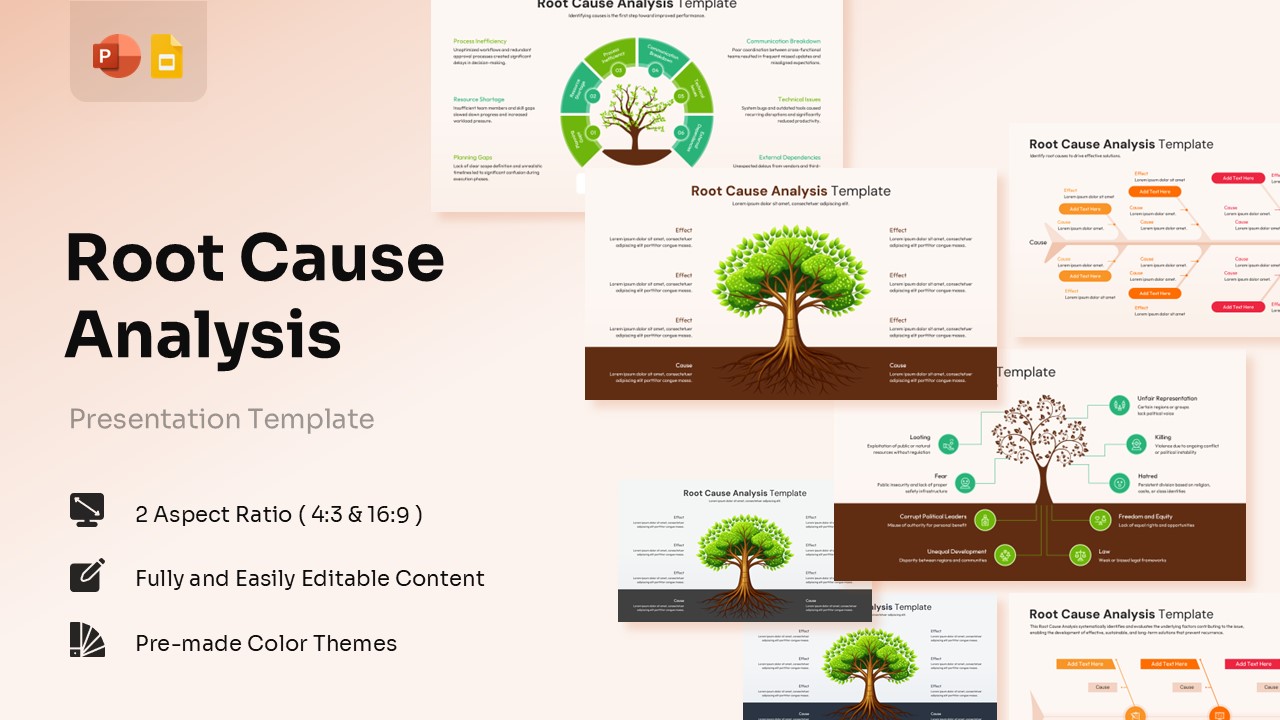 $4.99
$4.99 -
 $4.99
$4.99 -
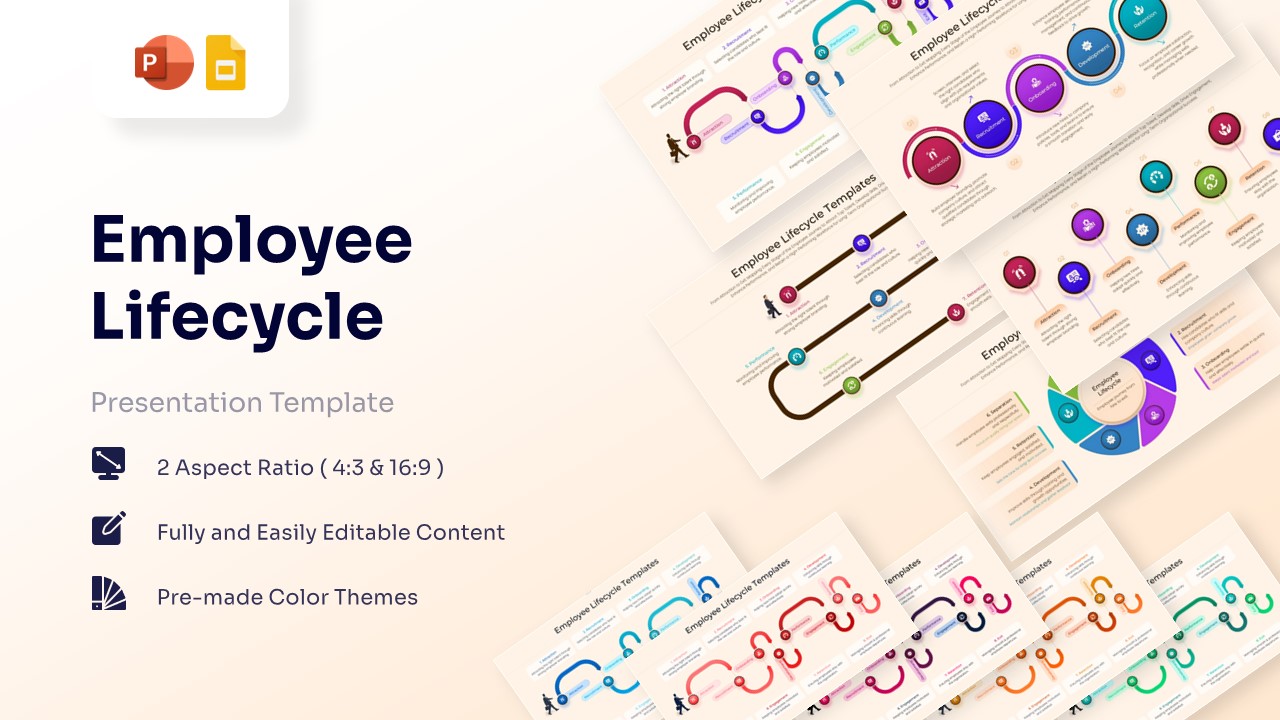
Employee Lifecycle Template for PowerPoint & Google Slides
Employee Profile
$4.99 -
-
 $4.99
$4.99 -
 $4.99
$4.99 -
 $4.99
$4.99 -
 $4.99
$4.99 -
-
-
 $4.99
$4.99 -
-
-
-
-
 $4.99
$4.99 -
 $4.99
$4.99 -
-
 $4.99
$4.99 -
-
 $4.99
$4.99 -
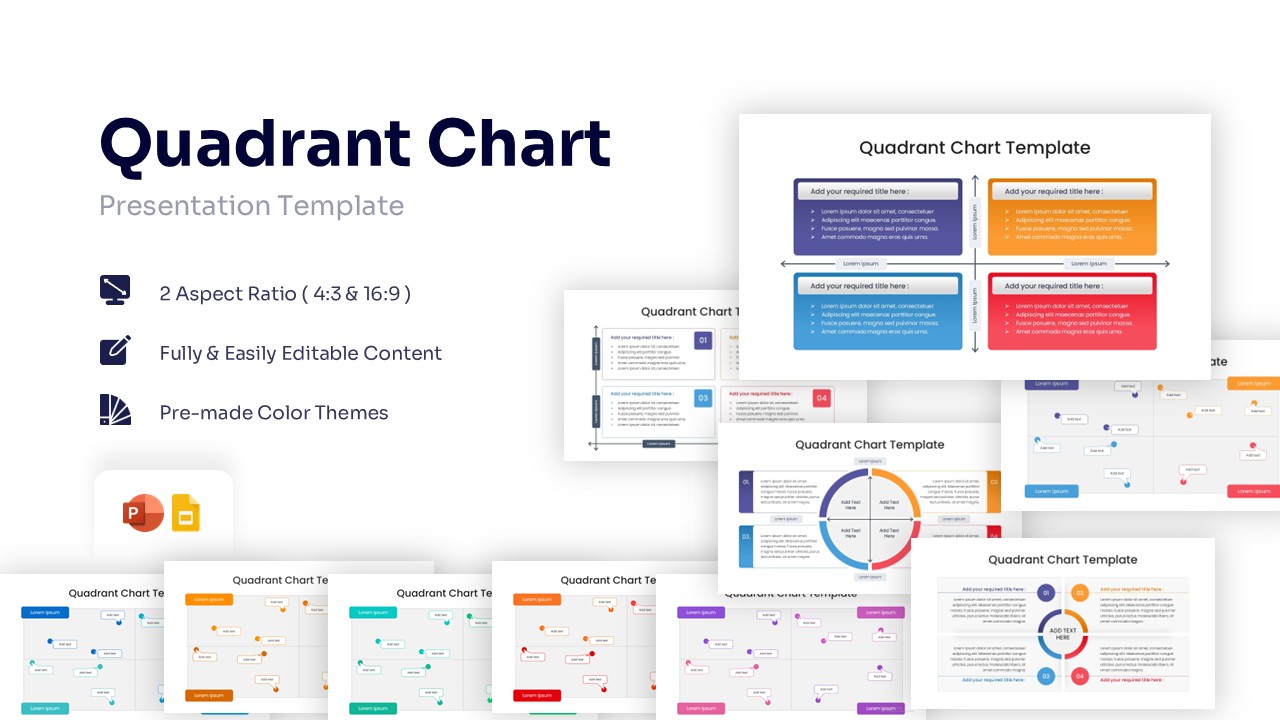
-
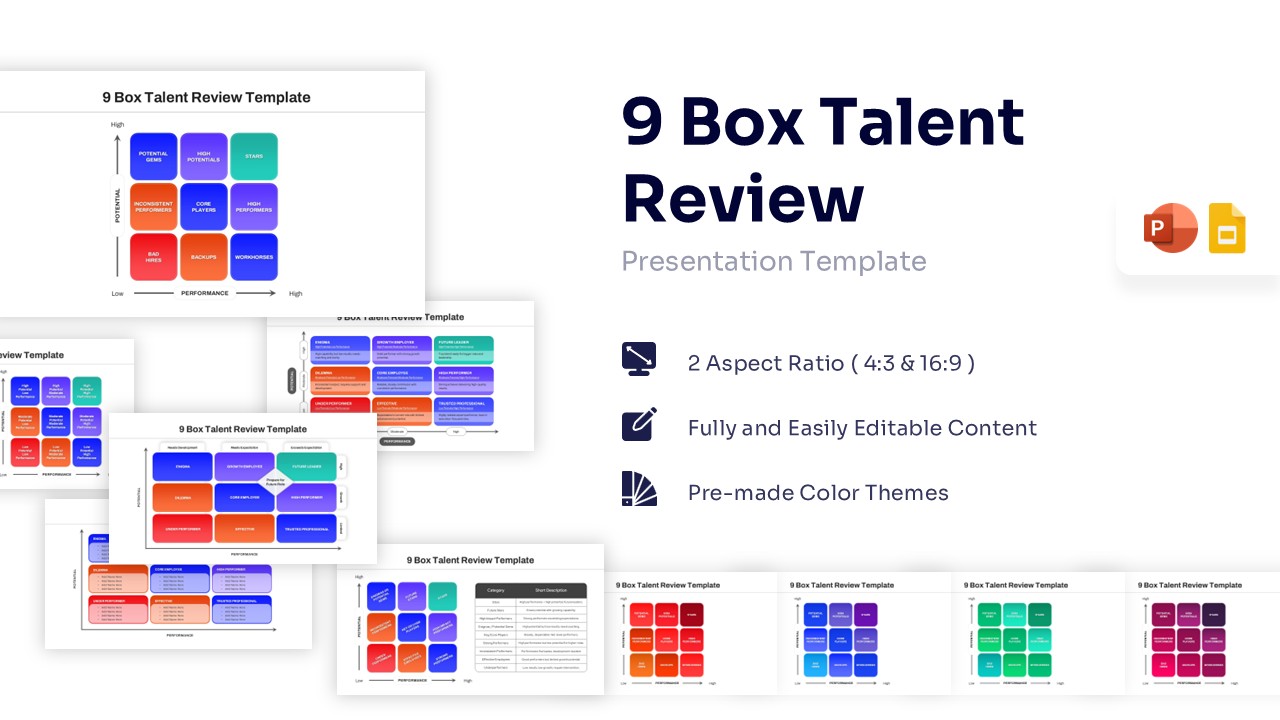
9 Box Talent Review PowerPoint Template & Google Slides
Charts & Graphs
$4.99 -
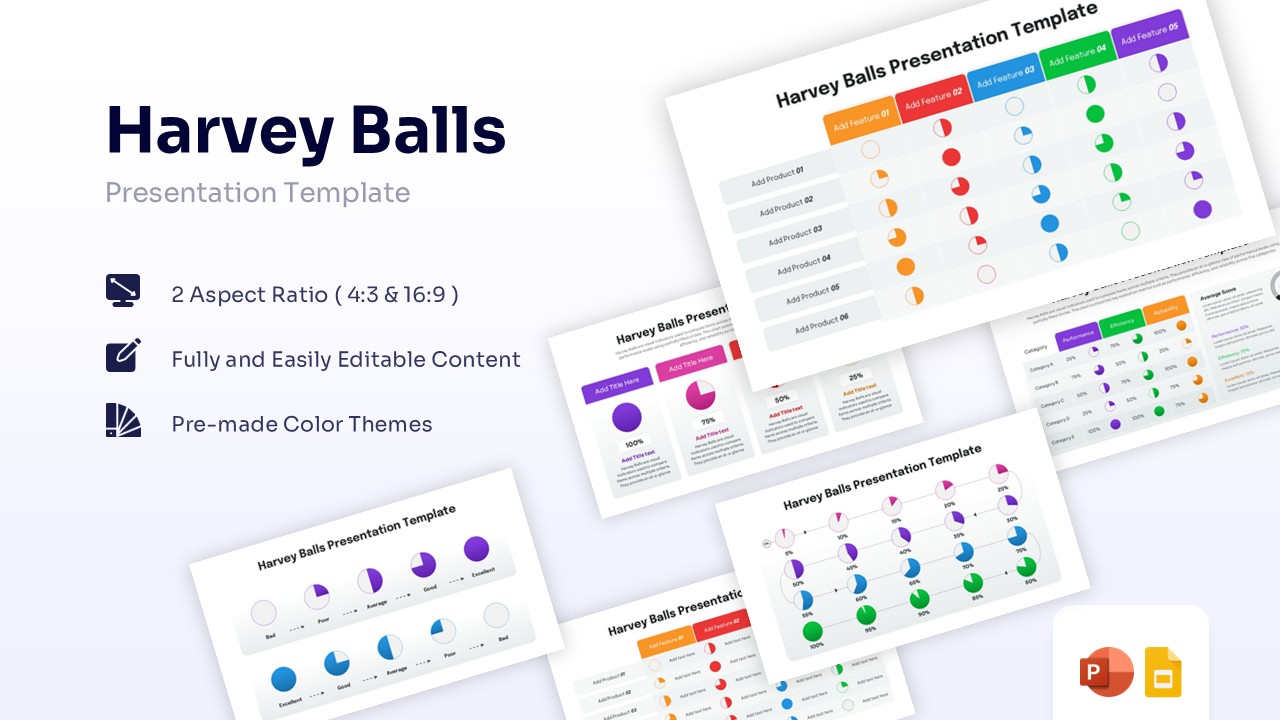 $4.99
$4.99 -
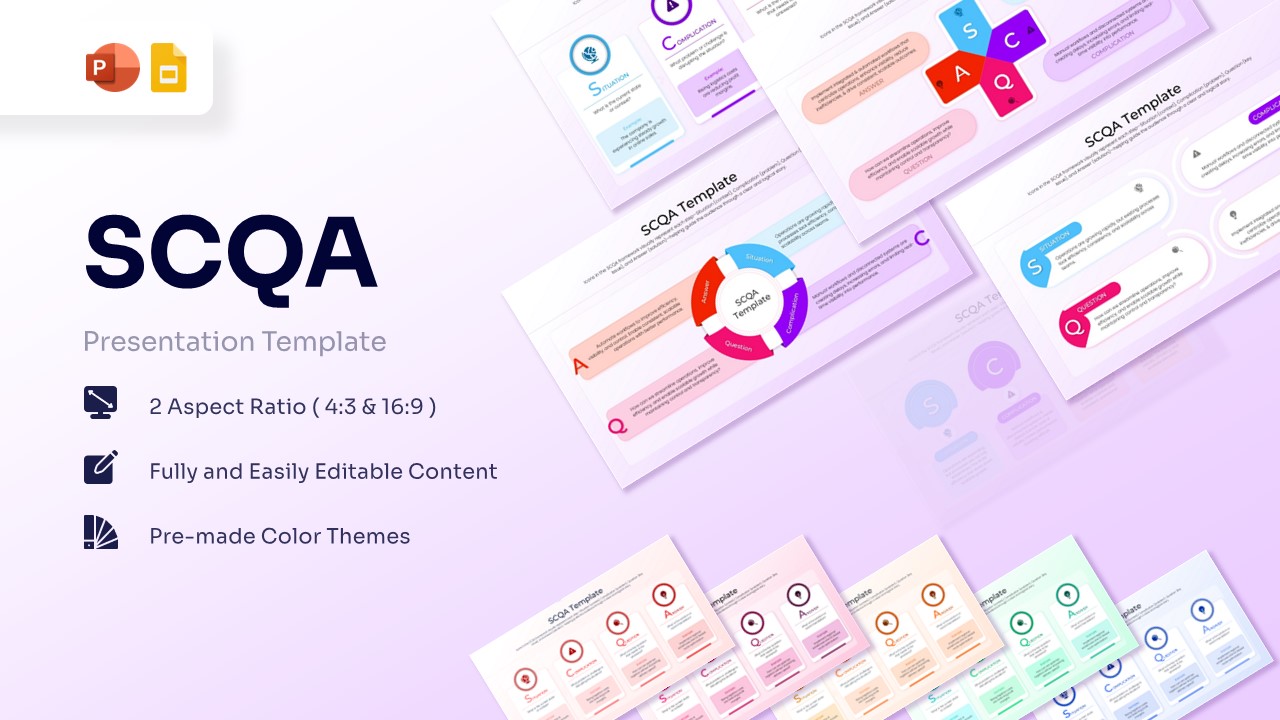 $3.99
$3.99 -
-
 $3.99
$3.99 -
 $3.99
$3.99 -
 $3.99
$3.99 -
 $3.99
$3.99 -
-
 $3.99
$3.99 -
 $3.99
$3.99 -
 $3.99
$3.99 -
 $3.99
$3.99 -
 $3.99
$3.99 -
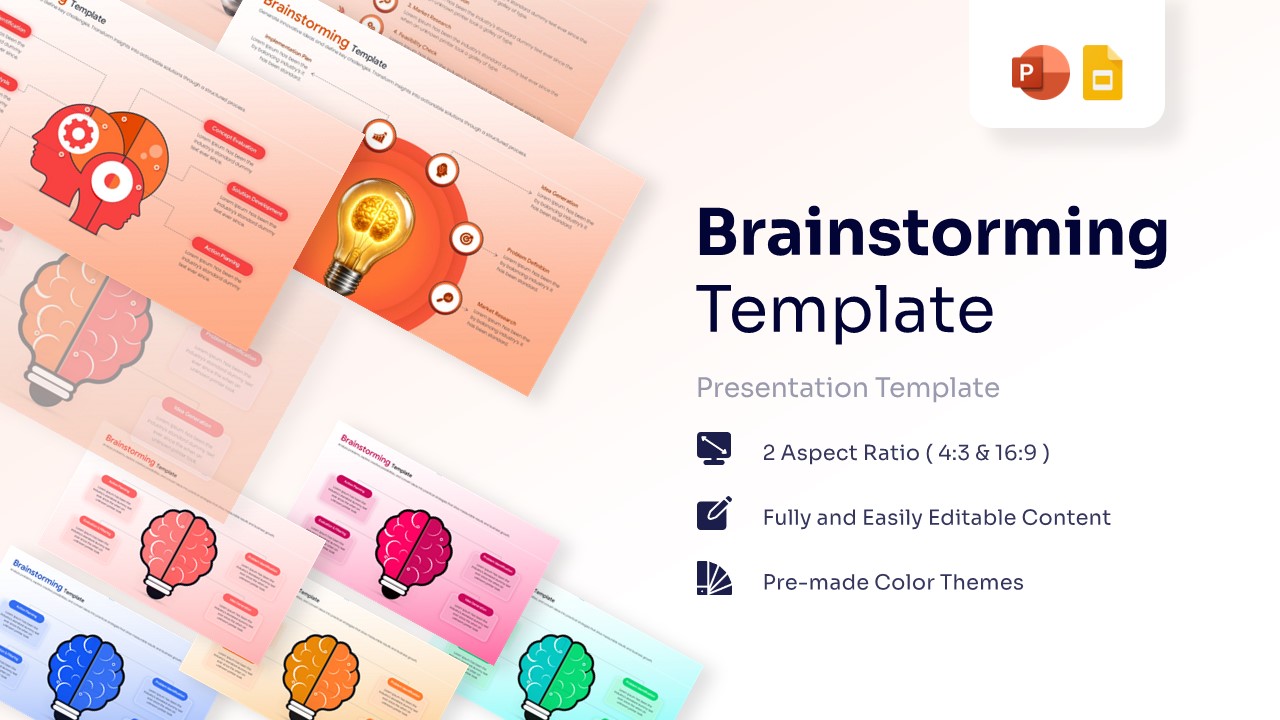
Brainstorming Template for PowerPoint & Google Slides
Cause and Effect
$3.99 -
 $3.99
$3.99 -
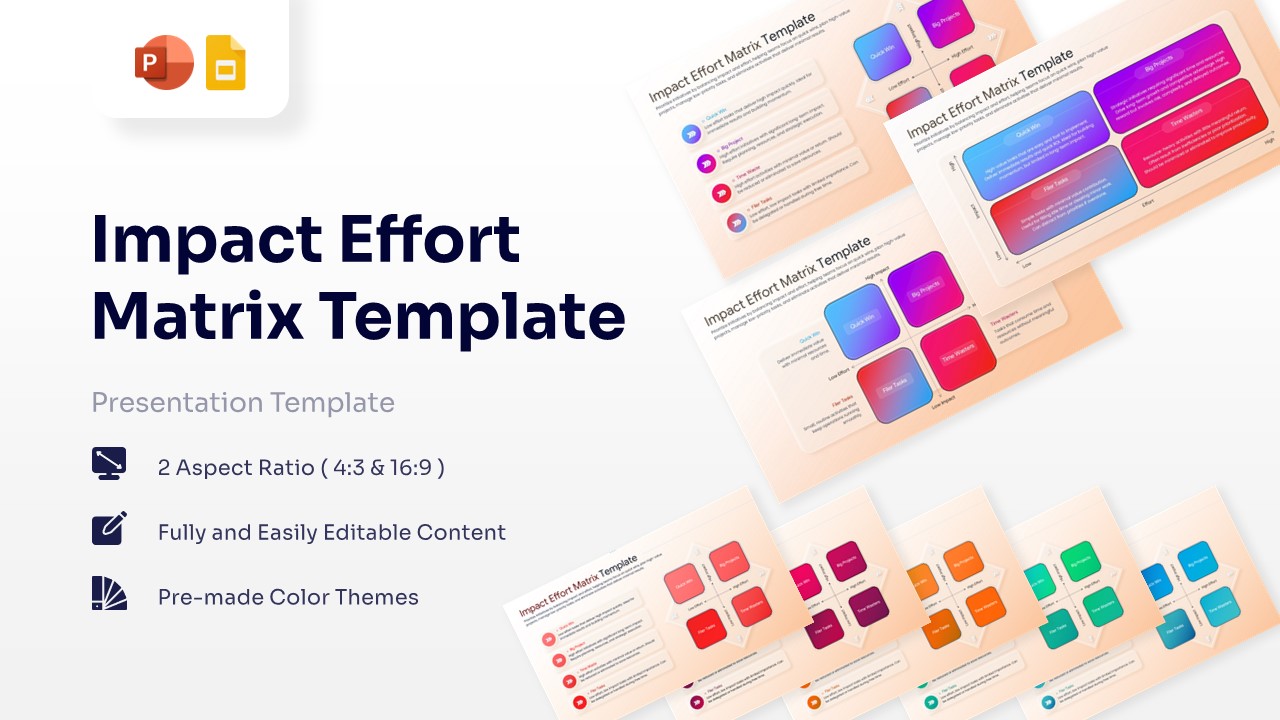
Impact Effort Matrix Template for PowerPoint & Google Slides
Business Strategy
$3.99 -
-
-
 $3.99
$3.99 -
 $3.99
$3.99 -
-
 $3.99
$3.99 -
-
 $3.99
$3.99 -
 $3.99
$3.99 -
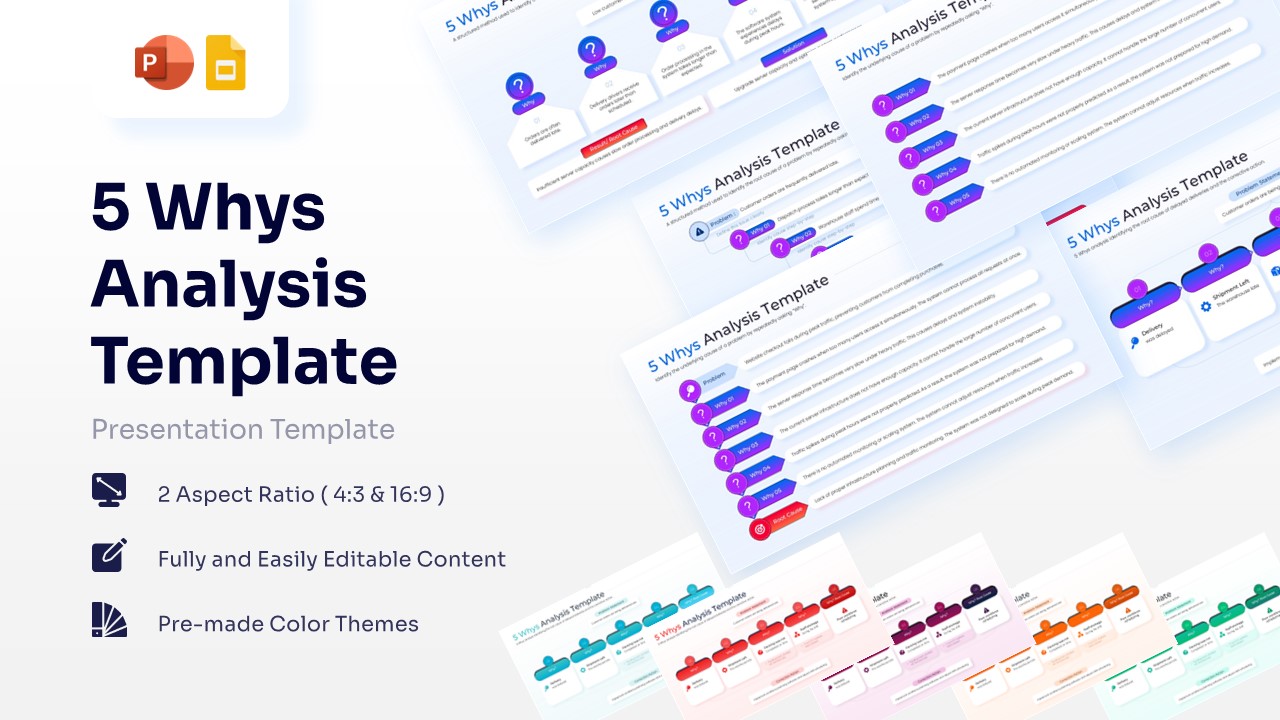
Professional 5 Why Analysis Template for PowerPoint & Google Slides
Cause and Effect
$3.99 -
-
-
-
 $3.99
$3.99 -
-
-
-
-
 $3.99
$3.99 -
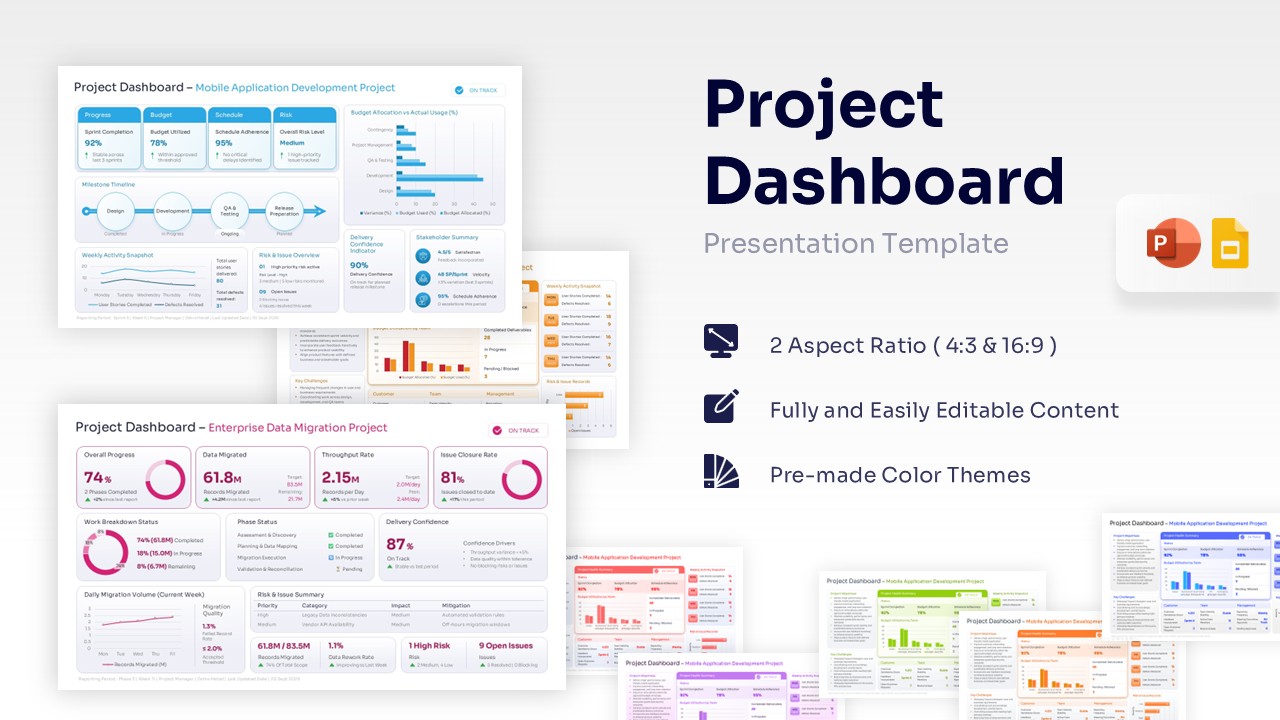
Project Dashboard Template for PowerPoint & Google Slides
Charts & Graphs
$3.99 -
-
-
-
 $3.99
$3.99 -
 $3.99
$3.99 -
 $3.99
$3.99 -
-
 $3.99
$3.99 -
 $3.99
$3.99 -
-
 $3.99
$3.99 -
 $3.99
$3.99 -
-
-
-
 $3.99
$3.99 -
 $3.99
$3.99 -
 $3.99
$3.99
Frequently Asked Questions
How do I create a PowerPoint?
To create a PowerPoint manually, open the Microsoft PowerPoint application and select "Blank Presentation" to start from scratch. You will then need to add slides one by one, manually inserting text boxes, images, and shapes to build your layout and design.
The smarter way: Save time and skip the design work by using our professional PowerPoint templates. We offer a vast library of fully editable themes that are ready to use instantly. Simply download a polished layout from our collection, drop in your content, and create a stunning presentation in minutes.
Where can I find PowerPoint templates?
You can find standard templates directly within the Microsoft PowerPoint application by navigating to File > New to browse their default options. Additionally, many third-party marketplaces and design websites host collections of presentation themes available for download online.
Find the best designs here: For superior quality, browse the WinSlides PowerPoint Templates library right on this page. We offer thousands of fully editable, professional themes that go far beyond basic defaults. Whether you need a corporate deck or a creative layout, you can download the perfect style here and start editing immediately.
What are the design principles for PowerPoint Templates?
Effective presentation design relies on key principles like simplicity, visual hierarchy, and consistency. This means using readable fonts, properly aligned elements, and a balanced color palette to ensure your audience can process the information quickly and clearly without distraction.
Achieve this look effortlessly: You don't need to be a design expert to master these rules; simply use our WinSlides PowerPoint Templates. Our designers have built every theme using these expert principles, ensuring perfect alignment and harmony. Download a fully editable template now and present with a design that follows the best industry standards.
Will these templates work on both Windows and Mac?
Yes. Our PowerPoint templates are standard .pptx files, which means they work perfectly on both Windows and Mac versions of Microsoft Office. You will not face any compatibility issues regardless of the computer you are using.
Are the images and fonts included in the download?
Yes. The template comes with the layout and standard fonts as shown in the preview. If we use special fonts, we provide standard alternatives that look great. The visuals, including icons and diagrams, are included and ready for you to use.
Can I convert these PowerPoint files to Google Slides later?
Yes. If you switch to working online, you can easily upload our PowerPoint files to Google Drive and open them as Google Slides. The text and shapes remain editable, giving you the flexibility to work on whichever platform you prefer.